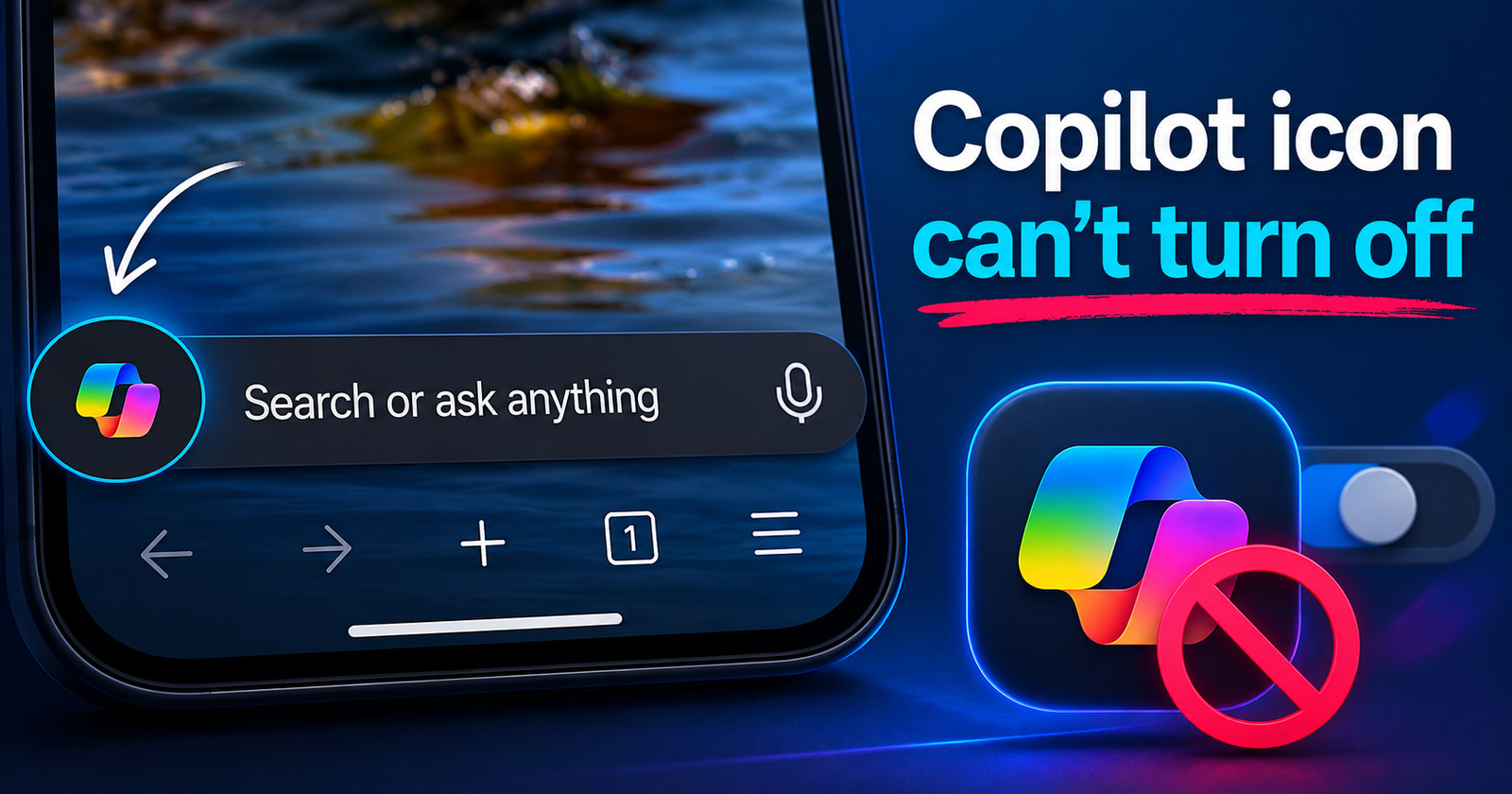
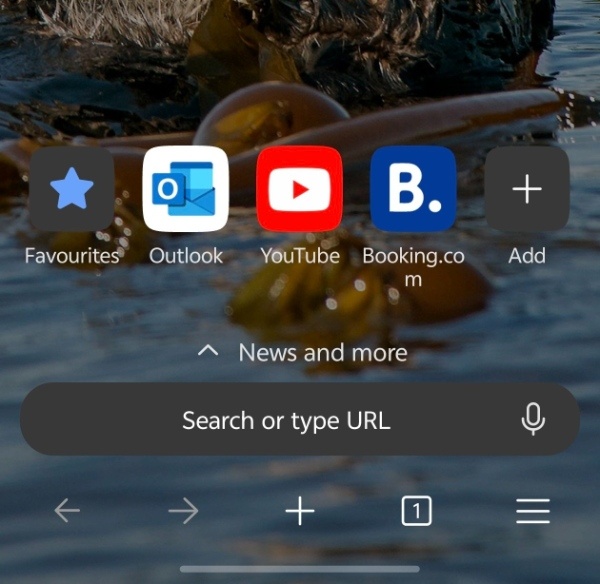
The latest version of the Microsoft Edge app on both Android and iOS has a Copilot icon at the left end of the search bar, and there’s no way to turn it off.
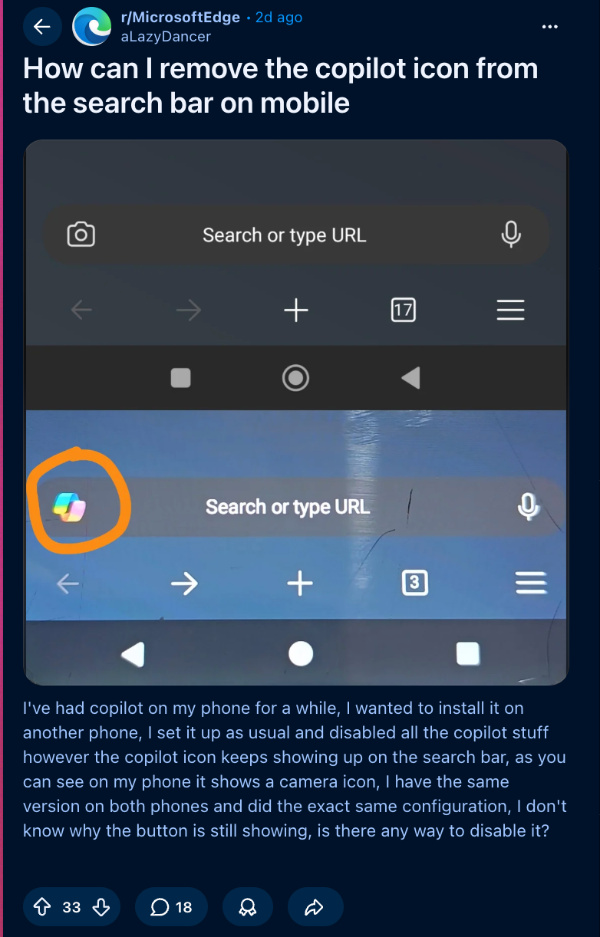
One post on Reddit shows the difference compared to older versions of Microsoft Edge. The camera icon that previously appeared in the search bar has now been replaced with Copilot.
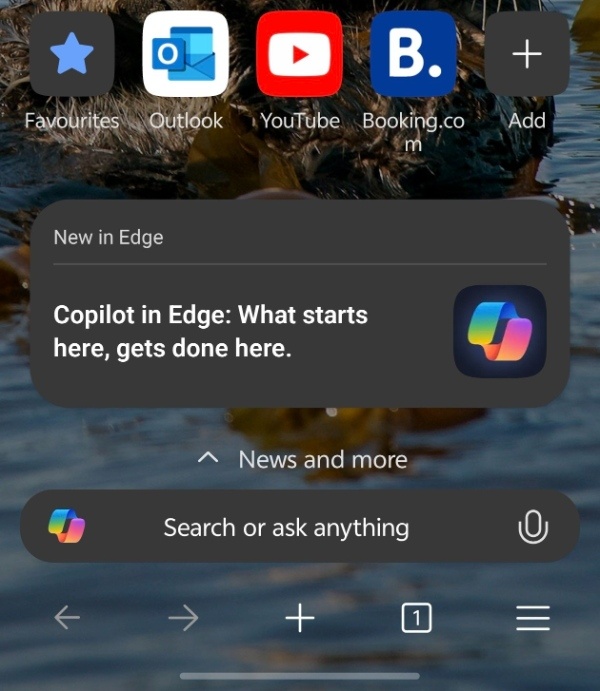
To check for the change, I’ve updated the Edge app on my phones, and sure enough, the Copilot icon shows up in the search bar on both mobile platforms.
I also searched Settings thoroughly for a way to hide the icon. Turning off “Copilot new tab page” and “Copilot search box” had no effect. Even after disabling every Copilot-related toggle (under Copilot and AI, Search, Appearance and layout, New tab page, etc.) and reopening the app, the icon remained.
It appears Microsoft has removed the “Show Copilot” toggle that existed in earlier versions.
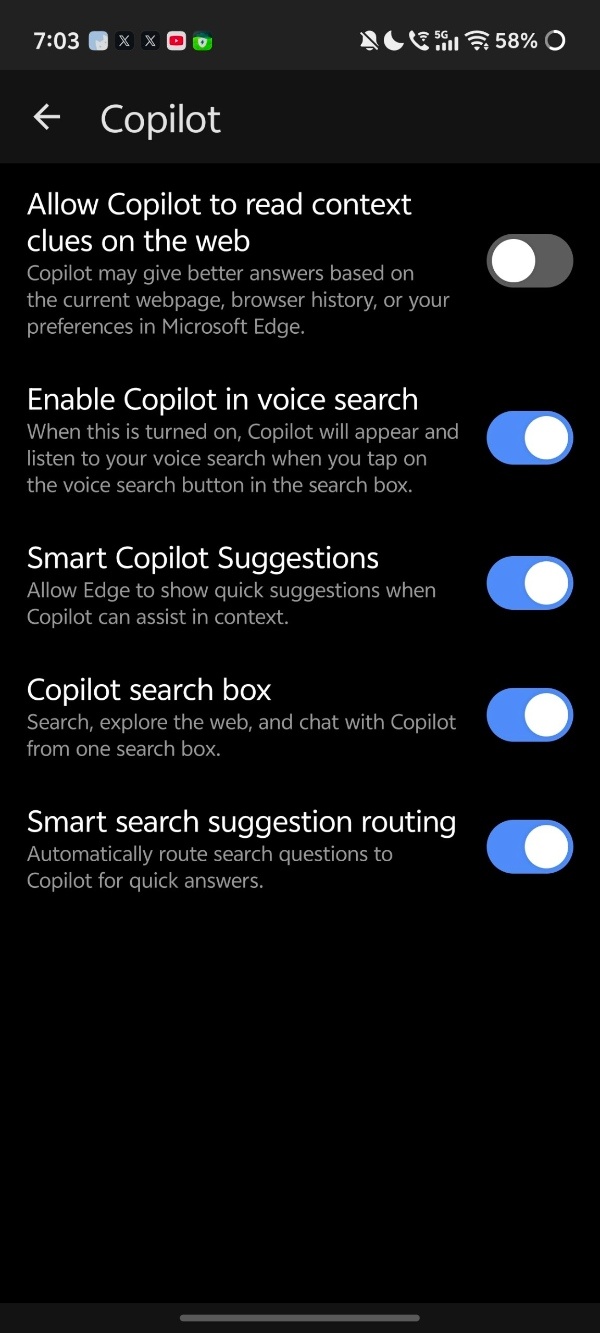
In fact, one comment on Reddit displays a screenshot of an older version of the Edge app. The “Show Copilot” toggle, which would remove the icon from the search bar, is now absent on the latest version (v148.0.3967.84). Other people on the latest version were unable to find the option as well, leading to user disappointment about Microsoft’s shoehorning of AI everywhere.
Since there’s no way to turn it off on the current version of the app, I also tried installing the APK of an older version. Under “Microsoft Services” in Settings, there’s an option to turn off “Show Copilot” entirely from the search bar.
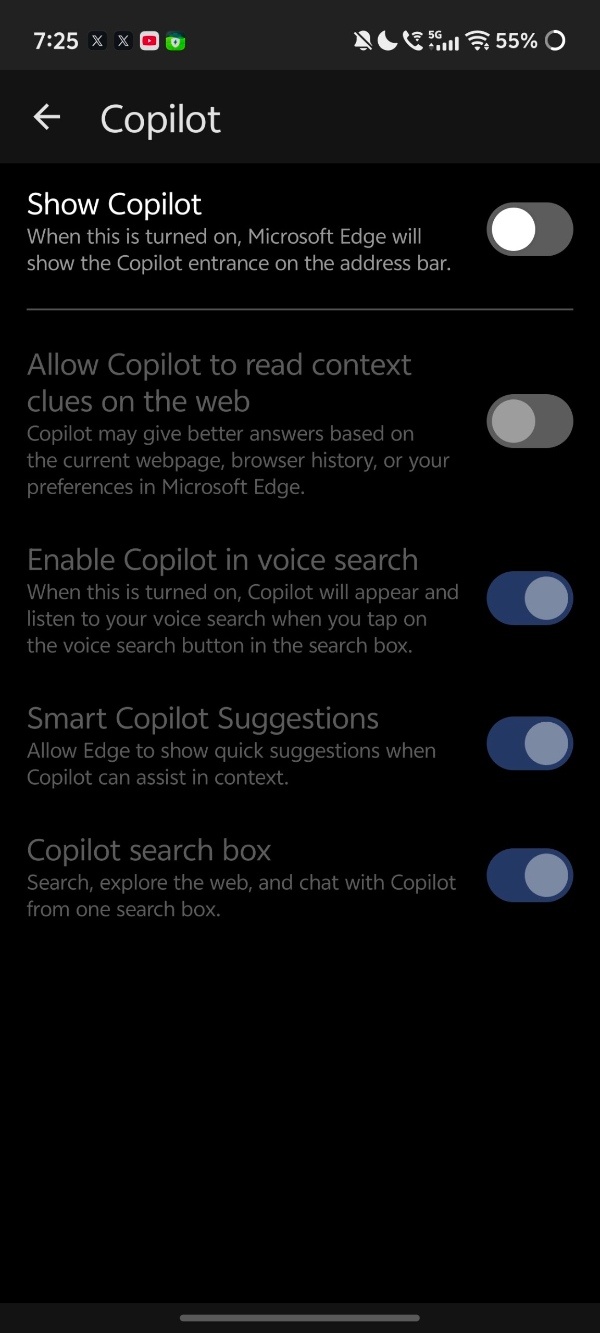
For Android users bothered by the icon, the only current workaround is to sideload an older APK from trusted sites such as APKMirror or Uptodown (where the “Show Copilot” toggle still exists). iOS users have no equivalent option. That said, using outdated browser versions carries security risks, so I’d personally recommend living with the icon for now.
Disclaimer: The Featured image was generated with AI.


Sudhanshu K
341 Posts
I have been a consumer technology enthusiast for over 5 years. Thanks to my experience in software beta testing and product reviews, I've understood and learnt a lot about what bugs and issues bother people, and I spend time trying to simplify their solutions. I cover smartphones, software, social media, apps, AI, and most consumer tech gadgets. Actively pursuing a Computer Science bachelor’s degree. I'm mostly active on Twitter/X (@TechWhirlUlt), drop a DM or tag me if you want to share info or connect!
Next article View Article