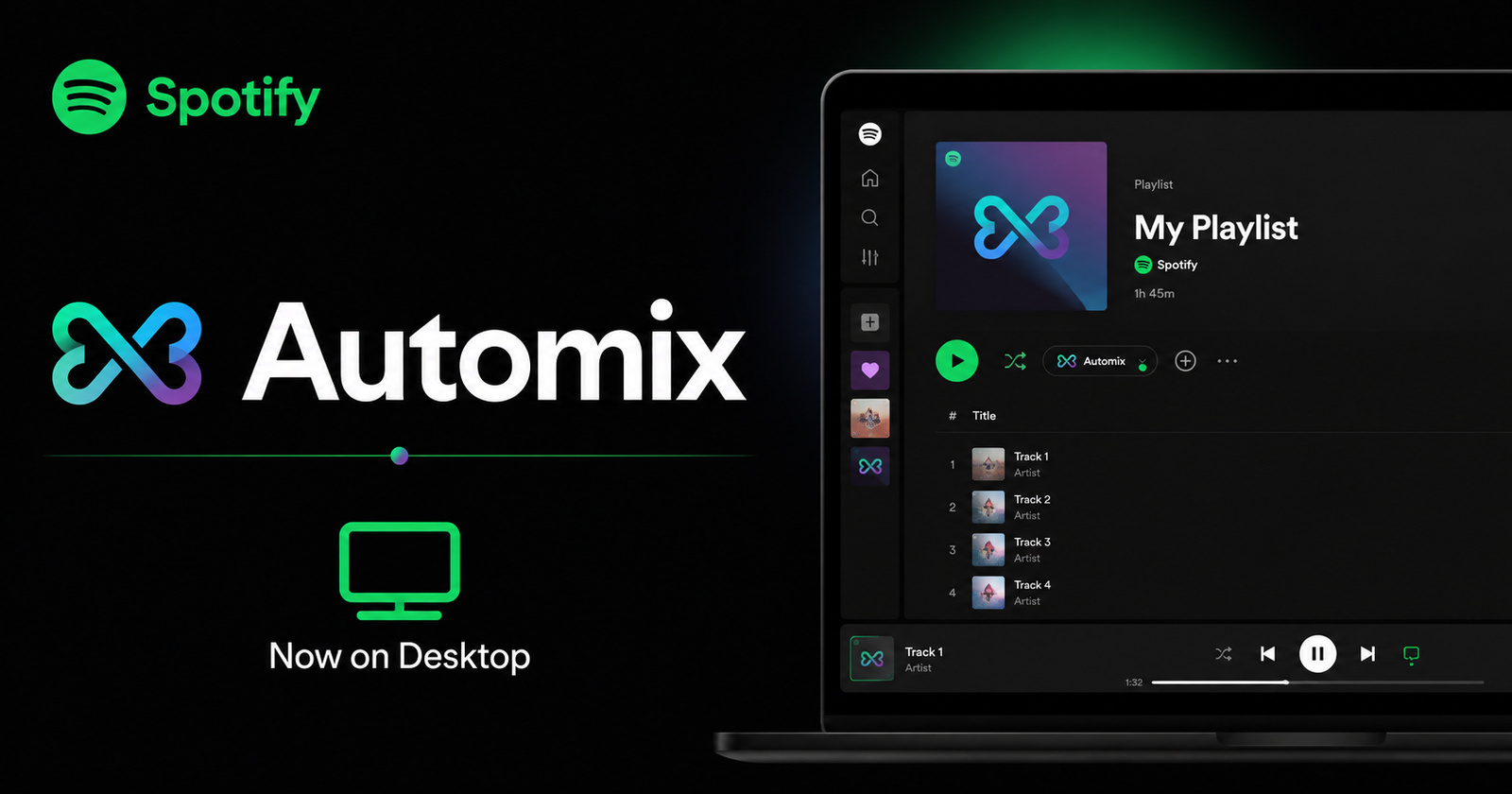
After several months of waiting, Spotify’s popular Automix feature has officially started rolling out to the desktop app for Premium users.
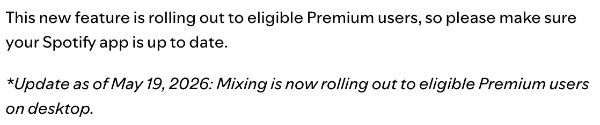
Spotify confirmed the news in its Newsroom, noting: ‘Mixing is now rolling out to eligible Premium users on desktop.’ If you’re new to the feature, the linked article also includes helpful tips for getting started.
The addition was met with enthusiasm on Reddit, where users have long requested parity between the mobile and desktop experiences. Earlier, it always said something along the lines of “Mixed will be available on desktop soon.”
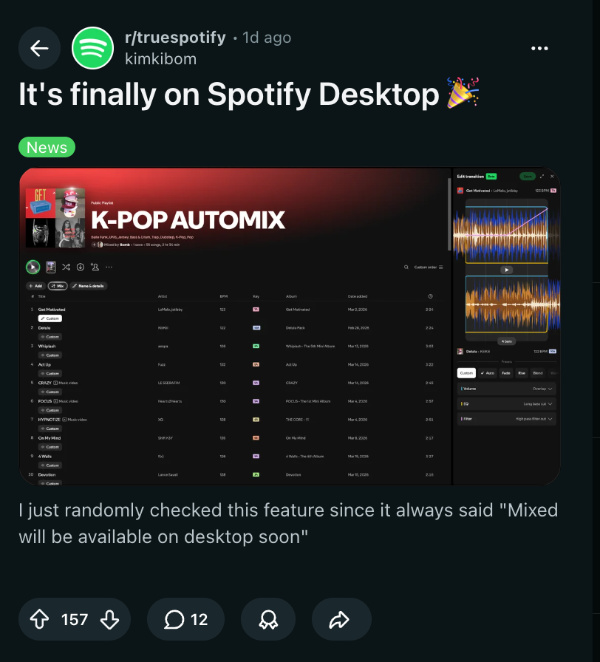
The feature works as expected, where you can edit the transition between songs, set custom EQs and filters, change volume settings, adjust the bars, and more. Basically, you gain granular control over song transitions. These transitions are beat-matched, and they also work if you use the Shuffle feature.
To enable Spotify Automix on desktop, here are the steps for desktop devices:
- Click on your profile name, located at the top-right.
- Click on the “Settings” button.
- Hit “Show advanced settings.”
- Under Playback settings, toggle on the “Automix” option.
It’s worth noting that not every playlist supports Automix yet (Crossfade is a viable alternative if your playlist doesn’t have it). Also, you’ll need to update to the latest app version to get access to the feature. Automix also won’t work when using Spotify Connect.
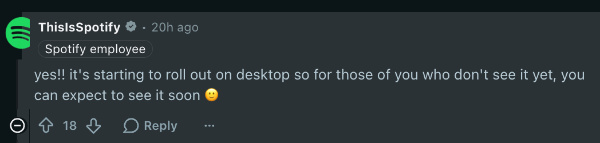
If you still don’t see the feature, a Spotify employee has replied to a Reddit post stating that users can “expect to see it soon.” The phrasing suggests that it’s a phased rollout, and not everyone will receive it at the same time.
Spotify desktop users were very excited about getting this feature, and the reception was largely positive. Some people have asked about the “Advanced mixing” feature for desktop users, and there’s no update on that just yet.

In other Spotify news, the company has seemingly discontinued the Viral charts. You can read about that here. The popular disco ball icon was also in the news recently for unintentionally starting a “Discomorphism” trend, and many people customized their phone’s icons to look like Spotify’s temporary icon.
Disclaimer: The Featured Image was generated with AI.


Sudhanshu K
335 Posts
I have been a consumer technology enthusiast for over 5 years. Thanks to my experience in software beta testing and product reviews, I've understood and learnt a lot about what bugs and issues bother people, and I spend time trying to simplify their solutions. I cover smartphones, software, social media, apps, AI, and most consumer tech gadgets. Actively pursuing a Computer Science bachelor’s degree. I'm mostly active on Twitter/X (@TechWhirlUlt), drop a DM or tag me if you want to share info or connect!
Next article View Article