





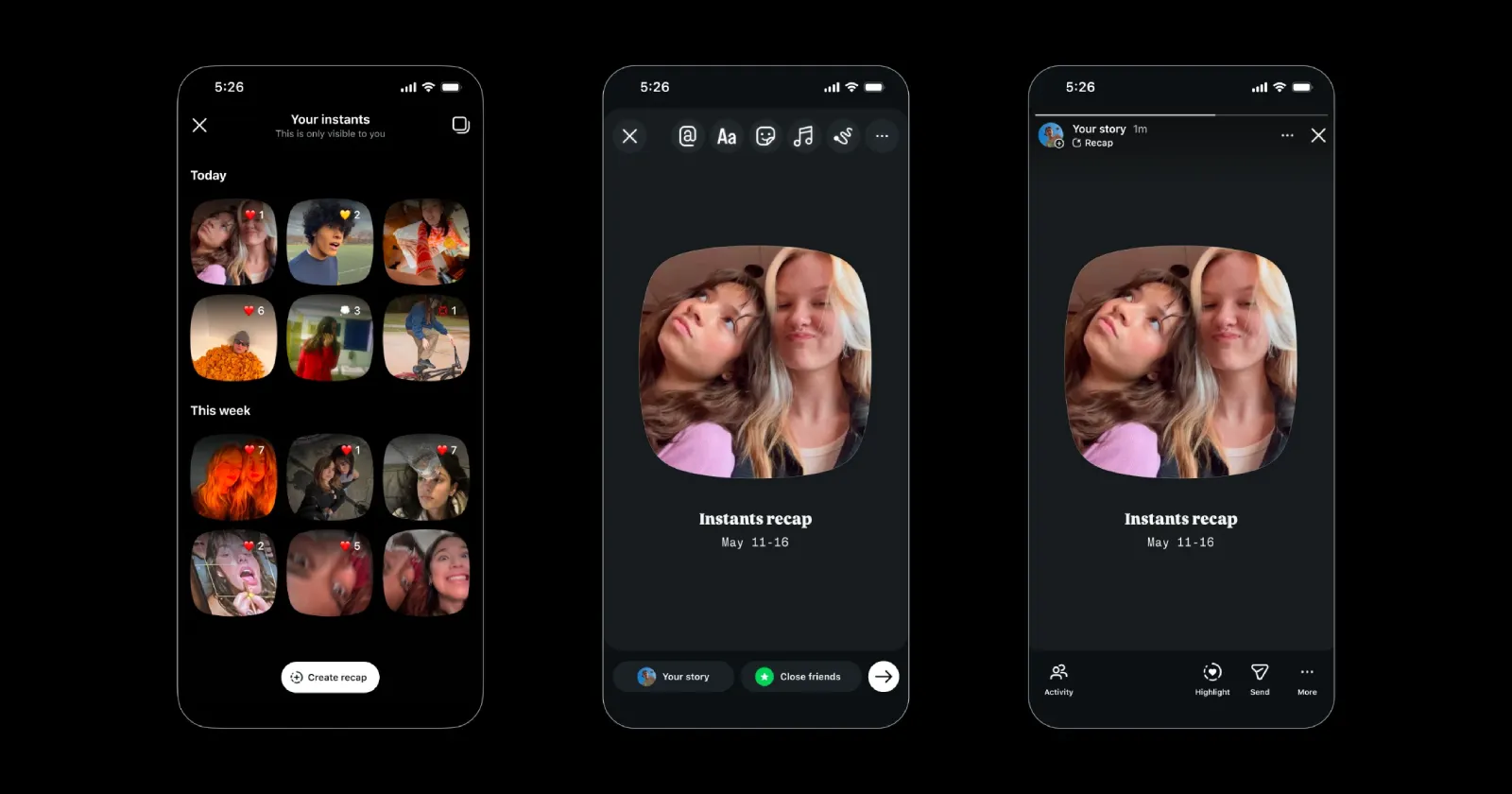
Say hi to Instants 👋 A new way to share in-the-moment pics with friends. Tap the mini pile of photos at the bottom right corner of your DMs to try it yourself 👀
— Instagram (@instagram) May 13, 2026
Rolling out today. pic.twitter.com/zbhsOA9O9m
Instagram launched Instants globally a few hours ago, and it seems like a lot of people are already getting caught off guard by how it works.
The feature lives in the bottom-right corner of your DM inbox as a small stack of photos. Tap the camera, take a shot, and it goes out. Simple enough. Except that the photo does not go to just one person.
According to Instagram’s own announcement, Instants are shared with either your Close Friends list or your mutual followers, meaning everyone who follows you back. Not a single friend. Everyone.
Another huge problem is that, unlike traditional posts, where you tap the camera icon to take a picture and then confirm whether to upload it or not, Instants just sends the picture straight away. So as soon as you capture a photo, it’s sent to your Close Friends or mutual followers, depending on what’s selected.
One Reddit thread from earlier today has close to a hundred comments from users who thought they were replying to a friend’s Instant and ended up posting a random photo of themselves to their entire mutuals list. “TURNS OUT EVERYONE CAN FU****G SEE THAT PIC,” the original poster wrote, pretty much highlighting the issue.
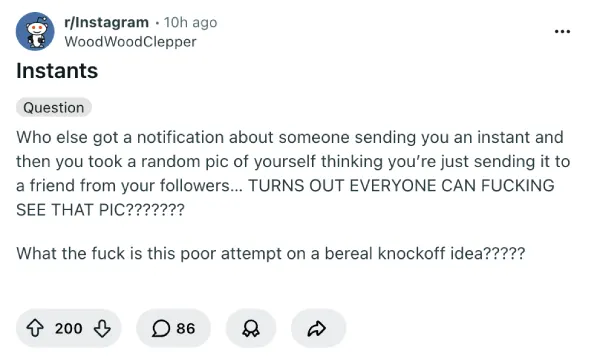
Several people said they panicked and deactivated their accounts just to stop others from seeing the photo. Others took six accidental shots of themselves, or sent a pic of their feet, or photographed themselves mid-scroll in bad lighting.
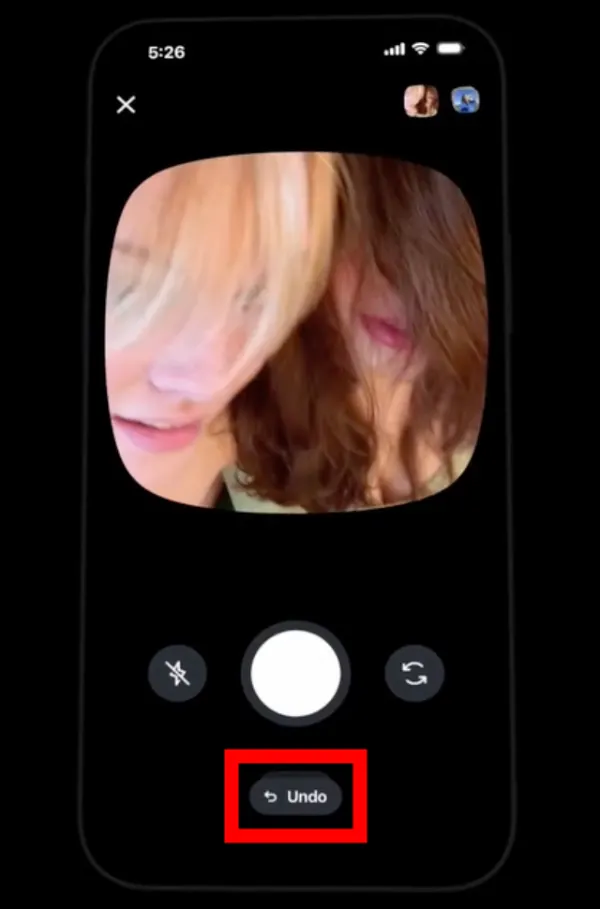
Instagram does include an undo button that appears right after you post, so you can pull it back fast if you catch it in time. You can also delete an Instant from your archive later, and according to Instagram, that unsends it for anyone who has not opened it yet. No guarantees for anyone who already has.
It’s worth pointing out that Instants are not the same as Stories. They disappear after the recipient views them, and you cannot upload from your camera roll or add filters. It is designed to be raw and in-the-moment, which is fine in theory, but only if you actually know who is on the receiving end.
If you want to turn it off entirely, we have a guide on that here. More people are probably going to need it.

We stand out from the tech-media crowd because we break news stories; we mainly bring you stuff that you won’t find anywhere in the mainstream tech media. Our stories have been picked up by some of the world’s most popular websites and media outlets—more info is available here.

Dwayne Cubbins
3065 Posts
I cover fast-moving stories across apps, online platforms, and everyday tech — phones, wearables, consoles, and whatever else people are fighting with this week. Bugs, rollouts, scams, policy enforcement, and the occasional internet-culture rabbit hole are all fair game. My goal is simple — make confusing tech news readable. When I'm not working, I'm working out or chilling with my dog. Got a tip? You can find me on X @dcubbins.
Next article View Article

Some Instagram users report links not opening in app, redirects to home screen instead [U: It's back]
Update 21/05/26 - 09:37 am (IST): The bug is back again. Many users have taken to Reddit and X to complain that shared links are not opening properly...
May 21, 2026 2 Min Read