Chromecast devices are experiencing a wave of problems, from failed video casting to major signal trouble.
Posts on Reddit claim that casting videos from web browsers like Chrome or Brave is broken. Users with Chromecast for Google TV, Nvidia Shield, Sony TVs, etc., report that casting starts, but then freezes on the loading screen.
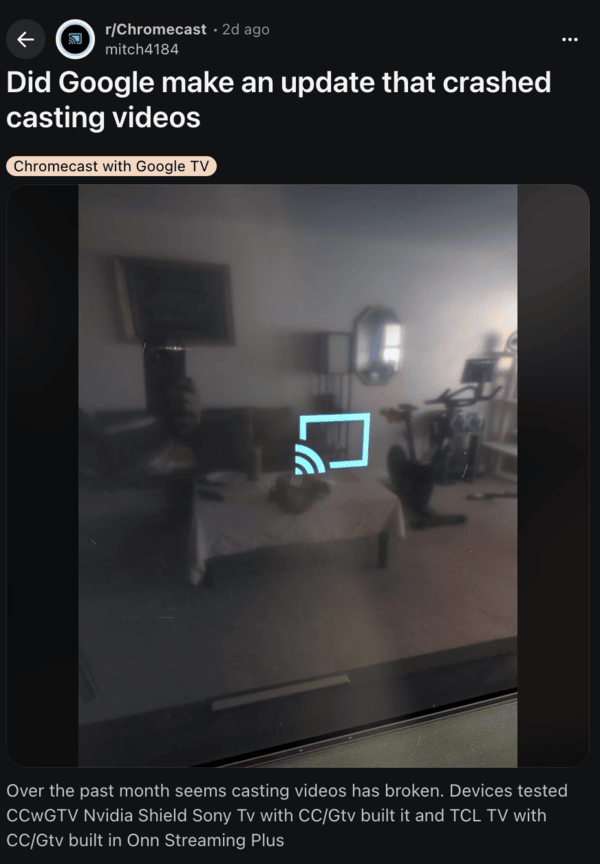
While some users speculated that Google was intentionally blocking NSFW content due to regional regulations, the reality appears more widespread: casting is currently broken across a variety of platforms, regardless of content type. Video casting from phone browsers to Chromecast with Google TV appears to be disrupted as well.
Chromecast Gen 4 users describe sudden “no signal” issues, requiring frequent unplugging and replugging. The TV remotes either lag or fail to respond to any commands, despite changing batteries.
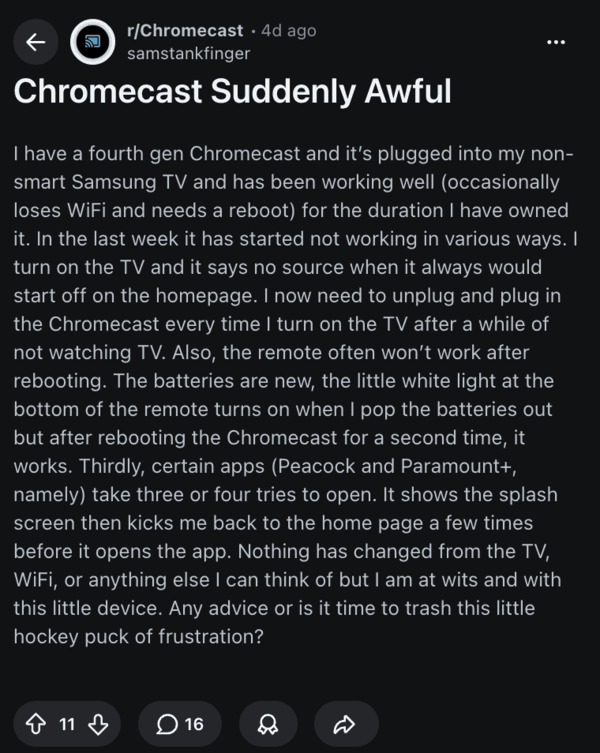
In some cases, apps that people regularly use, like Peacock and Paramount+, also require multiple attempts to launch sometimes, whereas at other times, they just crash after the splash screen.
Additionally, Spotify users with Chromecast Audio report various casting issues, though fortunately, this app-specific bug is currently under investigation. You can read more about that here.
As expected, users are quite annoyed with this; some are accusing Google of planned obsolescence.
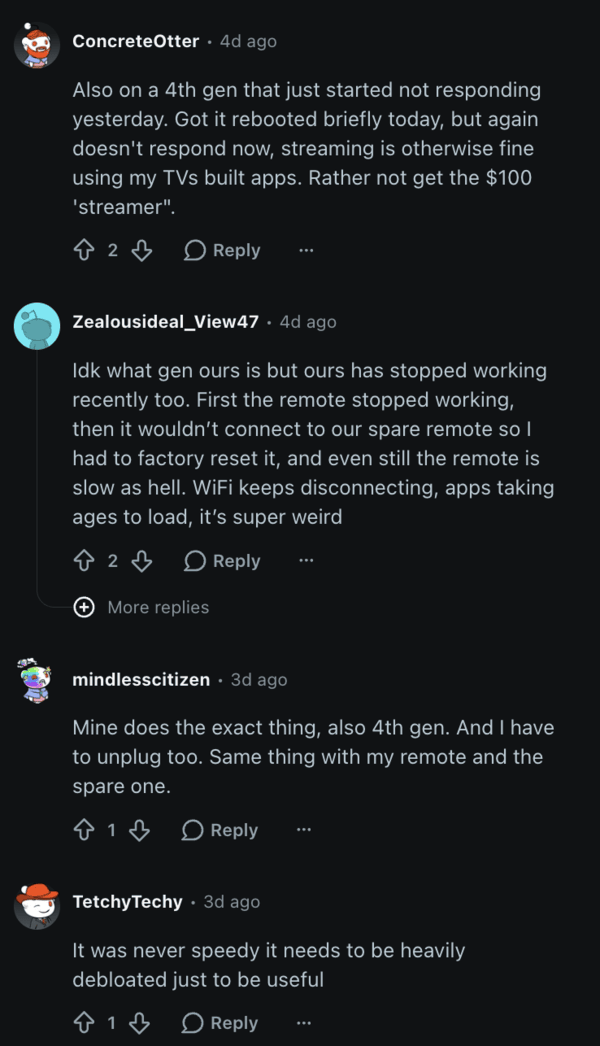
Basic troubleshooting methods, such as clearing the cache of Google Play Services, switching Wi-Fi networks, etc., have not resolved the issue for most. Some people suspect a backend update that might be causing these bugs, or a Web Viewer system update. For the casting issues with websites, one resolution seems to be casting your entire screen, instead of a specific app.
From Chrome://flags, make sure Connect to Cast Devices on all IP addresses is turned on, since streaming might fail if this is disabled.
A few users have also noted that such issues resolve on their own sometimes, so keep your eye out for any updates that you may receive.


Sudhanshu K
323 Posts
I have been a consumer technology enthusiast for over 5 years. Thanks to my experience in software beta testing and product reviews, I've understood and learnt a lot about what bugs and issues bother people, and I spend time trying to simplify their solutions. I cover smartphones, software, social media, apps, AI, and most consumer tech gadgets. Actively pursuing a Computer Science bachelor’s degree. I'm mostly active on Twitter/X (@TechWhirlUlt), drop a DM or tag me if you want to share info or connect!
Next article View Article