![Can't cast from Spotify? You're not alone as Chromecast devices go missing for many [U: Fix upcoming]](https://piunikaweb.com/wp-content/uploads/2026/03/Spotify-Logo-Featured-Image.jpg "Can't cast from Spotify? You're not alone as Chromecast devices go missing for many [U: Fix upcoming]")
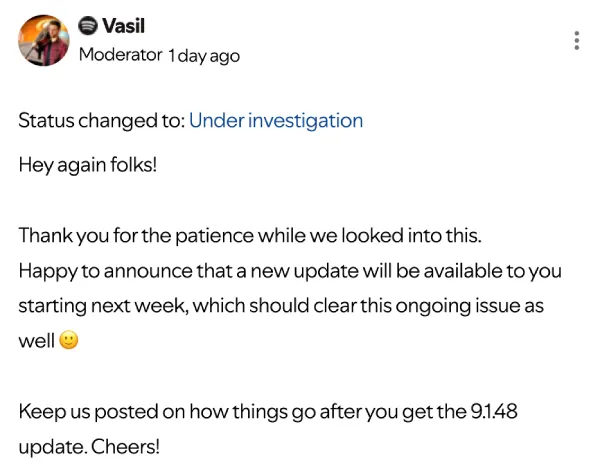
Update 14/05/26 – 12:08 pm (IST): Spotify has confirmed that a solution for the missing Chromecast devices is on the way. A community moderator announced that the version 9.1.48 update is scheduled to begin rolling out next week and is expected to resolve the bug currently preventing Android users from seeing or connecting to their Google Cast hardware.
Original article published on May 11, 2026, follows:
Spotify users on Android are suddenly unable to find their Chromecast devices in the app’s Connect menu. The bug began hitting phones earlier this week, leaving many users with perfectly good Google Cast speakers unable to stream music natively.
As you might expect, it’s a frustrating bug for people with multi-room audio setups. The issue appears strictly isolated to the Android version of Spotify. If you open the app on an iPhone or a Windows laptop, your speakers will still show up as expected.
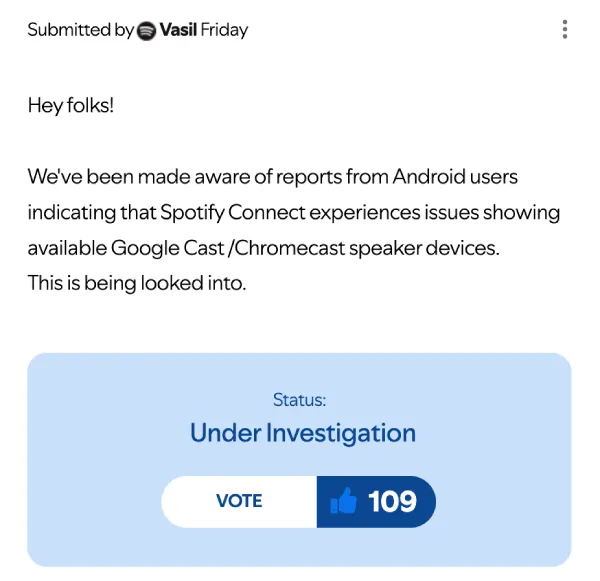
A moderator on the Spotify Community forums acknowledged the problem on Friday. The issue is currently marked as under investigation and continues to gather votes from annoyed listeners.
Users initially blamed their own networks. In one post on the Chromecast subreddit, the OP noted their devices vanished right after a Google Home app update. Others chimed in saying they wasted hours resetting routers and unplugging hardware before realizing the fault was with Spotify.
A commenter said other apps like Tidal, Plex, and YouTube Music can still see and cast to the exact same hardware without a single hiccup.
Another Reddit thread highlighted frustration from older hardware owners. Second-generation Chromecast Audio units might be discontinued, but they remain extremely popular for sending wireless audio to traditional stereo receivers. So you can see why many users are frustrated.
That said, some users have managed to figure out a temporary fix. In a discussion on the truespotify subreddit, people realized the bug was tied to a very recent app release. Rolling back the Android app to an older build completely resolves the issue.
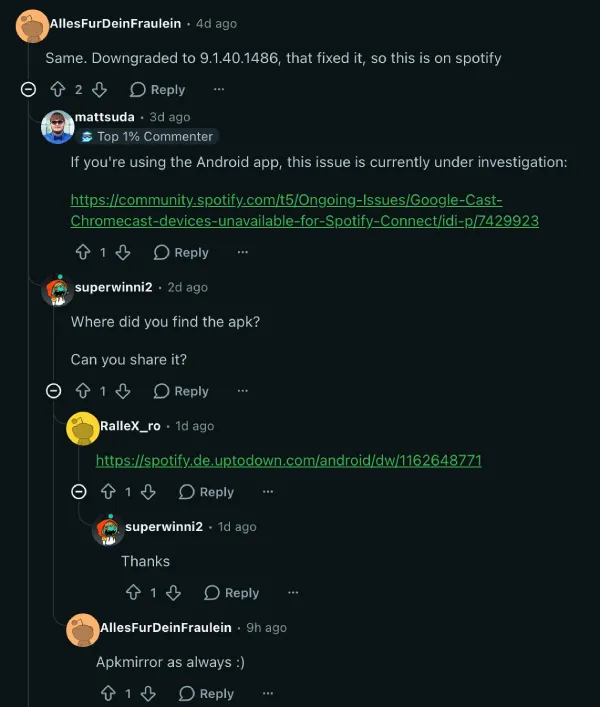
Multiple users confirmed that uninstalling the current app and grabbing version 9.1.40.1486 or 9.1.42.1107 from a third-party archive like APKMirror brings the missing cast devices right back.
If you do not want to mess around with sideloading old software, there is a clunkier workaround. You can start audio playback by using a voice command through Google Assistant.
You can also try initiating the stream directly from the Google Home app. Once the music is actually playing on the speaker, the connection sometimes pops back up inside the Spotify app controls so you can manage your queue.
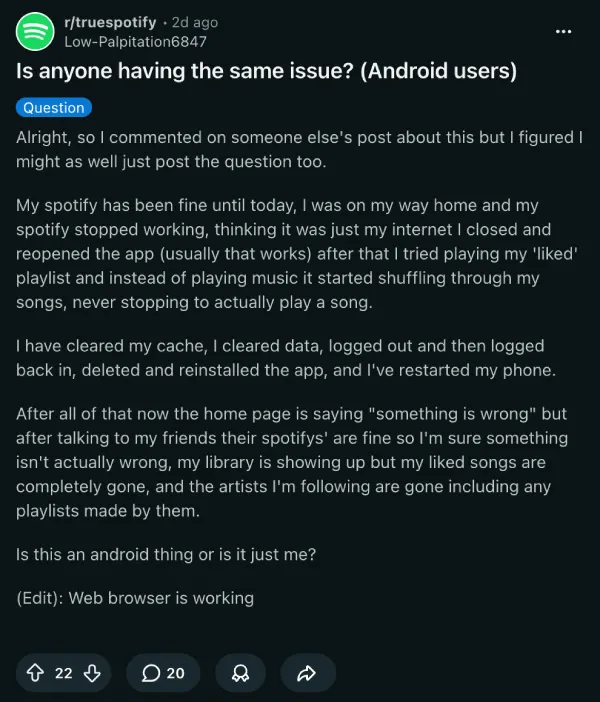
Spotify has not provided a timeline for a permanent fix. Between this casting glitch and the widespread “Something went wrong” error actively locking Android users out of the app, let’s hope a patch arrives quickly.


Dwayne Cubbins
3060 Posts
I cover fast-moving stories across apps, online platforms, and everyday tech — phones, wearables, consoles, and whatever else people are fighting with this week. Bugs, rollouts, scams, policy enforcement, and the occasional internet-culture rabbit hole are all fair game. My goal is simple — make confusing tech news readable. When I'm not working, I'm working out or chilling with my dog. Got a tip? You can find me on X @dcubbins.
Next article View Article