Many YouTube users on Android have been reporting that the tap-to-pause (and play) function on YouTube Shorts has become unreliable or has stopped working entirely since late March 2026. The pause icon often appears when you tap or hold the screen, but the video keeps playing.
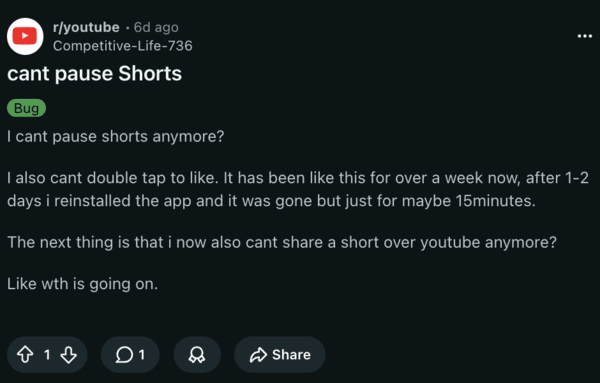
The issue isn’t isolated to any specific models. It’s happening across Pixel and Galaxy phones, persisting across app versions. Is this a bug, or did YouTube randomly change the way pausing works? We don’t know this for sure. I’ve checked for the issue myself, but pausing by tapping anywhere on the screen works perfectly fine on my Android phones, so it’s not happening to everyone.
I’m assuming it’s a bug in the YouTube app, since the issue sometimes returns even after trying temporary fixes. Weirdly, the issue is only present for Shorts, and normal videos remain unaffected.
That said, you’re not completely out of luck. After reading through the comments on some of these threads, it seems like there are some workarounds that get the feature to work.
- Tap the top half of the screen: Several users report that this method works for them. Instead of tapping the center or the bottom, tapping the top-middle area pauses the video. This isn’t going to always work, but it’s worth attempting.
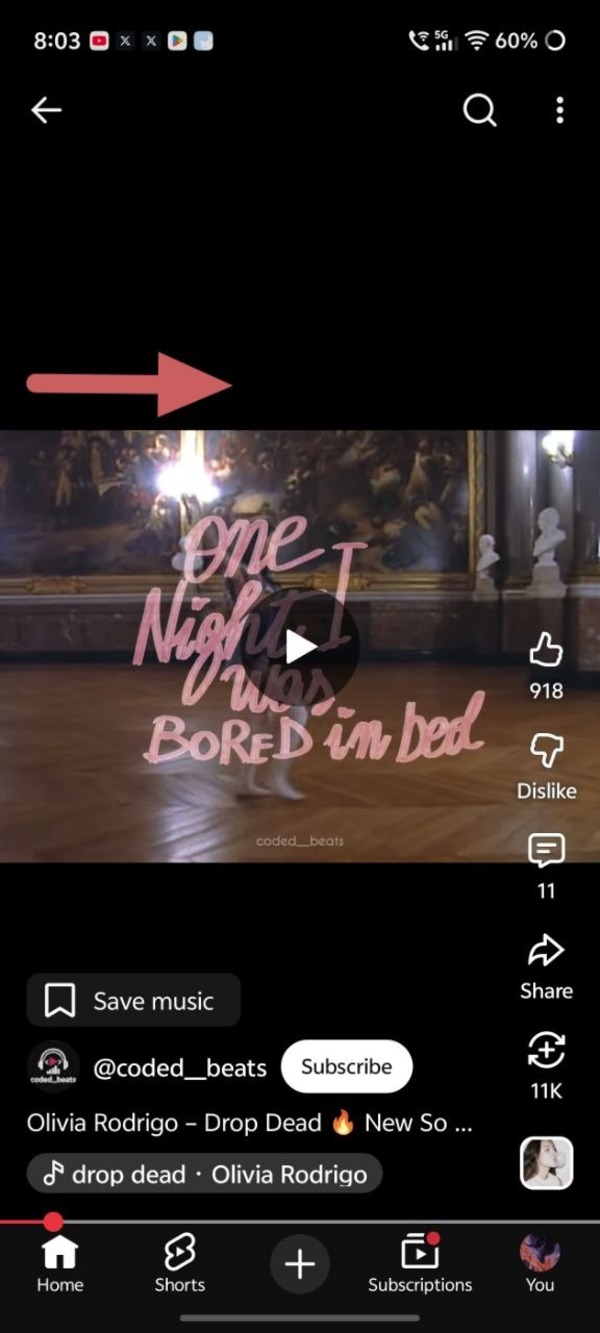
- Open the comments or description: A few users report that opening the comments or the description of the Short sometimes makes the video pause properly.
- Switch to PiP Mode: People report that the pause function works normally when you open the YouTube app in pop-up view or Picture-in-Picture mode.
- Clear cache/App data: Other temporary fixes include clearing the cache and data of the app or reinstalling the app. These may or may not work, and are just generic suggestions.
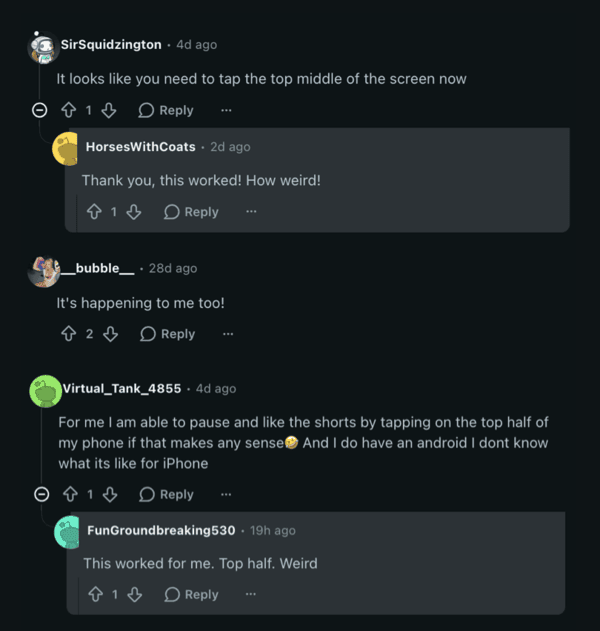
If you’re affected, we recommend reporting the bug directly via the YouTube app (Settings -> Help & Feedback -> Send Feedback). Given several reports on Reddit and Google Support forms, YouTube may roll out a server-side fix to this issue eventually.
It doesn’t look like a version-specific bug or a user error. While YouTube didn’t acknowledge it officially yet, I’m hoping for a direct solution in the next few days.
This is a buggy week for YouTube. There are many reports of videos jumping ahead randomly if you skip ads. Furthermore, there are issues with the homepage not showing up if you don’t have watch history enabled. We covered that here.


Dwayne Cubbins
3083 Posts
I cover fast-moving stories across apps, online platforms, and everyday tech — phones, wearables, consoles, and whatever else people are fighting with this week. Bugs, rollouts, scams, policy enforcement, and the occasional internet-culture rabbit hole are all fair game. My goal is simple — make confusing tech news readable. When I'm not working, I'm working out or chilling with my dog. Got a tip? You can find me on X @dcubbins.
Next article View Article