Did you ever set a very complicated password with niche special characters, just so that it’s difficult to guess for others? Well, apparently that can backfire.
A post on Reddit from u/CatchMeAtCrown elaborates on a peculiar situation where a software update removed a special character from the keyboard. As a result, they’re no longer able to get into the phone. A screenshot of this post went viral on X, since it caught the attention of Aaron, a MacRumors analyst.
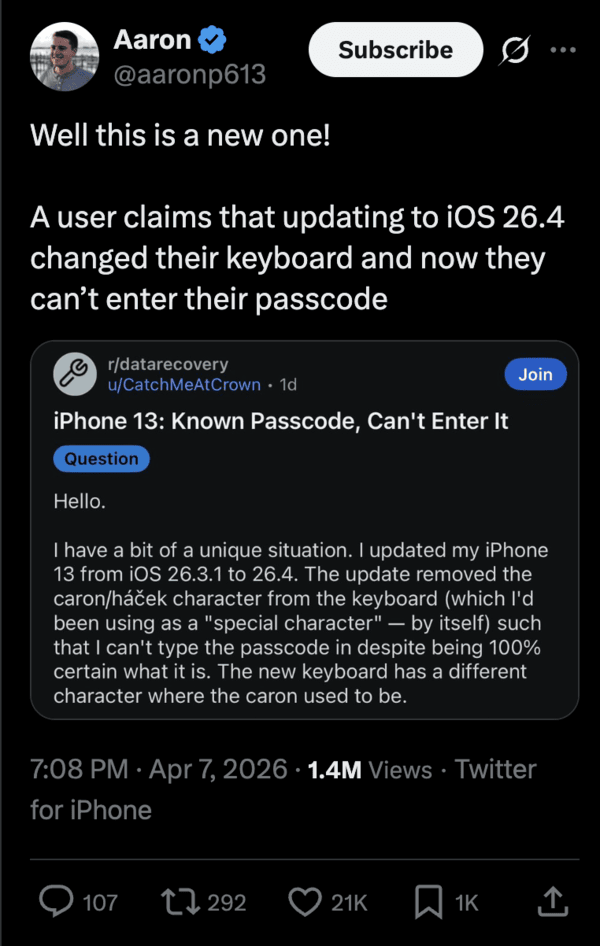
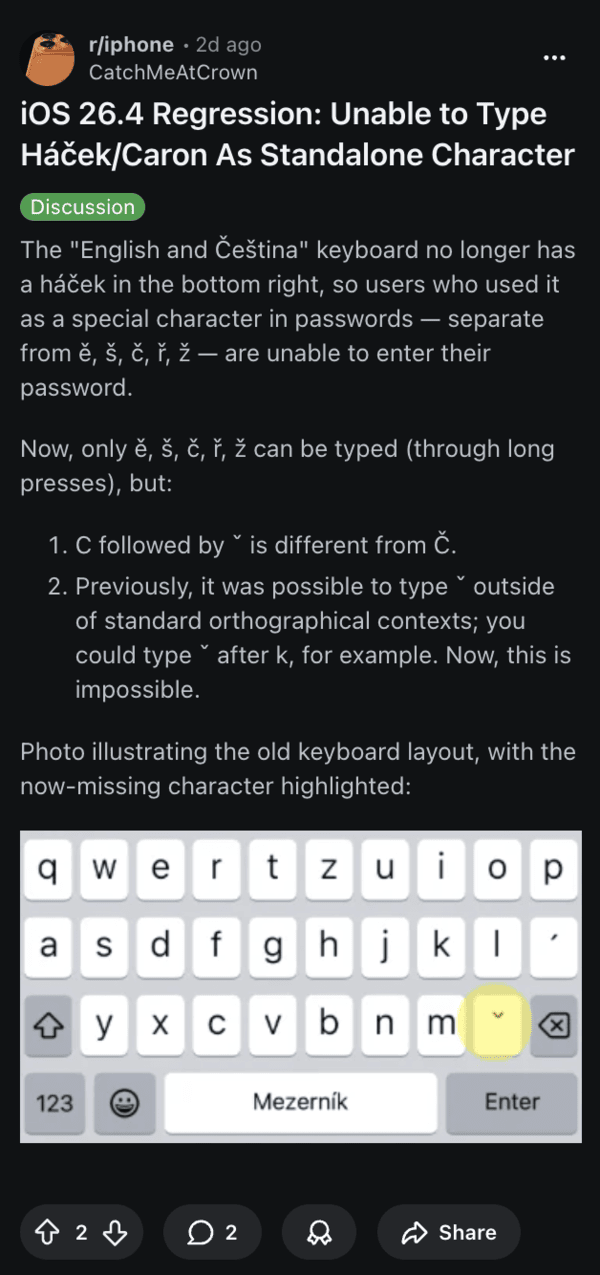
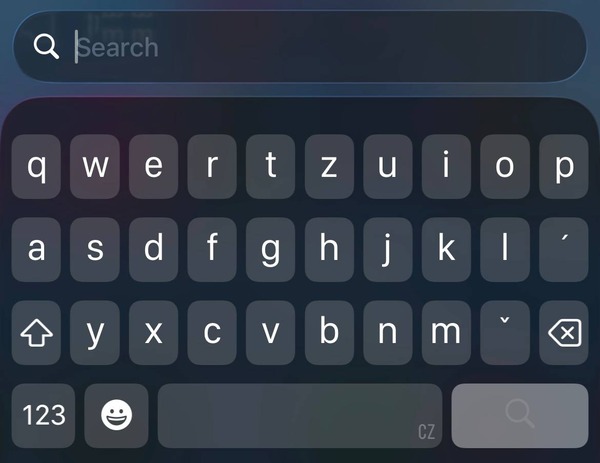
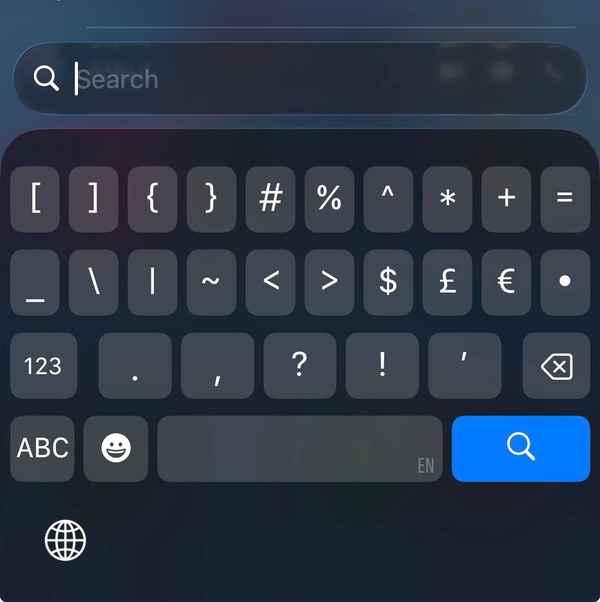
To be clear, the user didn’t forget the password of the phone. The iOS 26.4 update has removed the Caron character (ˇ). Earlier, you could type a letter, followed by ˇ, which is no longer possible after the update removed the character. You can still type characters such as ě, š, etc through a long-press on the keyboard.
They are technically different characters (it’s treated as a combined entity and not an individual special character), and also different in the languages that use this character. Since the new method doesn’t register as the same special character, the user has no way of entering the Caron character in the passcode to unlock the phone. You can no longer type that character separately, and everyone using it in their passwords is effectively locked out of the device.
A few people have suggested using an external keyboard to try to solve the problem, but that won’t be allowed, since you’ll need to unlock the phone to permit an external input device. Others suggested typing the password somewhere else and then using the keyboard text recognition to paste it. However, this option is unavailable until the first unlock after a restart.
I have checked for the issue myself on the Czech keyboard, but the symbol seems to be present. One user claimed that it’s accessible through the symbols page, but there has been no follow-up on this so far. When I checked on the English keyboard, I was unable to find this symbol.
Suggestions such as sending a message to the phone with the exact password, taking a screenshot, and copying the text also don’t work because this is before the first unlock after a restart. If not concerned about the data, a restore will always work.
Unfortunately, a few people reported that this issue has happened before. They were locked out of their devices for several years until Apple added the character back. If iOS 26.4.1 fixes this issue and adds the special character back, you’ll need to manually update it through a PC.
Despite iOS 26.4 overall being a really smooth release, bugs like this leave specific user groups frustrated. Another group of people not particularly happy with iOS 26.4 is users living in the UK, who are plagued by mandatory OS-level age verification for basic tasks.
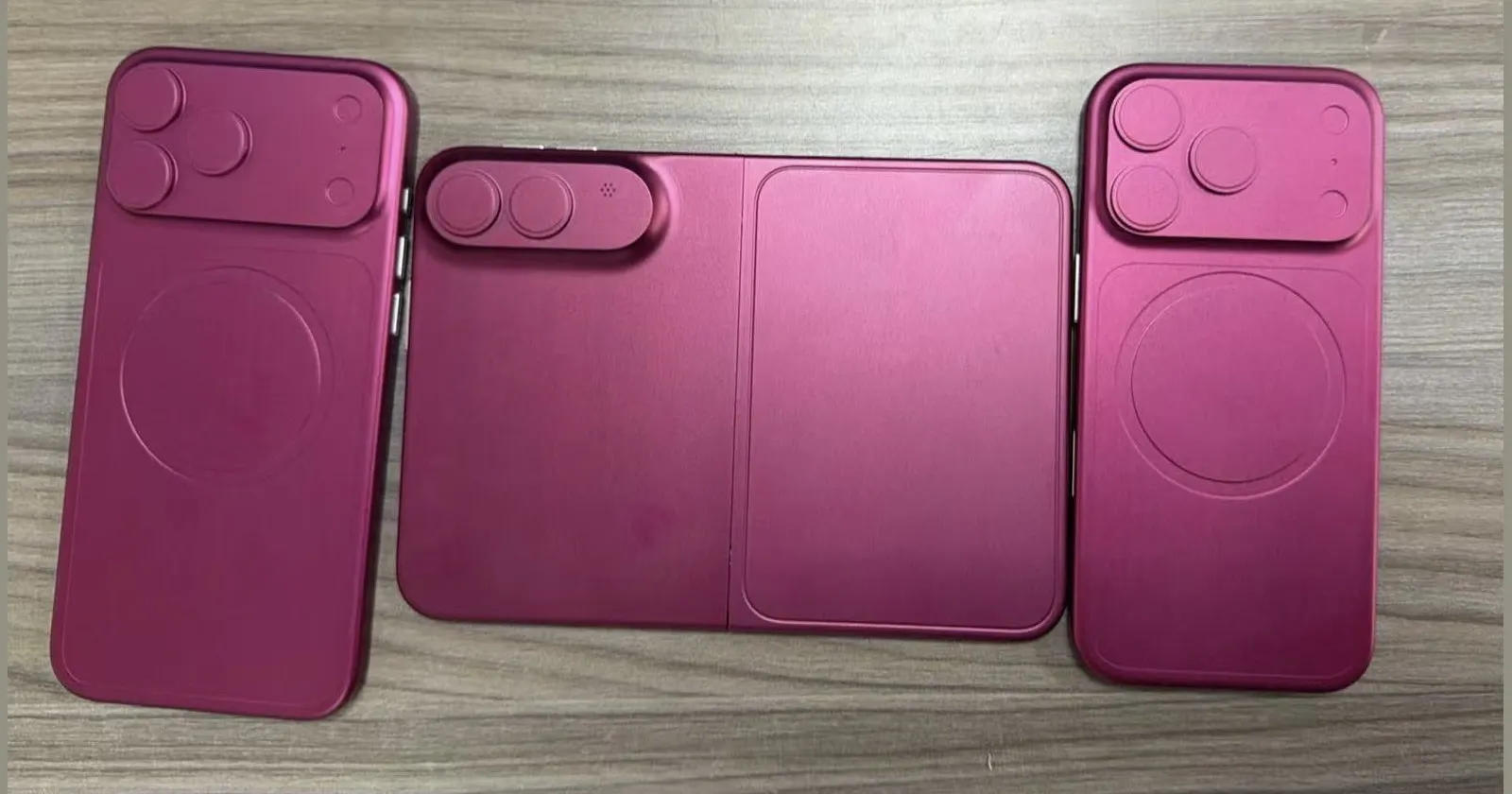
Interested in reading more Apple news? We recently covered the dummy models of the iPhone Fold and iPhone 18 Pro. You can read about that here.


Dwayne Cubbins
3101 Posts
I cover fast-moving stories across apps, online platforms, and everyday tech — phones, wearables, consoles, and whatever else people are fighting with this week. Bugs, rollouts, scams, policy enforcement, and the occasional internet-culture rabbit hole are all fair game. My goal is simple — make confusing tech news readable. When I'm not working, I'm working out or chilling with my dog. Got a tip? You can find me on X @dcubbins.
Next article View Article