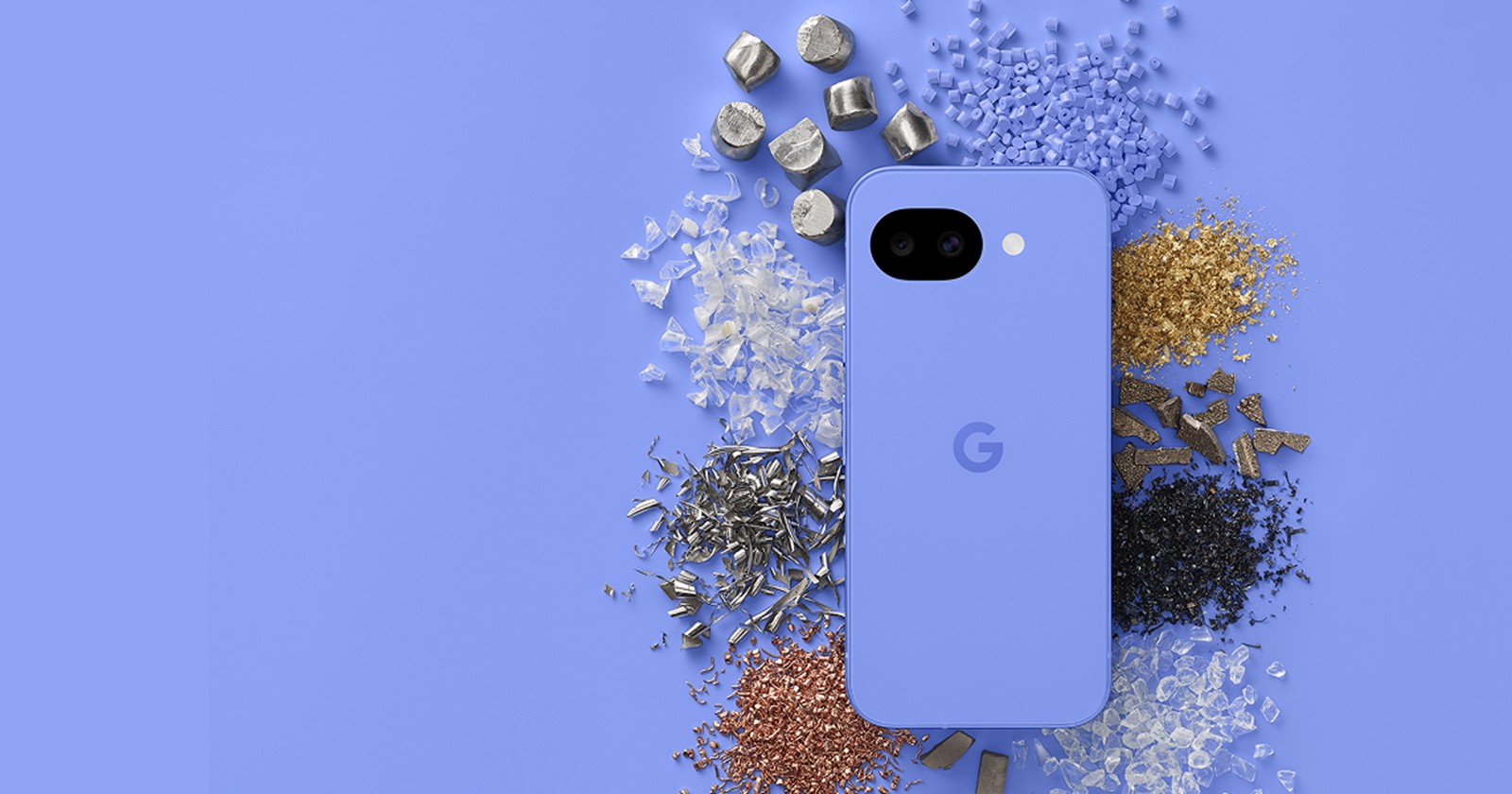
Last month, when Google rolled out Android Canary 2602, the highly anticipated Pixel 10a was notably missing from the roster, simply because the device hadn’t officially launched yet.
Fast forward to today, and the narrative has shifted. With the brand-new release of Android Canary 2603, the Pixel 10a finally has a seat at the testing table alongside its premium siblings: the Pixel 10, 10 Pro, and 10 Pro XL.
The Canary 2603 rollout: What you need to know
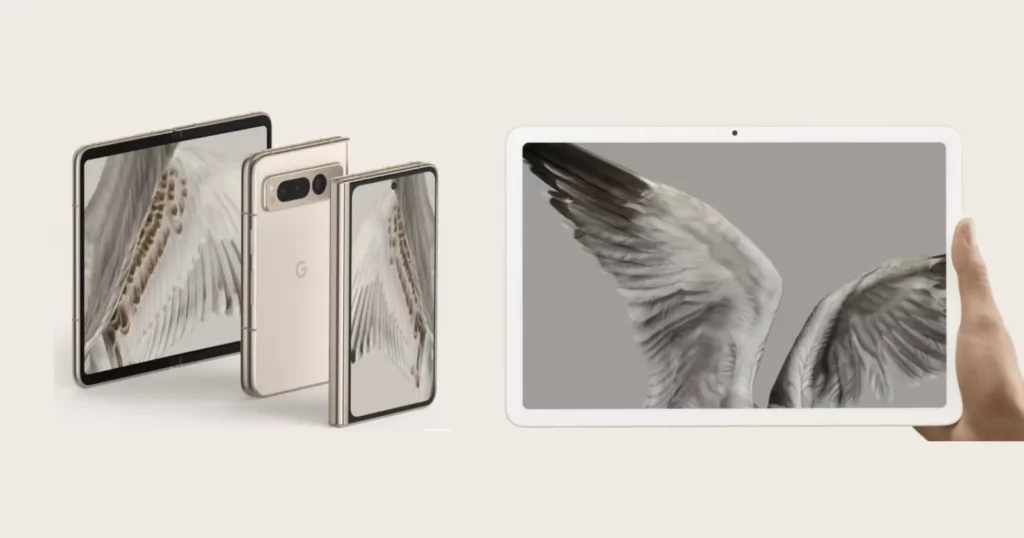
Google officially announced the rollout on the Android Canary subreddit, pushing build ZP11.260220.007 to the masses. I can confirm that Google isn’t just focusing on the latest hardware; this firmware is widely available for a massive list of devices, reaching all the way back to the aging Pixel 6 series, the Pixel Fold, and the Pixel Tablet.
If you are new to how Google is handling updates these days, the Canary channel is the direct evolution of the old Developer Preview program. The major advantage here is continuous delivery: once developers flash a Canary build, they receive regular over-the-air (OTA) updates about once a month without needing to wipe and re-flash their devices.
Before you proceed, Canary builds are highly experimental. They are packed with actively developing APIs and are practically guaranteed to contain bugs that will disrupt daily smartphone use. Unless you are a developer testing apps, this is not meant for your daily driver.
Exciting new features spotted in Android Canary 2603
While Google’s official announcement kept the specifics vague, the team at 9to5Google has already installed the build and analyzed the changes. Based on their deep dive, Canary 2603 introduces several highly requested, user-facing features that iterate on what we saw in Android 17 Beta 2:
- Separate Wi-Fi & Mobile data toggles: I know Android purists will celebrate this one. Google is finally bringing back distinct Quick Settings tiles for Wi-Fi and Mobile data. If you have the unified “Internet” tile active, it will default to Wi-Fi, and you can manually add the Mobile data toggle back to your panel.
- Native App lock & Bubbles: Long-pressing an app icon now reveals native options for App lock and Bubbles. While Bubbles were technically announced last month, they are now fully active. The App lock feature provides a much-needed, system-level way to secure your sensitive applications.
- Redesigned screen recording UI: The clunky screen record pop-up is gone. Tapping the Quick Setting tile now summons a sleek, floating pill to start your recording. You can choose the entire screen or a single app and toggle audio options. After hitting stop, a brand-new post-recording interface pops up, allowing you to seamlessly preview, edit, share, or delete the clip.
- Streamlined long-press menu: To accommodate the new App lock and Bubbles features, Google cleaned up the app long-press menu. If an application has multiple shortcuts, they are now neatly tucked away inside a new, expandable “Shortcuts” menu to keep the interface looking clean.
- Enhanced system UI blur: Google is dialing up the aesthetics. There is noticeably more blur applied across the system interface, particularly visible behind the Widgets pane.
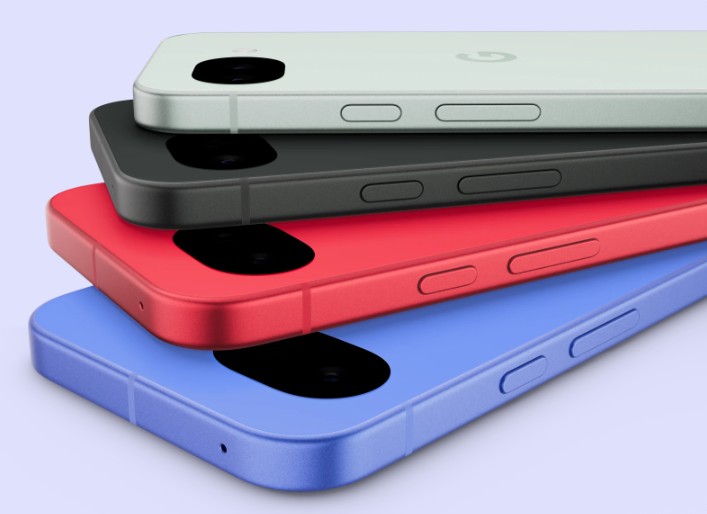
Seeing the Pixel 10a immediately folded into this bleeding-edge testing track is a great sign for developers who picked up the new budget-friendly device.


Hillary Keverenge
2723 Posts
Tech has been my playground for over a decade. While the Android journey began early, it truly took flight with the revolutionary Lollipop update. Since then, it's been a parade of Android devices (with a sprinkle of iOS), culminating in a mostly happy marriage with Google's smart home ecosystem. Expect insightful articles and explorations of the ever-evolving world of Android and Google products coupled with occasional rants on the Nest smart home ecosystem.
Next article View Article