





![Samsung disables Odin on Galaxy S26 as Download Mode disappears in One UI 8.5 [Updated]](https://piunikaweb.com/wp-content/uploads/2026/03/Samsung-Logo-Featured-Image.png "Samsung disables Odin on Galaxy S26 as Download Mode disappears in One UI 8.5 [Updated]")
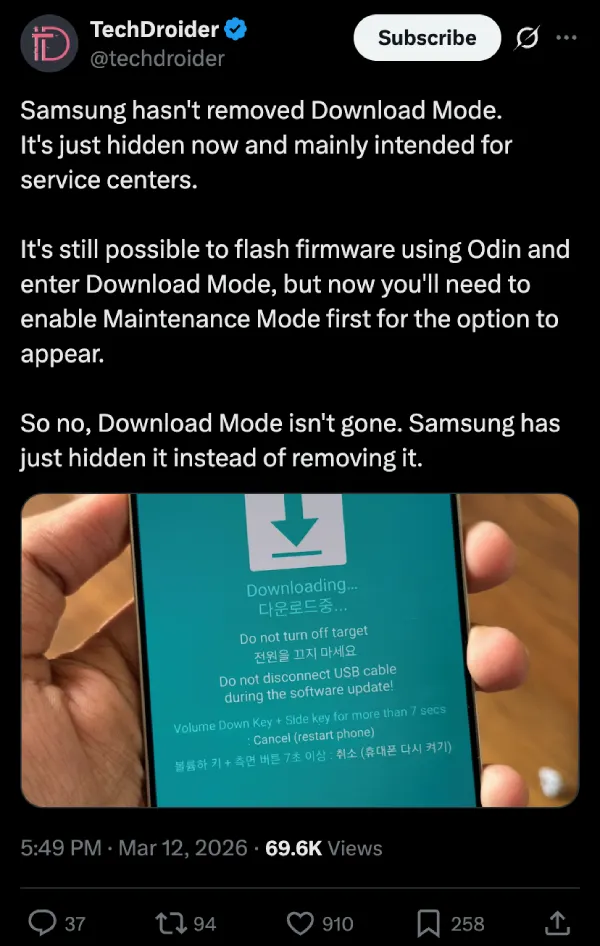
Update 14/03/26 – 03:21 pm (IST): Update 14/03/26 – 03:24 pm (IST): Turns out Download Mode isn’t gone — it’s just hidden. Both TechDroider and CID confirm that enabling Maintenance Mode first brings the option back, and flashing firmware via Odin still works through that route.
Original article published on March 11, 2026, follows:
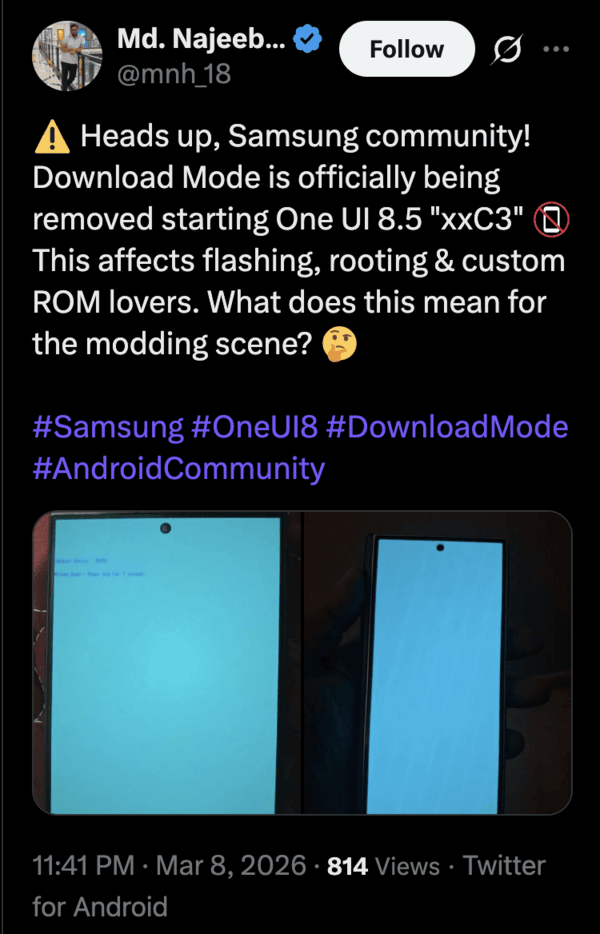
Samsung has completely disabled access to Odin, and the Download Mode has been removed from many Galaxy devices. This change began with the latest One UI 8.5 firmware builds. For now, it involves the latest S26 series and dates back as far as the S24 series. Users report that the basic button combinations to trigger Odin mode no longer work.

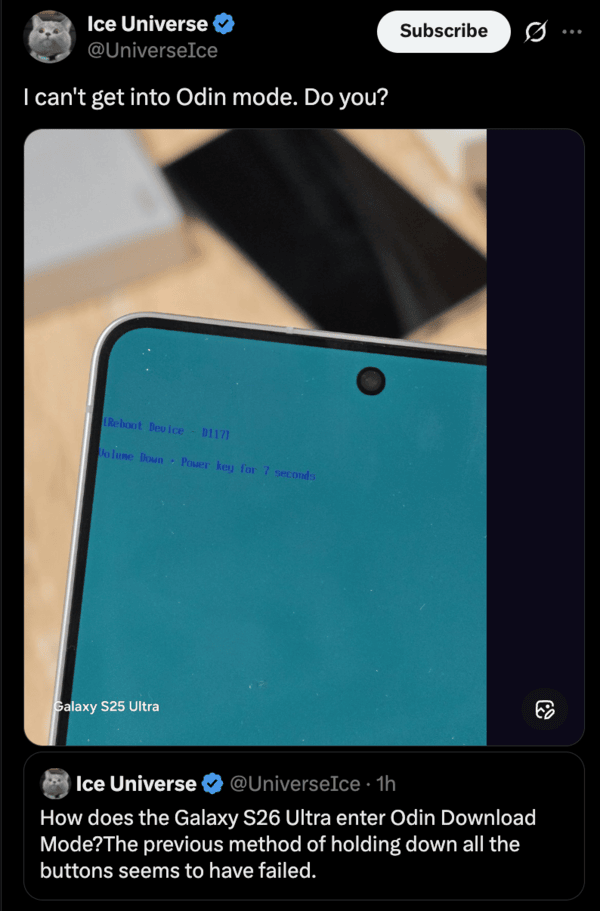
Instead of seeing the familiar blue color Download Mode screen, devices display a blank blue screen or basic reboot instructions. Earlier, you could trigger Odin if you connected to a PC and then held down volume down and power.
This is quite strange, since Odin is Samsung’s long-standing desktop tool for flashing official firmware packages. Enthusiasts relied on it to install fresh ROMs, downgrade software, or recover bricked phones. Download Mode is a gateway that lets a PC connect with the phone. Without it, direct flashing of firmware via Odin will no longer work.
This removal creates many problems for the community. Repair shops that rely on Odin lose a straightforward way to restore devices. Power users cannot experiment with custom setups or roll back to older versions, and cannot apply patches individually. Many users are rather frustrated that Samsung is locking down hardware that people have bought with their money.
As a result, people are worried about the future of Custom ROM development on Samsung hardware. There were actually signs of Samsung doing this in February this year. Certain security patches stripped options like Wipe Cache Partition and ADB features from recovery mode. Samsung moves towards A/B seamless updates across its lineup, reducing the need for traditional recovery actions.
Newer One UI 8.5 XXCX builds enforce these restrictions strictly, including new devices like the Z Fold 7. For now, it mostly affects flagship phones, but it will eventually spread to other models with OTA updates. Samsung will most likely block OS flashing outside of official channels and remove cache-clearing through recovery entirely.
This removal of Odin is likely for tighter security and the prevention of leaks, since a lot of software screenshots were leaked before. While Samsung didn’t issue any official statements on the removal of Odin, it’s unlikely for them to reverse the decision. This isn’t a temporary thing like Samsung Messages not working on the S26 series, which will eventually be fixed.
Update: Download Mode might still be available via Maintenance Mode, but the bootloader remains locked, and you still can’t flash any firmware that’s older than what you currently have.


Dwayne Cubbins
3055 Posts
I cover fast-moving stories across apps, online platforms, and everyday tech — phones, wearables, consoles, and whatever else people are fighting with this week. Bugs, rollouts, scams, policy enforcement, and the occasional internet-culture rabbit hole are all fair game. My goal is simple — make confusing tech news readable. When I'm not working, I'm working out or chilling with my dog. Got a tip? You can find me on X @dcubbins.
Next article View Article
