
Photos and videos aren’t loading properly in the media picker on Instagram for some users. People open the app to create posts, only to see their gallery show up as a gray placeholder instead of the images or videos. Users notice that their own photos don’t display properly in feeds or profiles as well.
The problem occurs primarily when users tap to post new content. Earlier, there was an issue where the images didn’t load in chronological order. Now, they’re refusing to load at all for some people. Reopening the app doesn’t seem to make the endless loading animations go away.
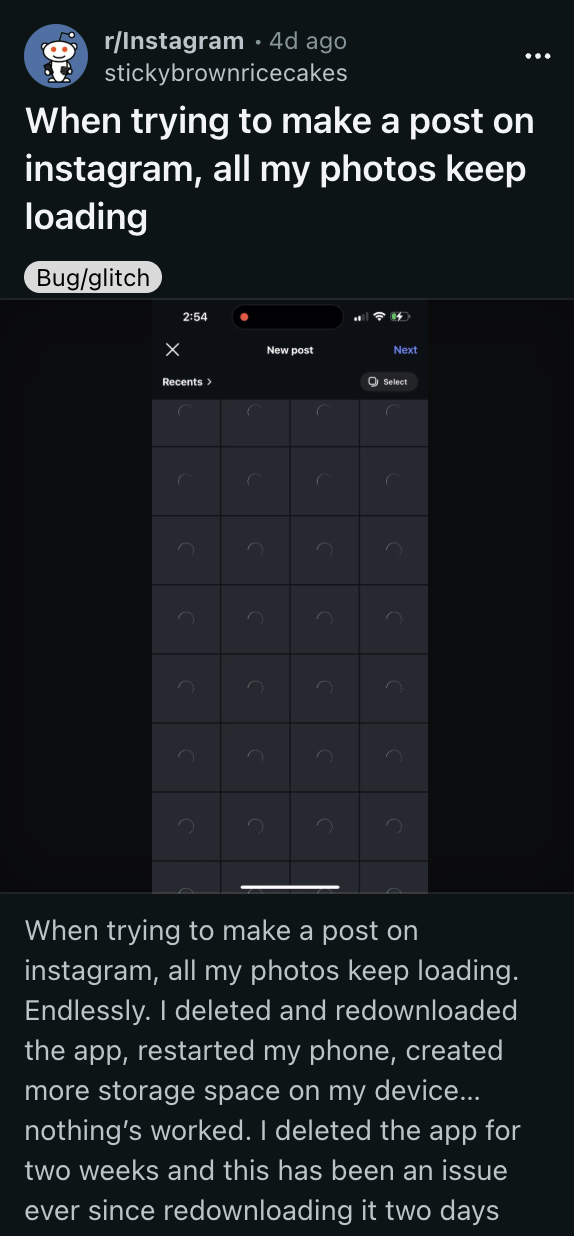
As is common with most bugs, not everyone’s facing it. I’ve tried to replicate it on my phone, but both story and post uploads work just fine. Downdetector doesn’t show any large-scale outage on Instagram right now either, so it’s likely isolated to a few users. Some people report that the issue isn’t persistent, but occurs every now and then.
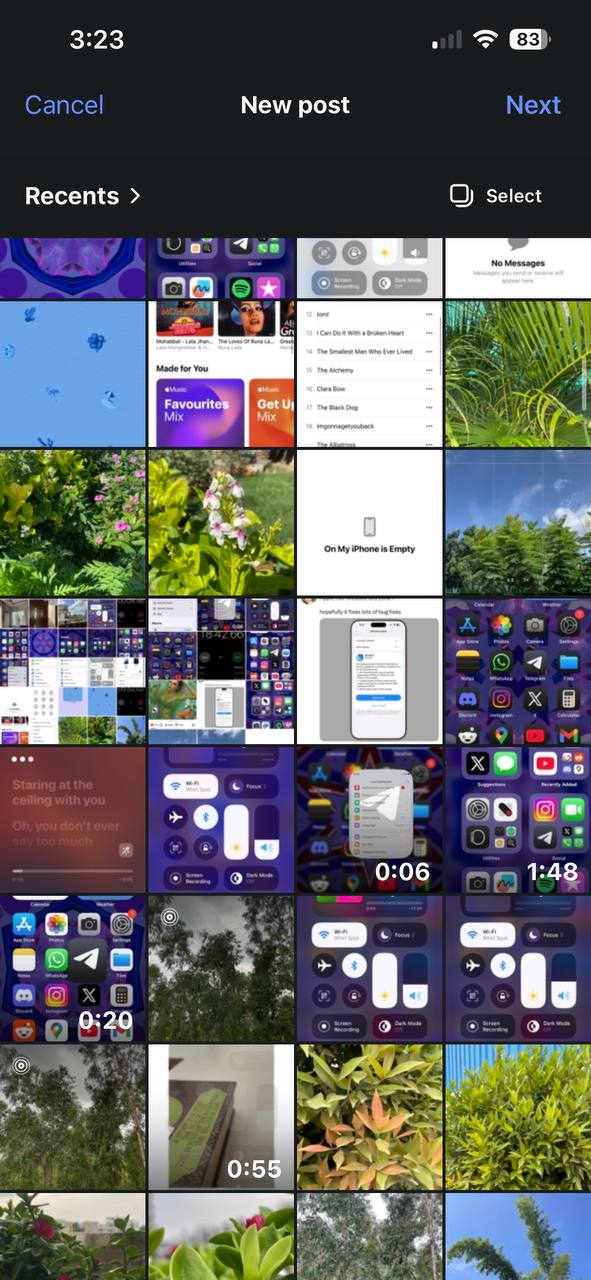
I can’t confirm that these workarounds will solve the problem. However, you can try restarting your phone, clearing the app cache, reinstalling the app, or reconnecting to your network. Try to switch between mobile data and WiFi. On iOS, users report that turning off iCloud Backup temporarily fixes the issue, weirdly enough.
Another workaround is to post the photos directly from the Photos app, instead of through Instagram. Uploading the image as a story and then downloading it via the Instagram app will apparently allow you to post it normally. While there are theories of Instagram unofficially restricting certain accounts as a means of censorship, these claims have no backing.
A few people recommend turning off View in HDR, since that may cause trouble with loading. You can try granting permission to the entire gallery to try and fix the issue, but this isn’t a good solution if you don’t want to give Instagram access to all your photos.
Alternatively, you can make sure the Instagram app is up to date. If none of these work for you, the Instagram web app or the Instagram Lite version should very likely not have the same issues. You can also try raising a support ticket.
We’ll keep an eye out for any further details and will update the article accordingly.


Dwayne Cubbins
3089 Posts
I cover fast-moving stories across apps, online platforms, and everyday tech — phones, wearables, consoles, and whatever else people are fighting with this week. Bugs, rollouts, scams, policy enforcement, and the occasional internet-culture rabbit hole are all fair game. My goal is simple — make confusing tech news readable. When I'm not working, I'm working out or chilling with my dog. Got a tip? You can find me on X @dcubbins.
Next article View Article