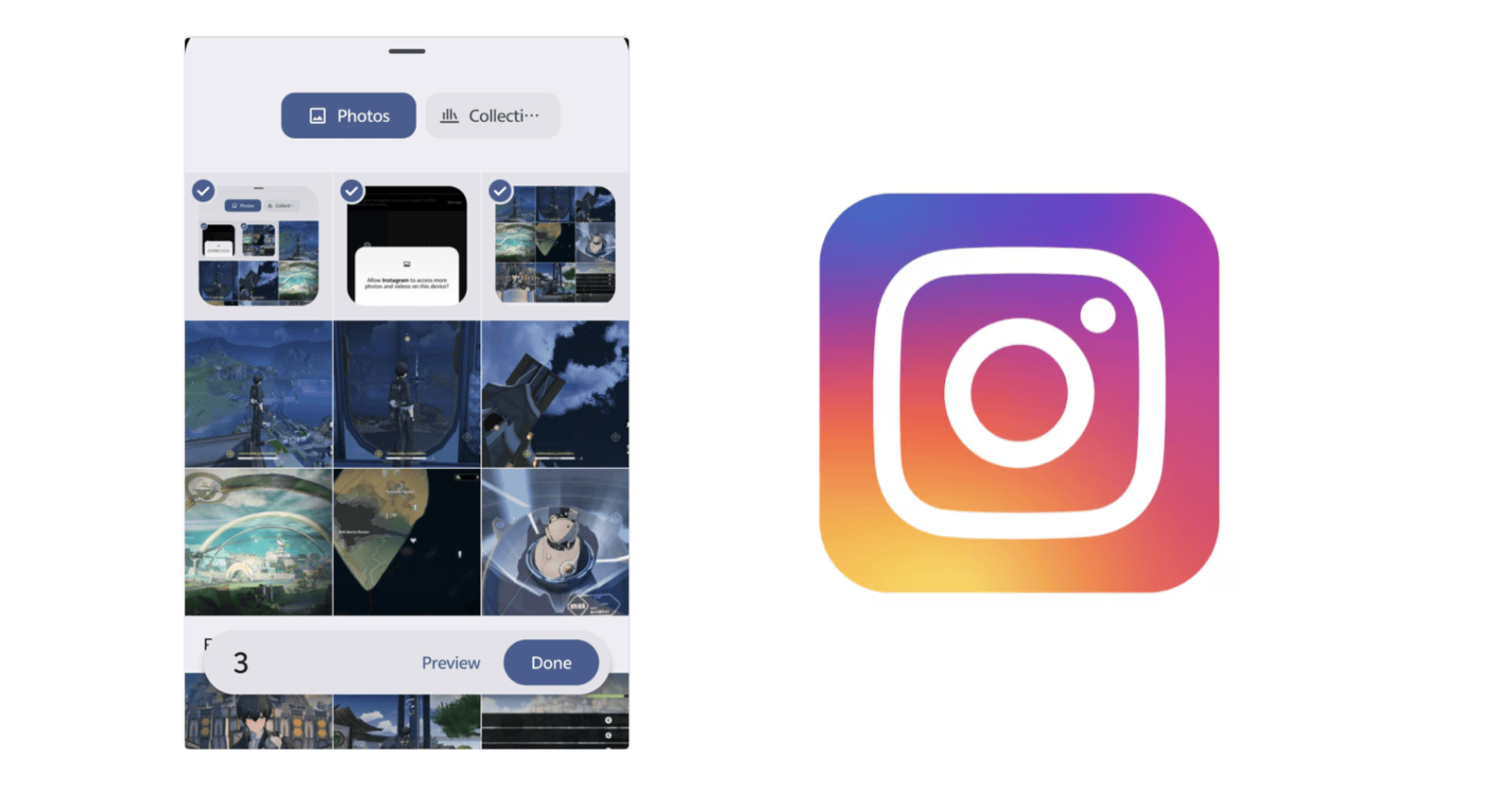
There are several complaints on Reddit regarding the order of photos on Instagram. To some people who provide restricted access to photos, they do not show up in a proper order when trying to share them. A few photos are from months ago, and others are from a few weeks ago; none are the actual recent photos.
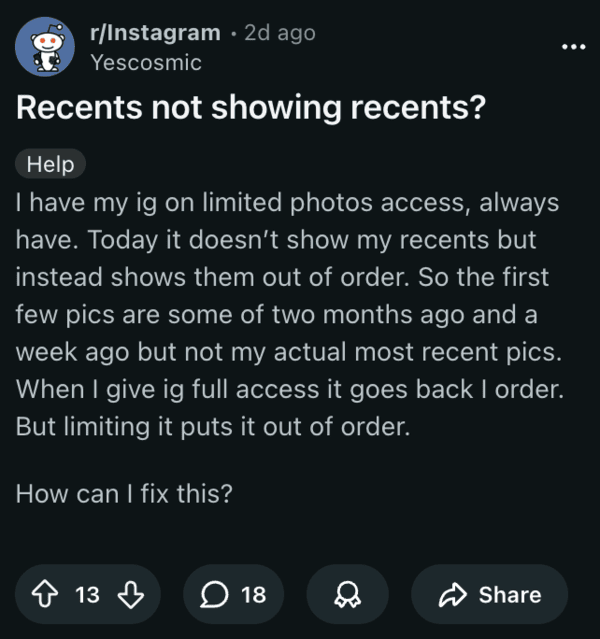
Other reports state that stories don’t appear in a chronological order as well. It’s happening when people try to upload to their stories, and also when people try to post normally. Choosing the ‘Recents’ button to change to a different folder does not work either. Unfortunately, I could not find visual proof in the form of screenshots from the sources.
It’s worth noting that the issue is not exclusive to Android, since there are reports from iOS users as well. Since the feature worked perfectly fine before, frustrated netizens allege that Instagram is doing this on purpose to make people give full access to their photo library.
I’ve checked for this issue personally. However, I was unable to reproduce it. I have the ‘Allow limited access’ toggle enabled, and it displays all of the photos in the proper order, with all the recents, for uploading both stories and normal posts.
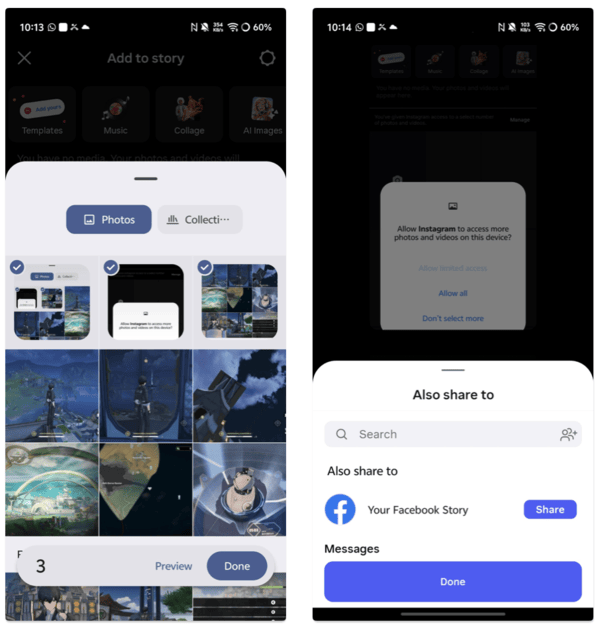
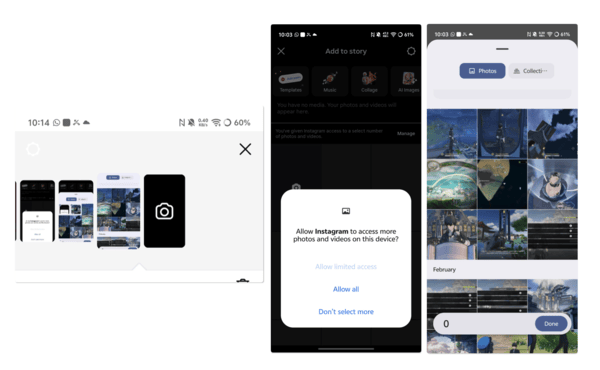
Just to confirm whether it’s an app issue, I’ve also checked it on a phone that doesn’t use the Google Selector for photos, and it works perfectly fine on that as well. This suggests that the issue has been fixed with a recent update, or that it’s not extremely widespread and basic workarounds will fix it.
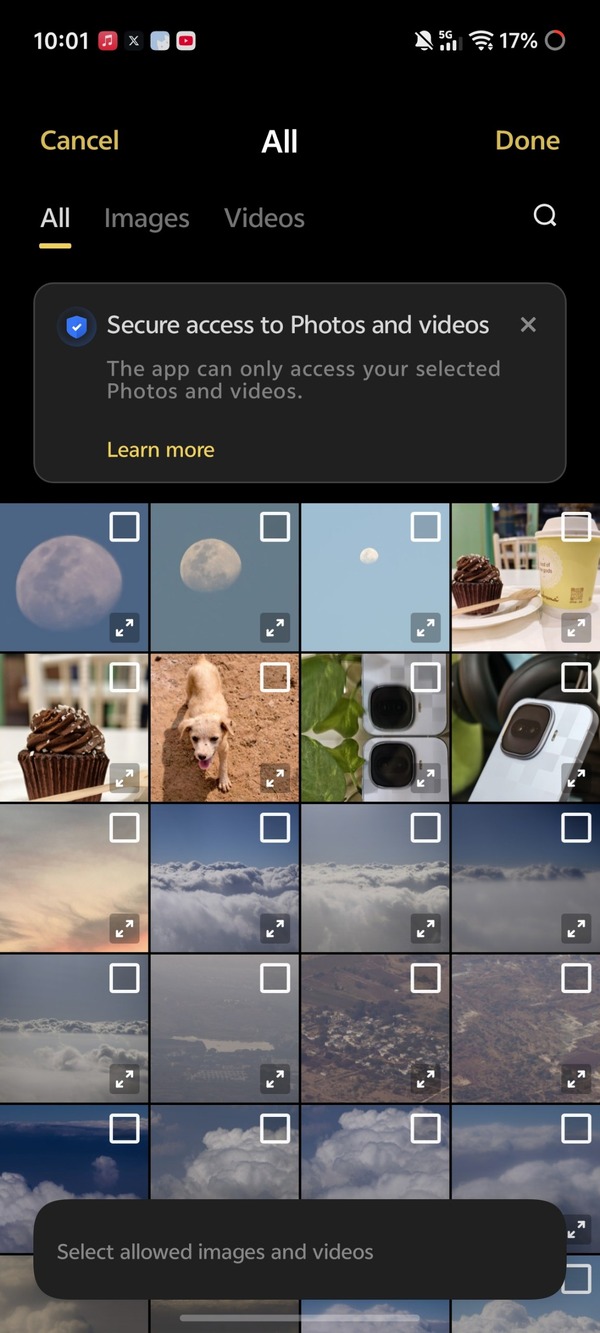
The first workaround is the most obvious one. Giving Instagram access to all of your photos will solve the problem. The issue is isolated to those who use the ‘Limited Access’ feature. If you don’t like the idea of giving Instagram access to all your photos, you can try clearing the app cache and data. Reinstalling the app has solved the issue for some people.
Reconfiguring photo permissions also solves the issue. There’s a dedicated screen, where you give access to specific photos within the selector. Here, you can just deselect all the photos and reselect the ones you want to give Instagram access to. This is a slightly lengthy solution, but it may help.
Instagram is actively working on a new UI with a personalized feed. Once that goes live, I think bugs such as this, and others, including links not opening, will eventually be ironed out. This post will be updated if more information shows up.


Dwayne Cubbins
3064 Posts
I cover fast-moving stories across apps, online platforms, and everyday tech — phones, wearables, consoles, and whatever else people are fighting with this week. Bugs, rollouts, scams, policy enforcement, and the occasional internet-culture rabbit hole are all fair game. My goal is simple — make confusing tech news readable. When I'm not working, I'm working out or chilling with my dog. Got a tip? You can find me on X @dcubbins.
Next article View Article