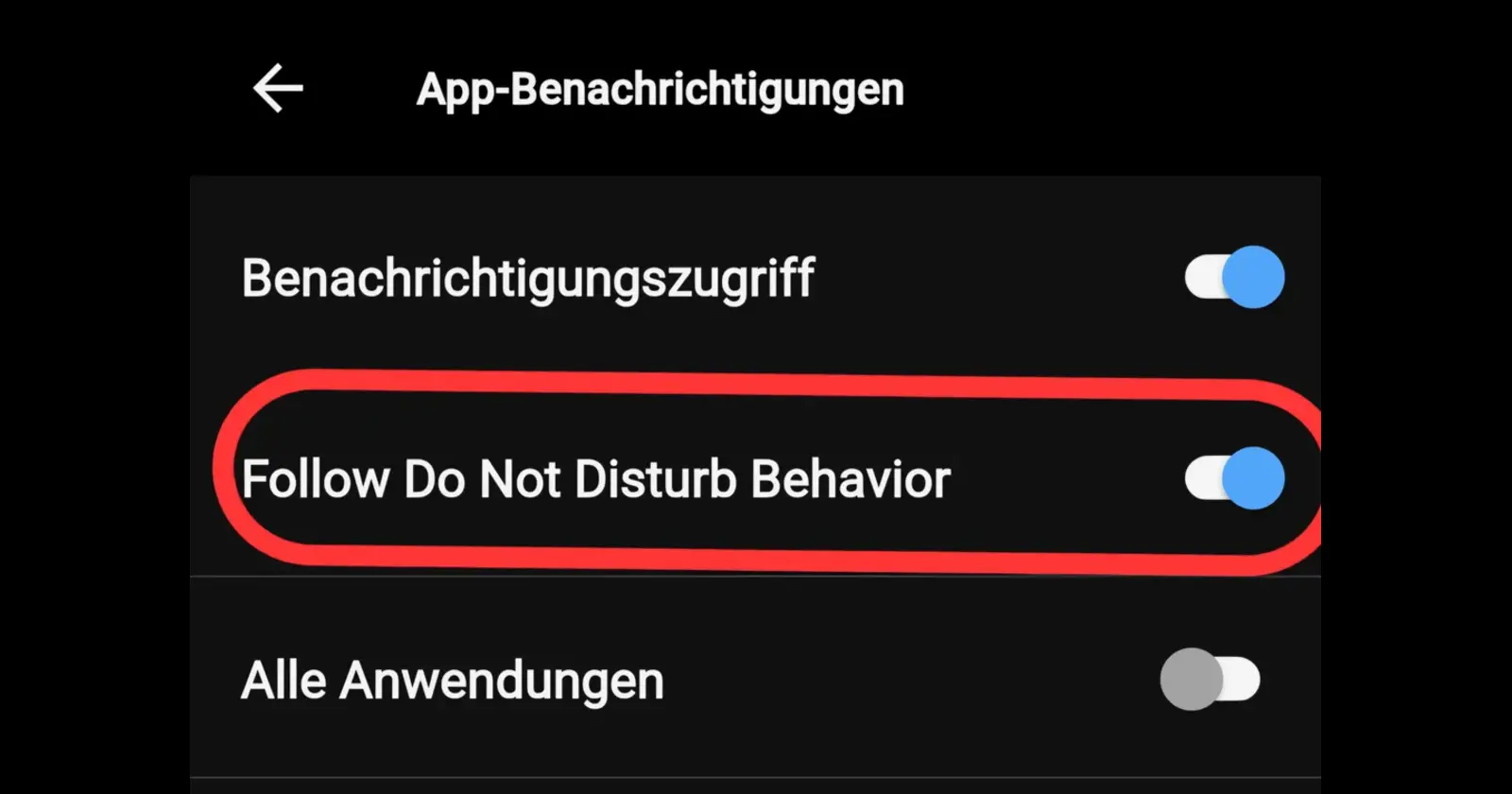
DND sync between Android phones and Garmin watches appears to be finally returning in the Garmin Connect 5.22 app. This time, users get a proper on and off switch instead of the earlier forced behavior. The update allows a Garmin watch to mirror the phone’s Do Not Disturb status.
If you don’t want this, you can also set it to work independently. This resolves a long-standing usability issue for Android X Garmin users.
DND mirroring was earlier introduced with Garmin Connect 5.18, where the watch stayed silent when the phone entered Do Not Disturb. However, the feature randomly disappeared with version 5.19 with no explanation. The watch started sending alerts normally again, even when the phone was muted. Thankfully, the new 5.22 release restores the functionality.
In v5.18, the main complaint was that DND mirroring felt forced. If your phone was in DND, some users could not choose to still receive watch alerts, even if that was their preference. The v5.22 toggle should satisfy both camps by making the behavior optional.
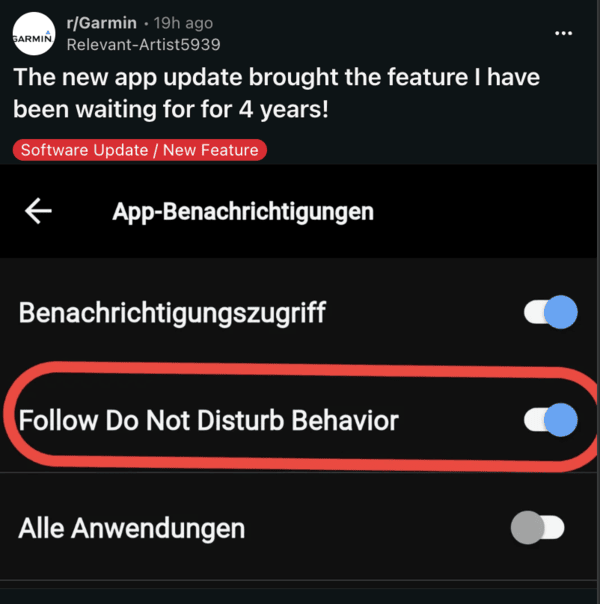
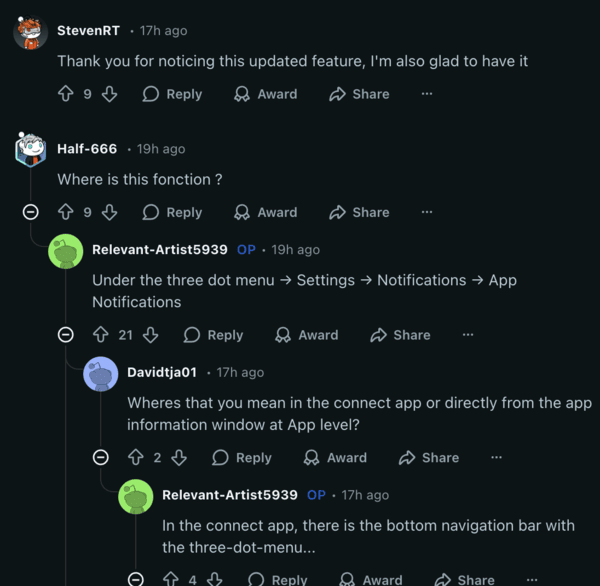
Reports suggest that you can find the option in Settings, under Notifications. Tap on App Notifications, and then tap on ‘Follow Do Not Disturb.’ This effectively makes the sync optional. This is a game-changer for people who have inconsistent and irregular schedules in their lives. It also follows the system-level settings that you’ve configured for DND.
So, some apps and specific people will still be able to override DND. You can set up exactly which notifications you want to get.
Android users have dealt with this inconsistency for years, and it’s nice to finally see Garmin address this.
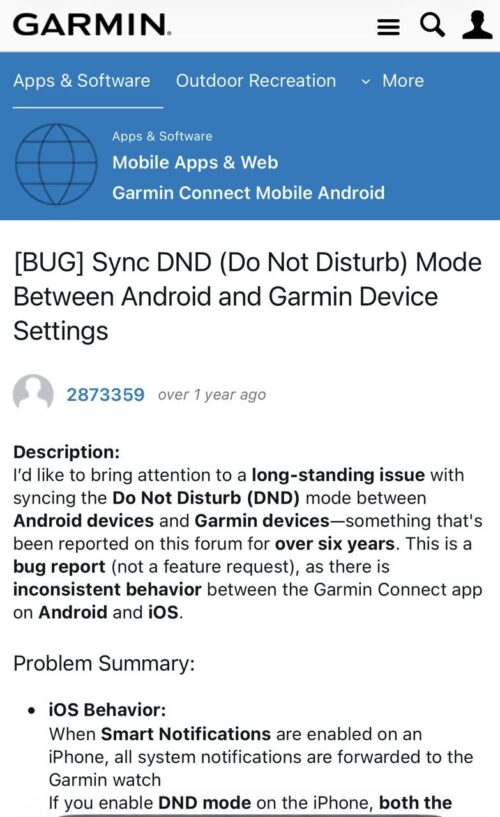
On iOS, Garmin already mirrors whatever DND setting the iPhone is on. Requests for a similar feature on Android go back several years.
Thanks to consistent feedback from the community, we have the option now. A Reddit user who installed Garmin Connect 5.22 commented that the watch stopped randomly vibrating and lighting up while the phone was on DND, but it still stored the notifications in the widget. This is exactly how the feature is supposed to work.
The update is rolling out globally, with the Garmin Connect Version 5.22 app on the Google Play Store. You can open this link and update the app to the latest version to get the feature. Garmin’s developers seem to be fairly receptive to feedback, since they’ve acknowledged bugs really fast before.
Featured image credit: u/Relevant-Artist5939/Reddit


Dwayne Cubbins
3060 Posts
I cover fast-moving stories across apps, online platforms, and everyday tech — phones, wearables, consoles, and whatever else people are fighting with this week. Bugs, rollouts, scams, policy enforcement, and the occasional internet-culture rabbit hole are all fair game. My goal is simple — make confusing tech news readable. When I'm not working, I'm working out or chilling with my dog. Got a tip? You can find me on X @dcubbins.
Next article View Article