





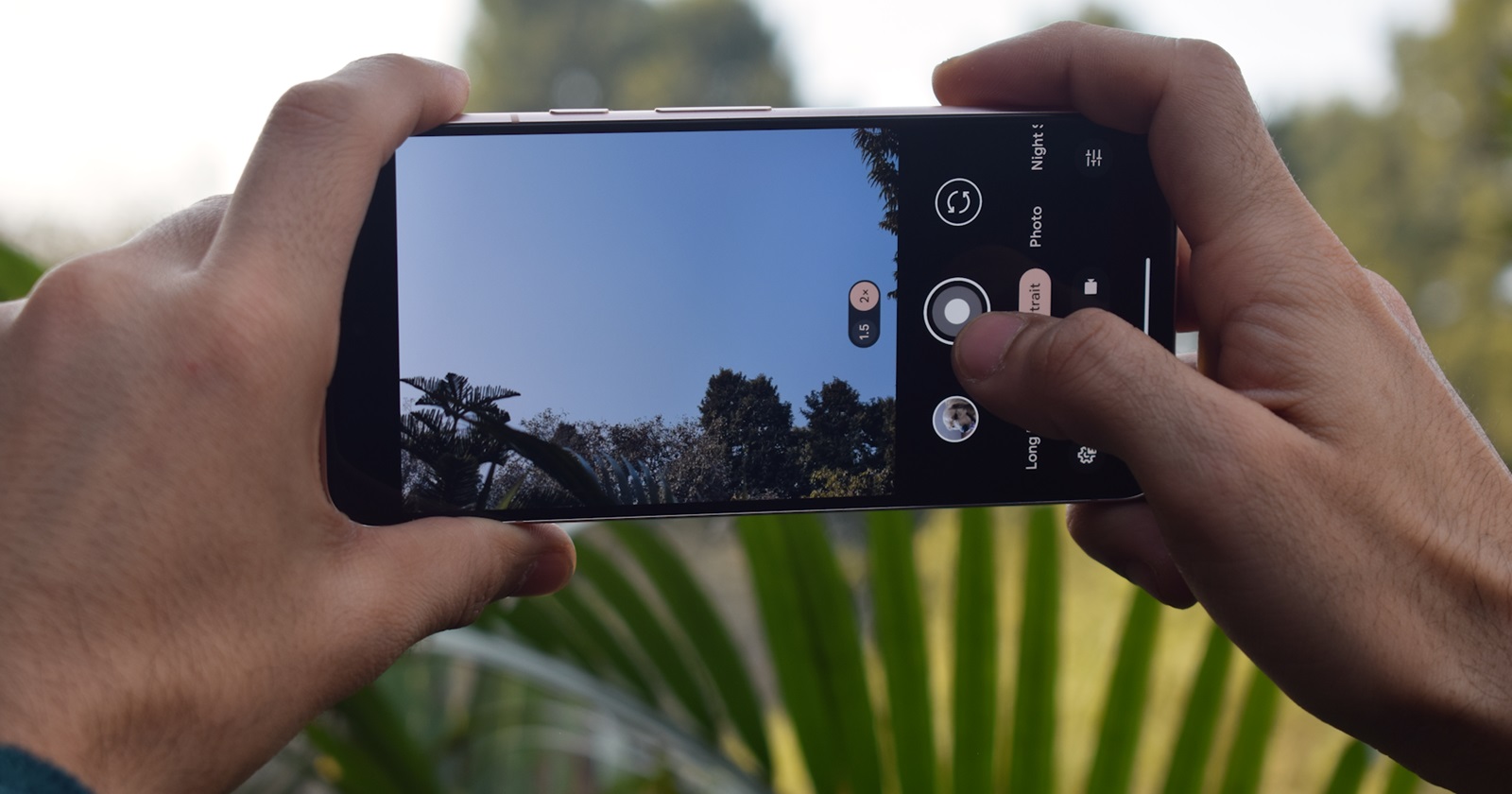
The brightness lever is not working at all.
byu/Historical-Doubt9091 inpixel_phones
A new Pixel Camera app bug affecting brightness and shadow controls is quietly frustrating Pixel owners across multiple generations.
While version 10.2, rolled out last year, fixed the controversial exposure UI changes and restored intuitive brightness adjustments to the primary slider, another problem has lingered in the background.
Pixel Camera brightness and shadow sliders stop responding
Based on growing reports across community forums and social platforms, the brightness and shadow sliders in the Pixel Camera app intermittently stop working. We have also independently verified the issue on our in-house Pixel units running the latest stable version 10.2.
The bug follows a fairly consistent pattern. When the Camera app is launched fresh, exposure and shadow controls function normally. Users can tap to focus, adjust brightness, tweak shadows, and see real-time changes reflected in the preview.
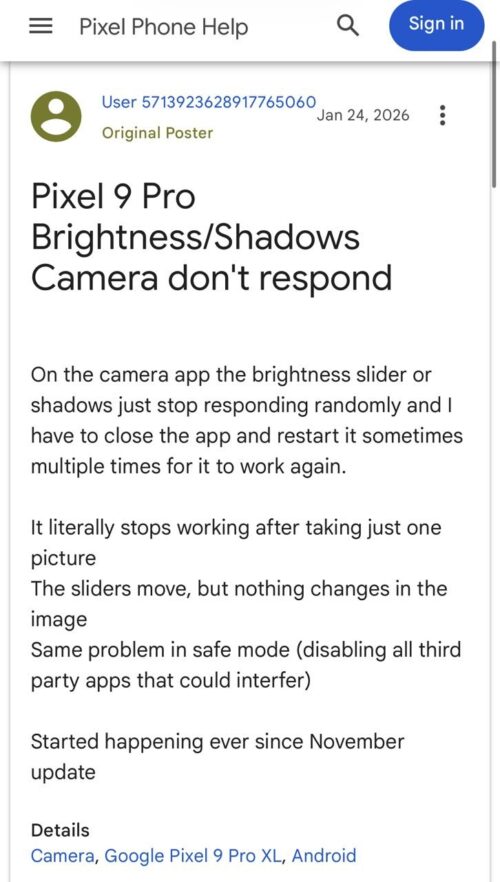
However, once a photo is taken and opened for review, or if the user switches to another app and then returns to the camera, the sliders often stop responding. They can still be dragged up or down, but the image preview does not change. In some cases, the slider snaps back to its default position.
The only reliable workaround so far is to completely close the app from the recents menu or force stop it, then relaunch. For many, the issue reappears after taking just one photo.
Affects multiple Pixel generations
Reports span across multiple devices including the Google Pixel 6, Google Pixel 7, Google Pixel 8, Google Pixel 9, and even the Pixel Fold. Interestingly, we didn’t see any reports from Pixel 10 users during our research for this article.
Several users note that the problem began after a November update last year. This means it has persisted for months, surviving multiple app updates since then. Importantly, at least some affected users report that the bug also appears in Safe Mode, suggesting that third-party apps are unlikely to be the root cause.
The issue does not appear tied to a specific shooting mode or lens. It has been observed in standard Photo mode and across different focal lengths.
For casual users, this may seem like a small inconvenience. For anyone who regularly fine-tunes exposure before capturing a shot, it is a workflow breaker.
As of now, Google has not publicly acknowledged the issue. But given that the bug appears to have started in late 2025 and has persisted through several updates to Pixel Camera, this is not an isolated glitch. It is a reproducible issue impacting multiple device generations and software builds.
We will continue monitoring the situation and update this story if Google responds or rolls out a fix in a future update. For now, fully closing the Camera app remains the only consistent workaround.

We stand out from the tech-media crowd because we break news stories; we mainly bring you stuff that you won’t find anywhere in the mainstream tech media. Our stories have been picked up by some of the world’s most popular websites and media outlets—more info is available here.

Hillary Keverenge
2723 Posts
Tech has been my playground for over a decade. While the Android journey began early, it truly took flight with the revolutionary Lollipop update. Since then, it's been a parade of Android devices (with a sprinkle of iOS), culminating in a mostly happy marriage with Google's smart home ecosystem. Expect insightful articles and explorations of the ever-evolving world of Android and Google products coupled with occasional rants on the Nest smart home ecosystem.
Next article View Article
Android 17 QPR1 Beta 3 breaks Microsoft Teams and Outlook for Pixel users [U: Fix]
Update (May 21, 2026): A fix for the issue is currently live with the Intune beta app. Multiple users have confirmed that installing version 5.0.6983.0, currently...
May 20, 2026 2 Min Read