





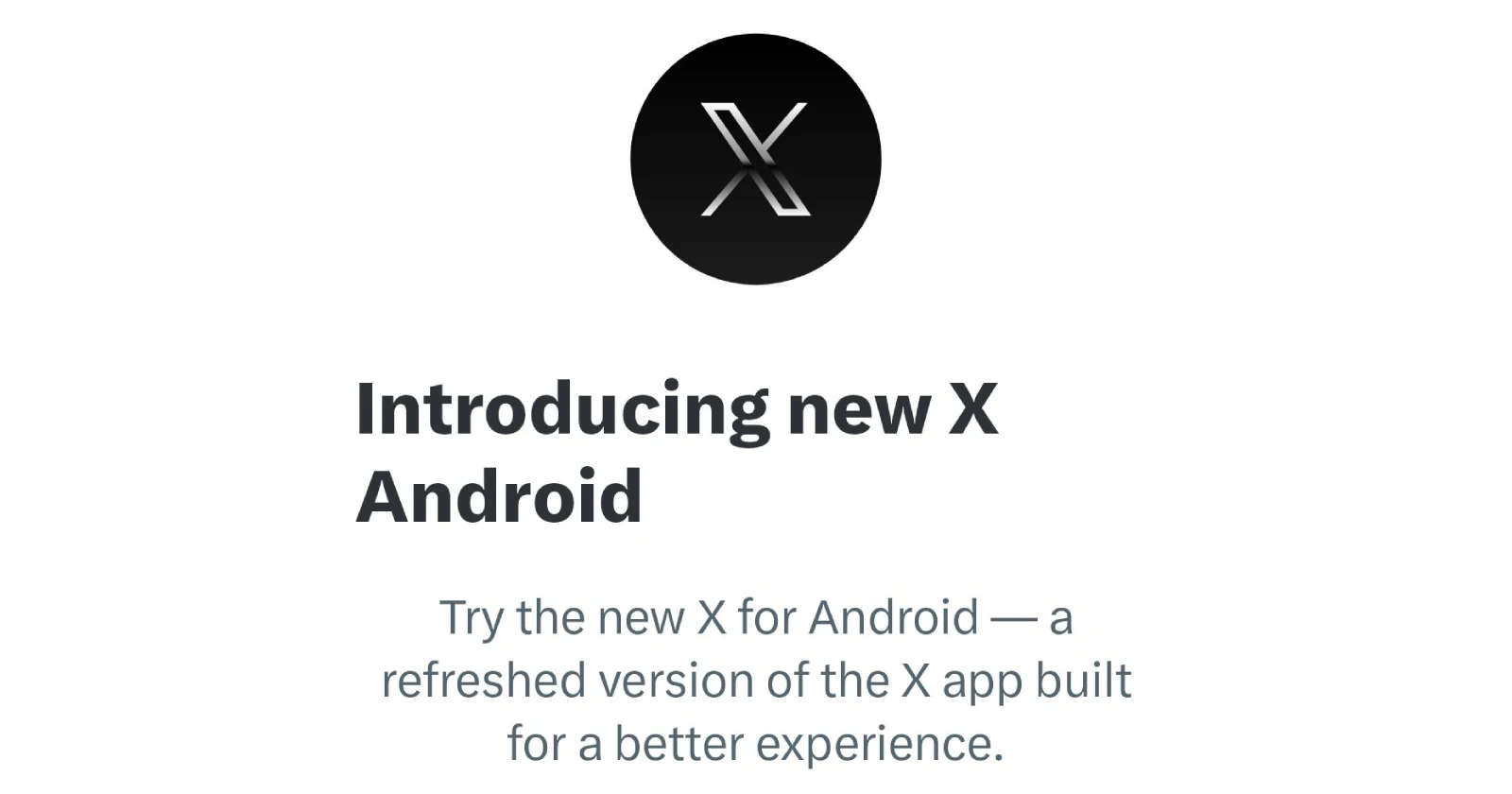
X is rolling out a neat way to test its refreshed Android interface without forcing users to jump ship completely to the X-Lite app. The platform’s gradually giving users access to a toggle that lets them switch between the old and new X Android experience right from within the existing app.
The feature shows up as “New X Android” in your profile menu, marked with a beta tag. When you tap it, you’re greeted with a prompt explaining that this is a revamped version built for better performance. What makes this approach particularly user-friendly is the promise that you can switch back anytime through the menu, though X notes you might need to reinstall the app in rare cases.
This isn’t exactly a surprise announcement. Earlier this month, we highlighted that this toggle was in the works, giving users the choice to opt into replacing the old experience with the new one. Now that functionality is starting to reach actual users, though it seems like it’s still a gradual rollout rather than a full-scale launch.
One early report about the release was from user Aleee, who praised the update as smoother and faster, particularly highlighting improvements for creators. Their post was made on November 21.
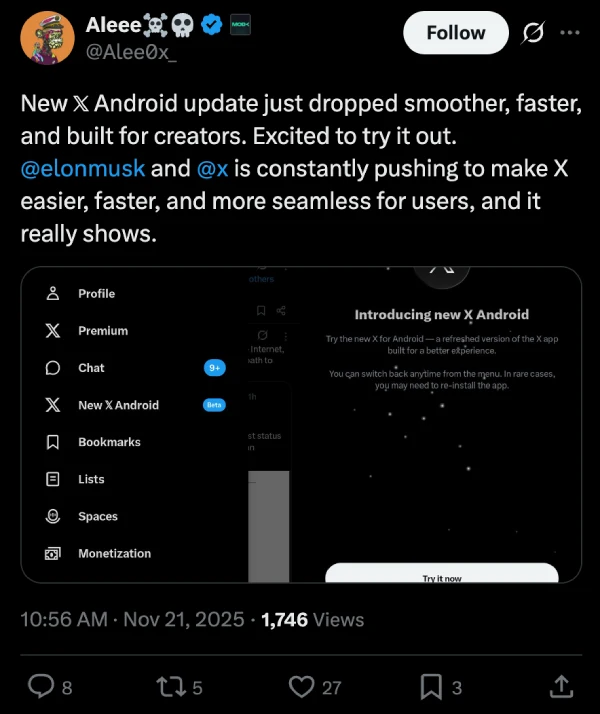
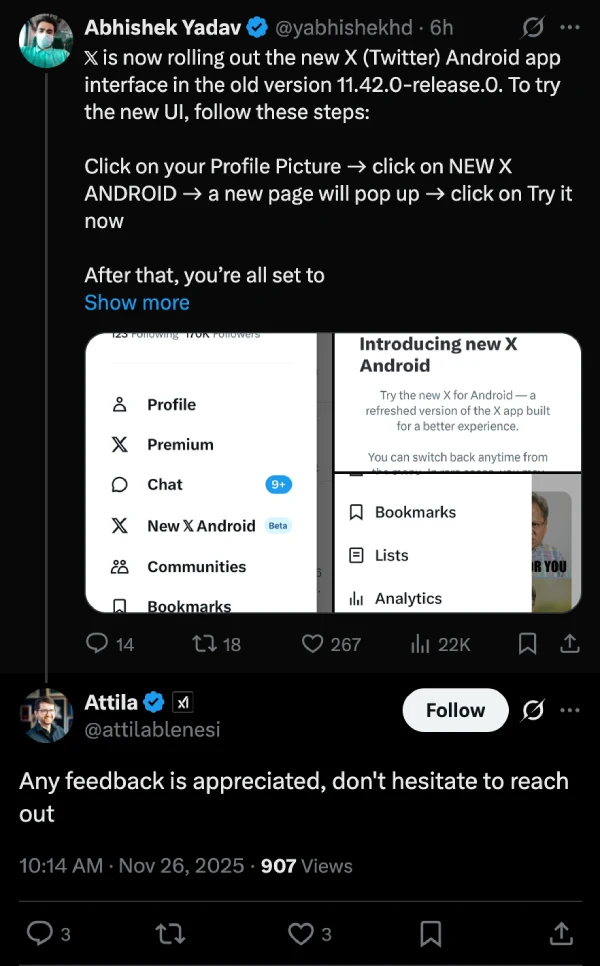
More recently, Abhishek Yadav shared step-by-step instructions for accessing the new UI on version 11.42.0-release.0 of the app.
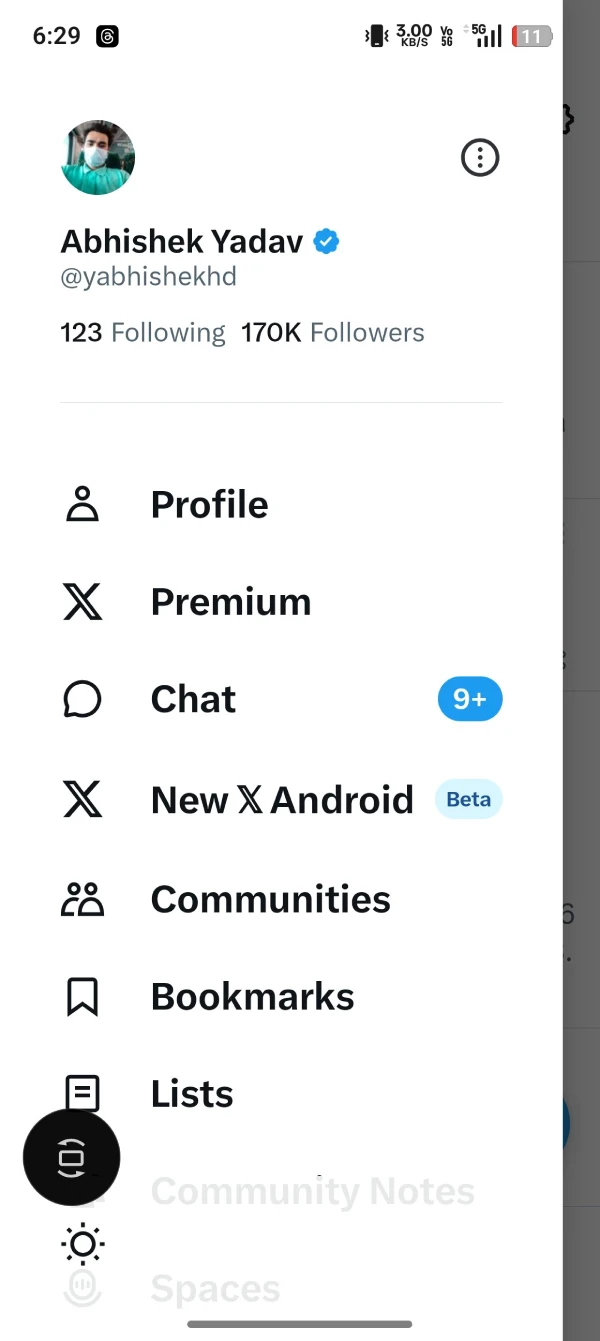
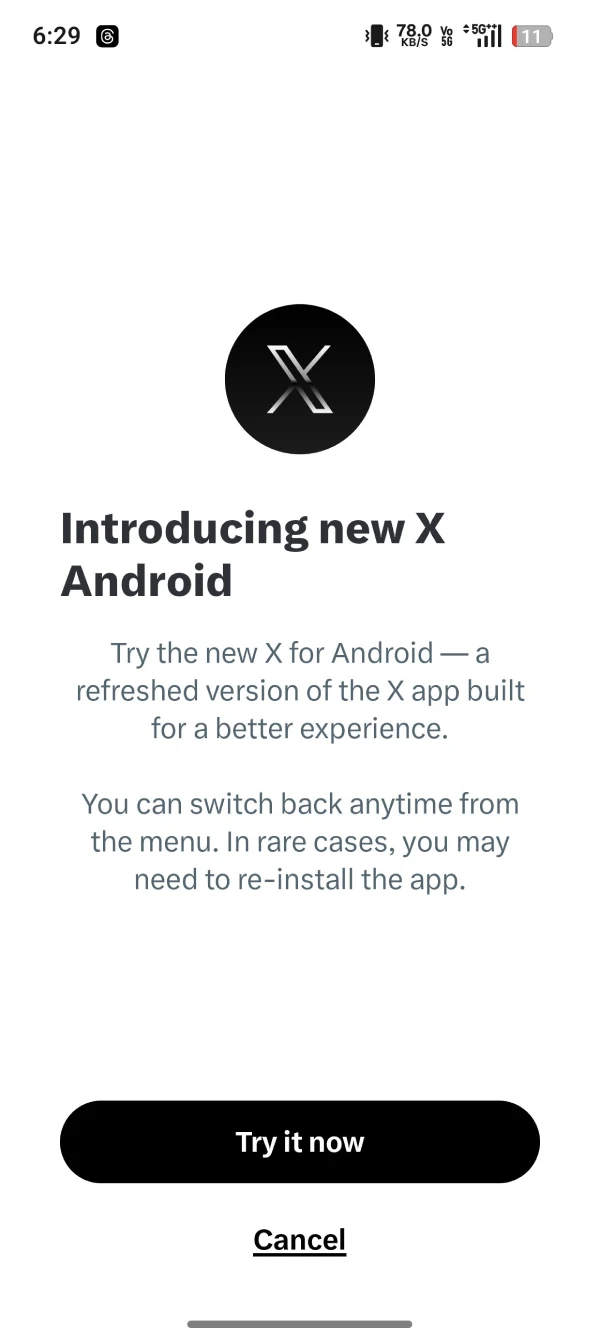
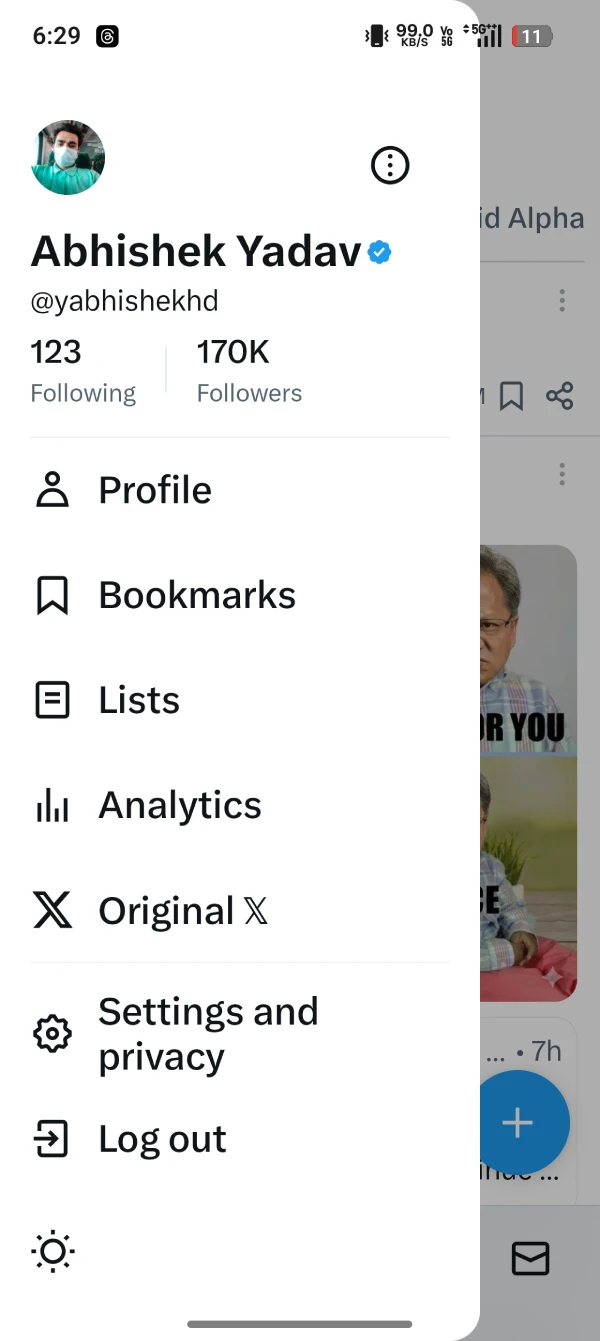
The process is straightforward: tap your profile picture, select “New X Android,” hit “Try it now” on the popup, and you’re in. However, getting access seems to be a bit of a lottery at this point. If the option isn’t showing up for you yet, it just means you’ll need to wait a bit longer while the feature makes its way to more users.
The new interface isn’t without its rough edges, though. Users are already flagging issues, particularly with image cropping. Abhishek mentioned that cropping images before posting doesn’t work properly in the new UI, and the problem exists in both versions. Images often don’t display the intended portion until you open them fully, which can be frustrating when you’re trying to showcase specific content. He also pointed out that several features are still missing, which makes sense given the beta status.
To this, an X developer for the Android app, Attila, responded saying, “Any feedback is appreciated, don’t hesitate to reach out.”
For now, the “New X Android” toggle represents a smart middle ground. Users who want a lightweight and smooth UI can dive in and help shape the experience through feedback, while those who prefer stability and other features can stick with what they know until the new version is fully baked.
If you’re eager to try the new interface, check your profile menu. If it’s not there yet, hang tight — it should arrive in the coming days as X continues its phased rollout.


Dwayne Cubbins
3064 Posts
I cover fast-moving stories across apps, online platforms, and everyday tech — phones, wearables, consoles, and whatever else people are fighting with this week. Bugs, rollouts, scams, policy enforcement, and the occasional internet-culture rabbit hole are all fair game. My goal is simple — make confusing tech news readable. When I'm not working, I'm working out or chilling with my dog. Got a tip? You can find me on X @dcubbins.
Next article View Article
