





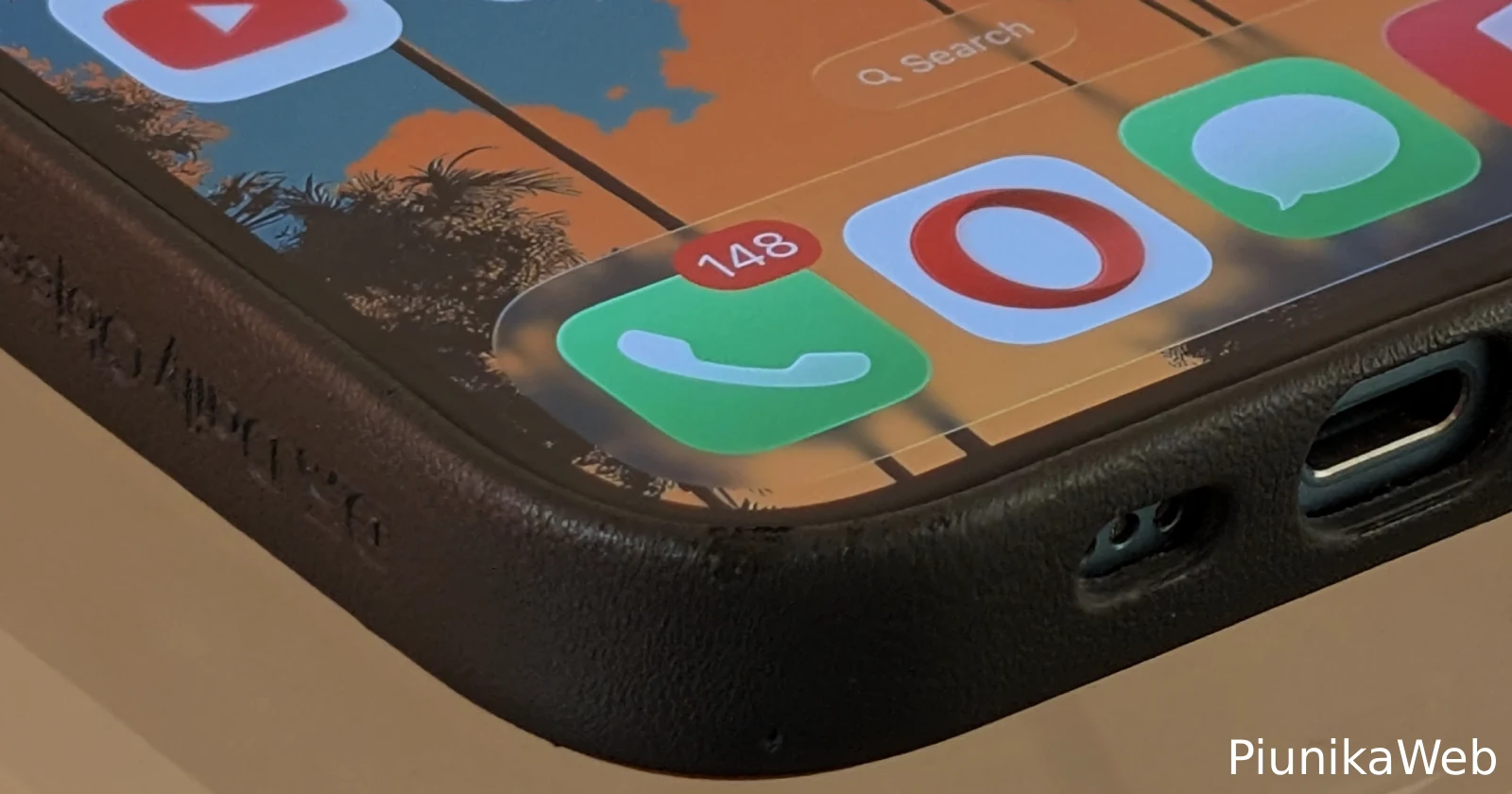
Ever since Apple rolled out iOS 26, iPhone users have been dealing with an annoying problem: calls going straight to voicemail without their phones even ringing. What makes it worse? Some people don’t even realize they’ve missed important calls until they check the Phone app manually. This adds to the growing list of iOS 26 headaches, including cellular connectivity problems and apps mysteriously disappearing that users have reported since the update dropped.
I ran into this myself when testing the iOS 26 beta. In my case, I figured out the culprit pretty quickly – it was the new ‘Screen Unknown Callers’ feature. I had it set to ‘Ask Reason for Calling’, and most people were just hanging up rather than explaining themselves. So technically, my phone wasn’t ringing because callers weren’t making it past the screening process.
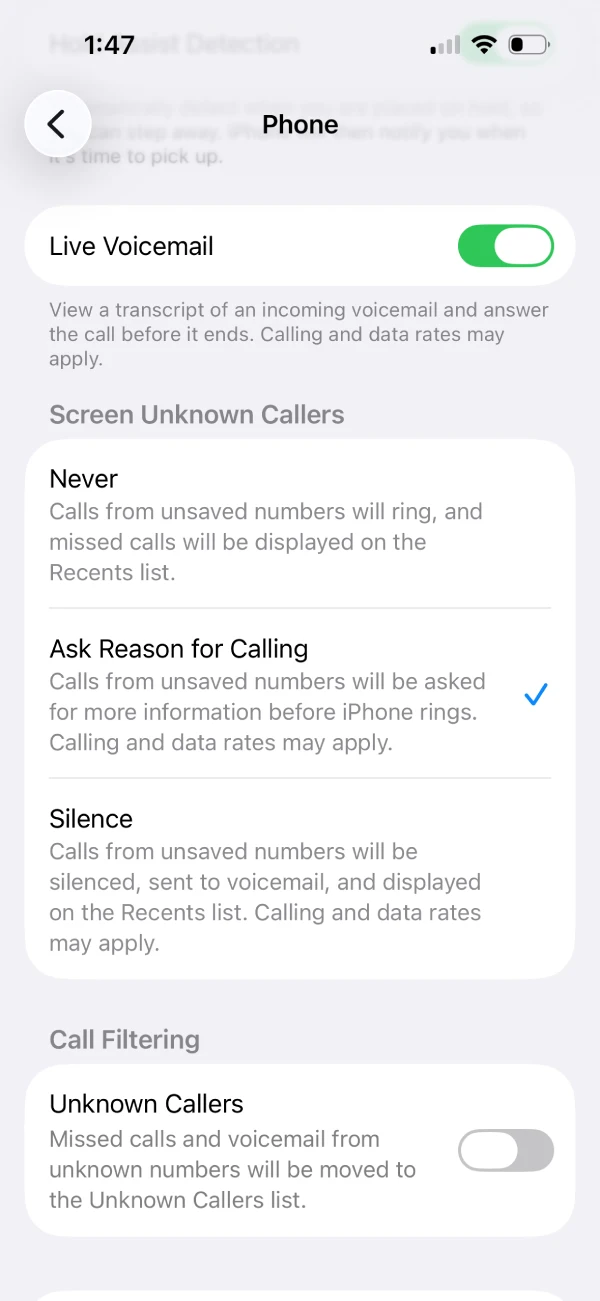
But here’s the thing: not everyone’s dealing with the same issue. Just a few days ago, tech YouTuber Mark’s Tech posted about their iPhone refusing to ring for incoming calls. When followers suggested turning off Screen Unknown Callers, they confirmed it was already disabled. Even weirder? People in their contacts list were going straight to voicemail too.
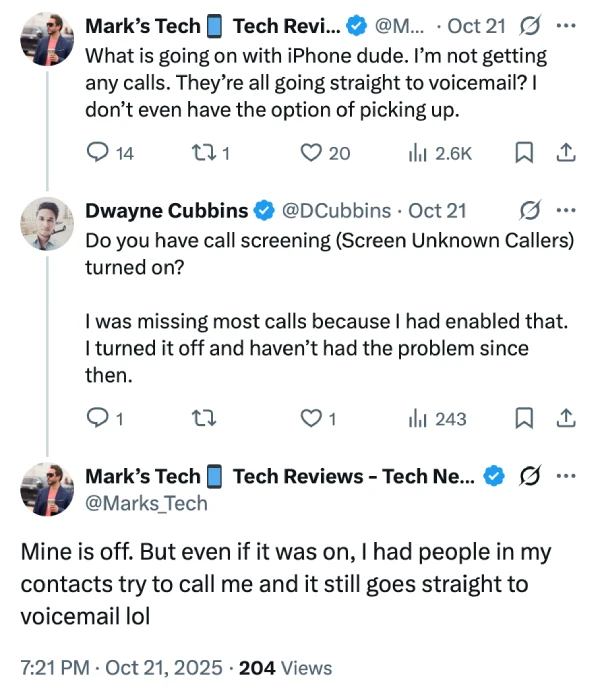
After some back-and-forth troubleshooting, another user named Robert suggested turning off Wi-Fi calling and testing with just cellular signal. That actually worked. According to Robert, this has been an issue since 2013 across different carriers. The problem seems to be a handoff confusion at the carrier level – when there are two paths to connect a call (Wi-Fi and cellular), the system gets mixed signals and the call gets rejected.
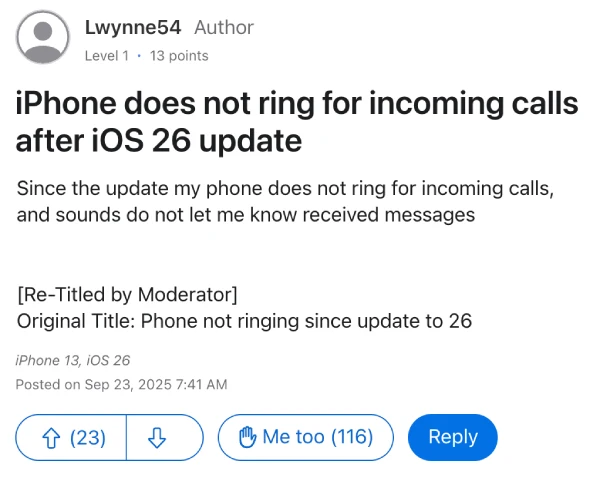
Over on the Apple Support Community, there’s a massive thread with 116 people reporting the same issue. The frustration is real – one user called it urgent after missing a critical phone call, while another pointed out the irony that these devices are still called “iPhones” when they can’t reliably receive calls.
The good news? Several workarounds have emerged from these discussions. One suggested fix involves the “Announce Calls” setting. Multiple users found success by going to Settings > Phone > Announce Calls and switching from “Headphones and Car” to “Always”. Some had to toggle it to “Never” first, back out, then switch it back to “Always” for the fix to stick properly.
Other people found relief through simpler solutions. Basic troubleshooting like restarting the phone worked temporarily for some, though the issue tends to come back after a few hours. There are also scattered reports on Reddit and additional threads (here, here, here, and here) of users experiencing similar problems or missing call notifications entirely, even when the call does technically come through.
If your phone’s acting up, here’s what you should try: first, check if Wi-Fi calling is causing problems by turning it off temporarily (Settings > Phone > Wi-Fi Calling). Then look at your Announce Calls setting and try the toggle trick mentioned above. Make sure Screen Unknown Callers isn’t blocking legitimate contacts. And if all else fails, restart your phone – though don’t be surprised if the problem creeps back.
Apple hasn’t officially addressed this yet, but given how many people are affected, hopefully a fix is coming soon. Until then, these workarounds might save you from missing that next important call.

Dwayne Cubbins
1788 Posts
My fascination with Android phones began the moment I got my hands on one. Since then, I've been on a journey to decode the ever-evolving tech landscape, fueled by a passion for both the "how" and the "why." Since 2018, I've been crafting content that empowers users and demystifies the tech world. From in-depth how-to guides that unlock your phone's potential to breaking news based on original research, I strive to make tech accessible and engaging.
Next article View Article
