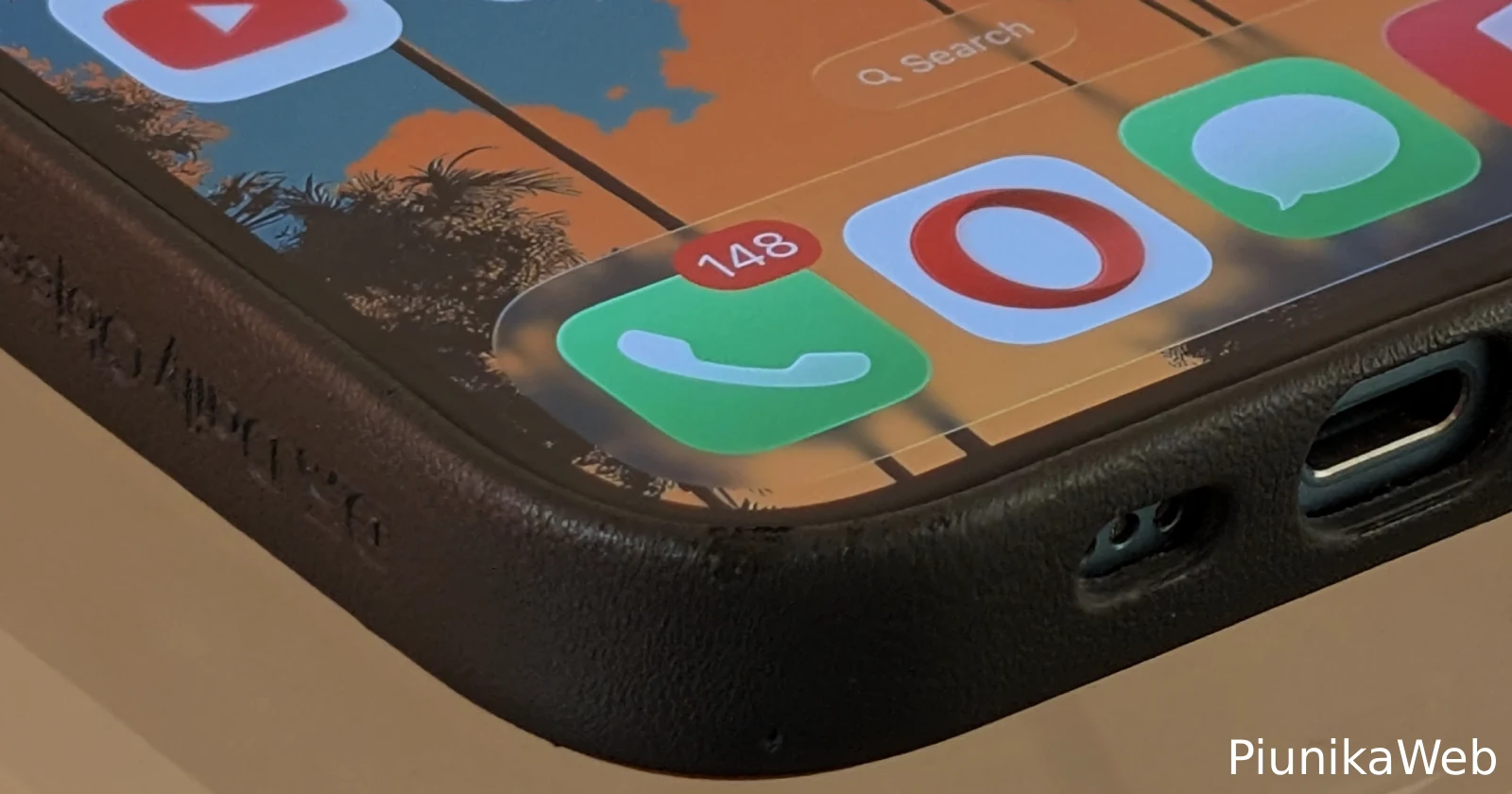
Apple’s iOS 26 update is causing serious headaches for iPhone users who suddenly can’t make calls or use cellular data. Despite having full signal bars, their phones are basically useless for anything requiring a network connection.
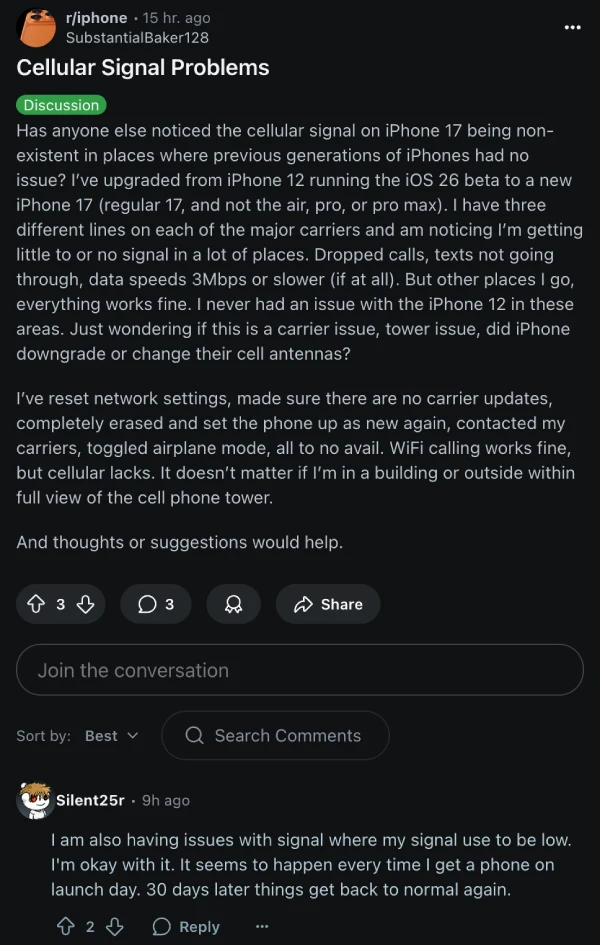
The complaints started rolling in almost immediately after the update went live. Reddit user SubstantialBaker128 summed up what many are experiencing: “I’ve upgraded from iPhone 12 running the iOS 26 beta to a new iPhone 17… I’m getting little to or no signal in a lot of places. Dropped calls, texts not going through, data speeds 3Mbps or slower (if at all).” They tried everything – network resets, carrier updates, even setting up the phone from scratch. Nothing worked.
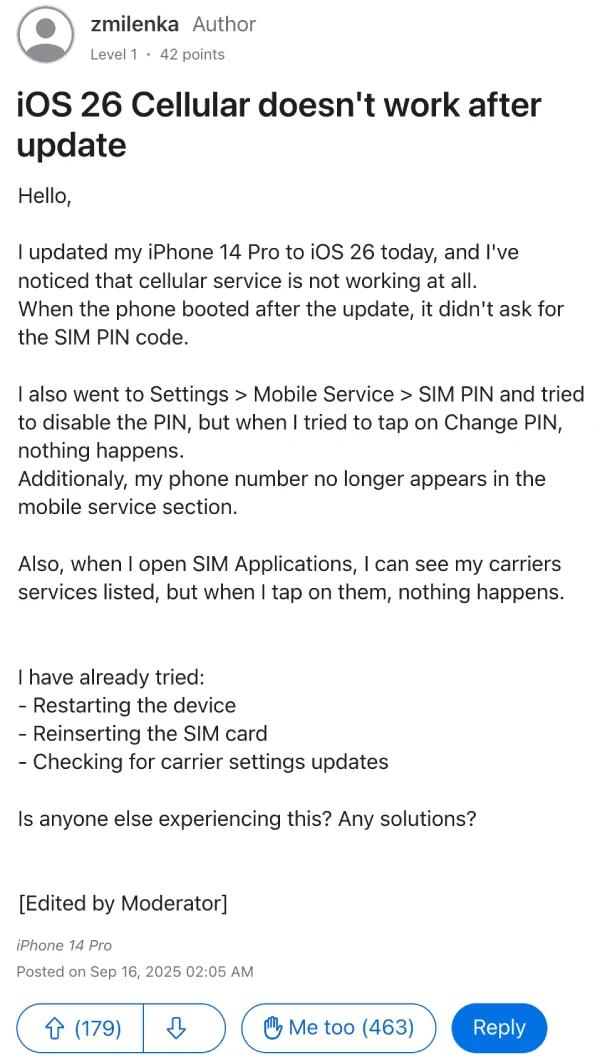
It’s not just the newest iPhones either. Over on Apple’s support forums, cellular connectivity on zmilenka’s iPhone 14 Pro went completely dead after updating. “When the phone booted after the update, it didn’t ask for the SIM PIN code,” they wrote. Their post now has 463 people saying “Me too” – which tells you how widespread this mess really is. Some users are even losing their phone numbers completely from the settings menu.
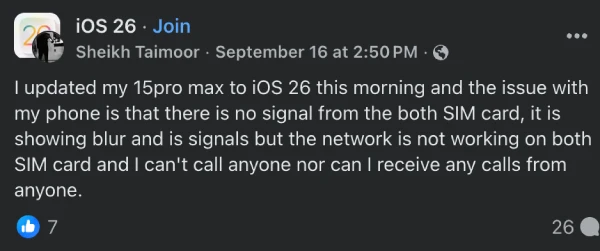
What’s really annoying is how random this bug seems to be. Some people can receive calls but can’t dial out and get a “Call failed” error. Others lose everything cellular-related, but WiFi works fine. Sheikh Taimoor posted on Facebook about his iPhone 15 Pro Max: “There is no signal from the both SIM card… I can’t call anyone nor can I receive any calls from anyone.”
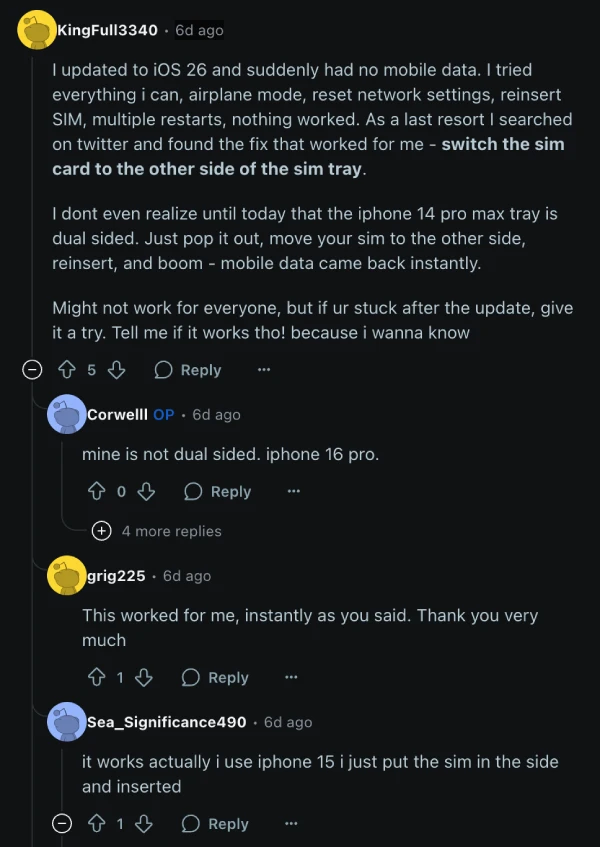
Here’s where things get weird though – people have found some fixes that actually work, even if they sound crazy. The strangest one involves messing with your SIM card placement. Reddit user KingFull3340 explained: “As a last resort I searched on twitter and found the fix that worked for me – switch the sim card to the other side of the sim tray.” Multiple iPhone 14 users confirmed this bizarre trick worked instantly for them.
Another fix that’s helping people with call failures is turning off Lockdown Mode. User zeynu97 discovered this by accident: “I found that ‘Lockdown Mode’ have been on, and I turned off it… Finally it worked.” The weird part? Most people don’t even remember turning this feature on.

For single-SIM devices, go into Cellular settings and toggle your eSIM or physical SIM on and off – this has worked for some users. Resetting network settings is another option, though you’ll have to re-enter all your WiFi passwords afterward.
This adds to the growing list of bugs with iOS 26. We’ve covered multiple iOS 26 issues, including user backlash over the liquid glass theme, spatial scene problems, iPadOS 26 keyboard bugs, and missing silent mode for the action button. It’s starting to look like this update was rushed out before being properly tested.
It’s pretty ridiculous that one of the most anticipated iOS updates can just break the most basic feature that makes a phone a “phone,” but here we are.


Dwayne Cubbins
3030 Posts
I cover fast-moving stories across apps, online platforms, and everyday tech — phones, wearables, consoles, and whatever else people are fighting with this week. Bugs, rollouts, scams, policy enforcement, and the occasional internet-culture rabbit hole are all fair game. My goal is simple — make confusing tech news readable. When I'm not working, I'm working out or chilling with my dog. Got a tip? You can find me on X @dcubbins.
Next article View Article