





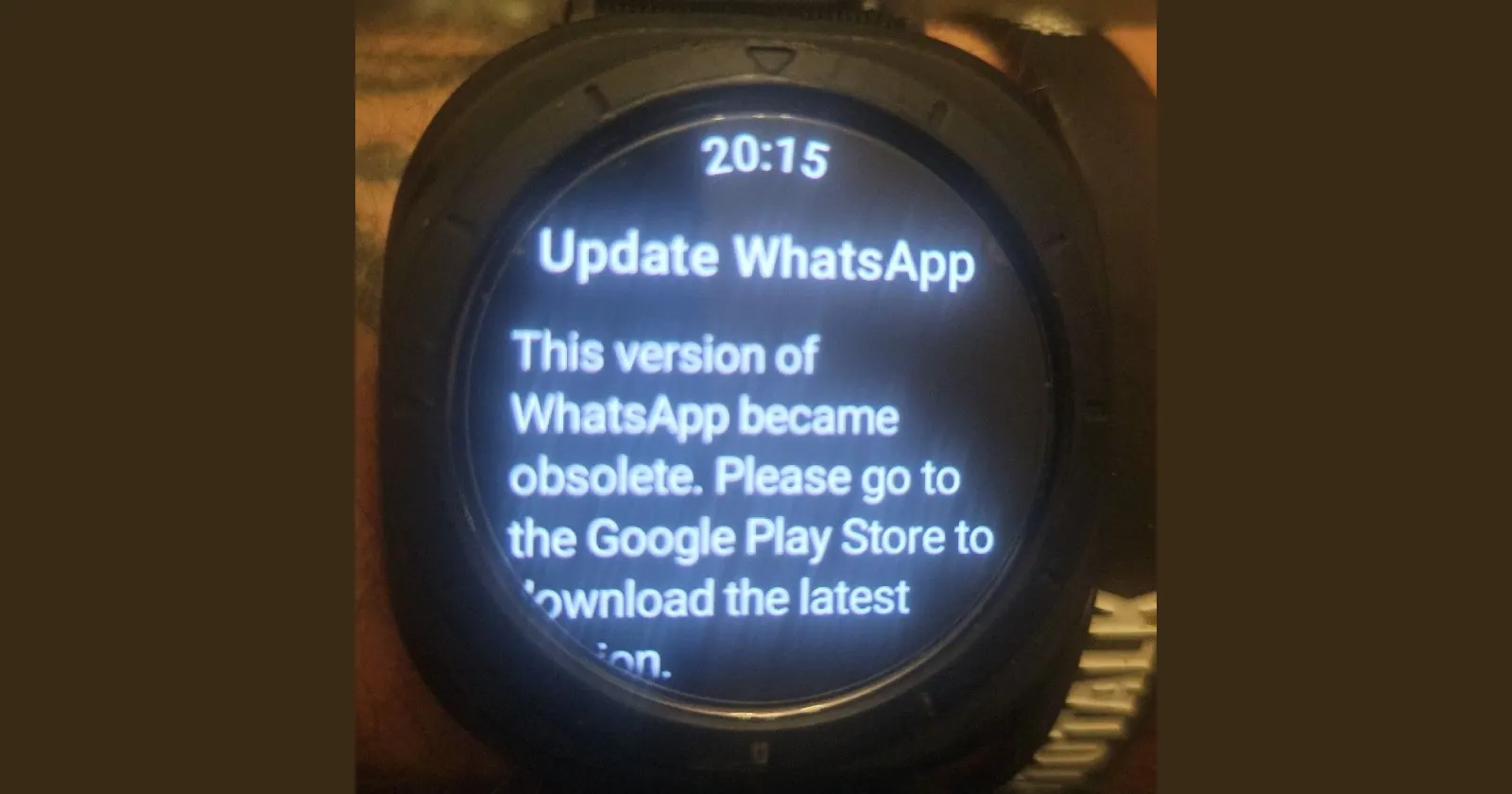
Update 09/10/25 – 09:30 am (IST): Multiple users have confirmed that WhatsApp is now working on their watches following the latest update. Some users have also reported success after installing the latest WhatsApp beta APK. For more information, a detailed guide is available here, should you be interested.
Feel free to let us know if the app is working for you too in the comments below.
Original article published on October 8, 2025, follows:
Many Galaxy Watch users are running into a weird bug with WhatsApp. The messaging app is throwing up error messages across multiple watch models, leaving people unable to access their chats despite the app claiming to be up to date.
The problem started popping up yesterday for many users, beginning with messages that stopped syncing properly between phone and watch. When people tried the usual fix of unlinking and relinking their devices, things got worse. Now opening WhatsApp on the watch either shows a “something went wrong” error or a message claiming the app version has become obsolete and needs updating through the Google Play Store.
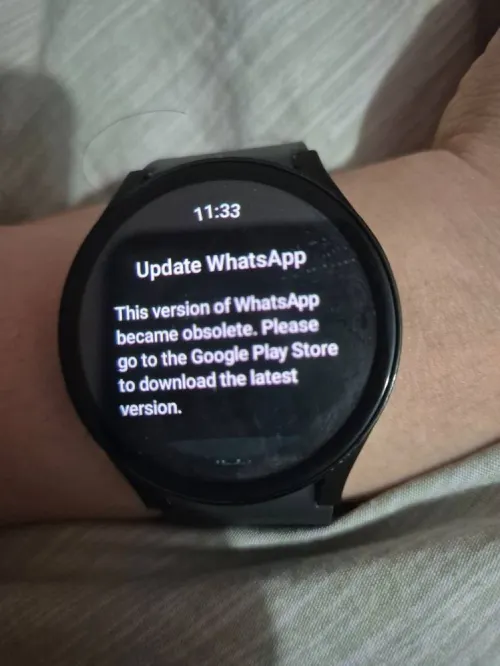
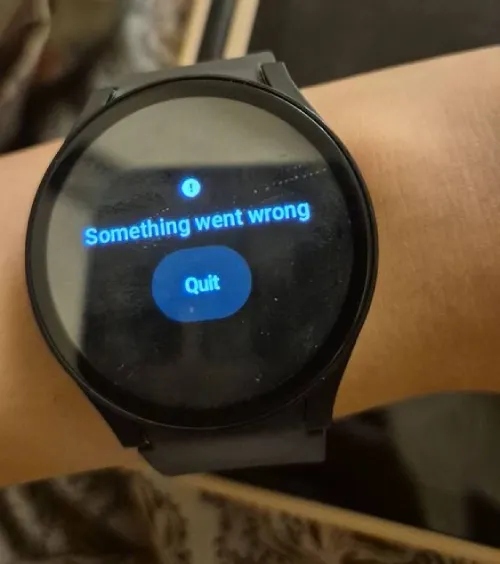
Here’s the problem: when users check the Play Store, there’s no update available. Multiple users on Reddit have confirmed they’re seeing version 2.25.26.74 as the latest, with no newer version to download. The problem isn’t limited to older models either. Reports are coming in from owners of the Watch 6, Watch 6 Classic, Watch 7, Watch 8, and even the Watch Ultra.
One user described trying everything in the troubleshooting playbook. They cleared cache data, wiped the watch’s cache partition, uninstalled and reinstalled the app multiple times on both devices, and even removed the companion link from their phone. Nothing worked. Another thread shows similar experiences, with people reporting the same dead end no matter what they try.
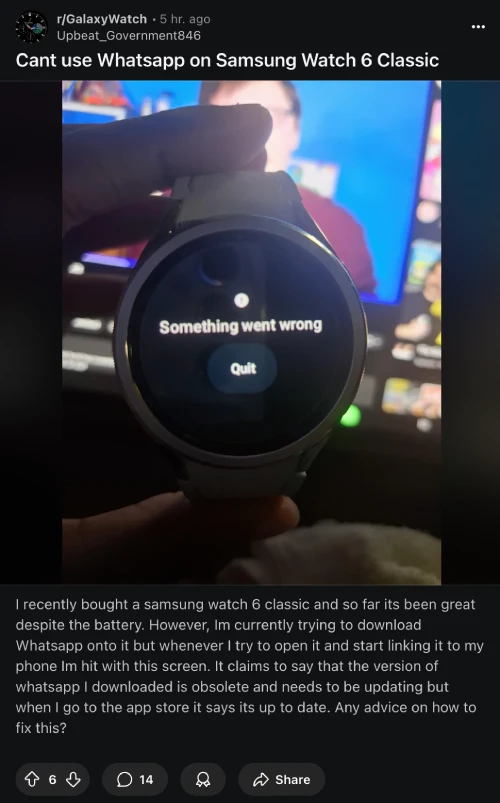
As expected, this situation is frustrating for users who rely on WhatsApp notifications on their watch to stay connected at work or in situations where pulling out a phone isn’t practical.
The issue appears to be affecting users globally. Reports from Samsung’s community forums and Facebook groups show the problem extending to users in Brazil, Mexico, Puerto Rico, and beyond. One user noted that WhatsApp Web still works on their laptop, but the standalone watch app remains broken. This suggests the issue is specifically with the Wear OS version of WhatsApp rather than account linking problems.
Interestingly, a handful of users report the app still working fine on their devices, though they’re definitely in the minority. The vast majority are stuck with an app that refuses to cooperate, showing error screens instead of their message threads.
For now, there’s no official fix. The issue appears to stem from WhatsApp’s end rather than Samsung’s, since it’s affecting the Wear OS app specifically. Users who need WhatsApp access on their wrist are stuck waiting for Meta to push out a proper update. Until then, the best anyone can do is leave feedback on the Play Store and hope the developer team notices the flood of complaints quickly.
This isn’t the first time WhatsApp has thrown users a curveball recently. Just days ago, people were dealing with a glitch that showed ‘new account’ alerts for all contacts, and before that, Android users reported a black shadow bug on image previews. WhatsApp Web users also had their own headaches when dark mode broke completely a few weeks back. It seems the app can’t catch a break across any platform these days.


Dwayne Cubbins
3108 Posts
I cover fast-moving stories across apps, online platforms, and everyday tech — phones, wearables, consoles, and whatever else people are fighting with this week. Bugs, rollouts, scams, policy enforcement, and the occasional internet-culture rabbit hole are all fair game. My goal is simple — make confusing tech news readable. When I'm not working, I'm working out or chilling with my dog. Got a tip? You can find me on X @dcubbins.
Next article View Article
