






WhatsApp Web seems to be having a lot of trouble lately. Earlier this month, we covered a bug with the platform that left users unable to scroll through their chats. Now, users are reporting that dark mode no longer works on the Web version of WhatsApp.
The complaints started flooding in a few hours ago, with users on Reddit describing the sudden shock of being “flashbanged” by WhatsApp’s bright white interface. They even joked about their retinas not having a good time, while another admitted they restarted their entire browser, thinking they’d somehow broken it themselves.
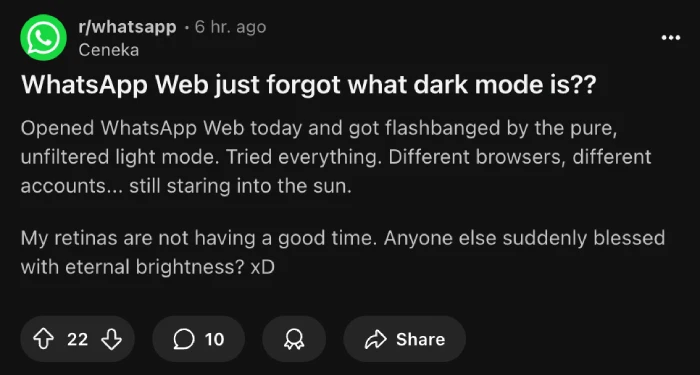
People who rely on dark mode during evening hours or those working in dim environments suddenly found themselves squinting at what one Reddit user called “this birth of the universe flash.” The problem appears widespread, affecting multiple browsers including Chrome, Firefox, Opera, and Edge.
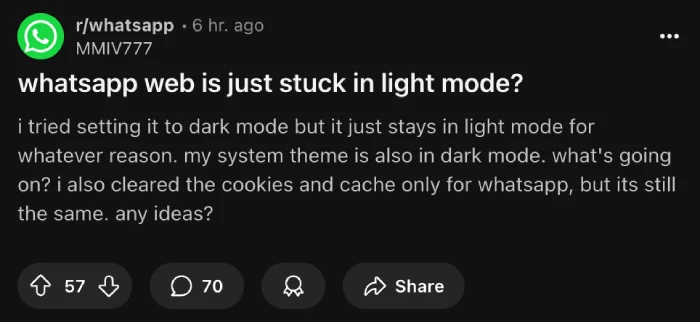
Users have tried the usual fixes. Clearing cookies and cache? Nope. Switching between different browsers? Still bright as the sun. Checking system-wide dark mode settings? Everything else works fine, except WhatsApp Web stubbornly refuses to acknowledge that dark themes exist.
The technical-minded folks on Reddit discovered a temporary workaround involving browser developer tools. By changing the CSS class from “color-refresh” to “color-refresh-dark,” users can manually force the dark theme back on. It’s not exactly user-friendly, but it beats burning your corneas every time you want to check a message.
Chrome users found another temporary solution by enabling “force dark mode” in chrome://flags, but even they admit it looks weird compared to WhatsApp’s actual dark mode implementation.
The good news? A couple of users in the Reddit threads mentioned the issue appears to be getting fixed, at least for some people.
I also could not reproduce the bug on the Comet browser on a Mac. Dark mode worked just fine for me. If you’re still stuck with the blinding light mode, try clearing your browser cache one more time or just wait it out.


Dwayne Cubbins
3046 Posts
I cover fast-moving stories across apps, online platforms, and everyday tech — phones, wearables, consoles, and whatever else people are fighting with this week. Bugs, rollouts, scams, policy enforcement, and the occasional internet-culture rabbit hole are all fair game. My goal is simple — make confusing tech news readable. When I'm not working, I'm working out or chilling with my dog. Got a tip? You can find me on X @dcubbins.
Next article View Article
