The tears are still flowing on Reddit. User ObliviousFoo posted a screenshot of Tahoe’s new app launcher with a simple message: “This Tahoe launchpad replacement kinda stinks.” The post has drawn over 1,000 votes and hundreds of comments from frustrated Mac users who’ve lost one of their favorite ways to organize and access applications.
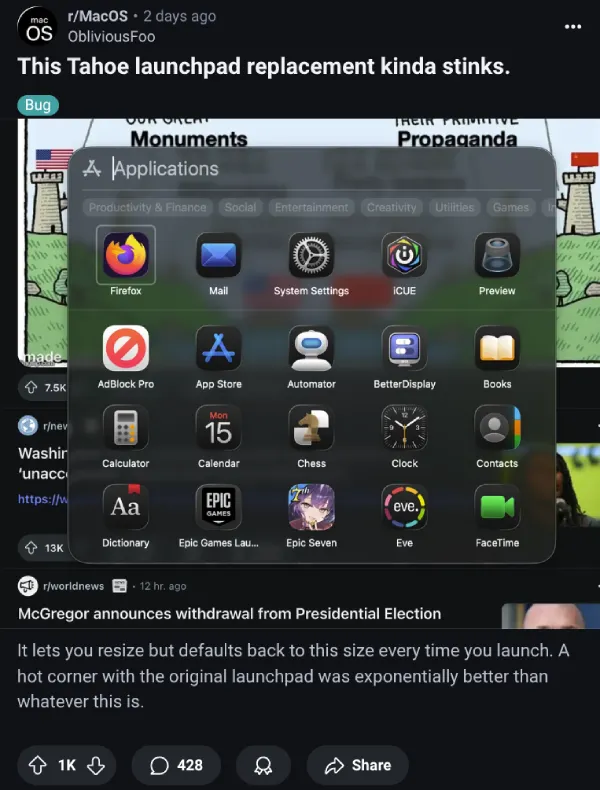
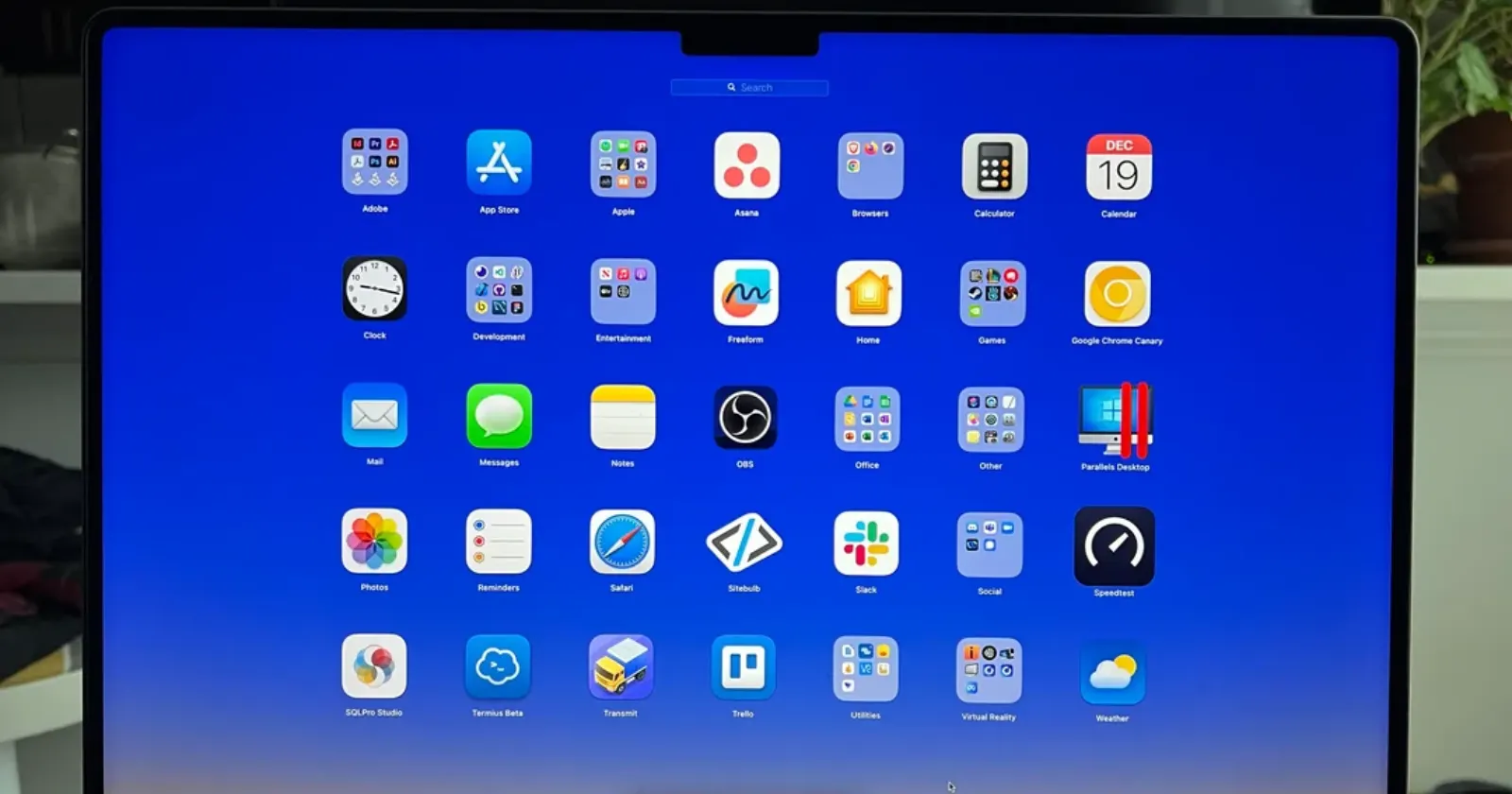
Apple quietly killed off Launchpad in its macOS 26 Tahoe release, replacing it with a cramped “Apps” view that appears when users click the rocket ship icon in the dock. What once offered customizable folders, gesture support, and full-screen organization has become a basic list view that resets to default sizing every time it opens. For many users, it feels like losing a digital home screen they’d spent years perfecting.
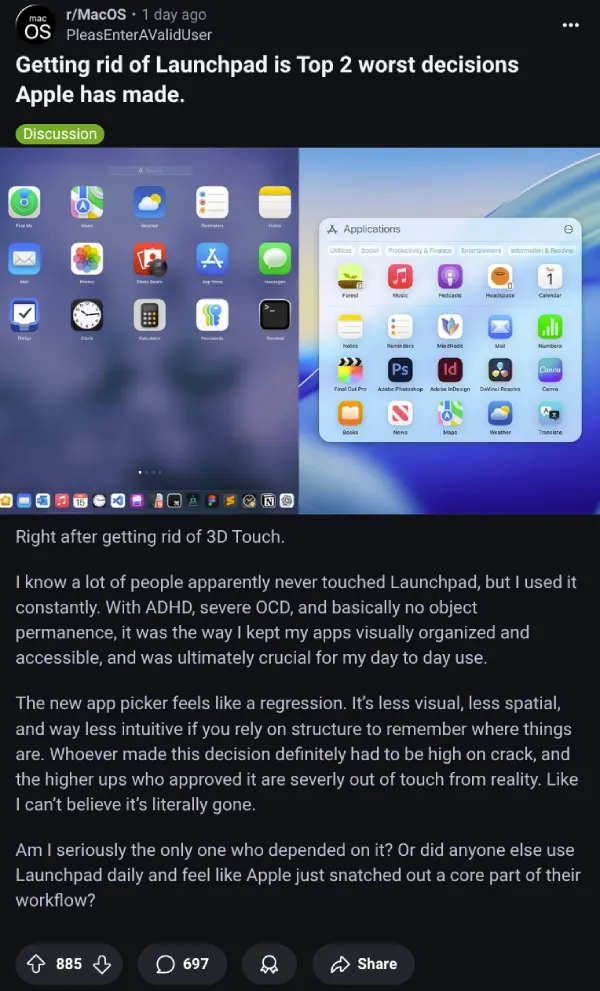
“I had my dedicated folder on the launchpad for crossover steam games,” wrote Reddit user ijuatcham. Many others who built intricate organizational systems around Launchpad’s folder structure can relate to the frustration. The new system doesn’t just remove folders – it throws everything together in one messy pile. Crossover apps, Parallels Desktop applications, Adobe plugins, and even iPhone apps all jumble together in what users describe as visual chaos.
And it’s not just Reddit. Complaints are popping up everywhere. Swift developer @SwiftDev_UI shared their frustration on X: “Did someone build a launchpad for Tahoe? It’s driving me nuts, I always knew where the infrequently used apps were. Now I have to remember the name and start typing to find it.”
Some Mac users are fighting back with workarounds and third-party solutions. Developer Sergey Newton quickly created LaunchMe, a Launchpad replacement that promises the customization Apple removed. On Threads, he demonstrated his app’s ability to hide unwanted applications like Adobe plugins, addressing one of users’ biggest complaints about the original Launchpad.
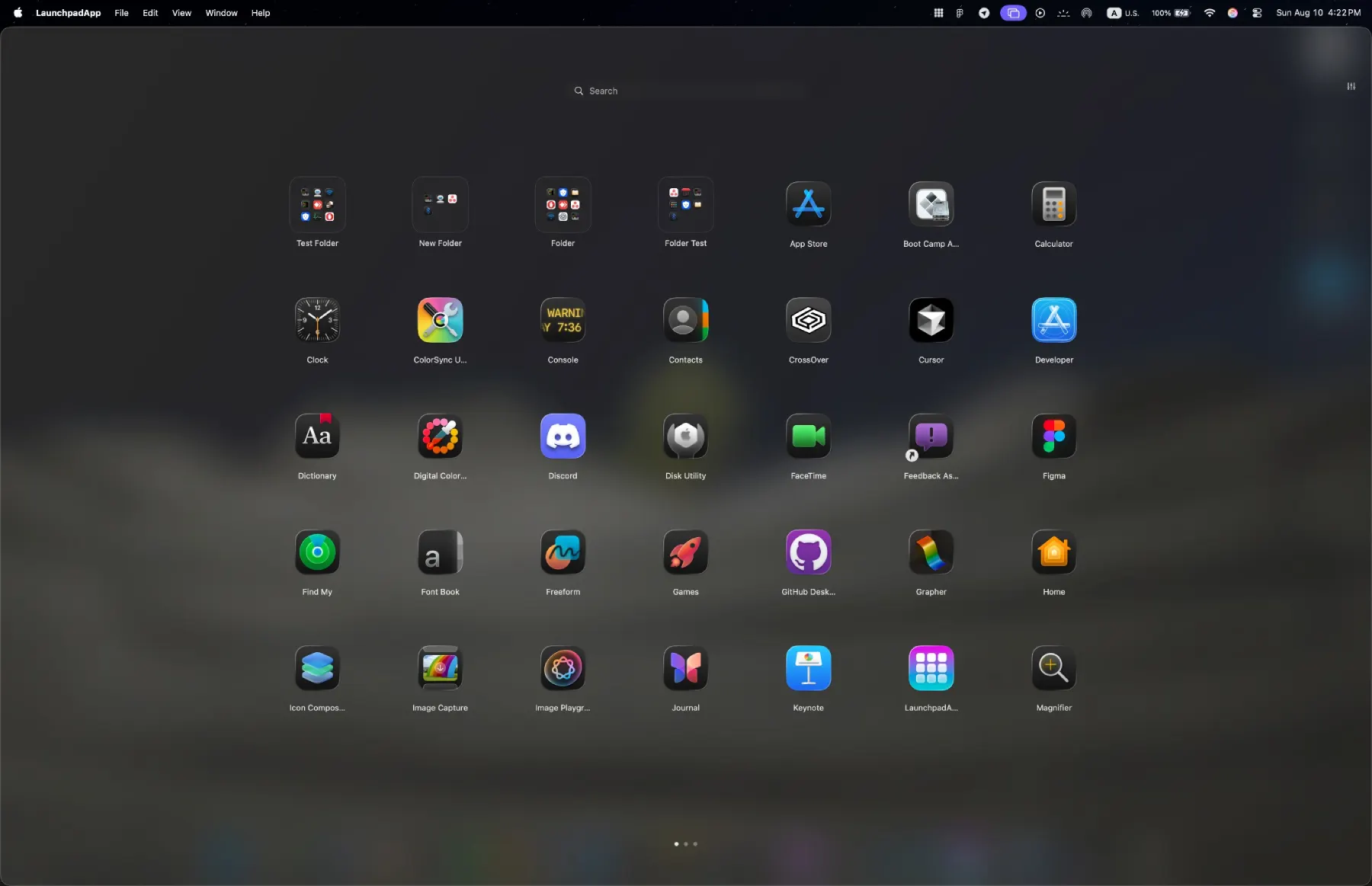
The app is still not officially available, but you can try your luck by reaching out to Sergey on Threads to see if you can get early access.
Apple’s decision appears driven by a desire to unify the Mac experience around Spotlight search, but the execution has left long-time users feeling abandoned. The new Apps view offers no gesture support, limited resizing options, and strips away the organizational freedom that made Launchpad special for power users who preferred visual app management over text-based searching.
While some users have adapted to using the Applications folder in Finder with grid view as Apple suggested, this solution doesn’t work for web apps created in Safari or provide the same quick-access experience. As one Reddit commenter noted, “that’s a poor substitute” that lacks the freedom and customization options users had grown to depend on.
For now, those users are left mourning what they’ve lost while searching for alternatives to recreate the experience Apple took away.
That said, it’s not just Mac users who are frustrated with the new software. Apple’s new Liquid Glass design language has left countless iPhone users who’ve upgraded to iOS 26 also furious. So it seems Apple has a lot of work on its plate to help make the new OS more welcoming for people who don’t like drastic changes.
Featured image credit: msitarzewski / Reddit


Dwayne Cubbins
3113 Posts
I cover fast-moving stories across apps, online platforms, and everyday tech — phones, wearables, consoles, and whatever else people are fighting with this week. Bugs, rollouts, scams, policy enforcement, and the occasional internet-culture rabbit hole are all fair game. My goal is simple — make confusing tech news readable. When I'm not working, I'm working out or chilling with my dog. Got a tip? You can find me on X @dcubbins.
Next article View Article