





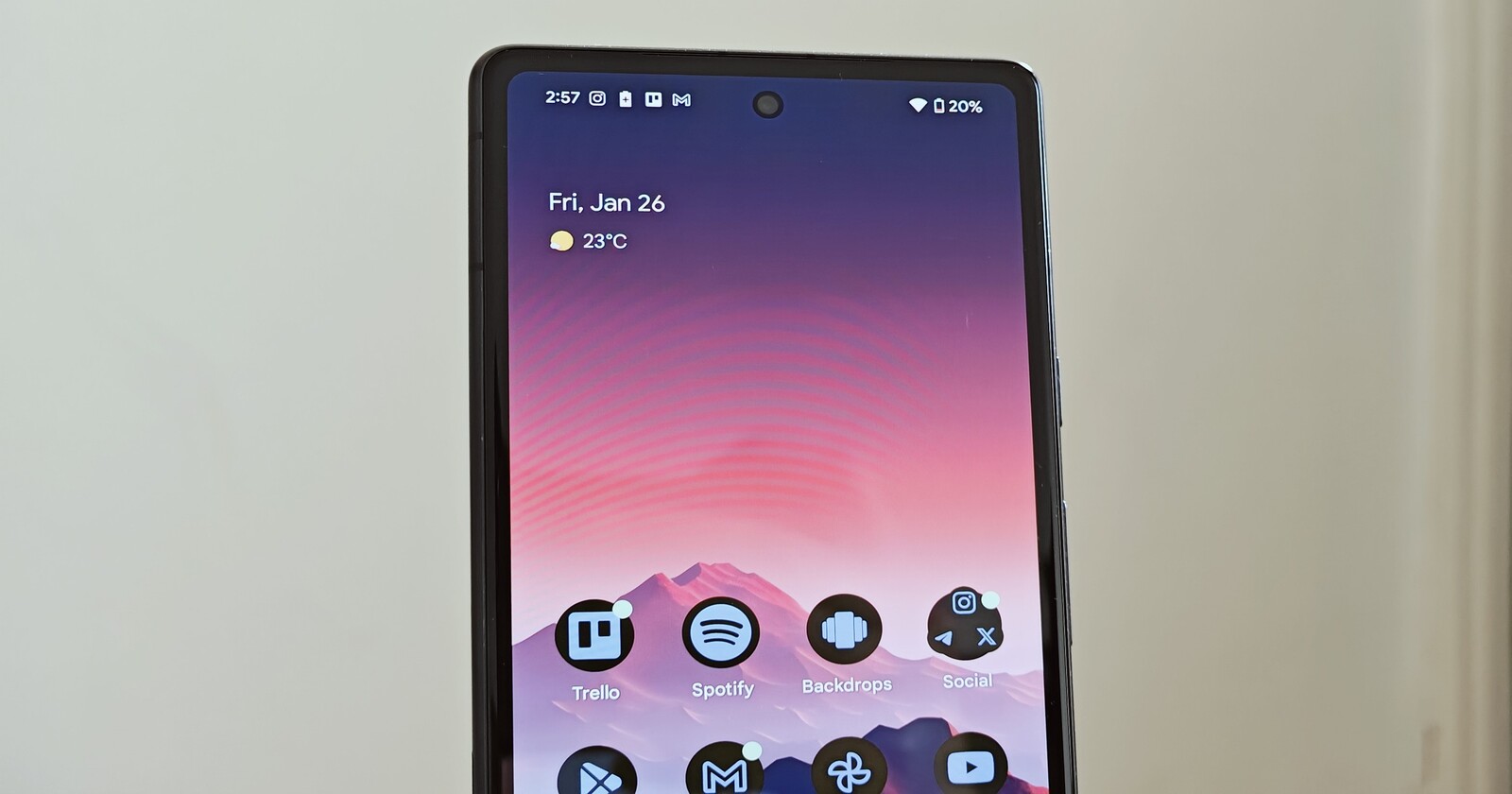
Google’s Pixel Weather app is getting another smart tweak, and this one’s all about giving users more control over their saved locations. Hot on the heels of finally letting you switch between Celsius and Fahrenheit without changing your entire phone’s language, Google is now tackling another common gripe — how the app handles saving new locations.
In the current version of the Pixel Weather app, simply checking the forecast for a city automatically adds it to your saved locations. While convenient for some, this setup often leaves users with a cluttered list of places they had no intention of keeping around. But Google has a fix in the works.

With update v1.0.20250106, Google is revamping the way you search for and save locations. The familiar floating “+” button will be swapped out for a search icon, streamlining the process. More importantly, just viewing the weather for a city won’t automatically save it to your list anymore. Instead, when you search for a location, a new “+” button will appear next to each result, letting you manually add only the cities you actually want. If you tap on a city to check its forecast, you’ll get a simple prompt at the bottom of the screen asking if you’d like to save it — no more unexpected clutter!
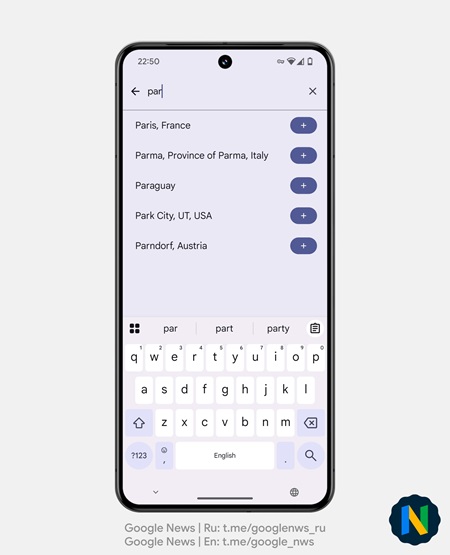
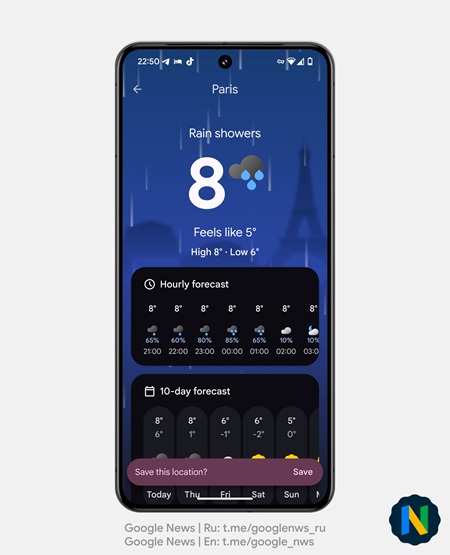
While this change is part of the latest app update, it won’t be enabled by default just yet. Google is likely testing the waters before rolling it out more broadly in the coming months.
This update may seem small, but it’s another step toward making the Pixel Weather app more intuitive and user-friendly. Whether you’re a frequent traveler or just someone who likes to keep an eye on different cities, this tweak puts you back in control of your weather watchlist. Stay tuned for when this new behavior becomes the default — your saved locations will thank you.


Hillary Keverenge
2683 Posts
Tech has been my playground for over a decade. While the Android journey began early, it truly took flight with the revolutionary Lollipop update. Since then, it's been a parade of Android devices (with a sprinkle of iOS), culminating in a mostly happy marriage with Google's smart home ecosystem. Expect insightful articles and explorations of the ever-evolving world of Android and Google products coupled with occasional rants on the Nest smart home ecosystem.
Next article View Article
