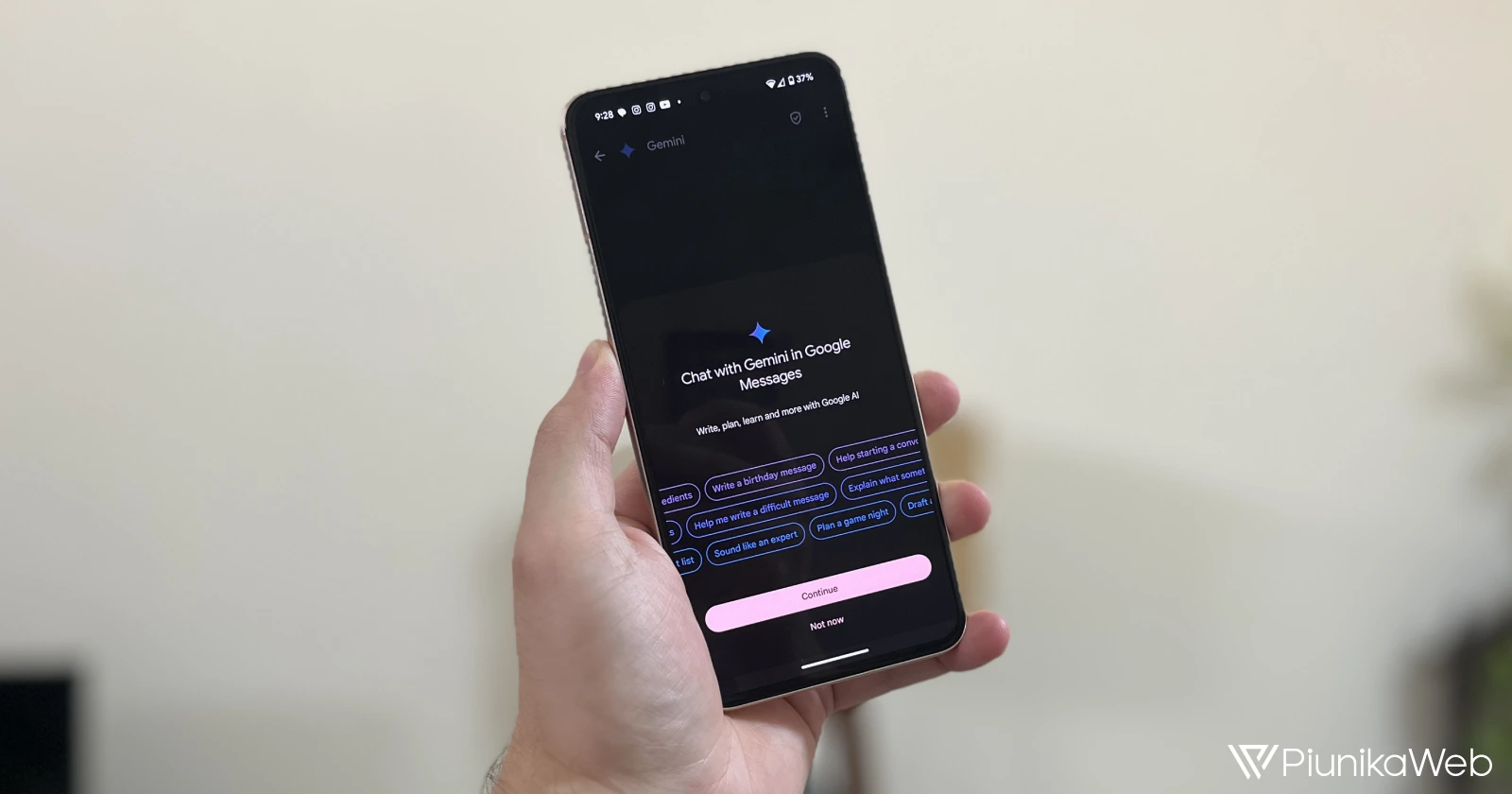
If you’ve been using Google Messages lately, you might have noticed a new addition to your notifications: a friendly greeting from Gemini. The AI assistant is now sending out welcome messages to users who haven’t yet interacted with it. If you’re yet to check it out, here’s a handy guide to help you turn Gemini in Messages on and off.
In a recent update, Gemini popped up in the app with a message saying, “Hi, I’m Gemini in Google Messages. Chat with me to draft messages, brainstorm ideas, plan events or simply have a fun conversation.” It’s like a virtual high-five from your friendly neighborhood AI.
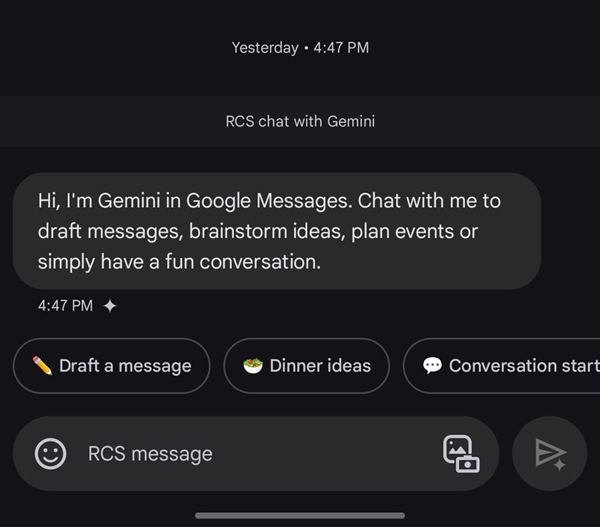
While the welcome message is a nice touch, it’s not for everyone. If you’re not interested in chatting with Gemini in Google Messages, you can easily disable it from your settings. But for those who are curious about what Gemini can do, it’s a convenient way to get started.
And here’s a little bonus: Google Messages has also made a subtle change to its Magic Compose feature. The “Rewrite” option is now located in the plus menu, giving you a bit more space to craft your messages. It’s a small but welcome improvement.
So, whether you’re ready to dive into a conversation with Gemini or simply want to explore the latest features of Google Messages, there’s something new to discover.


Hillary Keverenge
2723 Posts
Tech has been my playground for over a decade. While the Android journey began early, it truly took flight with the revolutionary Lollipop update. Since then, it's been a parade of Android devices (with a sprinkle of iOS), culminating in a mostly happy marriage with Google's smart home ecosystem. Expect insightful articles and explorations of the ever-evolving world of Android and Google products coupled with occasional rants on the Nest smart home ecosystem.
Next article View Article