





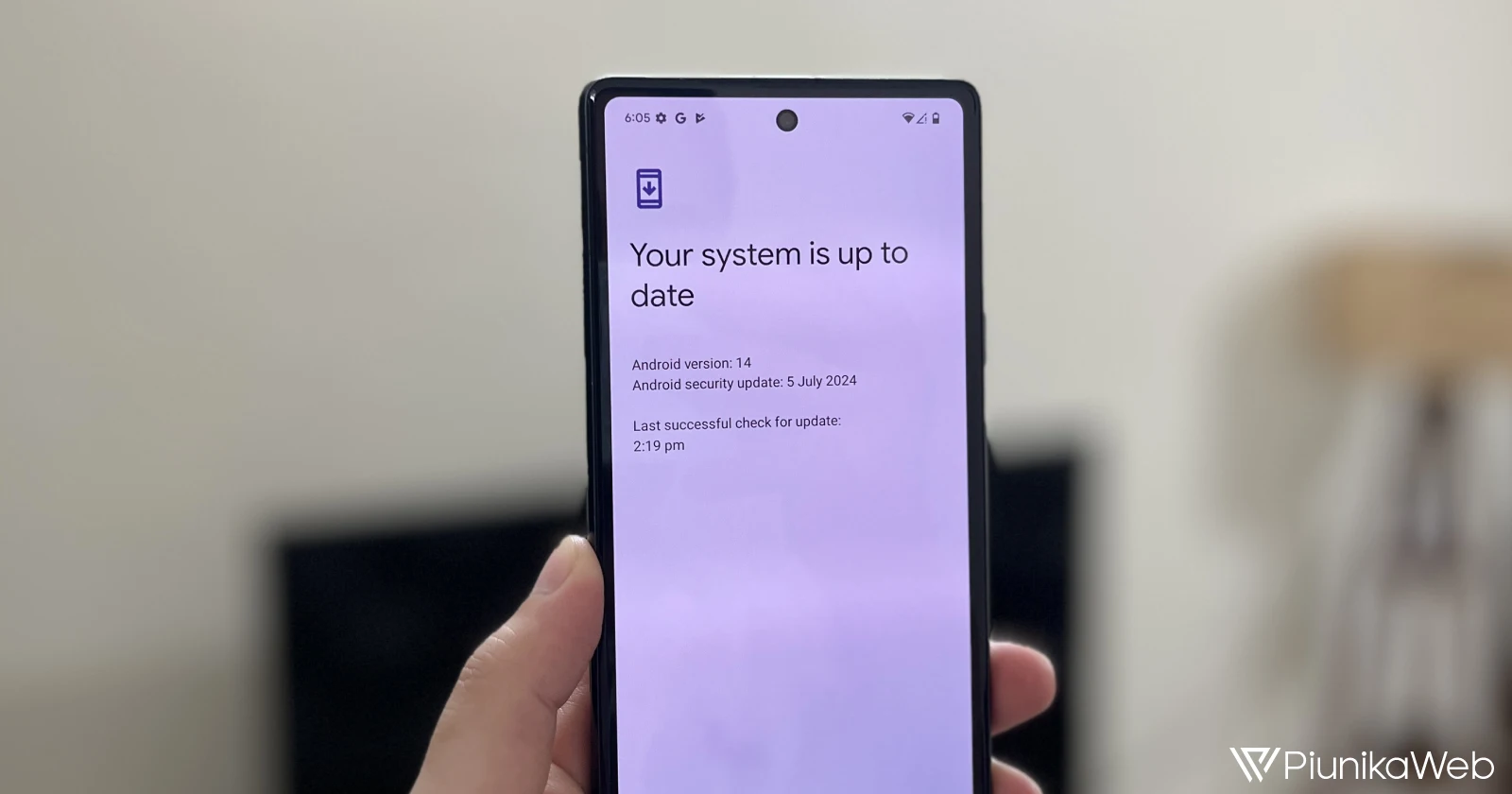
Google has released the July Android security patch for its lineup of Pixel devices. This update follows last month’s significant Pixel Feature Drop and is seemingly a minor release primarily focused on bug fixes.
The update is rolling out to a wide range of Pixel devices, including the Pixel 5a, Pixel 6 series, Pixel 7 series, Pixel 8 series, Pixel Fold, and Pixel Tablet. It’s worth noting that the Pixel 5a is nearing the end of its update cycle, with its final scheduled update set for August 2024.
Most devices will receive build number AP2A.240705.004, while the Pixel 8 series gets a slightly different version, AP2A.240705.005. There’s also a separate build for Telus Australia users of the Pixel 8, 8 Pro, and 8a (AP2A.240705.005.A1).
The July update brings several improvements and fixes. Here are the release notes (check the ‘Device applicability’ list for reference):
Camera
General improvements for camera stability under certain conditions *[2]
System
General improvements for system stability and performance in certain conditions *[3]
User Interface
Fix for back gesture navigation not working in certain conditions *[1]
Device applicability
*[1] Pixel 5a (5G), Pixel 6, Pixel 6 Pro, Pixel 6a, Pixel 7, Pixel 7 Pro, Pixel 7a, Pixel 8, Pixel 8 Pro, Pixel Fold, Pixel Tablet
*[2] Pixel 8 Pro, Pixel 8
*[3] Pixel 8 Pro, Pixel 8, Pixel 8a
While the update is relatively minor compared to last month’s feature drop, it’s still important for keeping your Pixel device secure and running smoothly.
You can check for the update by going to Settings > System > System update on your Pixel devices. Alternatively, for those who prefer not to wait, manual update options are available through factory images or OTA files, though this method requires some technical know-how.

Dwayne Cubbins
1804 Posts
My fascination with Android phones began the moment I got my hands on one. Since then, I've been on a journey to decode the ever-evolving tech landscape, fueled by a passion for both the "how" and the "why." Since 2018, I've been crafting content that empowers users and demystifies the tech world. From in-depth how-to guides that unlock your phone's potential to breaking news based on original research, I strive to make tech accessible and engaging.
Next article View Article
