





Google is expanding the availability of its AI-powered Magic Editor feature to older Pixel smartphones, allowing users to leverage advanced editing capabilities within the Google Photos app.
Last month, Google announced plans to make Magic Editor and several other AI-powered tools available for free to all Android and iOS users. While initially exclusive to the recently launched Pixel 8 and Pixel 8 Pro, the rollout has now commenced for older Pixel devices.
I’m seeing some reports about Magic Editor rolling out for older Pixel devices, such as the Pixel 7 Pro. However, many have also confirmed that they still don’t have the feature, even with the latest Google Photos update. I’ve also not received Magic Editor on my Pixel 7a yet. So it’s clear that the rollout is happening gradually and might take days or weeks to finish.
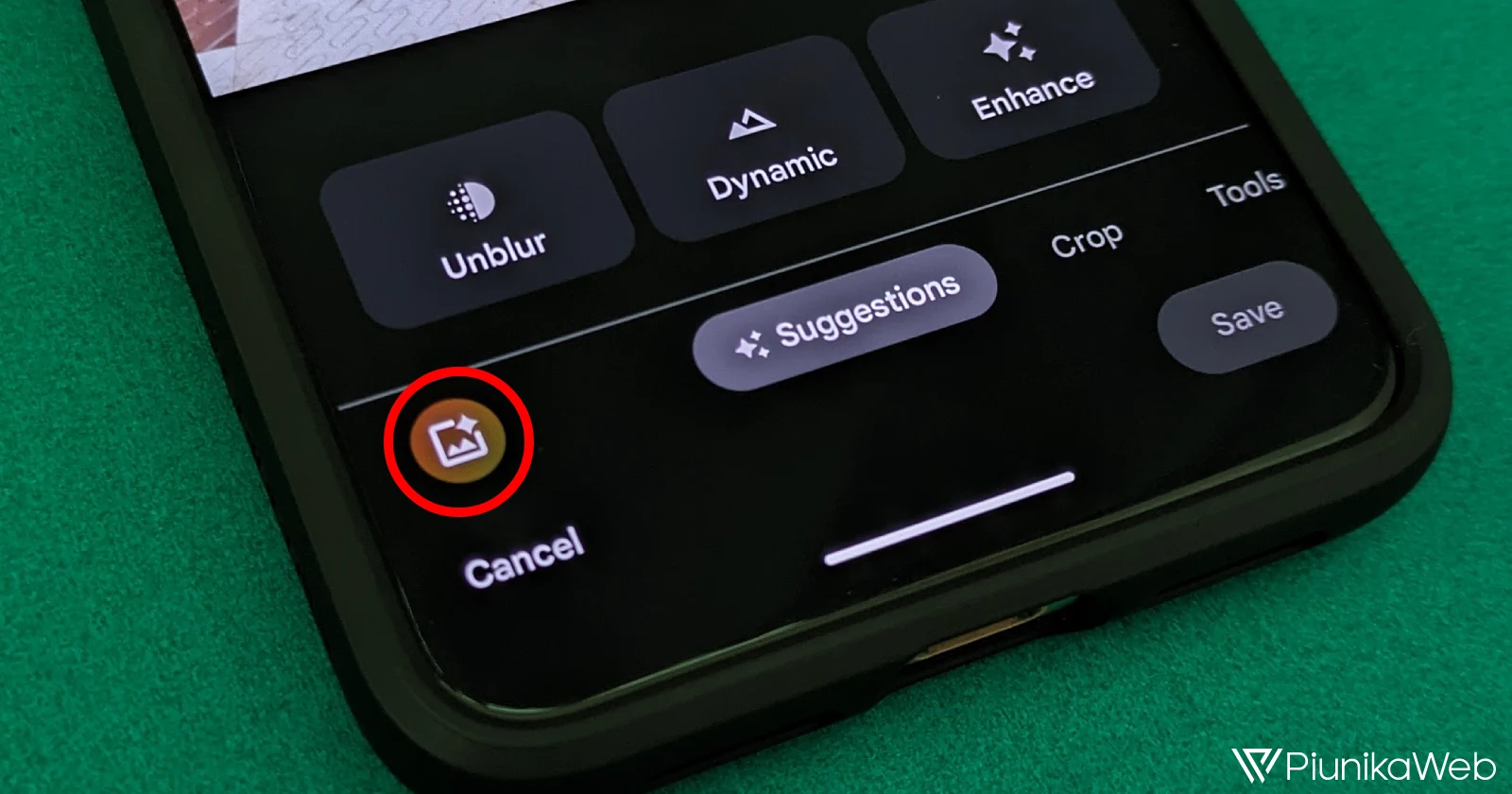
Magic Editor enables users to move, resize, or erase specific elements within an image, as well as apply contextual presets such as “Sky,” “Golden Hour,” and “Stylized.” The feature is accessible through a pulsating “Magic Editor” button located in the bottom-left corner of the photo editing interface within Google Photos.
For non-Pixel users, Google Photos will offer a limited number of 10 Magic Editor library saves per month. To make additional edits, users will need to subscribe to a Google One Premium plan (2TB or higher) or own a Pixel device. You can check out our guide on how to use Magic Editor that should help you get started.
The rollout of Magic Editor and other AI-powered editing tools is expected to occur gradually “over the coming months,” as stated by Google. These tools were previously available only to Google One subscribers, but the company has decided to make them accessible to all users.
In addition to Magic Editor, Google Photos users will also gain access to features like Magic Eraser, Unblur, Sky Suggestions, Color Pop, HDR effect for photos and videos, Portrait Blur, Portrait Light adjustments, Cinematic Photos, Styles in Collage Editor, and Video Effects.


Dwayne Cubbins
3104 Posts
I cover fast-moving stories across apps, online platforms, and everyday tech — phones, wearables, consoles, and whatever else people are fighting with this week. Bugs, rollouts, scams, policy enforcement, and the occasional internet-culture rabbit hole are all fair game. My goal is simple — make confusing tech news readable. When I'm not working, I'm working out or chilling with my dog. Got a tip? You can find me on X @dcubbins.
Next article View Article
