





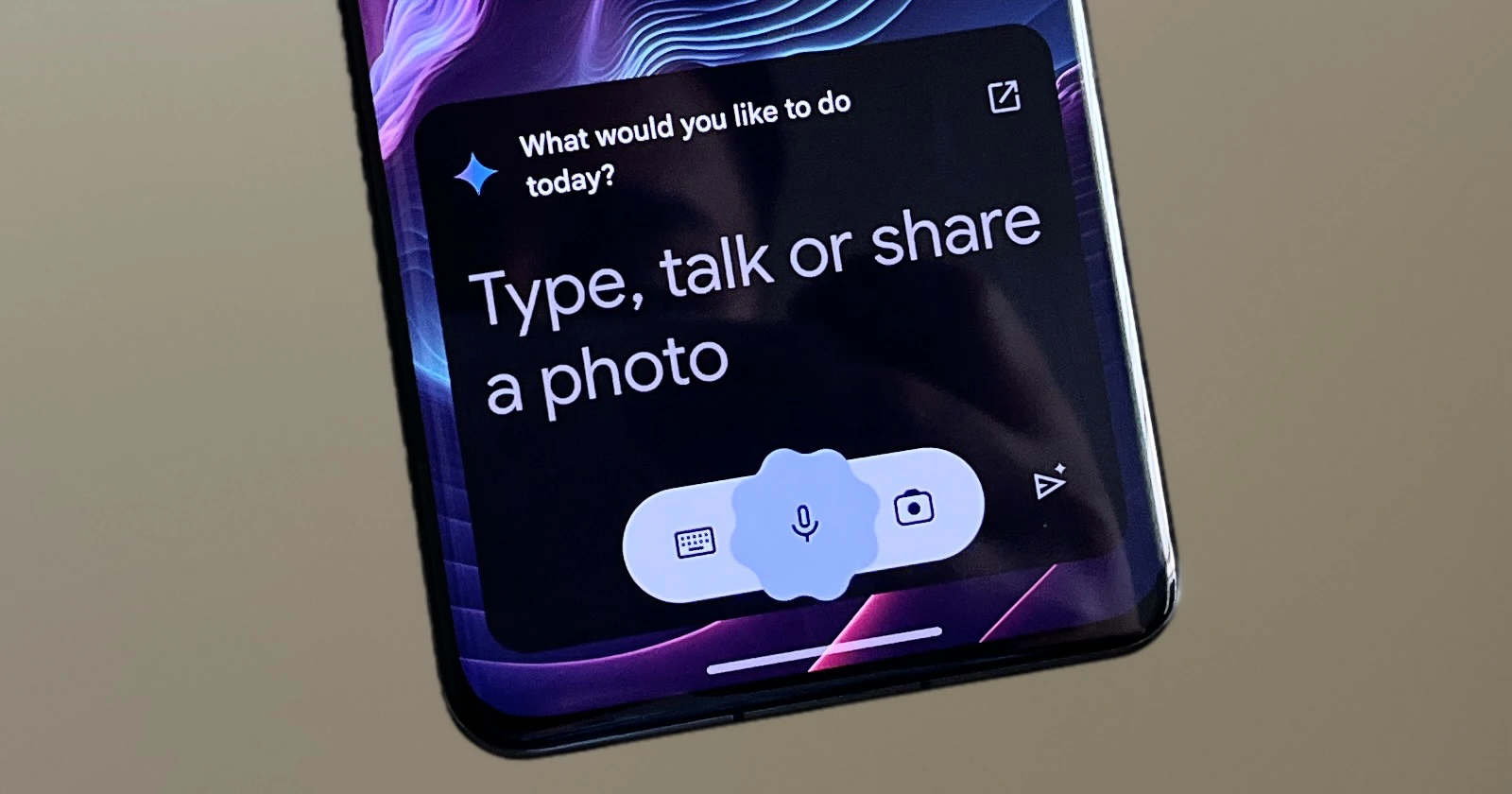
Android users who frequently use the Gemini virtual assistant while working in other apps will soon enjoy a much more seamless multitasking experience. Currently, when you invoke Gemini while using another app, the assistant opens a new screen to provide its response, temporarily obscuring the app in the background. Here’s a screenshot for reference:
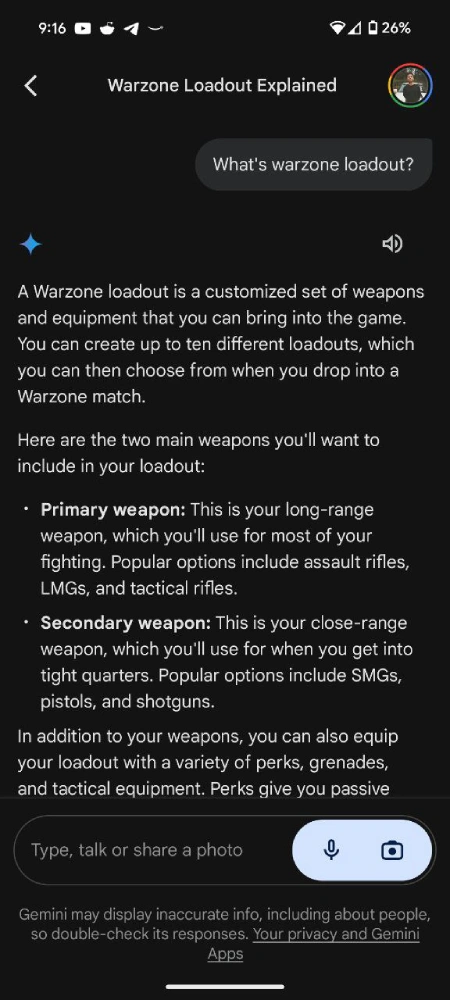
However, a new update is on the way that will allow Gemini to provide responses without opening a new window or screen every time you ask something to it, enabling you to continue seeing the app behind it while receiving assistance from Gemini. Although, if the answer is a long one, you will be able to see the contents by scrolling up. This clever new windowed mode was spotted by code-sleuth AssembleDebug who manually activated it. The individual also shared a recording demonstrating the functionality with PiunikaWeb. Check it out below:
By having Gemini operate in a floating window, you’ll no longer need to switch back and forth between the assistant and your other apps constantly. You can easily glance at Gemini’s responses while keeping your primary app in view and continue your workflow uninterrupted. This enhances the user experience and is similar to how Google Assistant worked.
The discovery confirms the useful feature is in active development. Android users can expect a more seamless AI assistant experience in the coming weeks or months. What you might also notice in the video shared above is the real-time responses function that’s also expected to make its way to Gemini.


Dwayne Cubbins
3104 Posts
I cover fast-moving stories across apps, online platforms, and everyday tech — phones, wearables, consoles, and whatever else people are fighting with this week. Bugs, rollouts, scams, policy enforcement, and the occasional internet-culture rabbit hole are all fair game. My goal is simple — make confusing tech news readable. When I'm not working, I'm working out or chilling with my dog. Got a tip? You can find me on X @dcubbins.
Next article View Article
