





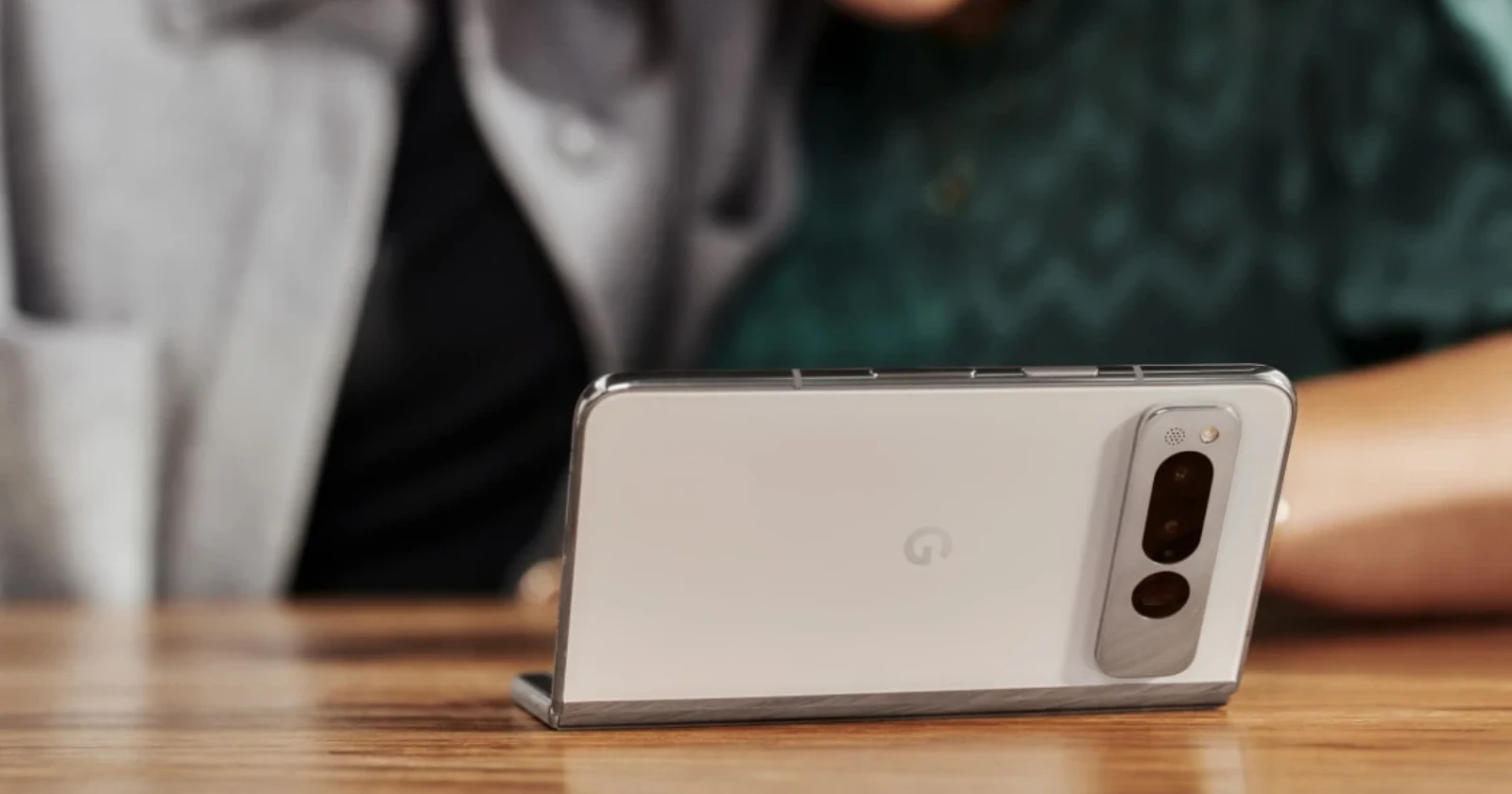
Microsoft has brought an exciting new capability to its Link to Windows app, delivering the ability of using compatible Android phones or tablets as webcams for your Windows 11 PC. This enables you to use your smartphone for video calls, conferences, or upgrading your streaming setup.
If you own a Google Pixel phone, chances are you already appreciate its impressive camera capabilities. Now, you can put that same camera quality to work on your Windows PC. For those unaware, the December 2023 drop brought the ability to use your Pixel as a webcam.
With the Link to Windows integration, you’ll gain the ability to use your Pixel phone’s high-quality camera as webcam for crystal-clear video on your PC. Switch effortlessly between the front and back cameras to adjust your perspective during calls or presentations. Plus, ditch the wires and enjoy the flexibility of having a wireless webcam setup. The app will also let you select video effects, such as HDR.
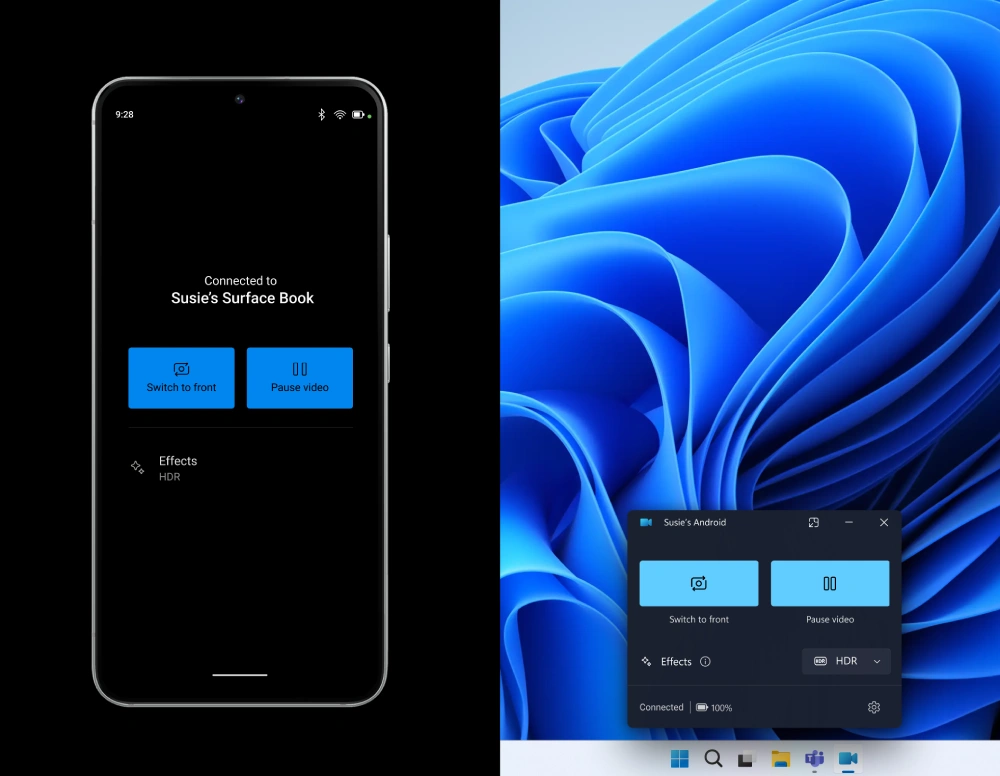
To get started, ensure you have a Windows 11 PC and are part of any of the Windows Insider channels. You’ll also need an Android phone running Android 9.0 or later and version 1.24012 or higher of the Link to Windows app installed. Setting up the connection is simple – head to the Bluetooth & Devices settings on your PC, grant connection permissions, and an update to the Cross Device Experience Host app will install automatically.
Please note that the ability to use your Google Pixel or other Android smartphone as a webcam is exclusive to Windows Insiders. Microsoft is expected to announce a wider public release in the future. Google Pixel owners, get ready to maximize your phone’s potential – your new webcam upgrade is ready and waiting.


Dwayne Cubbins
2752 Posts
I cover fast-moving stories across apps, online platforms, and everyday tech — phones, wearables, consoles, and whatever else people are fighting with this week. Bugs, rollouts, scams, policy enforcement, and the occasional internet-culture rabbit hole are all fair game. My goal is simple — make confusing tech news readable. When I'm not working, I'm working out or chilling with my dog. Got a tip? You can find me on X @dcubbins.
Next article View Article
