





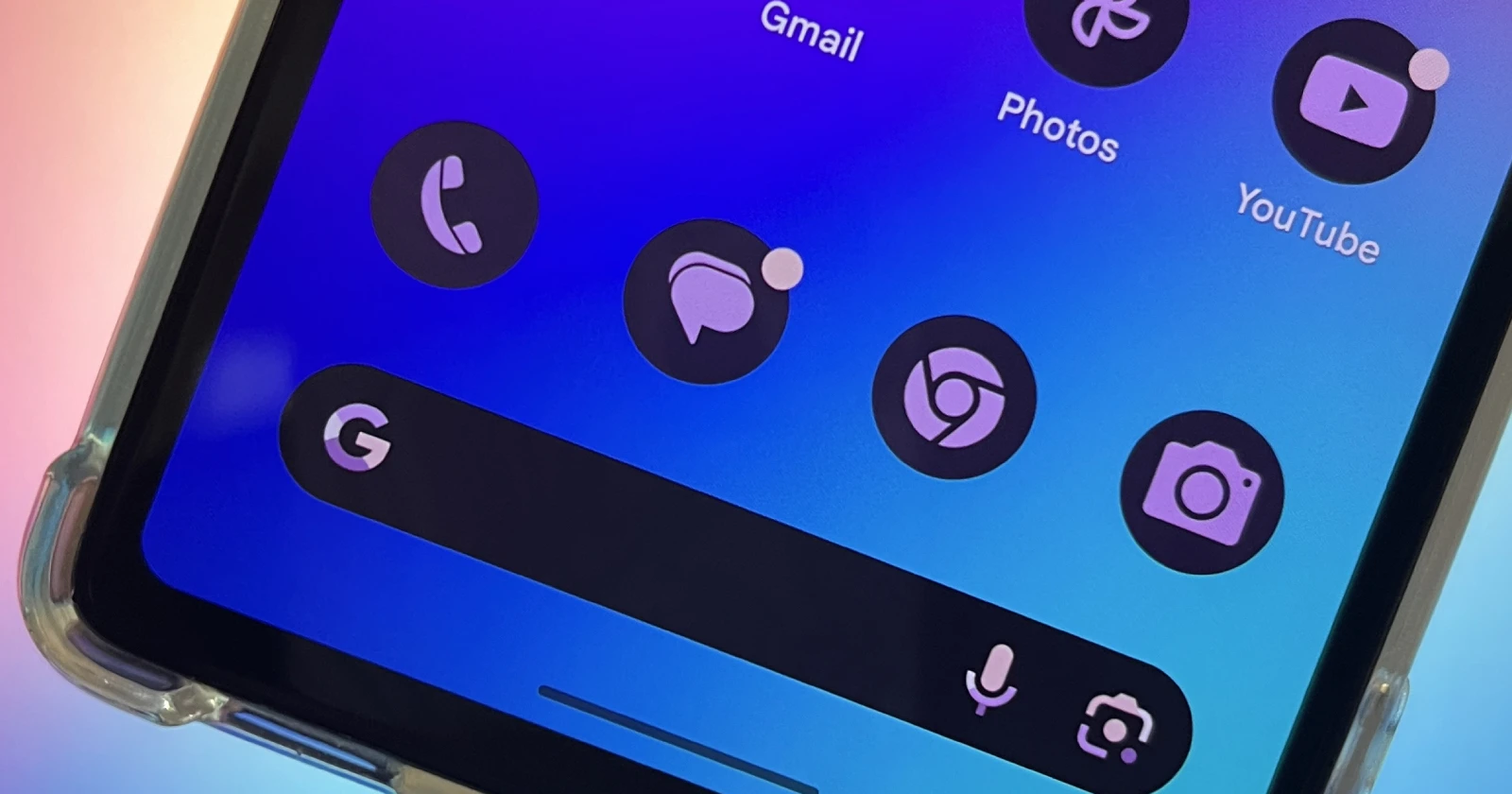
Google continues to enhance its popular Messages app, making communication more intuitive and convenient. The latest evidence, discovered by 9to5Google in a beta APK teardown, suggests that Google is exploring a ‘double-tap to react’ feature.
While not yet officially confirmed or available, this potential feature hints at a streamlined way to react to messages within Google Messages. Much like Instagram and other social apps, double-tapping a message could automatically send a quick reaction (likely a thumbs-up emoji or your last used reaction). Users would likely retain the long-press option on messages for access to the full range of emoji reactions.
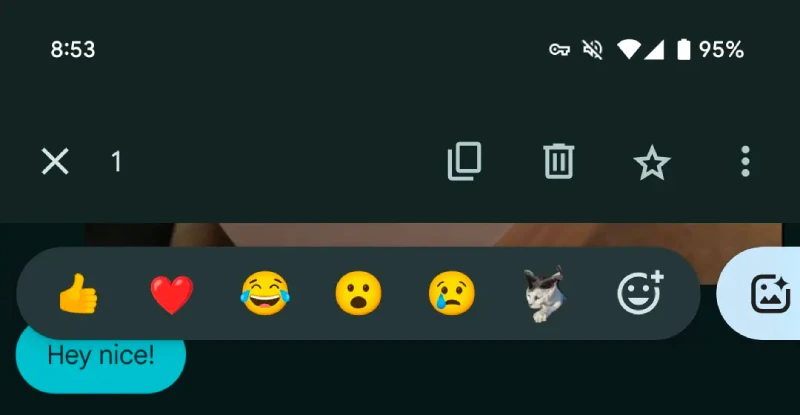
This ‘double-tap to react’ development is the latest in a series of new features Google has introduced to Messages. This includes expanded emoji reaction options and the innovative Photomoji feature, which lets you create personalized stickers and reactions. These enhancements underscore Google’s commitment to improving the functionality and expressiveness of its core messaging app.
Along with the potential reaction update, code findings further suggest that Google’s AI assistant will arrive in Messages under the new name ‘Gemini.’ This was an expected direction since Google recently rebranded its ‘Bard AI’.
Though not yet available in stable or beta versions of Google Messages, these discoveries showcase Google’s drive to make communication through Messages even more seamless and enjoyable. Keep an eye out for updates as these features may roll out in the near future.


Dwayne Cubbins
2752 Posts
I cover fast-moving stories across apps, online platforms, and everyday tech — phones, wearables, consoles, and whatever else people are fighting with this week. Bugs, rollouts, scams, policy enforcement, and the occasional internet-culture rabbit hole are all fair game. My goal is simple — make confusing tech news readable. When I'm not working, I'm working out or chilling with my dog. Got a tip? You can find me on X @dcubbins.
Next article View Article
