





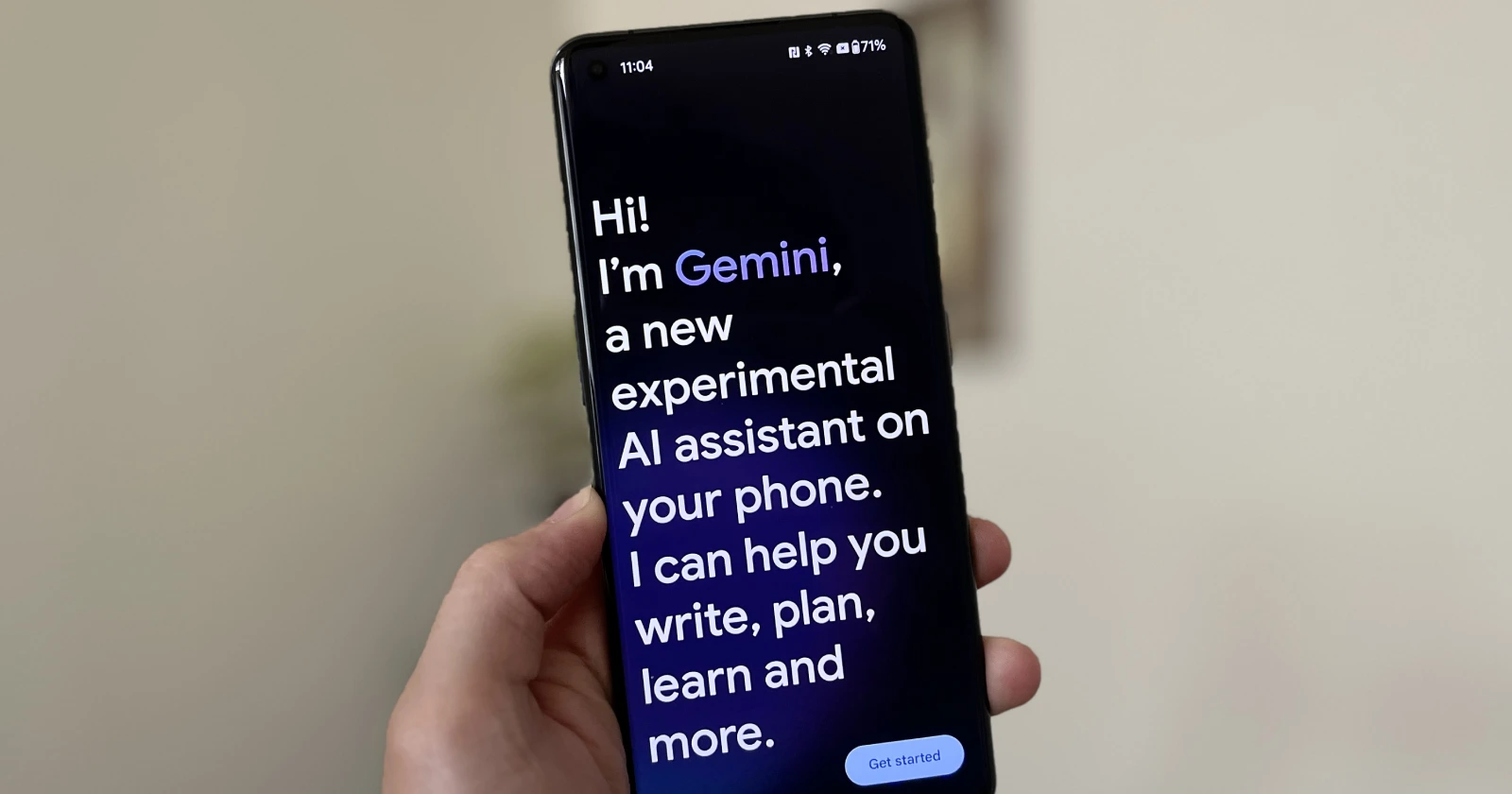
Ok - Gemini day 2 recap: things people like, things we gotta fix. Keep your feedback coming. We're reading it all.
— Jack Krawczyk (@JackK) February 10, 2024
THINGS PEOPLE LIKE (♥️♥️♥️)
- Writing style
- Creativity for helping you find the right words/ideas
- Speed of responses
- Not hitting usage caps
- Online…
Google’s new Gemini app landed a few days ago, promising a supercharged, AI-driven answer to… well, everything. However, the day it launched, it seemed I wasn’t the only one finding Gemini more frustrating than fantastic.
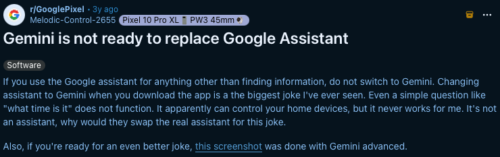
The most jarring annoyance was the need to manually hit the ‘Send’ button after every single voice command. It sounds like a minor thing, but this clunky extra step shattered the illusion of a smooth, “assistant-like” experience. I wasn’t sure how quickly Google would tackle these teething problems, making me seriously consider uninstalling the Gemini app.
That’s why I was pleasantly surprised to find that Gemini now works as it should – commands are understood and executed automatically, without the manual button press. Clearly, Google was paying attention to initial feedback and acted quickly with a server-side fix. I noticed this change on Saturday (February 10) and so did the folks over at 9to5Google.
More than a ChatGPT copycat
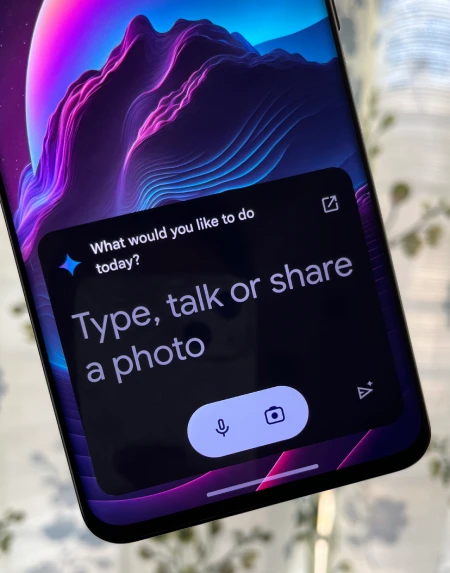
Gemini promises to evolve into a proper Google Assistant replacement, not just a trendy ChatGPT competitor. Right now, the focus does seem tilted towards conversational AI responses, which have been impressive during my testing. Gemini easily tackles trivia questions, summarizes complex topics, and even writes decent haikus on demand.
Importantly, Google has openly acknowledged Gemini’s early shortcomings. They’re actively working on adding core Google Assistant features – tasks like managing your calendar, creating reminders, and integrating with smart home routines.
Apart from this, it seems Google also flipped a switch in the background, enabling more users outside the US to be able to use the Gemini app after sideloading the APK. PiunikaWeb’s Hillary was able to access Gemini in Kenya, a region where it was locked during launch. So with fast patches and the promise of key feature restorations, I no longer feel like Gemini is a lost cause.
Signs of potential
Google Assistant users know the value of tight integration with the broader Google ecosystem. If Gemini can seamlessly tap into Search, Gmail, Maps, and the rest, it truly has the potential to revolutionize how we use our phones. Right now, it’s more of a fascinating concept than a finished product. Yet, the swift resolution of the ‘send button’ fiasco gives me hope.
While a bit rough around the edges, Gemini is shaping up to be something genuinely exciting. As features trickle back in and Google’s AI polish continues, I anticipate Gemini evolving into the versatile, integrated assistant we’ve been waiting for. For now, I’m keeping it installed and an eye on its progress. In case you aren’t on the same page as me, you can check out our article on how to switch back to Google Assistant.

We stand out from the tech-media crowd because we break news stories; we mainly bring you stuff that you won’t find anywhere in the mainstream tech media. Our stories have been picked up by some of the world’s most popular websites and media outlets—more info is available here.

Dwayne Cubbins
3050 Posts
I cover fast-moving stories across apps, online platforms, and everyday tech — phones, wearables, consoles, and whatever else people are fighting with this week. Bugs, rollouts, scams, policy enforcement, and the occasional internet-culture rabbit hole are all fair game. My goal is simple — make confusing tech news readable. When I'm not working, I'm working out or chilling with my dog. Got a tip? You can find me on X @dcubbins.
Next article View Article

[U: It's finally here] Fitbit app still missing dark mode support, but you can enable it on Android using this workaround
Update 21/08/25 - 5:55 pm (IST): After making users wait a long time, Google has finally introduced native dark mode support on the Fitbit app. This new eye...
Aug 21, 2025 4 Min Read