





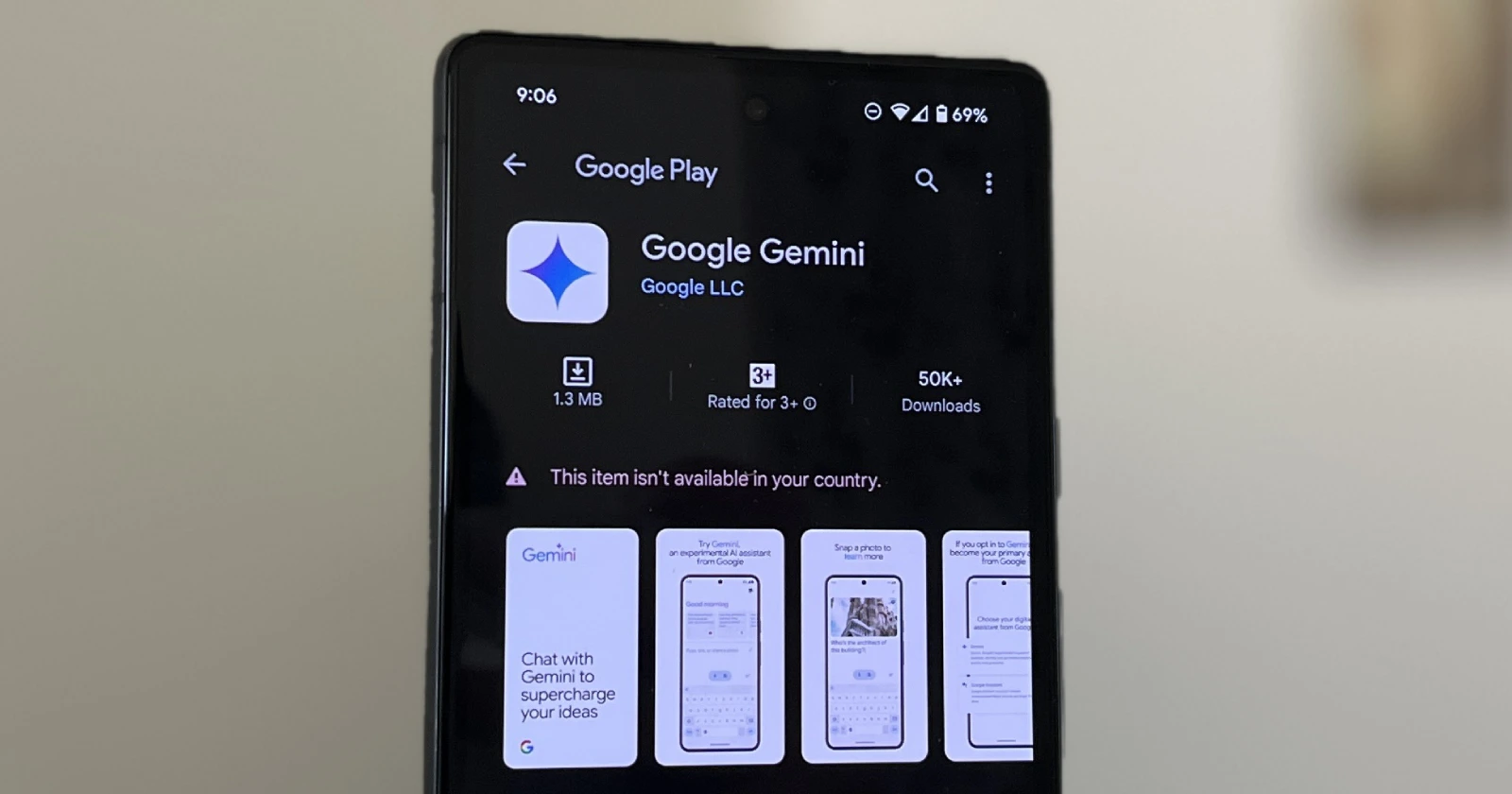
After much anticipation, Google finally refreshed its Bard chatbot with the Gemini rebranding and also introduced a premium model dubbed “Gemini Advanced.” Google also listed its new Gemini app on the Play Store at the same time. The app, already available in the US, empowers users to directly interact with Google’s impressive Gemini AI models that power Google Search and other intelligent features.
In a post responding to an Indian user’s query on X, Jack Krawczyk, a member of Google’s AI team, confirmed that the app would launch in India on Monday, February 12.
https://twitter.com/JackK/status/1755648044518043944
The Gemini app integrates with and enhances Google Assistant. Downloading the app allows you to easily activate Gemini using the same methods as Google Assistant (power button, corner swipe, “Hey Google”). This provides a convenient overlay where you can use Gemini’s generative AI to get quick help tailored to your current screen – whether that’s asking questions about something you’re reading, crafting a caption for a photo, or using traditional Google Assistant features like setting timers, making calls, and interacting with smart home devices.
While Jack specifically responded to a tweet about the availability of the Gemini app in India, it likely signals an even wider global expansion. In it’s official announcement, Google did confirm that “starting next week, you’ll be able to access it in more locations in English.”


Dwayne Cubbins
3123 Posts
I cover fast-moving stories across apps, online platforms, and everyday tech — phones, wearables, consoles, and whatever else people are fighting with this week. Bugs, rollouts, scams, policy enforcement, and the occasional internet-culture rabbit hole are all fair game. My goal is simple — make confusing tech news readable. When I'm not working, I'm working out or chilling with my dog. Got a tip? You can find me on X @dcubbins.
Next article View Article
