Here’s the crux of the article in video form:
The Crew Motorfest players are reporting frequent FPS drop issues in the newly launched racing sim.
On various social media sites, players have shared their experiences, shedding light on the issue. According to their reports, the issue is prevalent on all platforms, but it’s most noticeable on PC.
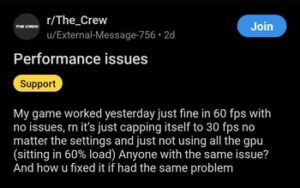
The Crew Motorfest is Fun But SUPER Unoptimized for PC. Running this on Low STILL gives me less than 30 FPS at times. The game also decides at times to switch on and off between 55-60 FPS and <25 FPS. OBS Still seems to screw this game up on PC. (Source)
Between classes I booted up my Gold Edition MOTORFEST and for some reason the game is stuck at a VERY janky 30 FPS. I tried digging around in setting and as far as I’m aware there’s no toggle between visual/performance modes. Is this just a Series S thing right now? (Source)
Ubisoft’s The Crew Motorfest received a positive reception during its beta phase, with reports of engaging gameplay and good performance.
However, after the official release, players are reporting (1, 2, 3, 4, 5) severe performance issues, especially regarding FPS.

While the game reportedly maintained a “smooth 60 FPS” during the beta, the official release struggles to maintain even 30 FPS.
It’s been a very unpleasant experience, the FPS is just weird, feels very unstable… I remember it could run at 60 FPS on the beta, I don’t know what happened now. (Source)
Reports suggest that the issue is particularly noticeable on Xbox Series S and PC. Even on the lowest settings, the game allegedly stutters or freezes.
Moreover, players report that the game is hard-locked at 60 FPS, making it almost impossible to achieve higher framerates, even with high-end hardware and without installing mods.
Workarounds for FPS drop issue in The Crew Motorfest
As reports piled up, some players devised their own solutions and fixes for the issue.
According to one user, the game’s CPU and GPU usage are sometimes very low, preventing it from performing to its full potential.
Players experiencing this issue are advised to try the following method:
Start the game with all controllers unplugged then plug it back in once you hit the main menu. Game will work like a charm. Hope this helps others! (Source)
Starting with all controllers unplugged and then reconnecting them as the game launches may help it utilize all the hardware more efficiently for smoother performance.
However, it’s important to note that this method is not a guaranteed solution. As of now, there have been no official statements from the developers regarding this issue.
We will continue to monitor the situation and provide an update if there are any further developments.
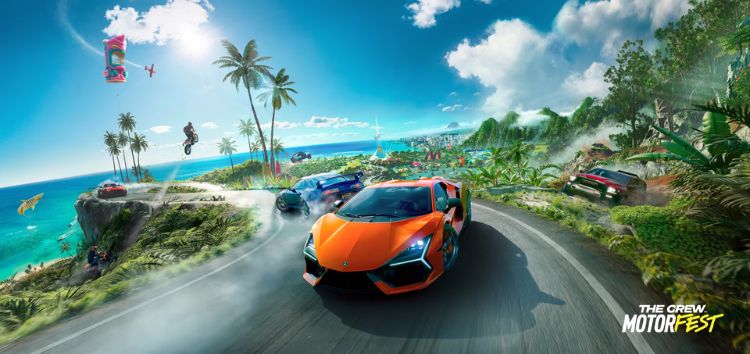
Feature image source: Ubisoft
PiunikaWeb started as purely an investigative tech journalism website with main focus on ‘breaking’ or ‘exclusive’ news. In no time, our stories got picked up by the likes of Forbes, Foxnews, Gizmodo, TechCrunch, Engadget, The Verge, Macrumors, and many others. Want to know more about us? Head here.
Tags
The Crew Motorfest The Crew Motorfest fps drop The Crew Motorfest fps hard lock The Crew Motorfest how to fix fps
Rituraj Halder
223 Posts
Rituraj is a Gaming Writer. With a deep passion for story-driven adventure RPGs, Rituraj has spent half his life crafting intriguing narratives inspired by them, making him a modern-day storyteller in his own right.
Next article View Article