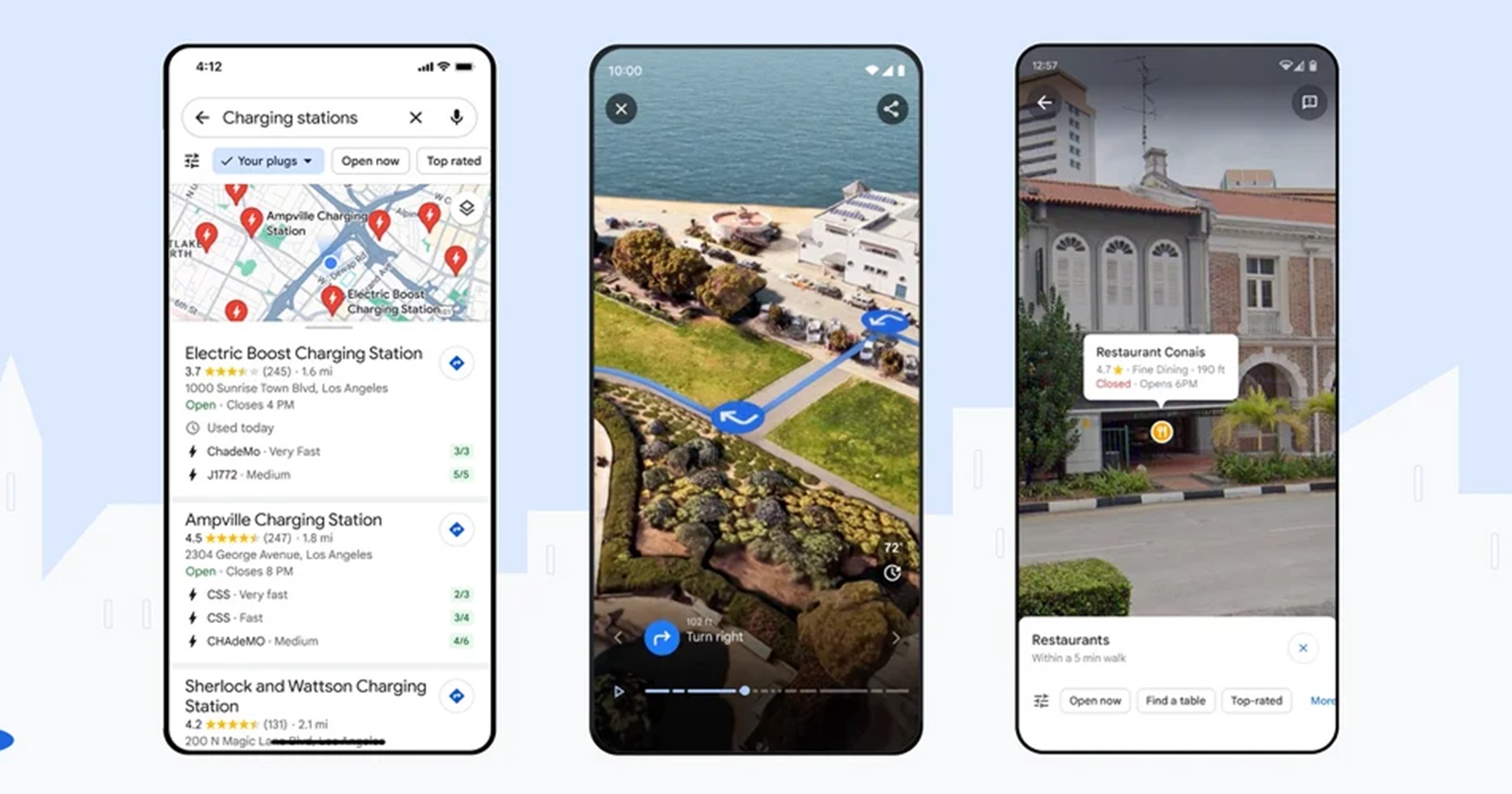
As inflation continues to rise, the cost of fuel in India has surged over recent years. Consequently, it’s essential to be mindful of fuel usage and ensure its responsible and efficient utilization. Thankfully, the latest feature introduced in Google Maps helps users save fuel in India.
Save fuel with this new Google Maps feature: Here’s how to enable & use it
The feature, initially launched in the US, Canada, and Europe, has now been made accessible to Google Maps users in India. It offers estimated fuel consumption details for various routes taking into consideration the the engine type of your vehicle and several other factors such as real-time traffic and road conditions.
Rather than showing the fastest route, it presents the most fuel-efficient route. And if you want to get the fastest route, you’ll have to turn off this feature. Here’s how you can enable and use this feature on Google Maps.
How to enable eco-friendly routing feature
- On your Google Maps app, go to Settings and access Navigation settings.
- Now, scroll down to Routes options.
- You can turn eco-friendly routing on or off by tapping on Prefer fuel-efficient routes.
- You also need to choose your engine type. For that, tap on Engine type > Select your engine type > tap Done.
How to save fuel using Google Maps
After enabling this feature in Google Maps, you just need to enter your destination by either searching for it or tapping directly on the map. Now click on Directions located in the bottom left corner. Swipe up on the bottom bar and then select Change engine type. Choose your engine type and confirm your selection by tapping Done.
To get accurate fuel consumption data, you’ll have to select the engine type that aligns with your vehicle – options include Petrol, Diesel, Hybrid, or Electric. It’s worth noting that if you don’t specify an engine type, it will default to petrol.
The factors that Google considers for determining the fuel consumption include the typical vehicle fuel usage, the steepness of hills on your route, the flow of stop-and-go traffic, and the road types, whether you are traveling on local roads and highways.
That said, Google Maps users in India can explore and benefit from this useful feature to conserve fuel.
(Via – Economic Times)


Aashish Singh
502 Posts
I developed a keen interest in technology ever since my school days. And writing about it keeps me closer to this fascinating world. When I’m not working you can catch me playing video games.
Next article View Article