


Google is actively experimenting with a new feature on Chrome that could make it easier to revisit AI-generated answers from Search. You may not have to repeat queries or visit the Google Search bar again since the responses could easily be available in the side panel.
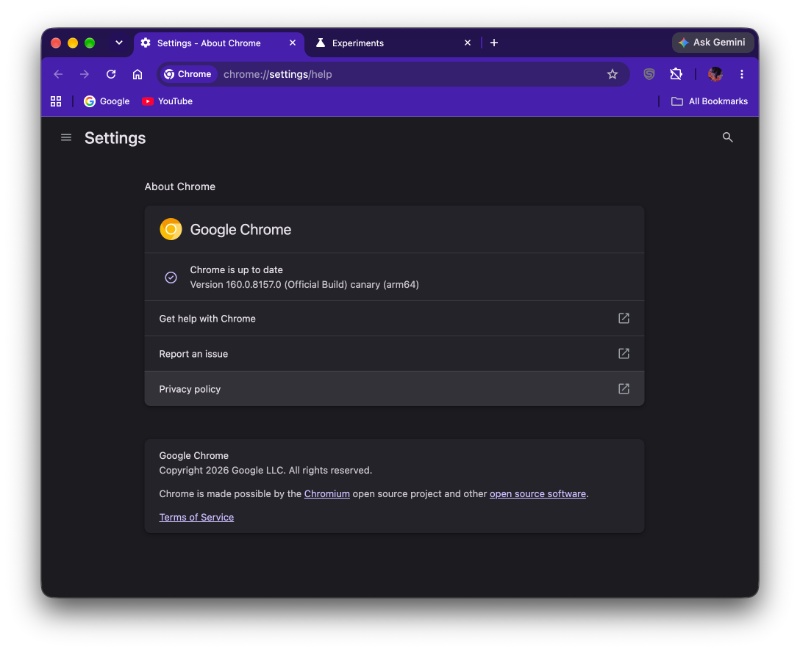
If you’re interested in trying this out, you’ll need to enable two Chrome flags; credit goes to the folks at Search Engine Watch for initially spotting these. Before you start, ensure you’re on the latest version of Chrome Canary. It’s worth noting that the feature isn’t working for me at the time of writing, but that could change soon.
Enter chrome://flags, and search for “ABA search journeys” and “Extensions contextual tasks API for ABA search journeys.” You’ll have to enable both of these flags and restart the browser. That should theoretically activate this feature.
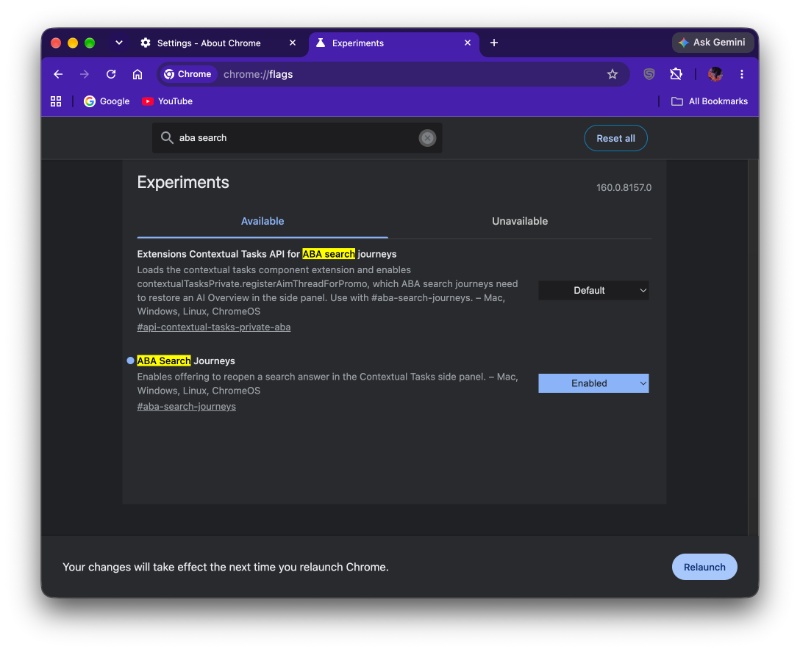
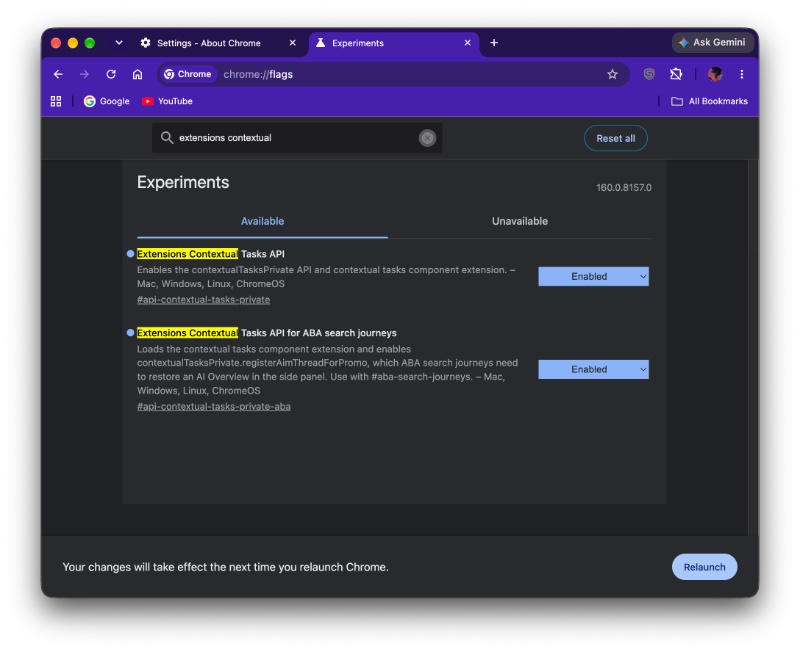
Why these two flags specifically? That’s because this feature is part of Google’s experimental ABA Search Journeys project. Currently, users have to switch back to the Google Search results page to revisit an AI overview. The new feature can make this a lot more convenient. The Chromium flag for “Restore ABA Search Journeys” is available here.
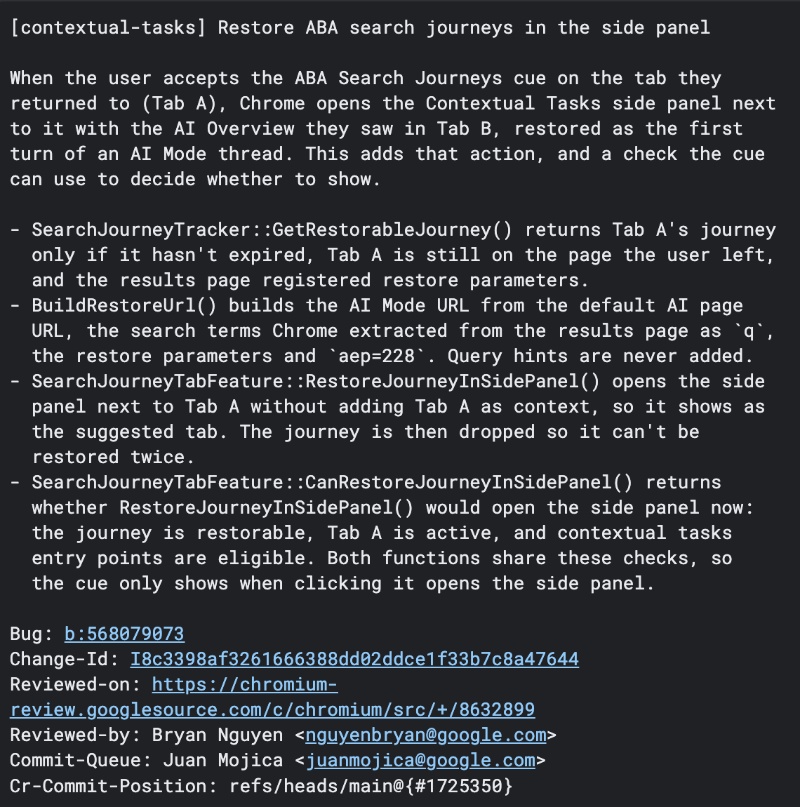
For example, if I search for “Best protein bars to buy on quick commerce,” I have to go back to the Google Search results page in order to obtain the AI Overview once again. After this feature goes live, Chrome could prompt me to switch back to the AI Overview, and it’ll open in a side panel.
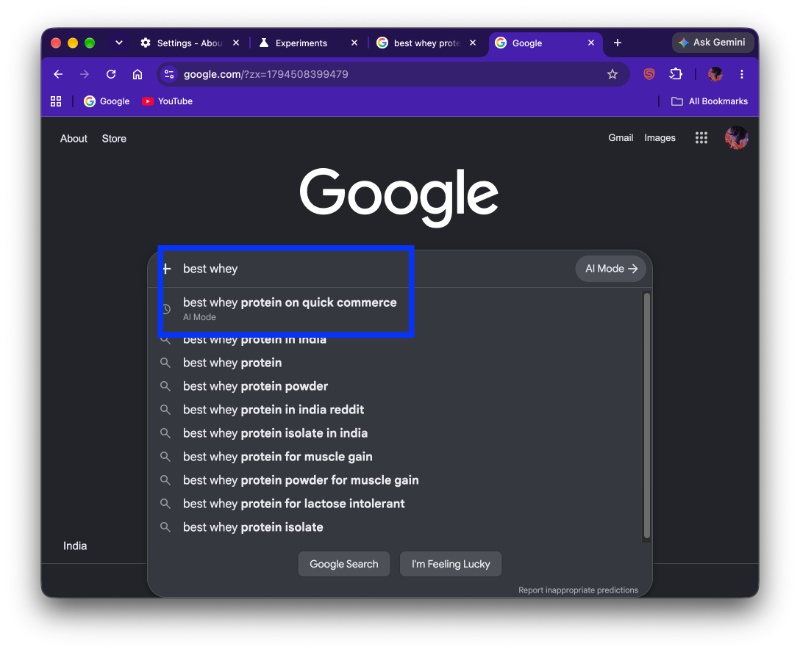
However, it appears that the feature is completely experimental for now. Despite switching tabs back and forth multiple times, I was unable to trigger any prompt or sidebar that gives me the previous AI Overview. Theoretically, Chrome should display a prompt allowing you to reopen the previous AI Overview in the side panel.
So, in my personal test, I was unable to get this working. That’s likely because it’s still under development, and if it’s a phased rollout, not all versions of Chromium will have it yet. We also can’t rule out a server-side switch; in that case, Chrome must enable it from their end, and it’s not tied to a specific version of Canary.


Sudhanshu K
378 Posts
I have been a consumer technology enthusiast for over 5 years. Thanks to my experience in software beta testing and product reviews, I've understood and learnt a lot about what bugs and issues bother people, and I spend time trying to simplify their solutions. I cover smartphones, software, social media, apps, AI, and most consumer tech gadgets. Actively pursuing a Computer Science bachelor’s degree. I'm mostly active on Twitter/X (@TechWhirlUlt), drop a DM or tag me if you want to share info or connect!