





Tell the team thank you.
— David Gerbino (@dmgerbino) October 14, 2026
It would have been better if the @SlackHQ team had configured their website as a standards-compliant Progressive Web App, aka PWA. pic.twitter.com/VIcBppVGWn
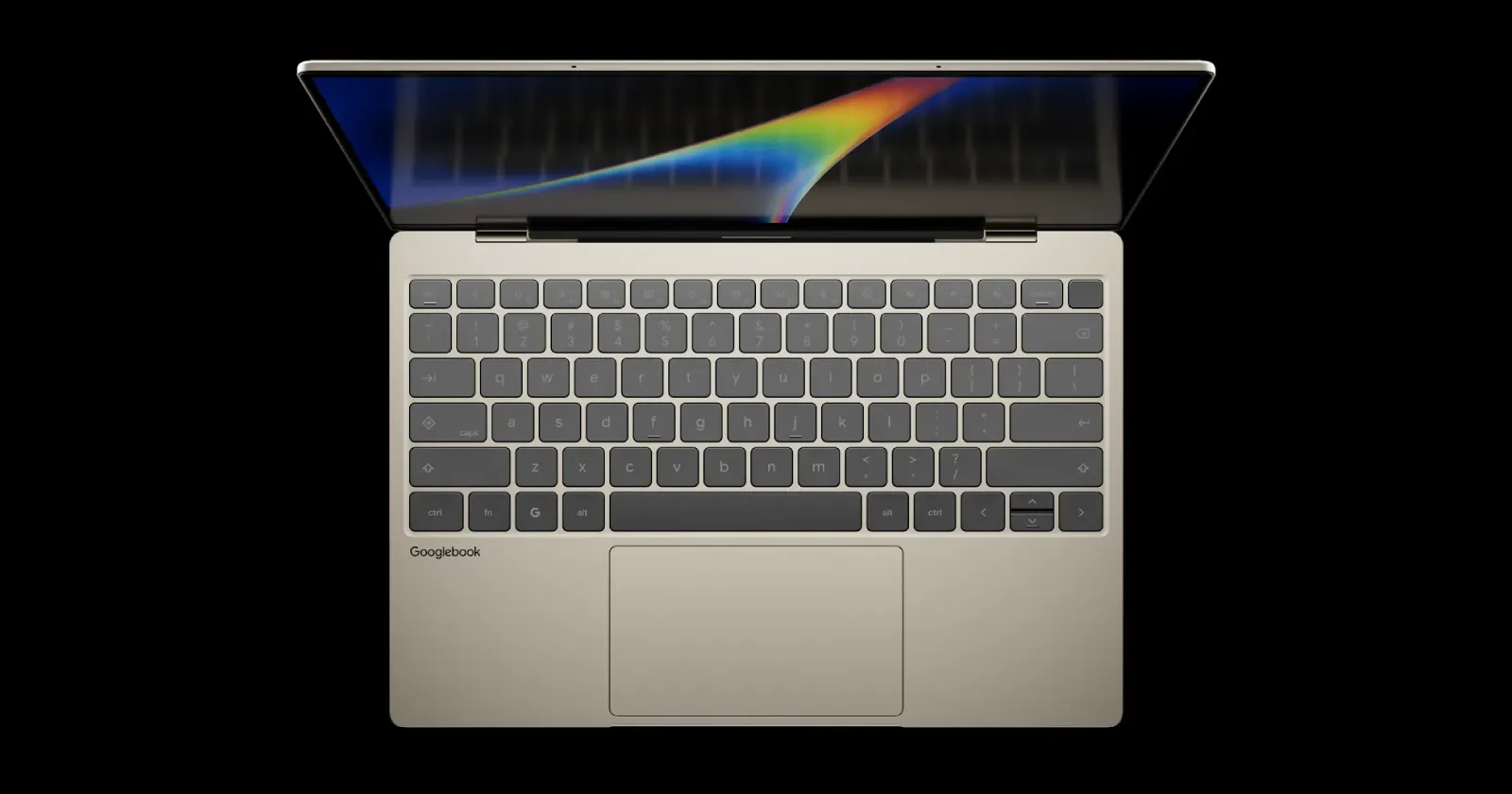
Google seems to have taken care of a big shortcoming with Googlebooks right out of the gate. The latest Google Chrome update now lets users turn any regular webpage into a standalone web app that runs in its own window.
When these Android-powered laptops first hit the shelves, you could only install websites if the developers behind them specifically set them up to work as web apps. Every other site you tried to save opened as a basic shortcut in a normal browser tab, defeating the whole point of pinning apps to your taskbar.
That said, the news about the new M155 update comes from Google employee Mishaal Rahman, who posted about it on X and Reddit.
He noted that while the original restriction “was a conscious design choice, we heard the feedback from the Googlebook community.”
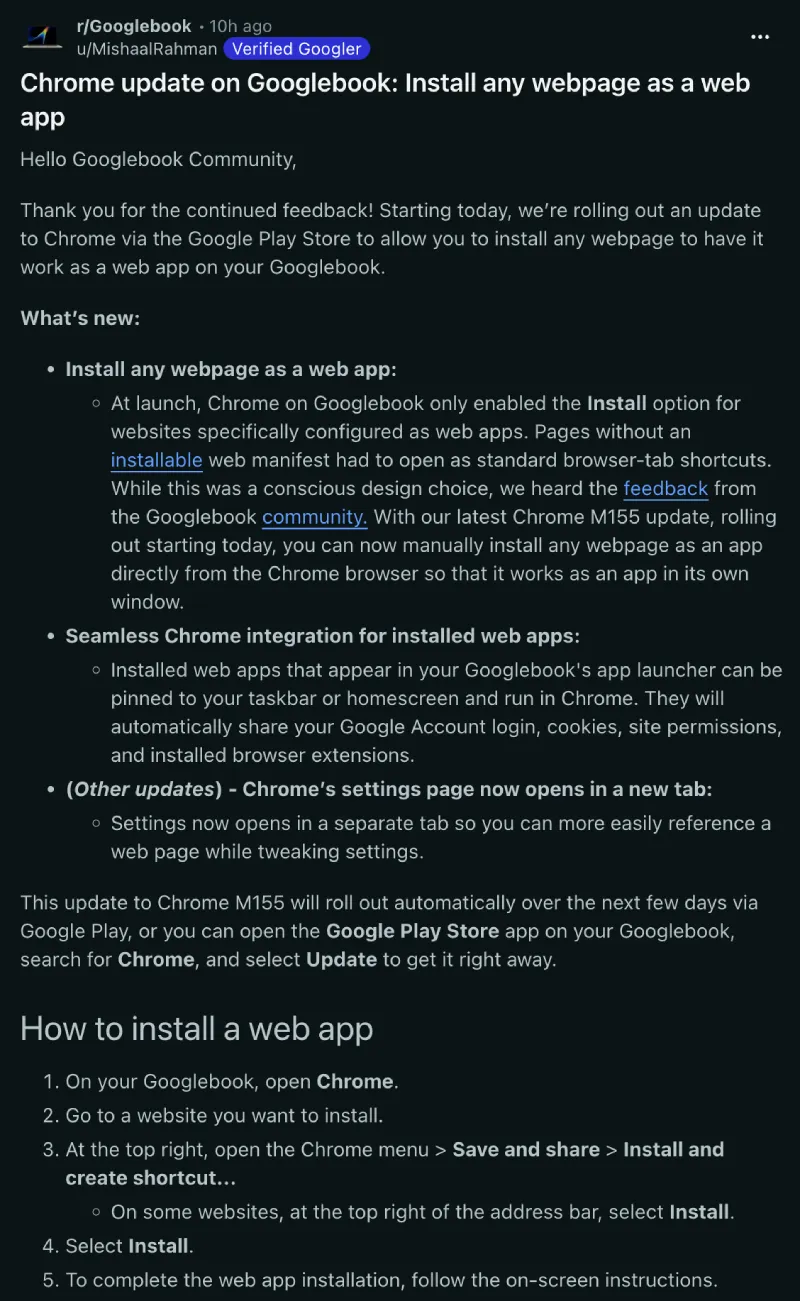
With version 155.0.8059.79, “you can now manually install any webpage as an app directly from the Chrome browser so that it works as an app in its own window.” Open the browser menu on any site, go to Save and share, and install it from there. However, you will need to delete and recreate any old tab shortcuts you made before the update.
Once installed, these apps appear in the launcher and can be pinned to the taskbar, all while keeping your logins, cookies, and browser extensions as they were. Early users on X are already using this fix with tools like Slack, which previously wouldn’t open in a dedicated window on the platform.
The update also tweaks the browser settings page so it “opens in a separate tab so you can more easily reference a web page while tweaking settings” instead of taking over your current screen. Several Reddit users also noticed that the option to send tabs to your other devices finally shows the send button properly now.
Overall, it’s nice to see Google shipping quick fixes for bugs and missing features soon after launch. Just yesterday, we covered how buyers are also dealing with the missing multiple Chrome profiles on these laptops, which Google says it will fix in a future release.

We stand out from the tech-media crowd because we break news stories; we mainly bring you stuff that you won’t find anywhere in the mainstream tech media. Our stories have been picked up by some of the world’s most popular websites and media outlets—more info is available here.

Dwayne Cubbins
3111 Posts
I cover fast-moving stories across apps, online platforms, and everyday tech — phones, wearables, consoles, and whatever else people are fighting with this week. Bugs, rollouts, scams, policy enforcement, and the occasional internet-culture rabbit hole are all fair game. My goal is simple — make confusing tech news readable. When I'm not working, I'm working out or chilling with my dog. Got a tip? You can find me on X @dcubbins.