





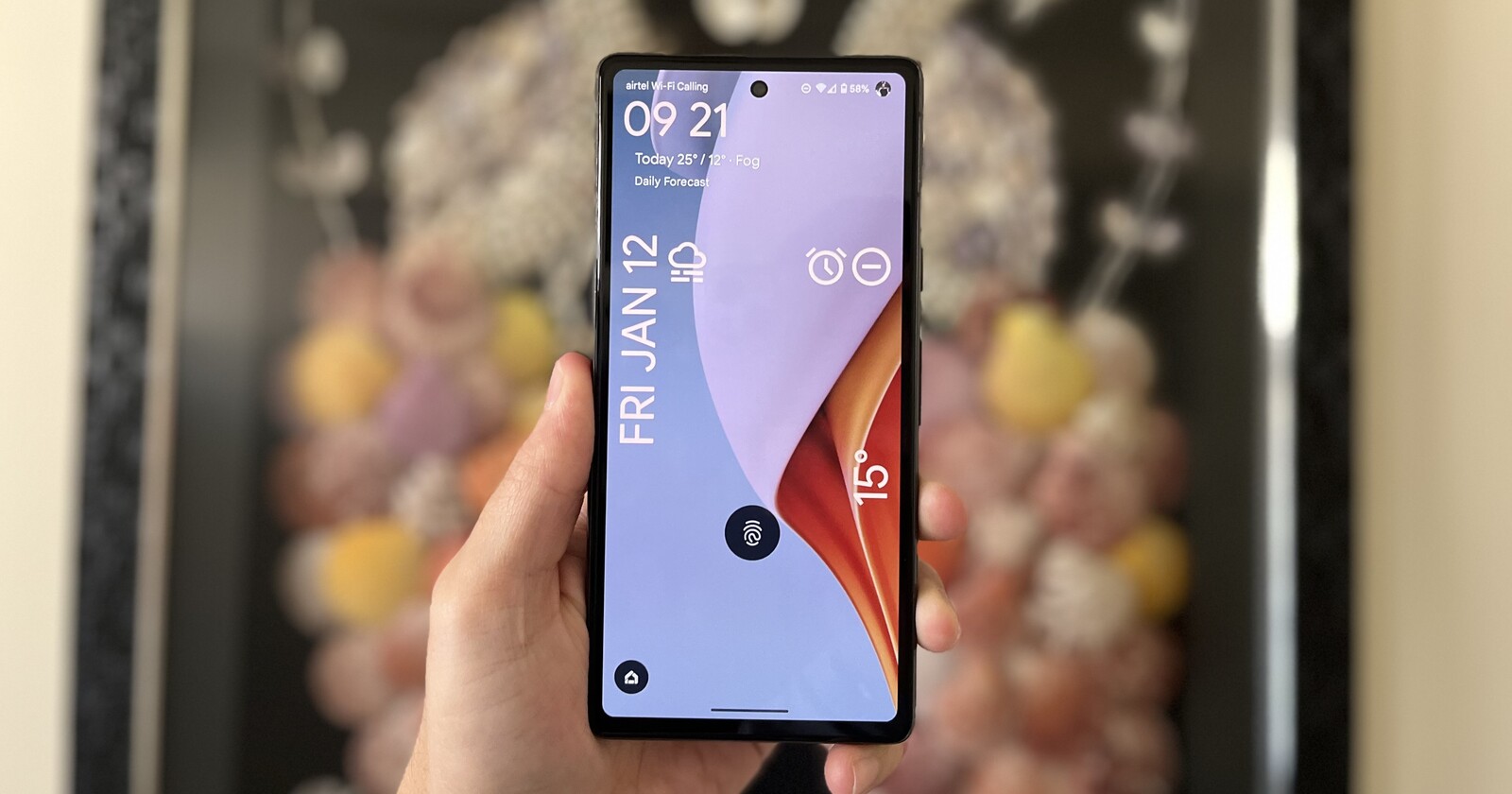
Alarm reliability isn’t just a convenience feature. For many people, it’s part of daily life: waking up for work, catching a flight, remembering medication, managing shift schedules, or preparing for early meetings. When an alarm fails silently, it creates distrust. And trust is exactly what a smartphone’s core utilities like calling, messaging, and timekeeping should never risk losing.
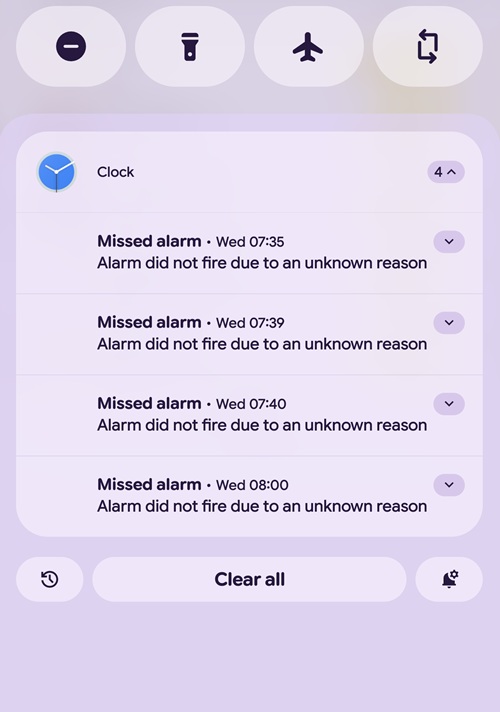
However, for years now, a subset of Google Pixel owners has reported a strange and frustrating issue: alarms set in the Google Clock app simply don’t fire. Not delayed. Not snoozed. Not silenced. They just never go off, and the system later surfaces a notification saying the alarm “did not fire due to an unknown reason.”
Most Pixel users have likely never seen this message in their entire ownership history. But every so often, reports resurface from affected users showing clusters of missed alarms, often on the same morning. And despite Google’s ongoing improvements to Android’s alarm reliability, the issue clearly still affects a tiny slice of users heading into 2026.
A recent post in the Pixel subreddit again highlights the problem: multiple alarms scheduled minutes apart, all skipped by the Clock app for reasons the device itself can’t explain.
A long-running mystery with no confirmed root cause
Community discussions around the issue tend to repeat the same themes. Some users have owned many Pixels across generations, ranging from early models to the latest, and have never once experienced a missed alarm. Others heavily rely on alarms daily and remain uneasy because they see these reports crop up frequently among fellow Pixel users. A few have experienced the issue once or twice over multiple years, while others say it’s recurring and completely unpredictable.
What continues to stand out is that there is still no consensus on the cause. Some speculate it may be tied to Battery Saver, adaptive features, Do Not Disturb, bedtime routines, or certain app optimizations. But none of these theories are consistent across all affected cases. Google has never issued a definitive explanation either.
The result is a phenomenon that’s both rare and concerning: a critical function that usually works perfectly, but occasionally fails without warning and without any clear pattern.
Because this issue is clearly affecting only a small percentage of users yet still happening often enough to generate consistent community reports, we want to understand the real scale of it among PiunikaWeb readers.
Let us know in the comments below which Google Pixel model you were using when the alarm failed and what, if anything, you did to resolve it (switching to a different app, clearing the Clock app cache, etc.).

Hillary Keverenge
2463 Posts
Tech has been my playground for over a decade. While the Android journey began early, it truly took flight with the revolutionary Lollipop update. Since then, it's been a parade of Android devices (with a sprinkle of iOS), culminating in a mostly happy marriage with Google's smart home ecosystem. Expect insightful articles and explorations of the ever-evolving world of Android and Google products coupled with occasional rants on the Nest smart home ecosystem.