



Kagi, the company behind the privacy-centric Orion Browser, has now launched an email service. It’s called Kagi Mail, and the marketing is focused on privacy, speed, and an ad-free experience.
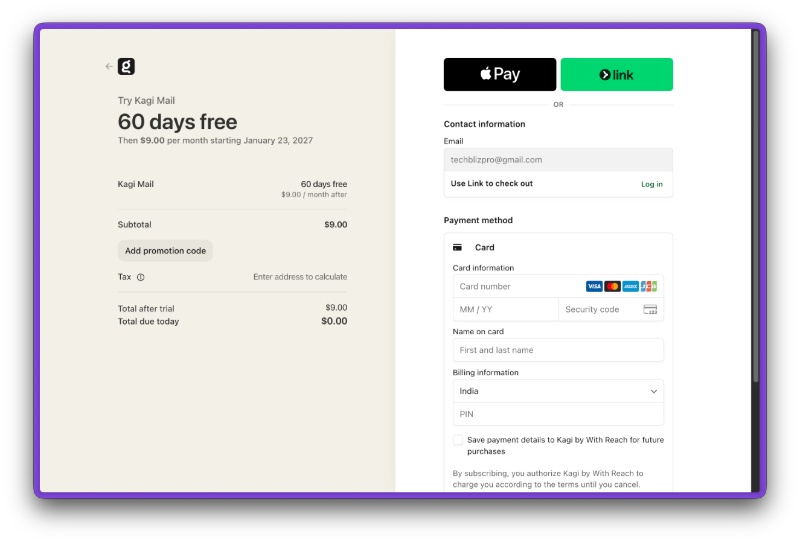
The email service is free to try for 60 days. Once the trial expires, you’ll need to either pay $99 a year or get the Kagi Ultimate subscription for $25 a month (which includes Kagi Mail).
So, to justify around $9 a month, what does Kagi Mail offer? The company says that newsletters, cold pitches, and other spam emails are “kept out of the way.” Moreover, it’s supposed to help you find people who need your replies first.
The first major advertised feature is Inbox Highlights. Instead of a mere summary, it shows you which emails to reply to, what’s due, and you also get to read the incoming emails in the sender’s own words, without AI simplification. Next up: Previews. To filter out less important emails, the Previews feature gives you a one-line roundup of the emails that you receive.
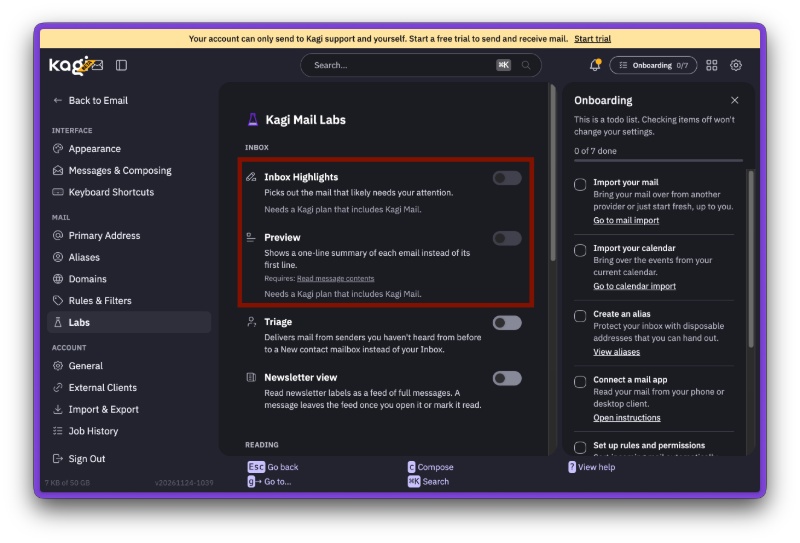
Another feature is called Rules, and it lets you sort your email with AI-based prompts. Instead of using several filters and folders, you can ask it to add labels, mark specific emails as important, treat specific types of mail as priority, etc.
Finally, there’s the “Ask” feature. You can type in specific questions and get answers based on the available emails. A good example is “What’s the budget we previously agreed on in April?” and it’ll find the answer from the emails. It’s a faster way of searching when compared to entering keywords in the search box and skimming through each result.
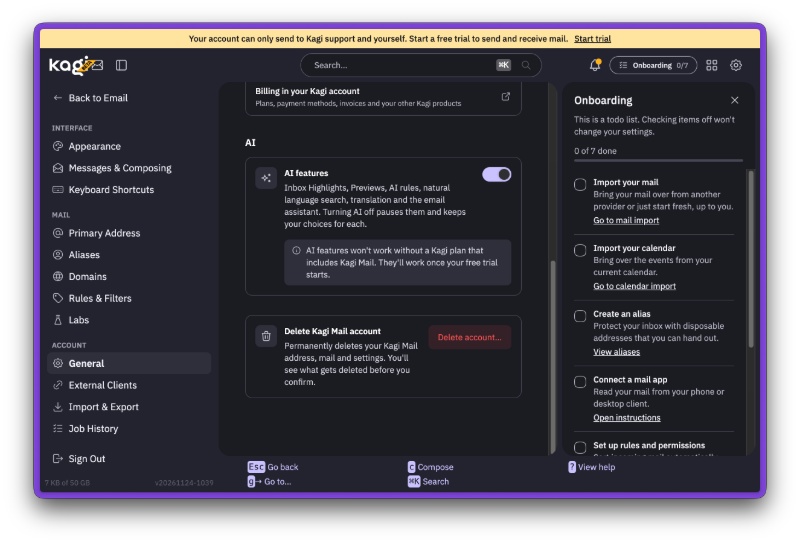
It’s worth noting that all AI features are completely optional. If you don’t want to use Highlights, Previews, and other AI-based email features, you can turn them off with one switch. Other highlight features include unlimited aliases, your own domains, and 50GB of storage.
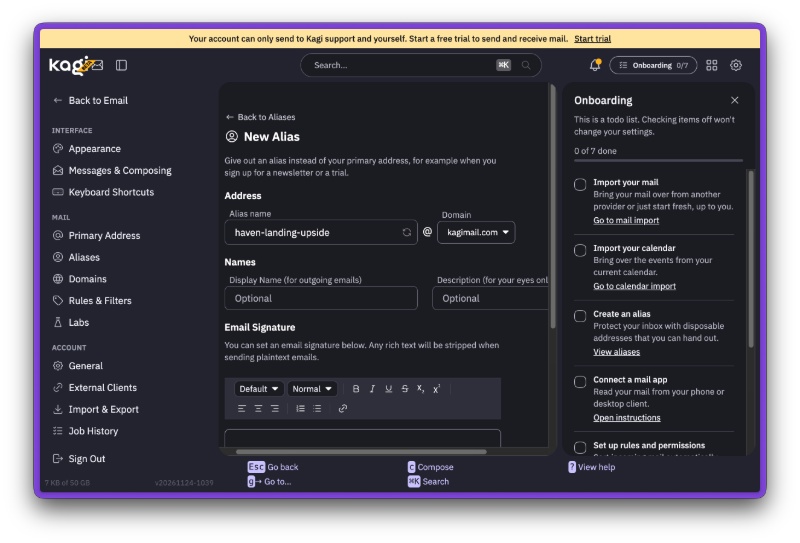
I did try it out myself. While you can create an “@kagimail.com” address for free, you still have to enter the 60-day trial to send and receive emails. However, you cannot enter the trial without adding your card information, and the subscription costs $9 a month.
That said, there are plenty of interesting features and Settings to explore here.
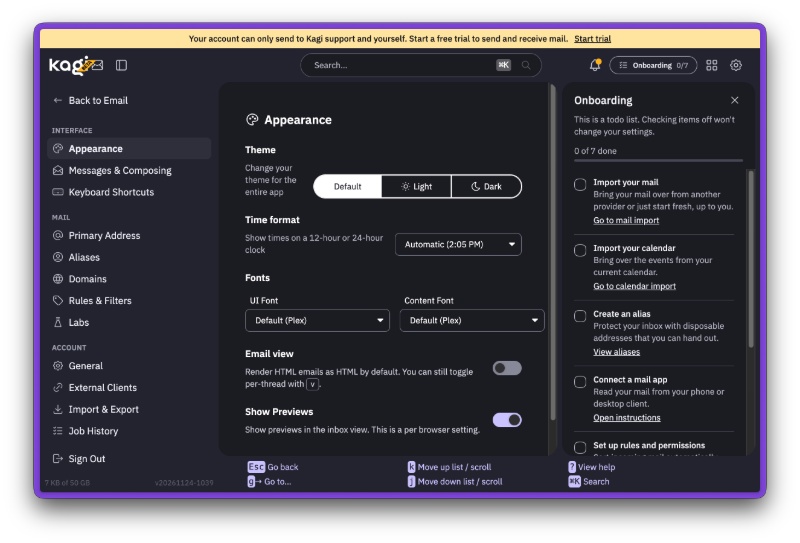
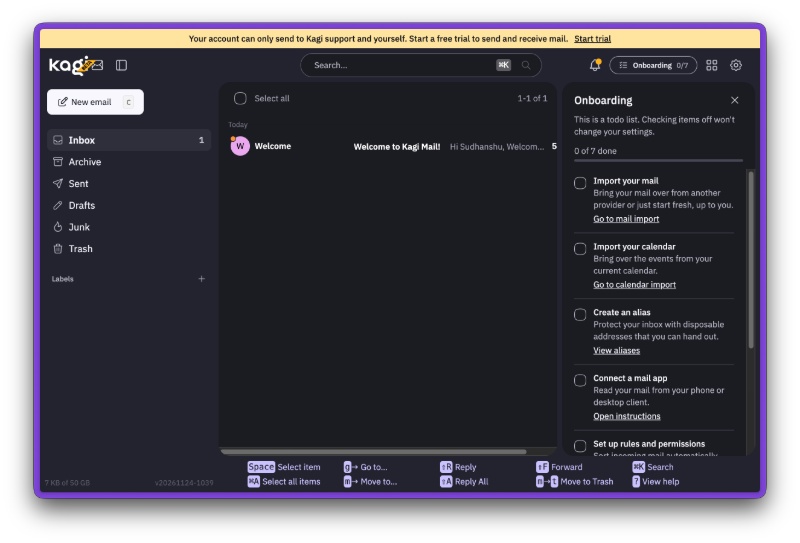
There’s also an onboarding process to connect a mail app and import your mail, which makes the transition easier. To find the entire list of features, it’s in the official Kagi Docs.


Sudhanshu K
404 Posts
I have been a consumer technology enthusiast for over 5 years. Thanks to my experience in software beta testing and product reviews, I've understood and learnt a lot about what bugs and issues bother people, and I spend time trying to simplify their solutions. I cover smartphones, software, social media, apps, AI, and most consumer tech gadgets. Actively pursuing a Computer Science bachelor’s degree. I'm mostly active on Twitter/X (@TechWhirlUlt), drop a DM or tag me if you want to share info or connect!