


The Helium Browser has just received the v0.22.2 update, and it brings meaningful improvements to the tab management experience. The biggest change is the introduction of persistent pinned tabs, so you can easily keep track of frequently used websites. Vertical pinned tabs get a redesign as well, and the floating sidebar in Zen mode has been improved.
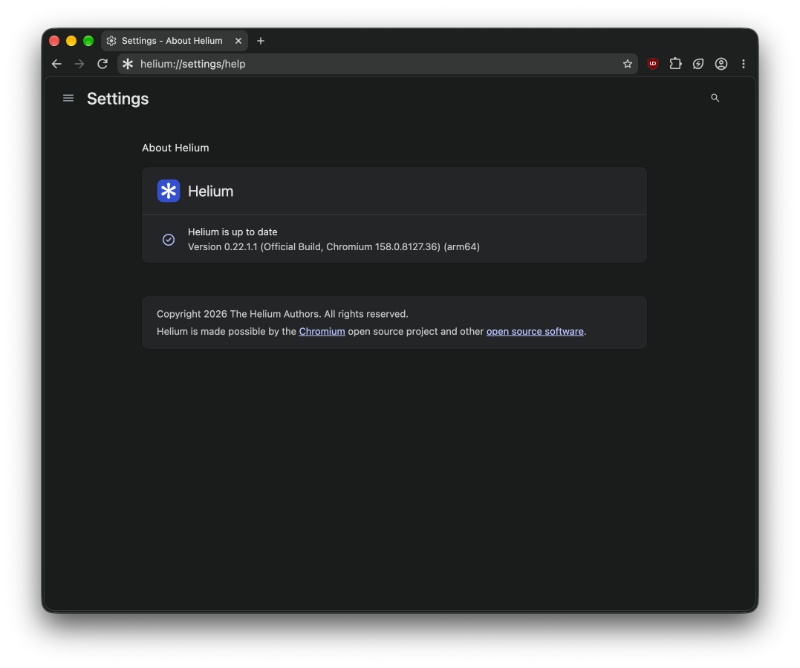
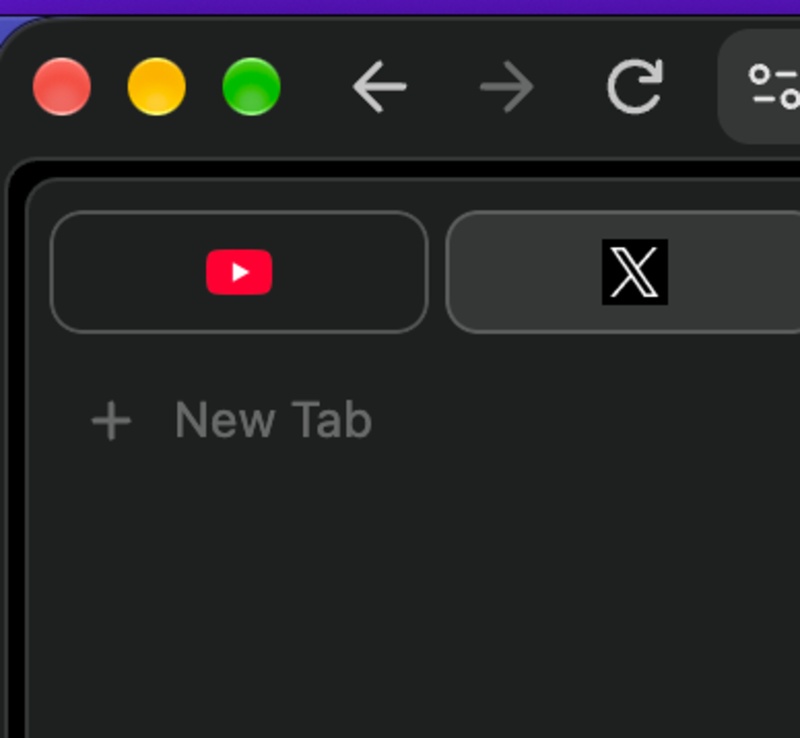
The biggest change this time around is persistent pinned tabs. Previously, pinned tabs behaved differently across browser windows. After this update, Helium brings pinned tabs into a shared section for all windows. You don’t have to manage separate collections or add repeated collections anymore. Wondering what happens to your older pins? They will be merged into a single set.
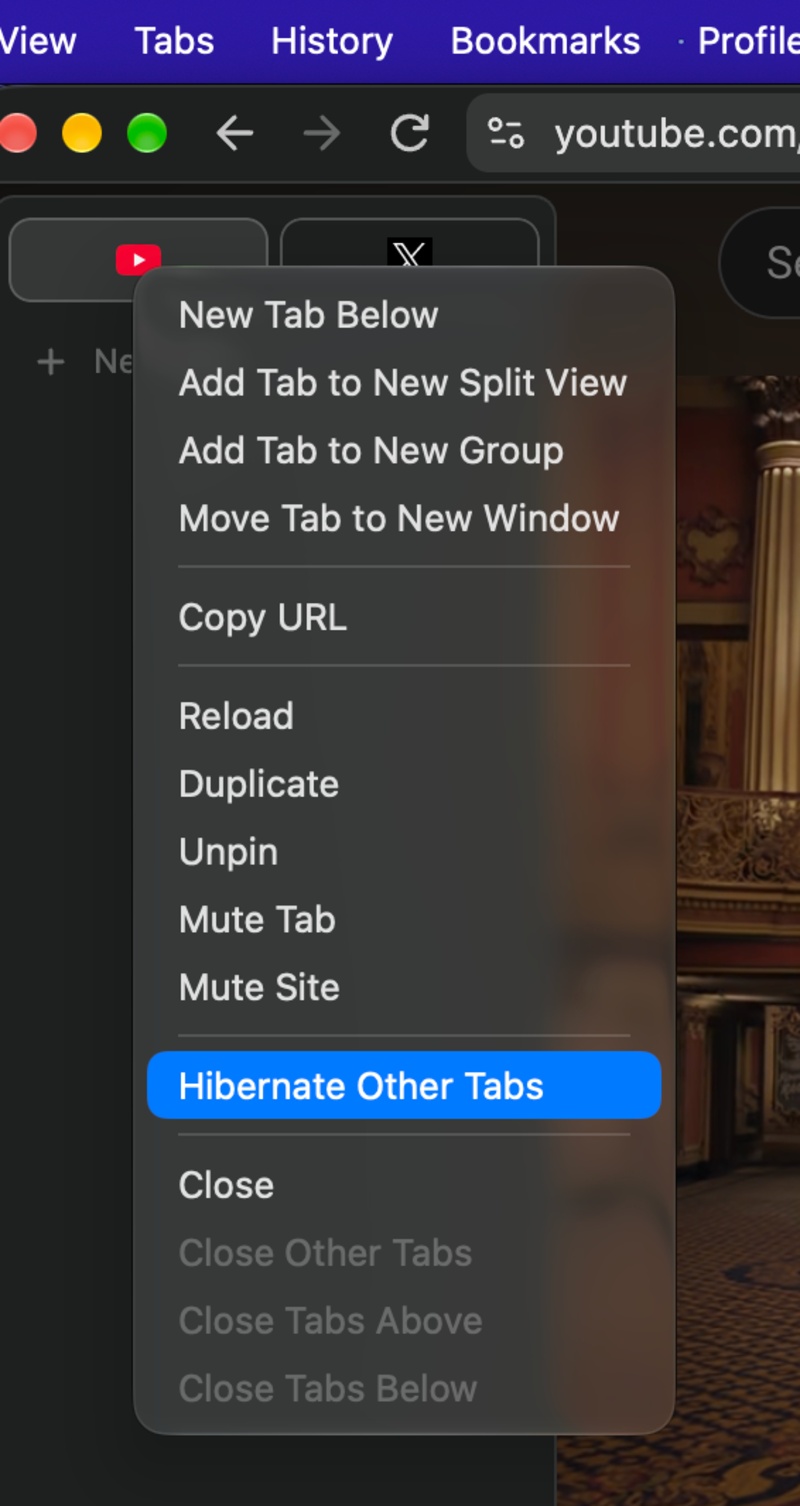
That aside, Helium now has the ability to hibernate pinned tabs instead of closing them entirely. As a result, you don’t have to keep unnecessary tabs open all the time, and you also don’t have to keep opening new tabs.
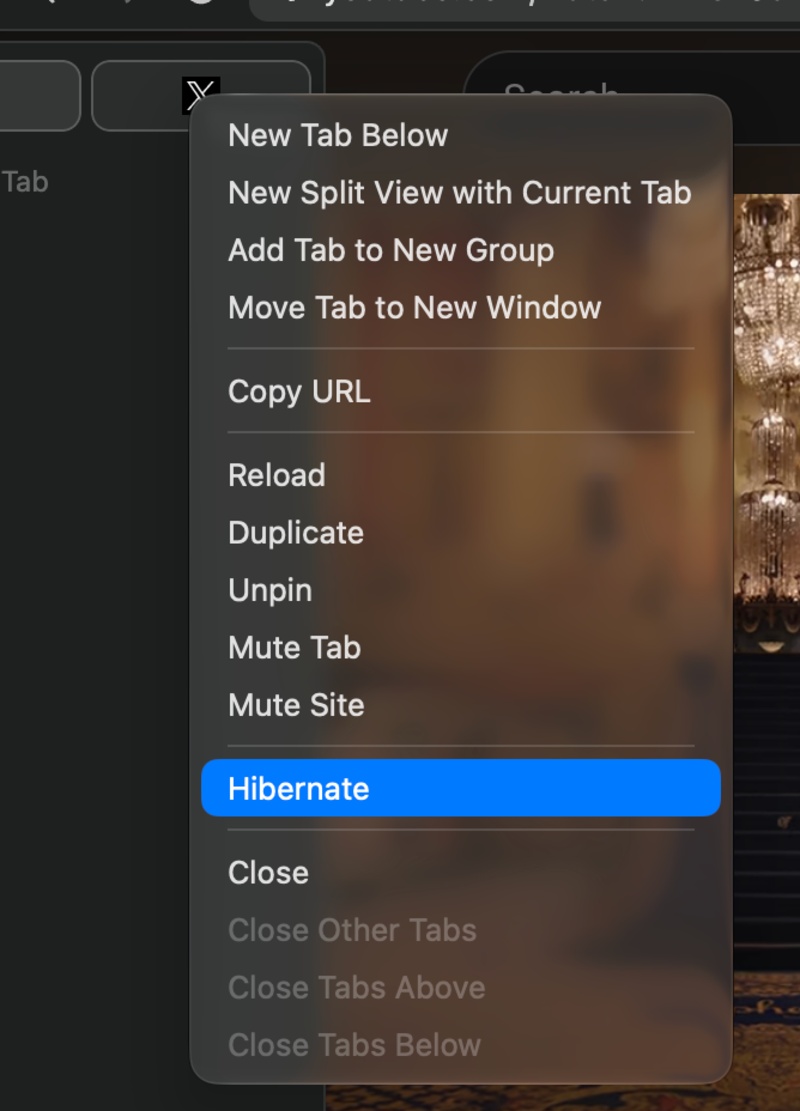
Additionally, opening links, entering URLs, or searching for other websites from a pinned tab will now create a new tab instead of replacing the pinned website. This ensures that users can return to their original pinned tab without having to restore it manually.
Helium also improves how pinned tabs behave when dragged, applying pin changes only after the drag itself ends. Furthermore, pinned split tabs are now shared between browser windows.
If a lot of this is starting to sound familiar, it’s because many of these features have existed by default on the Arc browser, which is shutting down soon. Multiple browser companies are now rushing to implement Arc’s best features, such as Little Arc windows, the sidebar, the Library, tab management system, and more.
Next up, vertical tabs. There are some improvements to the interface and a redesign to the layout. The update adds some outlines to the pinned tabs.
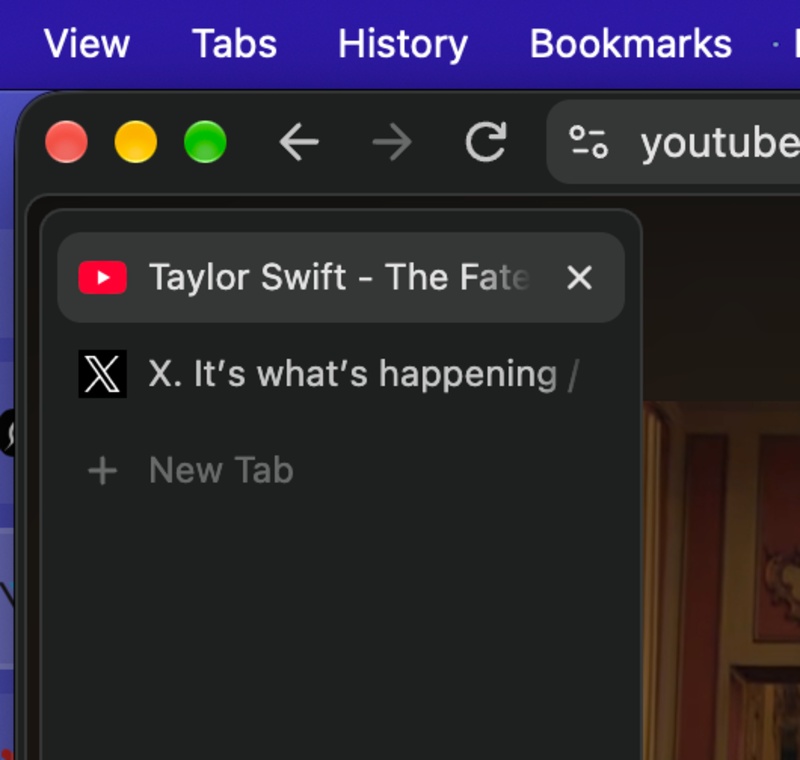
That’s not all. Helium is also changing how the Zen Mode (Frameless Mode) floating sidebar behaves. With this update, the developers have uncollapsed the floating sidebar, changing its previous collapsed state.
As for privacy, there are changes to Helium’s canvas fingerprinting protection. The browser applies noise to partial canvas readbacks, which helps maintain more consistent fingerprinting protection when websites try to read portions of canvas data.
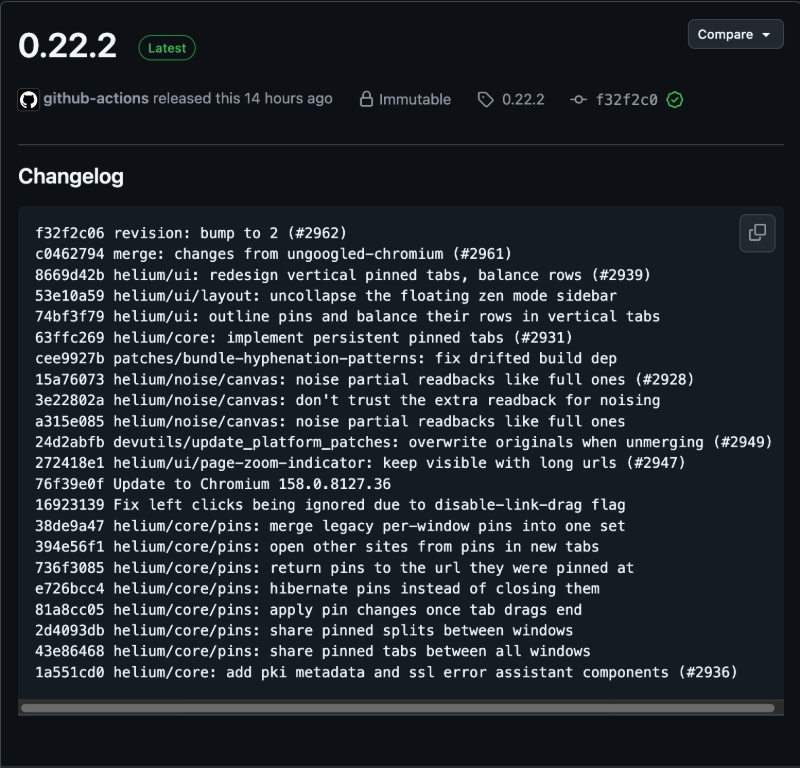
This version also updates the Chromium base, and for the rest of the less important changes, you can view the screenshot of the changelog below (via GitHub).


Sudhanshu K
399 Posts
I have been a consumer technology enthusiast for over 5 years. Thanks to my experience in software beta testing and product reviews, I've understood and learnt a lot about what bugs and issues bother people, and I spend time trying to simplify their solutions. I cover smartphones, software, social media, apps, AI, and most consumer tech gadgets. Actively pursuing a Computer Science bachelor’s degree. I'm mostly active on Twitter/X (@TechWhirlUlt), drop a DM or tag me if you want to share info or connect!