


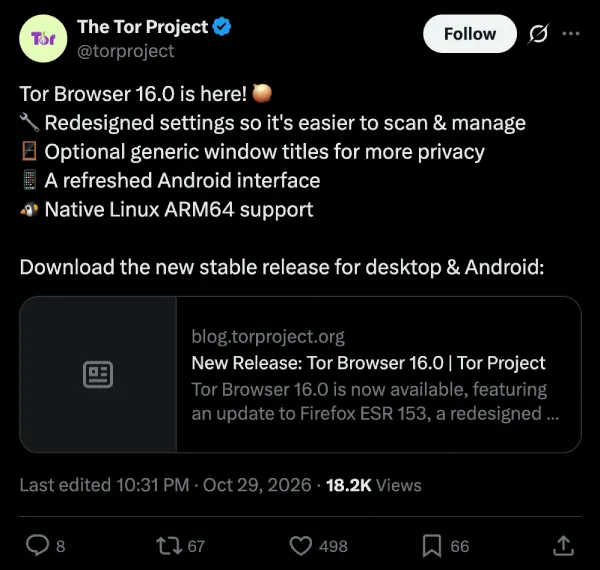
Tor Browser 16.0 is now available for desktop and Android. This is the first stable release based on Firefox ESR 153, bringing in roughly a year’s worth of upstream Firefox changes. The annual transition audit that the company does has also addressed over 270 issues.
The team has published a detailed breakdown of all the changes and also highlighted some of the bigger changes in a post on X.
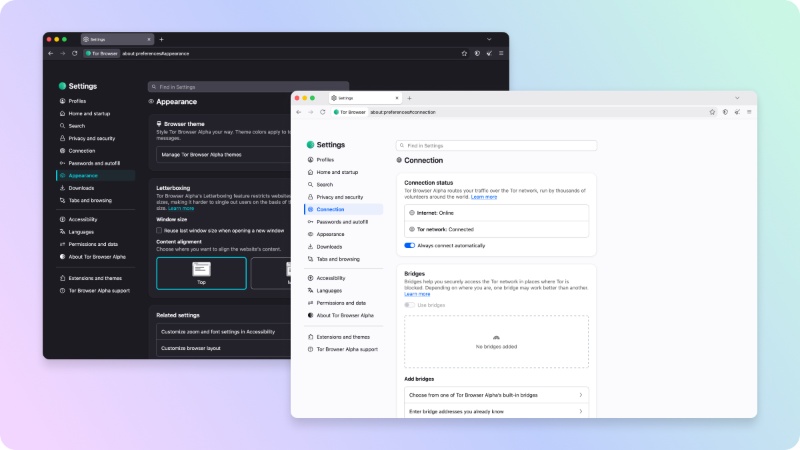
Here’s a list of the major changes on desktop:
- Redesigned Settings: Settings get a full redesign, and it matches the clear layout that Firefox shipped back in June. The navigation is updated, and the labels are clearer. The old “General” page has been removed, and the contents are split across new pages for Appearance, Downloads, Tabs, etc. Some of the Tor-specific pages, such as Connection and Security Level, have been rebuilt from scratch to match the new design. Some of the settings that could weaken browser privacy have been hidden.
- Generic window titles (new privacy option): You can turn on Generic window titles under Privacy and Security. It’s under “Protections from third-party applications.” Normally, the browser window title shows the name of the page that you’re viewing. Other apps of the OS can sometimes read those titles. If you enable this option, every window title will simply say “Tor Browser,” so other software cannot easily see what sites you’re visiting. The feature is opt-in for now, since the company wants to collect more feedback.
- New user manual: The built-in manual (available at about: manual) has been updated. It uses the latest help content from the Tor Project’s new support manual.
That’s a wrap for the changes on Tor desktop. For Android, there’s nothing dramatic. Parts of the interface have been updated to Material Design 3, and the team is trying to compress the browser APK’s size to shorten it.
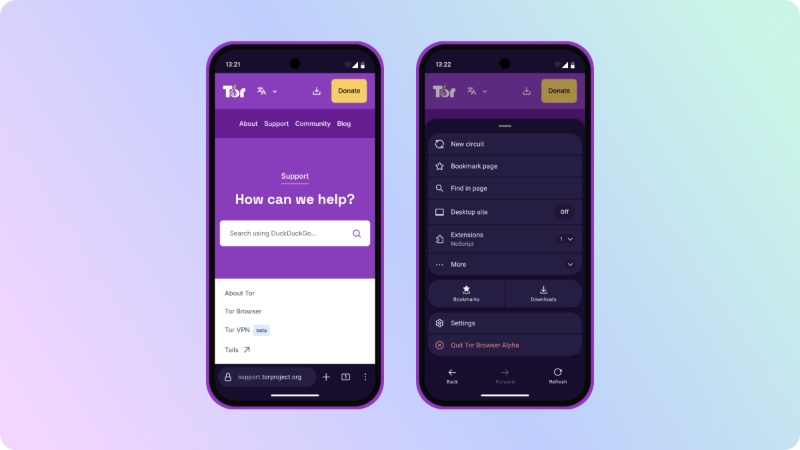
Further polish on the new Settings design on desktop and the Material Design on Android will be available soon. Finally, a new circuit display is coming to the Alpha channel.


Sudhanshu K
358 Posts
I have been a consumer technology enthusiast for over 5 years. Thanks to my experience in software beta testing and product reviews, I've understood and learnt a lot about what bugs and issues bother people, and I spend time trying to simplify their solutions. I cover smartphones, software, social media, apps, AI, and most consumer tech gadgets. Actively pursuing a Computer Science bachelor’s degree. I'm mostly active on Twitter/X (@TechWhirlUlt), drop a DM or tag me if you want to share info or connect!