


Google appears to be testing a new “Match case” button inside Chrome Canary that lets you filter your in-page text searches by exact capitalization.
Browser sleuth Leopeva64 was the first to spot the change. They posted a couple of videos and screenshots on X, noting that “this button lets you restrict search results to match your exact uppercase and lowercase letters,” just like you already can in Microsoft Edge.
Right now, hitting Ctrl+F in Chrome treats every letter the same way regardless of capitalization. If you type “Web” into the search box on a Wikipedia article, the browser highlights both “Web” and “web” across the page, which can easily leave you digging through hundreds of extra matches.
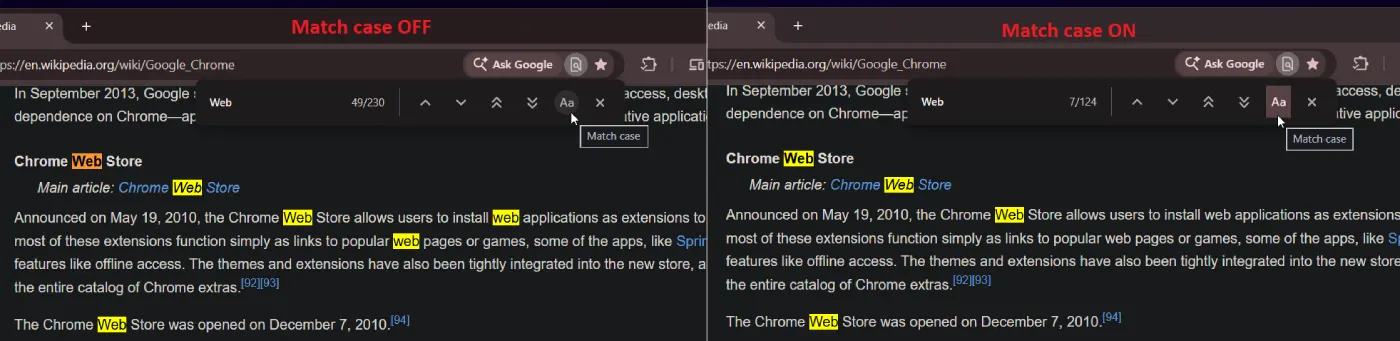
With the new “Aa” toggle turned on in the Find bar, that same search narrows the results from 230 matches to 124 by filtering out lowercase instances. It’s a small, practical improvement that makes the user experience much better, much like Chrome’s scheduled restart option currently in testing.
Case sensitivity is not the only upgrade coming to the search bar either. A couple of days earlier, Leopeva64 pointed out that Google is also testing two double-arrow buttons labeled “Next outside view” and “Previous outside view” right beside the standard up and down arrows.
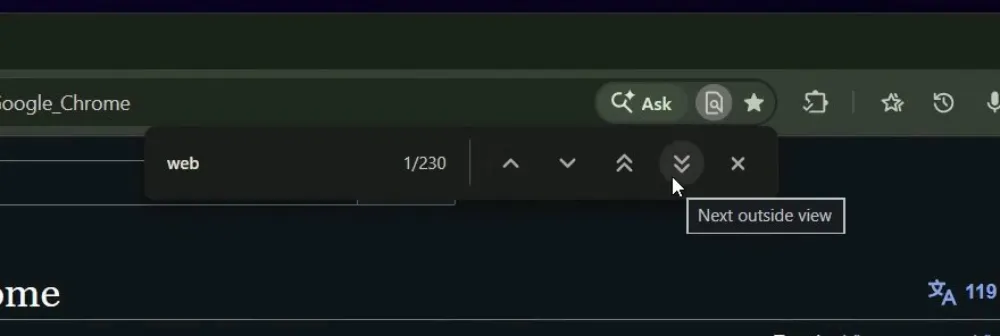
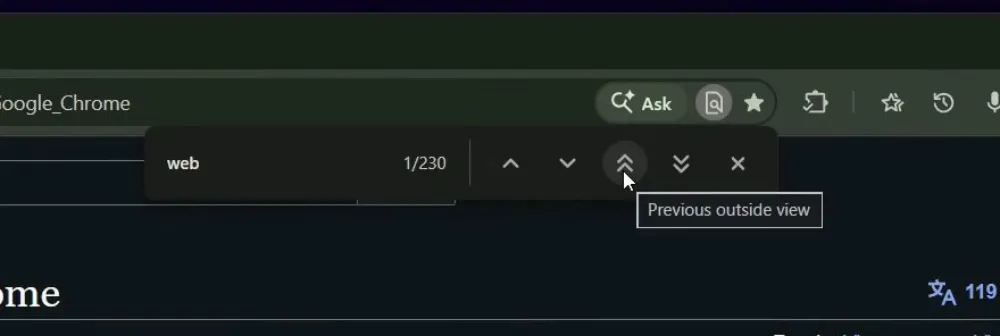
As noted by Leopeva64, who tested it out, “these buttons let you jump directly to the next match below your current view or jump back to the previous match above your current view, completely skipping results already visible on screen.”
Anyone who has ever mashed the Enter key twenty times just to get past a paragraph packed with the same repeated keyword knows how tedious the current setup feels.
While Google has been busy shipping critical Chrome 156 security patches over the past week, seeing the team circle back to fix basic everyday tools is a welcome change of pace.


Dwayne Cubbins
3168 Posts
I cover fast-moving stories across apps, online platforms, and everyday tech — phones, wearables, consoles, and whatever else people are fighting with this week. Bugs, rollouts, scams, policy enforcement, and the occasional internet-culture rabbit hole are all fair game. My goal is simple — make confusing tech news readable. When I'm not working, I'm working out or chilling with my dog. Got a tip? You can find me on X @dcubbins.