






Privacy Badger, a free, open-source browser extension that’s designed specifically to stop third-party trackers from following you across the web, is now available on Safari on macOS. The company posted an official blog announcing the availability of the extension on Safari.
So, what exactly does Privacy Badger do differently from traditional ad blockers? It also focuses on non-consensual tracking, instead of just ads that appear on the surface.
It monitors third-party domains that load content on multiple sites, and when it detects tracking behavior that ignores Do Not Track and Global Privacy Control signals, it blocks any further loads from those domains. The Global Privacy Control signal, which is legally binding in many US states, is also sent automatically.
Privacy Badger itself isn’t a new extension. It has been available since 2014 and has millions of users. It’s open-source and is maintained by the non-profit Electronic Frontier Foundation. It has been available on Chromium-based browsers for a while now, and Safari is just joining in.
It’s worth nothing that Privacy Badger isn’t a replacement to a traditional ad blocker. There’s no active research proving that it’s superior to uBlock Origin or Brave Shields, and those rely on community-maintained filter lists. Privacy Badger is built for a different purpose, which is automatic GPC and Do Not Track signalling, and even link-click tracking removal on Google and Facebook. In simpler words, it works alongside traditional ad blockers and cannot be used as a replacement for them.
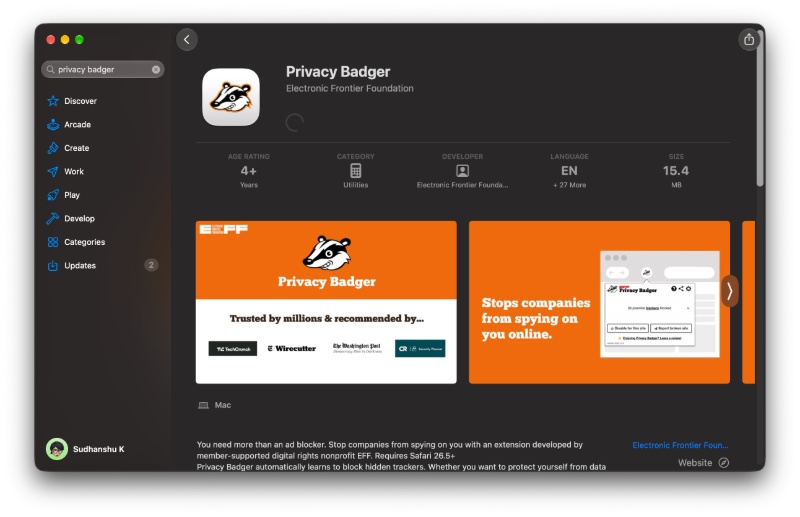
To install it on Safari, you just need macOS 26.5 or higher, and you can grab it from the macOS App Store. Once active, it will block trackers from loading in the first place.
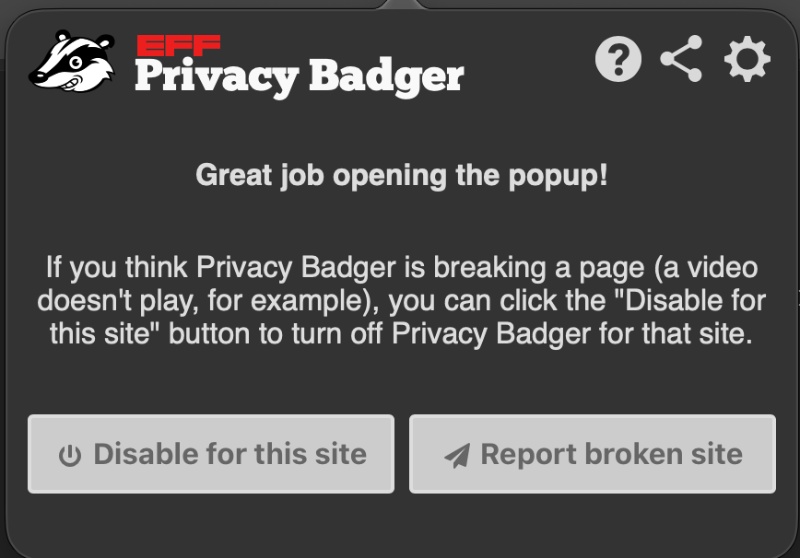
If needed, you can also disable it on individual sites.
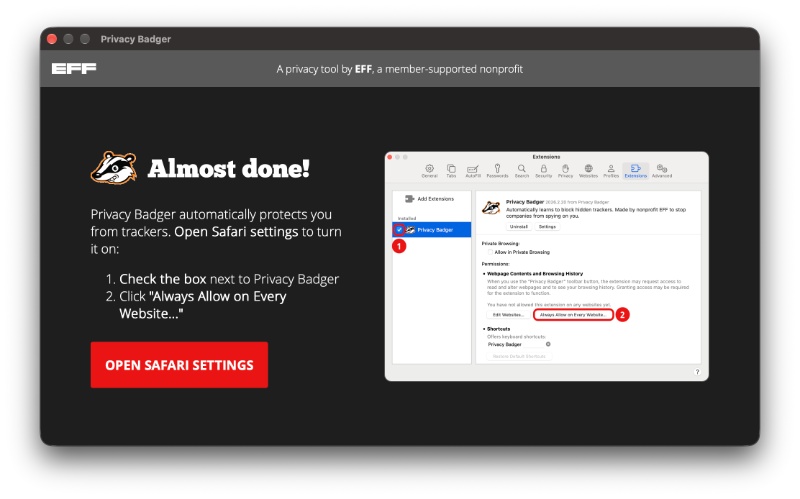
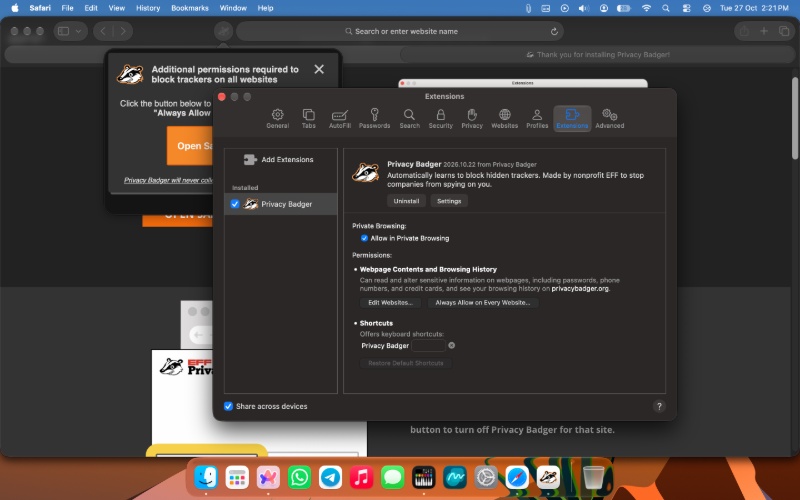
After installation from the App Store, you’ll get a pop-up that says “Open Safari Settings.”
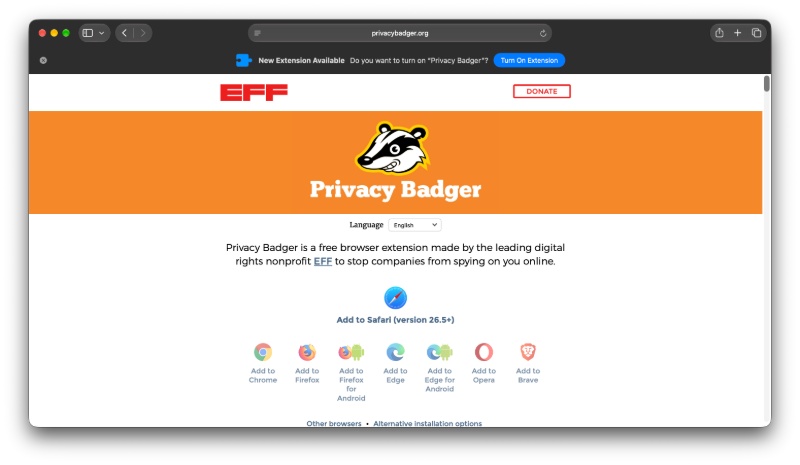
Following this, click on “Turn on extension” in Safari.
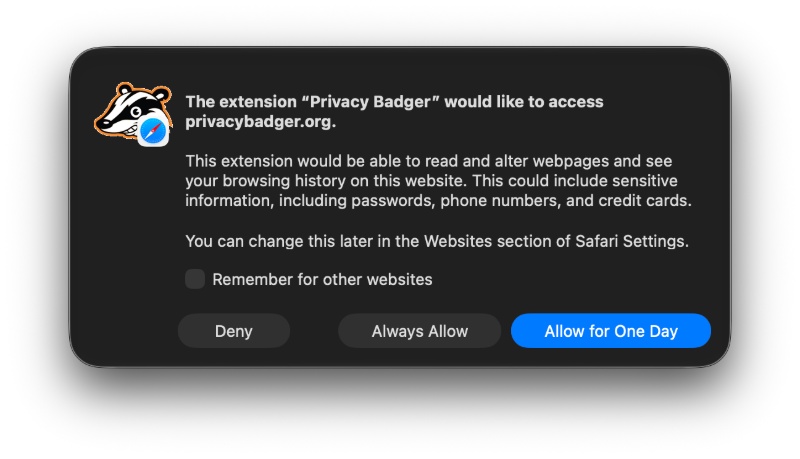
Finally, you also have to select the “Always allow on every website” option from within the extension’s settings.
Furthermore, iOS support is said to be under consideration, after the macOS version is more polished. For more information about this, you can view the official blog post here.


Sudhanshu K
349 Posts
I have been a consumer technology enthusiast for over 5 years. Thanks to my experience in software beta testing and product reviews, I've understood and learnt a lot about what bugs and issues bother people, and I spend time trying to simplify their solutions. I cover smartphones, software, social media, apps, AI, and most consumer tech gadgets. Actively pursuing a Computer Science bachelor’s degree. I'm mostly active on Twitter/X (@TechWhirlUlt), drop a DM or tag me if you want to share info or connect!