






The stable version of Microsoft Edge v156 is now out for the public. This update improves convenience. There are changes to site permissions, autofill, saved logins, and a fix for an issue with launching profiles.
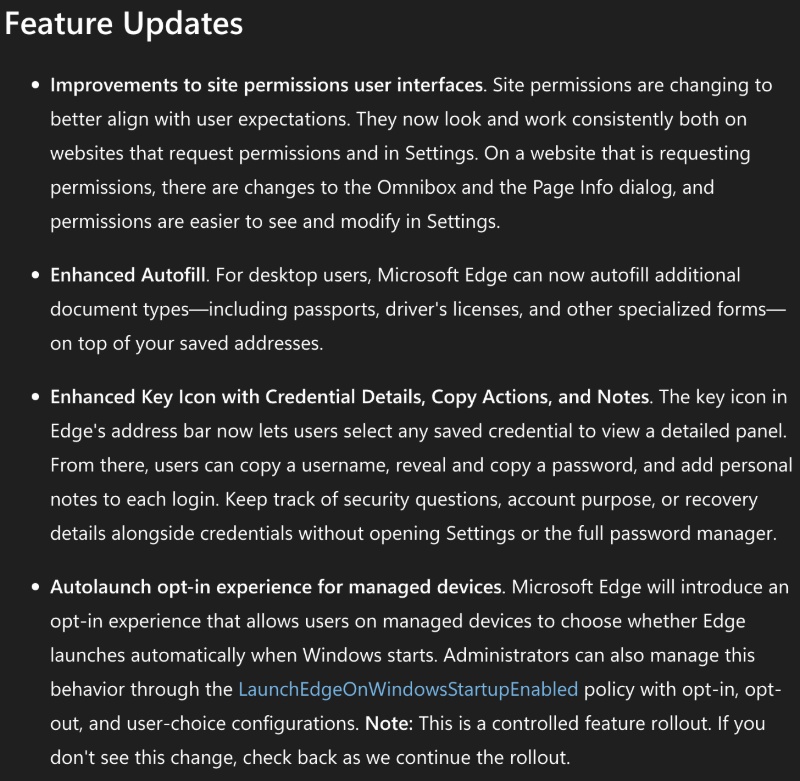
Microsoft officially detailed these in the Microsoft Ignite blog, and I have attached a partial screenshot below that shows some of the changes.
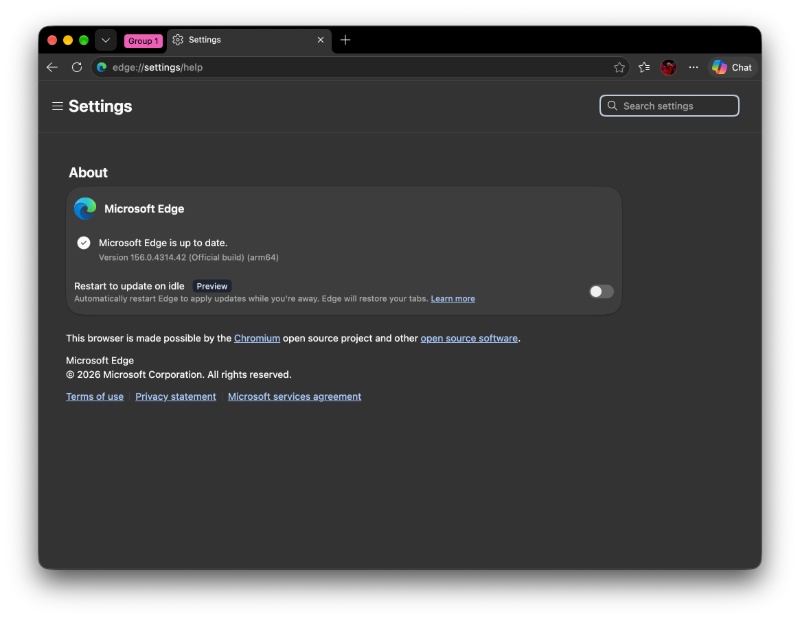
I checked for this update on my laptop, and sure enough, v156.0.4314.42 was available for installation.
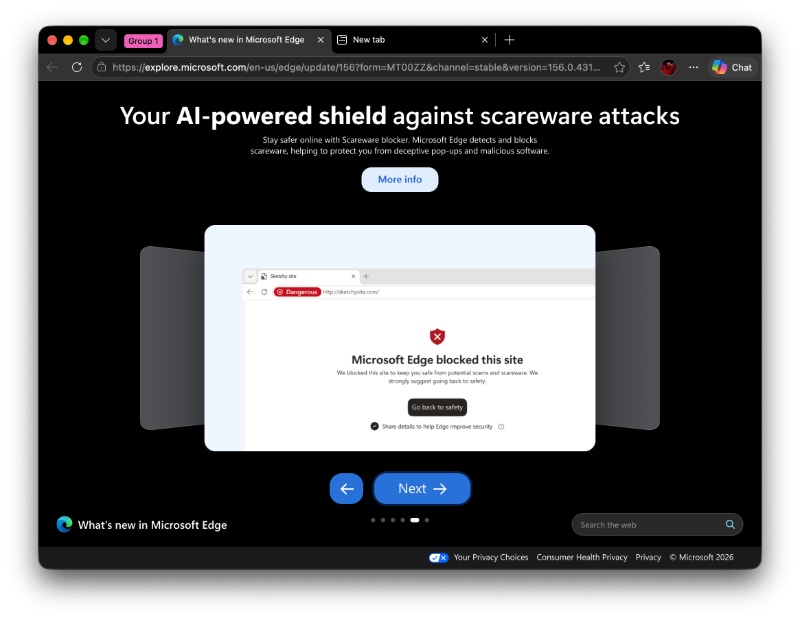
After updating, I noticed that the browser also sent me a slideshow that summarizes the changes. For instance, I have attached a screenshot of the scareware blocker feature below.
Here are the rest of the important changes:
- Site permissions work the same way when a website asks for access. On a page that requests permission, the address bar and Page info dialog have been updated so that the controls are more consistent. Permissions are also easier to review and change later on in Settings.
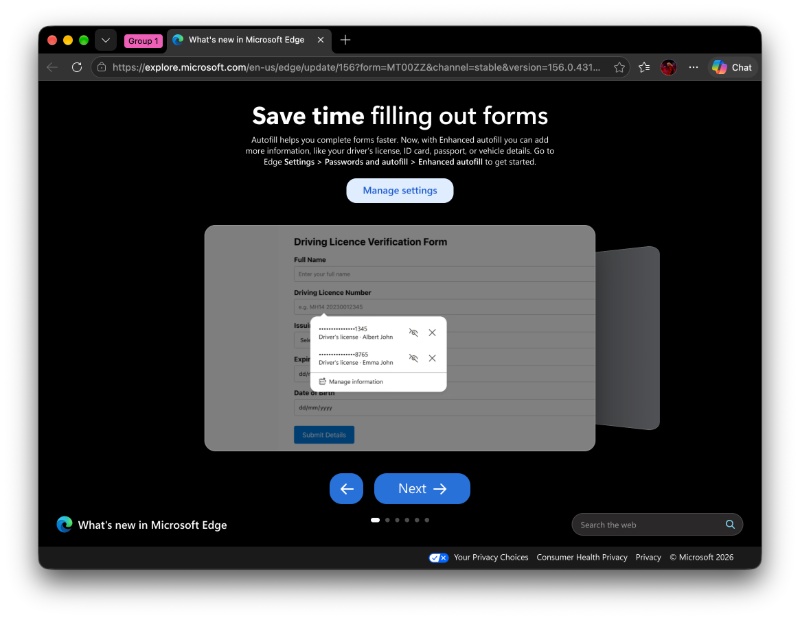
- Autofill can now fill additional document types, including passports, driver’s licenses, and other specialized forms.
- The key icon in the address bar opens a detailed panel for any saved logins. You can copy a username, copy a password, add a personal note, and more. This makes many things, such as security questions, easier.
- On managed devices, an opt-in experience lets users decide whether Edge should launch automatically once Windows starts.
- Furthermore, this update fixes an issue that stopped some users with existing browser profiles from launching Edge after a scheduled update restart.
- A shift to a new PDF viewer; the old one has been deprecated.
The full Release Notes are available here.
These changes aside, Microsoft also announced that it plans to retire the legacy direct-WAM sign-in implementation on Windows in v157. This would complete the move to OneAuth. OneAuth will continue to use Windows Web Account Manager (WAM) internally, and WAM itself is not being deprecated.
In other Edge news, Microsoft is rolling out the redesigned Copilot side pane within the browser. More on that here.


Sudhanshu K
344 Posts
I have been a consumer technology enthusiast for over 5 years. Thanks to my experience in software beta testing and product reviews, I've understood and learnt a lot about what bugs and issues bother people, and I spend time trying to simplify their solutions. I cover smartphones, software, social media, apps, AI, and most consumer tech gadgets. Actively pursuing a Computer Science bachelor’s degree. I'm mostly active on Twitter/X (@TechWhirlUlt), drop a DM or tag me if you want to share info or connect!