





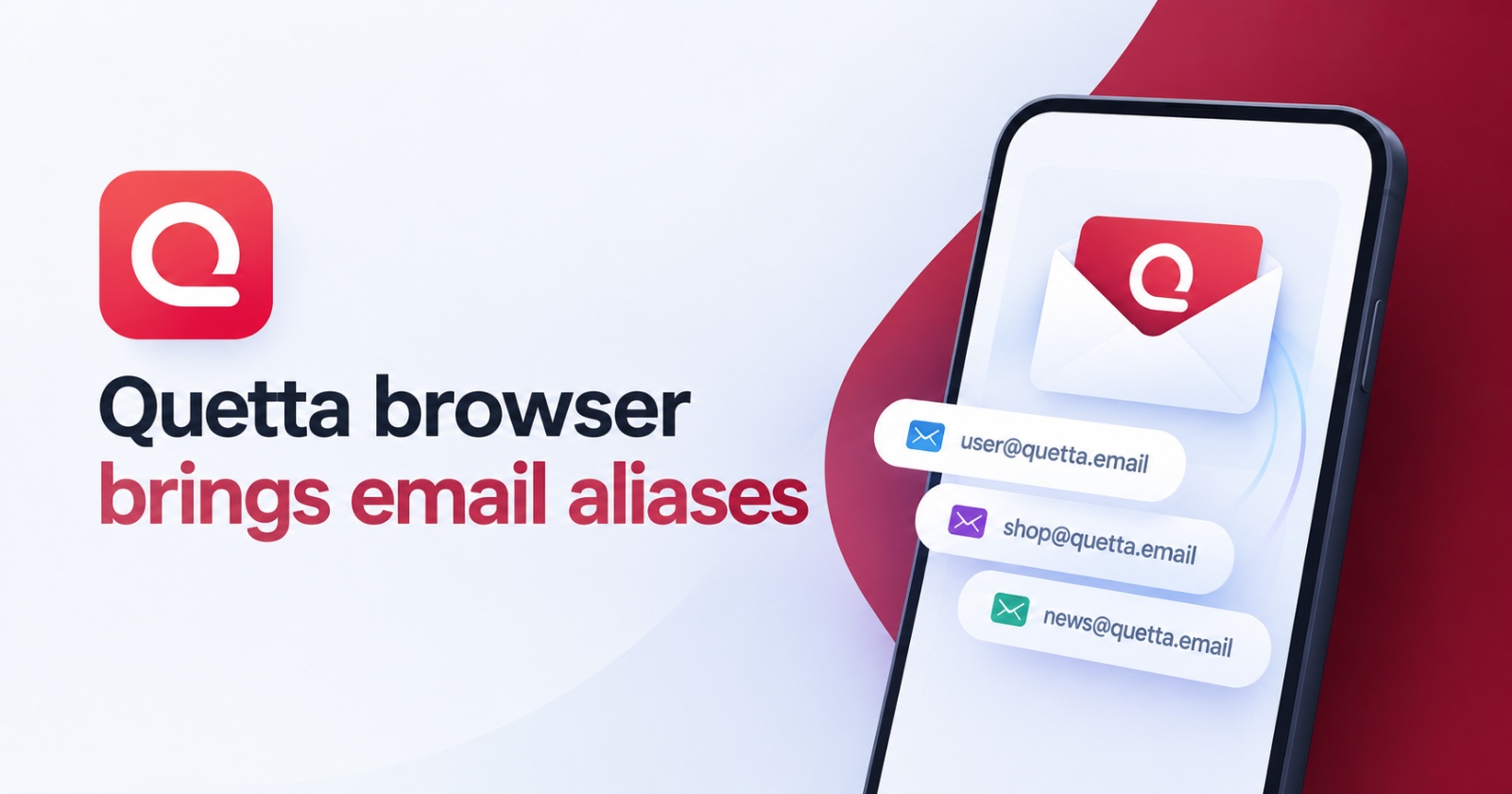
Your real email doesn’t need to go everywhere.
— Quetta Browser (@QuettaBrowser) October 19, 2026
With Email Mask in Quetta 2.0.8, you can use a masked address when signing up online, without sharing your primary email.
Update now and keep your real inbox to yourself. 📩 pic.twitter.com/fzfA4nvP1F
The latest version of the Quetta browser brings a very handy privacy feature: email aliases/masked email addresses.
Very few browsers directly support this on Android at the moment; two good examples are Firefox (you need to use an add-on) and the DuckDuckGo browser. While Brave supports email aliases, it’s restricted to the desktop version for now.
To give this feature a go, I updated Quetta, and sure enough, it was available. To access this feature, just tap the three-dot menu that’s located at the bottom right. Following this, you’ll directly find an option that says “Quetta Email Mask.”
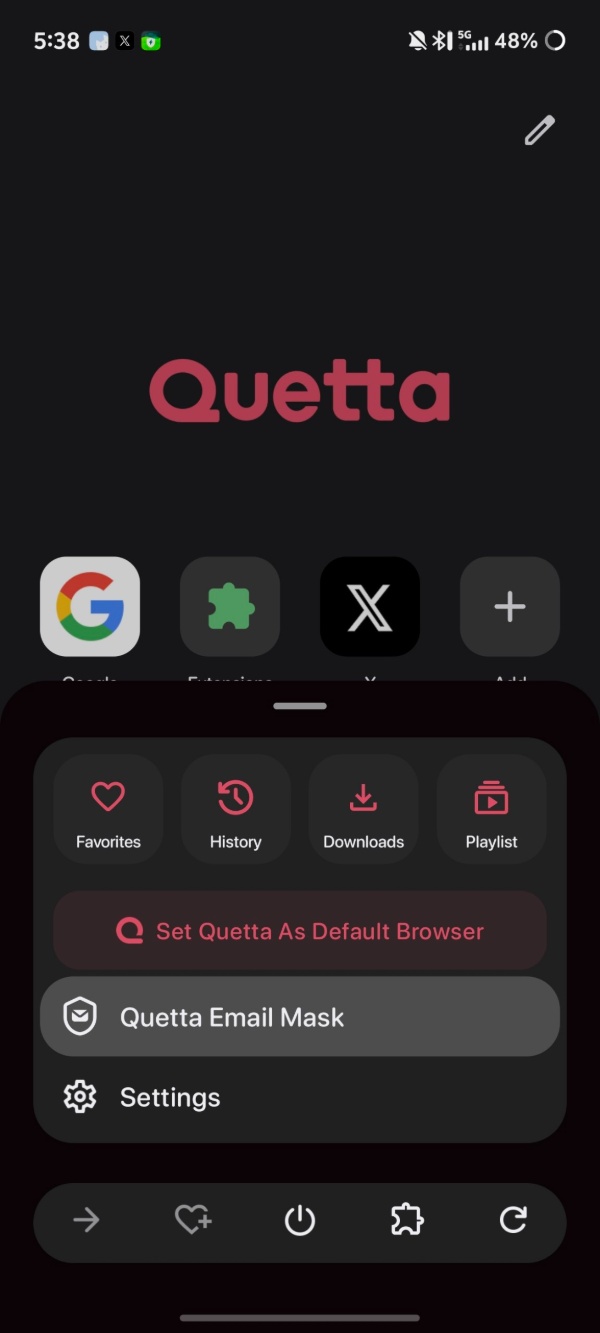
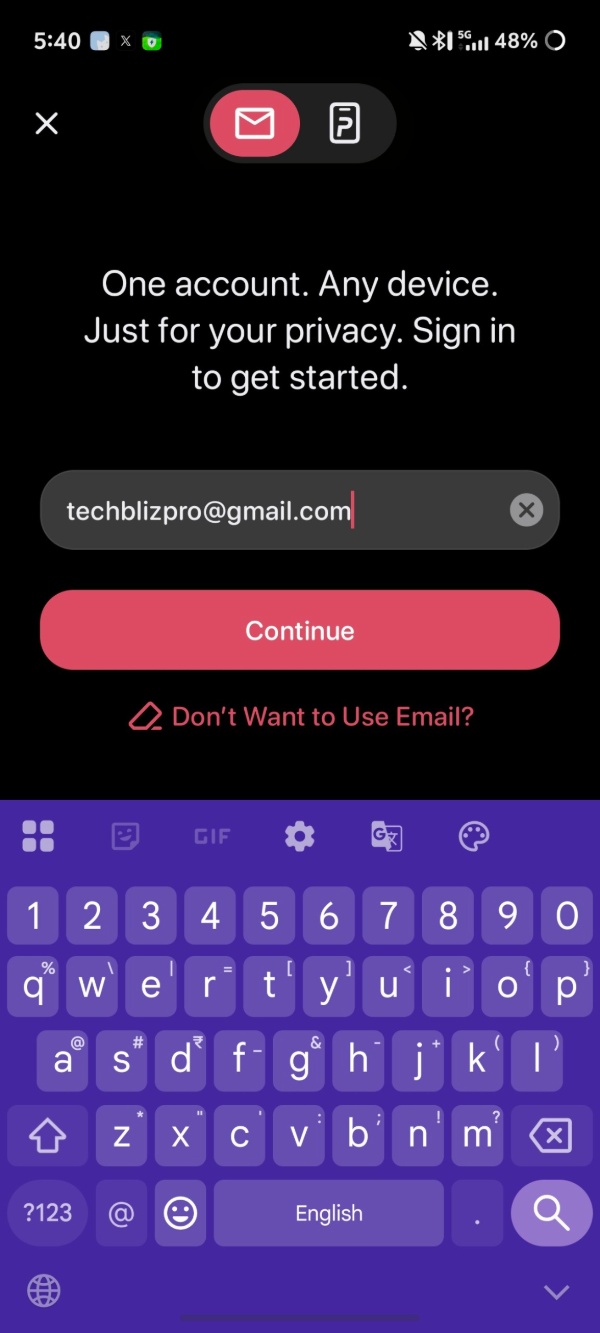
From here, you’ll need to set up the masked email. I was asked to enter my email address, and then log in via my inbox.
Once the email has been verified, you can choose what to sync.
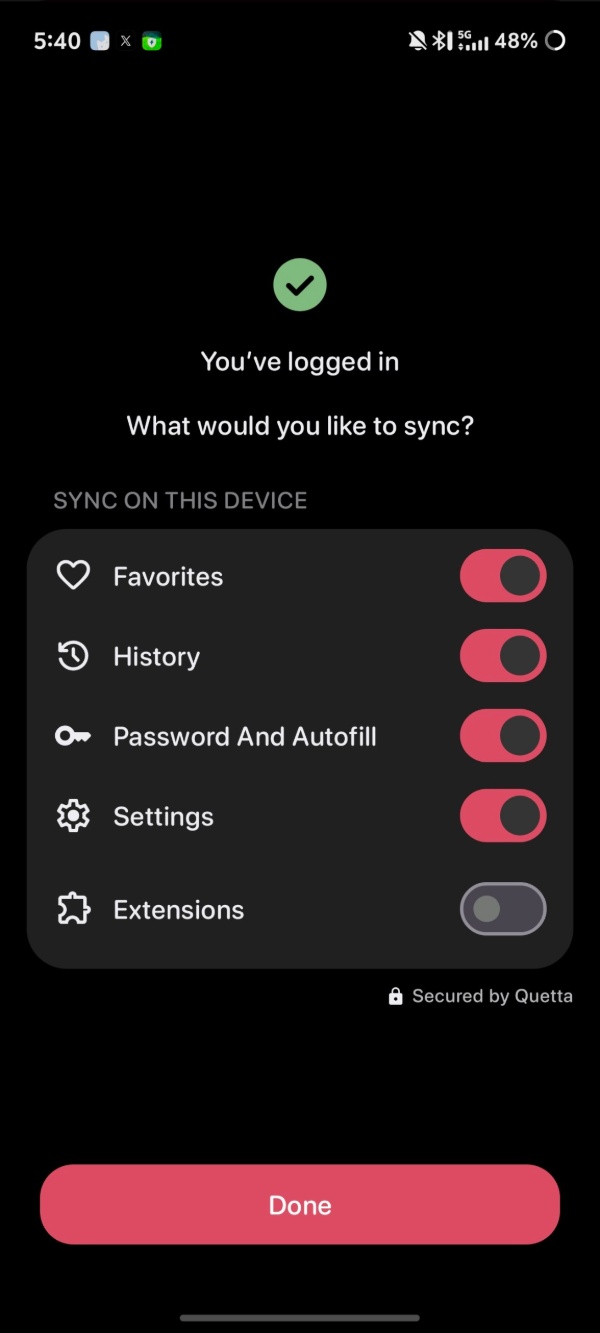
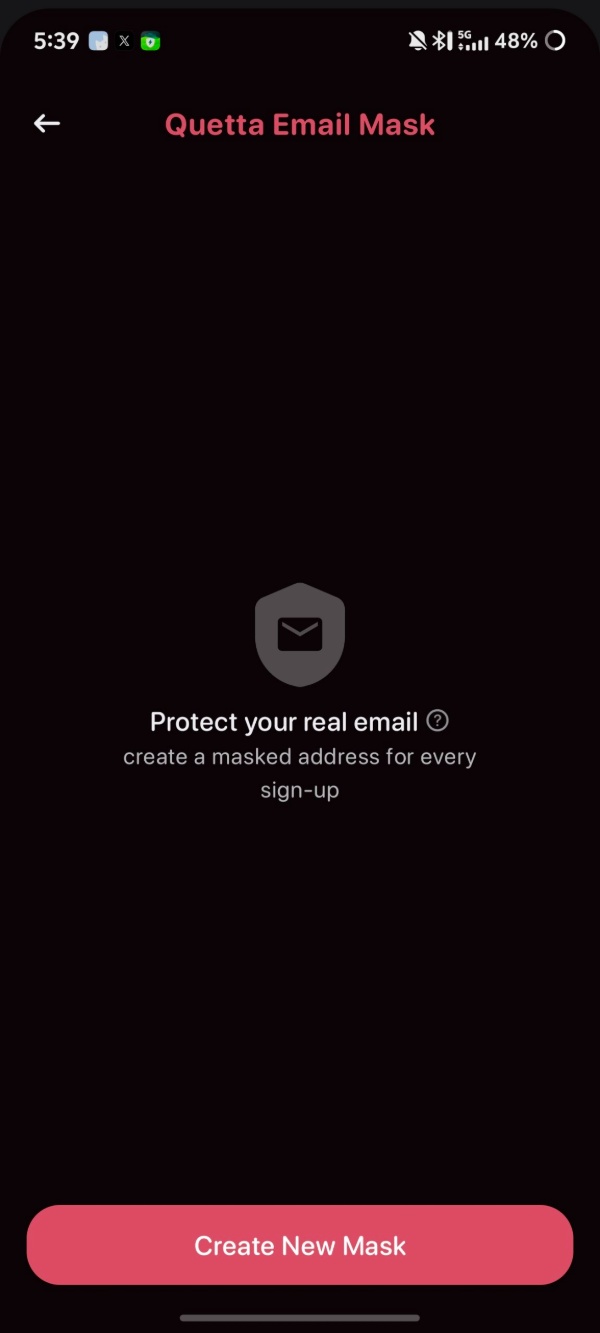
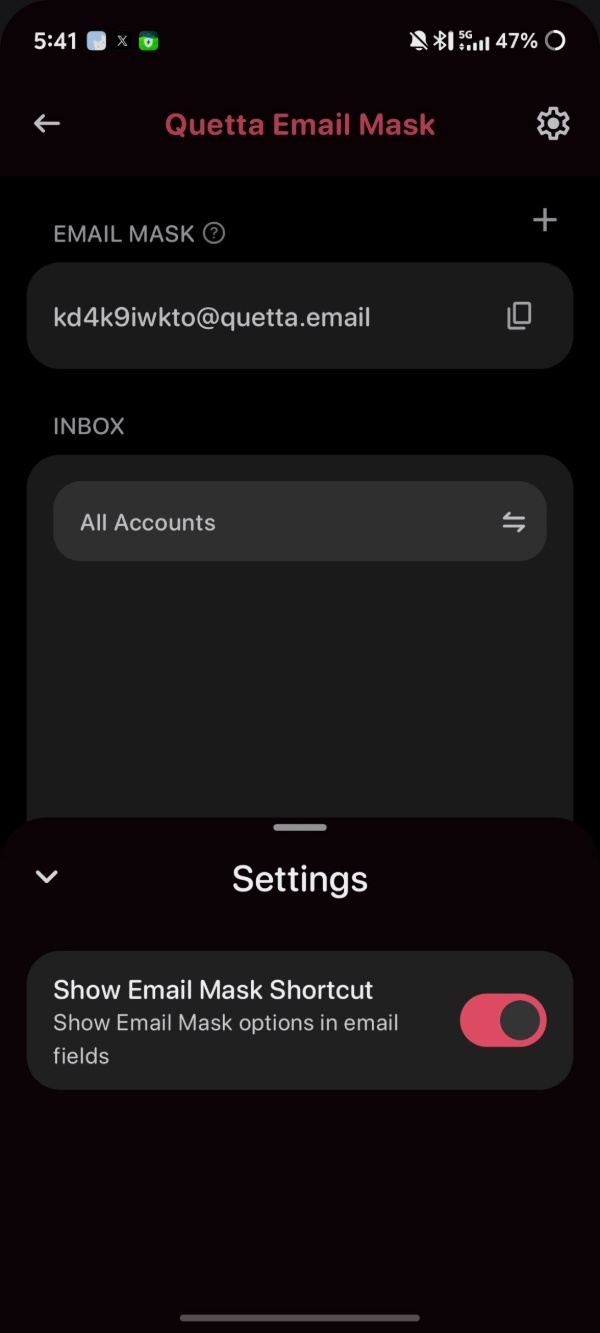
That completes the setup of your masked email. To test it out, I sent a mail to this alias email address, which ends with a “quetta.email” extension.
The email shows up specifically within the inbox of the Quetta browser. In my Gmail Inbox, it did not show up. This isn’t a bug, and they’ve designed it this way intentionally. The official documentation for the feature states that Quetta Email Mask does not forward your emails to your original inbox. You will only get them via this section in the browser. If you want to avoid clogging your main email perhaps, this is a useful feature.
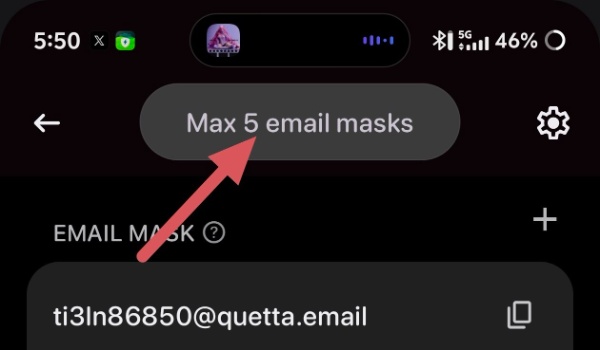
Furthermore, the maximum number of aliases you can create per email address is five.
If you’re not aware of this browser, Quetta is a rather niche option that has two main features. One of them is a built-in video downloader, which can detect and save videos in various formats directly from webpages. You don’t have to use any third-party tools whatsoever to download videos if you use this browser.
Another key feature is support for extensions. While browsers such as Kiwi, Vivaldi, Firefox, Edge, and others also offer support for extensions on Android, the Quetta browser lets you install extensions directly from both the Chrome Web Store and Microsoft Edge add-ons.
Features aside, the browser is also focused on privacy and security. It blocks ads, pop-ups, redirects, and tracking scripts at the kernel level.
The company officially announced this feature through a post on X, which we have attached below.

We stand out from the tech-media crowd because we break news stories; we mainly bring you stuff that you won’t find anywhere in the mainstream tech media. Our stories have been picked up by some of the world’s most popular websites and media outlets—more info is available here.

Sudhanshu K
338 Posts
I have been a consumer technology enthusiast for over 5 years. Thanks to my experience in software beta testing and product reviews, I've understood and learnt a lot about what bugs and issues bother people, and I spend time trying to simplify their solutions. I cover smartphones, software, social media, apps, AI, and most consumer tech gadgets. Actively pursuing a Computer Science bachelor’s degree. I'm mostly active on Twitter/X (@TechWhirlUlt), drop a DM or tag me if you want to share info or connect!