The latest update to the Orion browser isn’t a major feature drop, but it has a lengthy list of cleanups and overall polish. It fixes several bugs and improves the experience of using the browser.
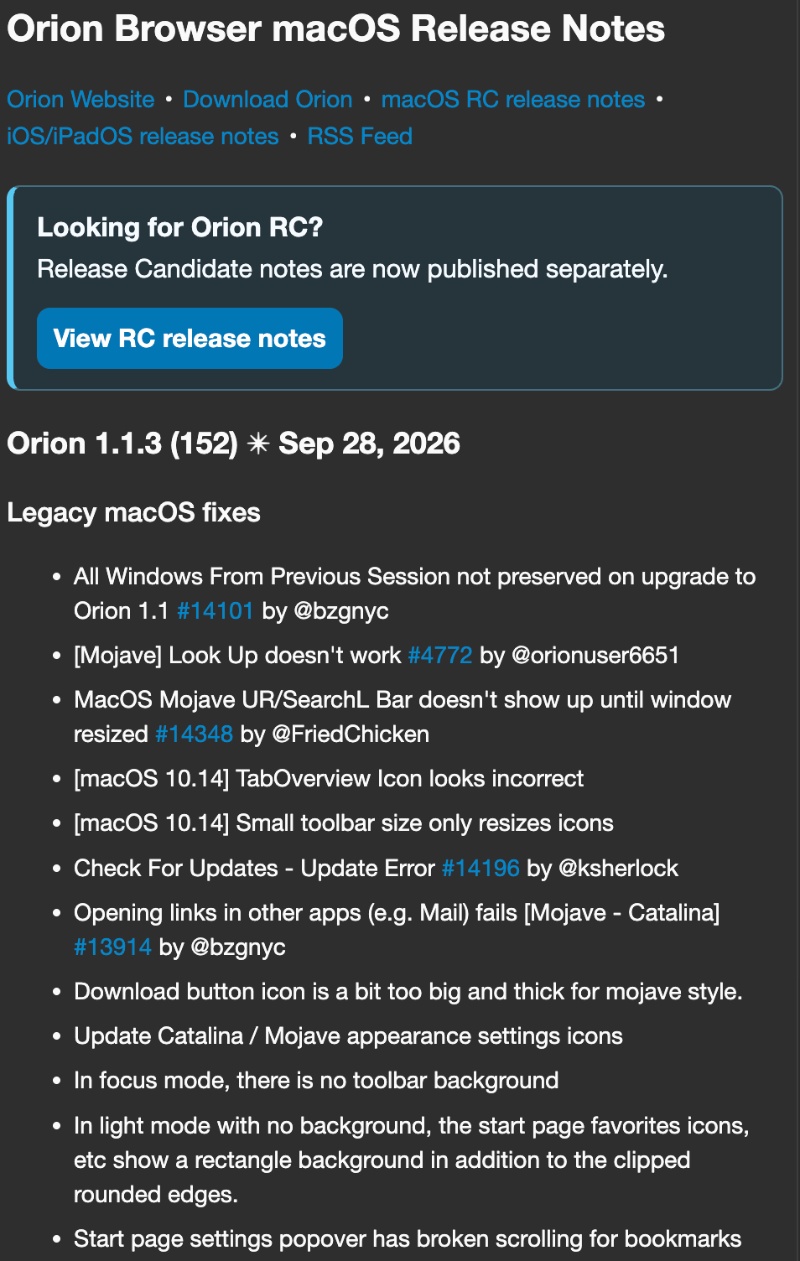
The official list of changes is quite large, so I’ve attached a screenshot that shows the first few below. The entire list was published on the official Release Notes page.
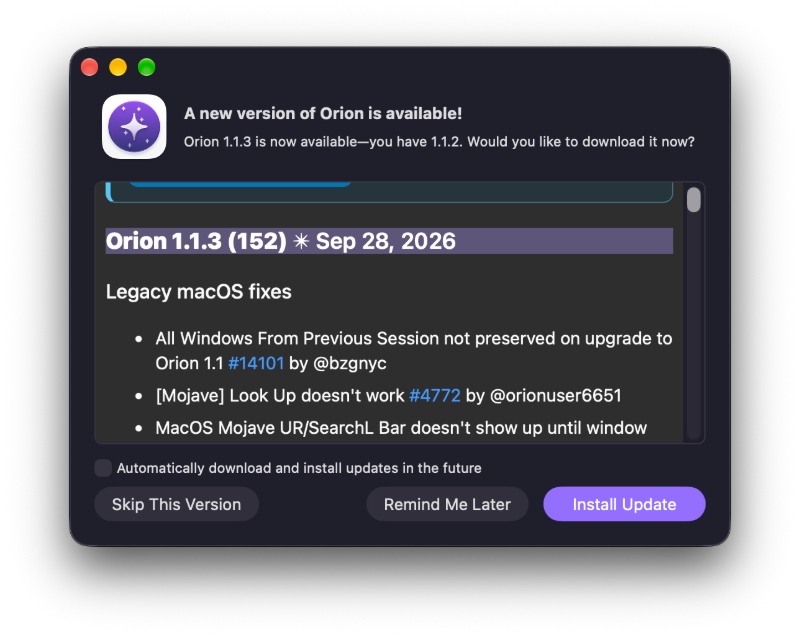
As soon as I opened the Orion browser, the latest v1.1.3 update was waiting for me. I received a pop-up on the screen, prompting me to update.
Here are the major user-facing bug fixes I noticed in the list:
- What you type in the address bar is exactly what you get. Earlier, Orion used to ignore your exact search and jump to a similarly spelled site instead, which was quite annoying.
- Spell-check while you type is enabled (turned on) by default. The browser now underlines typos as you type text, so you don’t need to specifically turn the feature on.
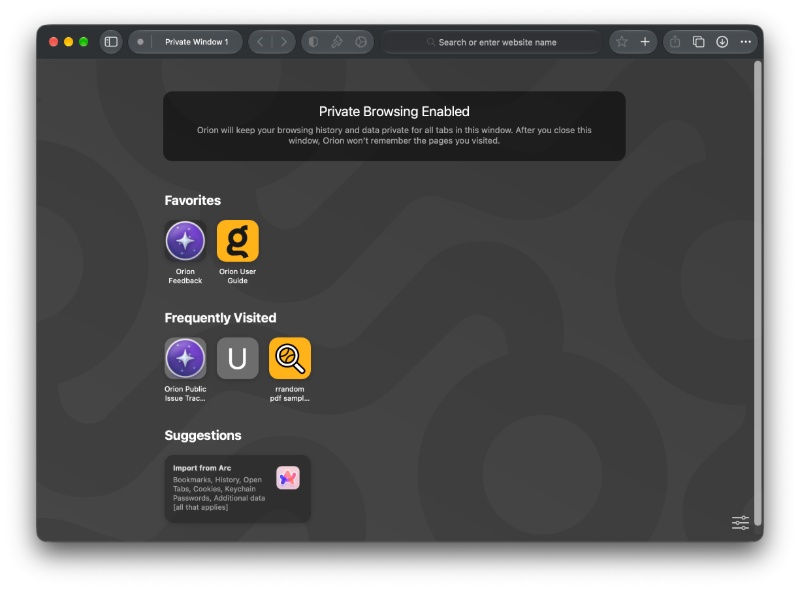
- Private windows no longer stack extra banners: Earlier, opening a private window used to show the banner more than once, which won’t happen anymore.
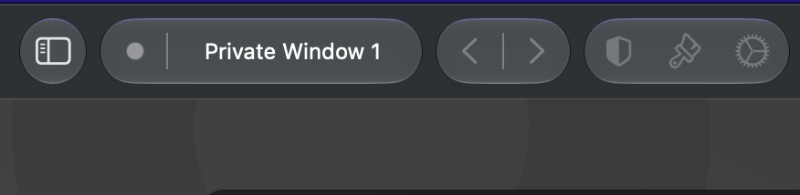
- Back/Forward arrows no longer look broken: Earlier, the left/right navigation buttons in the toolbar looked misaligned. Now, they’ll sit in a straight line.
- Bookmark folders no longer vanish when you rearrange them.
- Deleting a tab no longer breaks the behavior of the other tabs and tab groups.
- Focus mode no longer hides the toolbar when you hover over the tab popover.
- Compact tabs always show the close button (X) on the selected tab.
- Sidebar and tab-group switchers have UI design and color improvements.
- Overall appearance fixes, icon improvements, text no longer cuts off awkwardly, theme colors apply properly, padding fixes, and more.
Note: The above list doesn’t contain all of the bug fixes. I only picked out the important ones from the original changelog.
You can find the entire list of Release Notes here; there are several bug fixes — nearly 50.


Sudhanshu K
335 Posts
I have been a consumer technology enthusiast for over 5 years. Thanks to my experience in software beta testing and product reviews, I've understood and learnt a lot about what bugs and issues bother people, and I spend time trying to simplify their solutions. I cover smartphones, software, social media, apps, AI, and most consumer tech gadgets. Actively pursuing a Computer Science bachelor’s degree. I'm mostly active on Twitter/X (@TechWhirlUlt), drop a DM or tag me if you want to share info or connect!
Next article View Article