





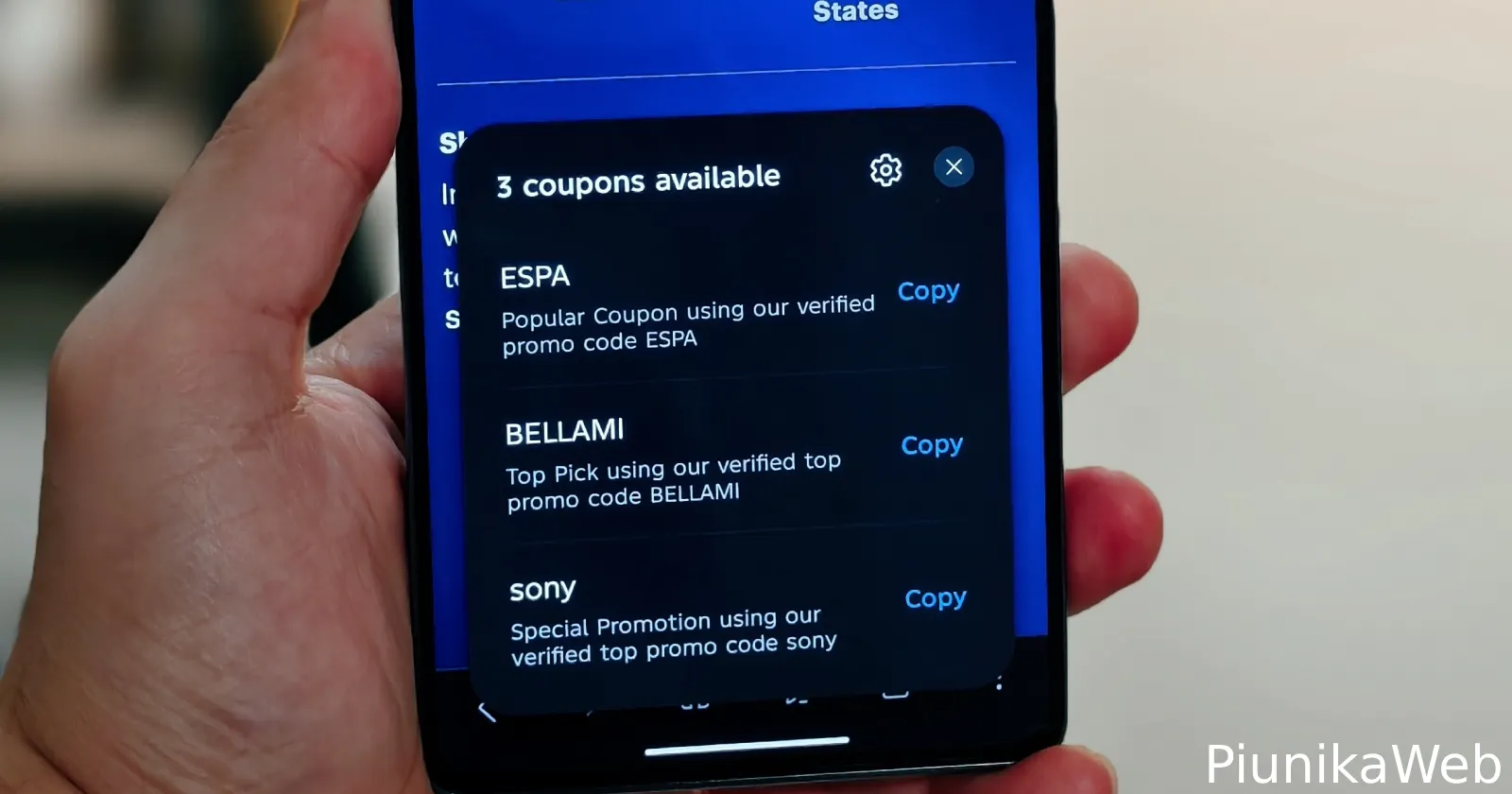
Microsoft Edge users have long had the luxury of automatic coupon application while shopping, sparing them the hassle of searching for unreliable promo codes at checkout.
Now, Samsung is following suit. The latest update to its Samsung Browser adds a built-in discount finder called ‘Smart shopping’. X user Kailash first posted about the feature, and Android Authority also highlighted the update.
This feature arrived in version 30.0.5.24 of the browser, letting users find discounts without needing extra extensions. The changelog also mentions a new ‘Manage windows’ setting.
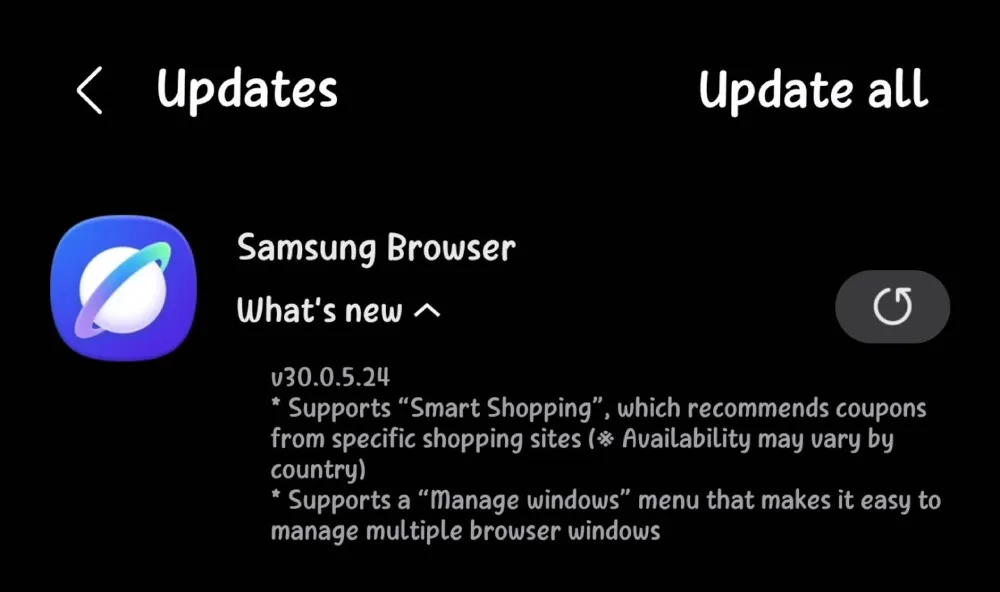
I was curious about the update, so I installed the APK file to check it out.
When I opened the settings, I found a Smart shopping toggle in the Useful features section, just below the assistant controls.
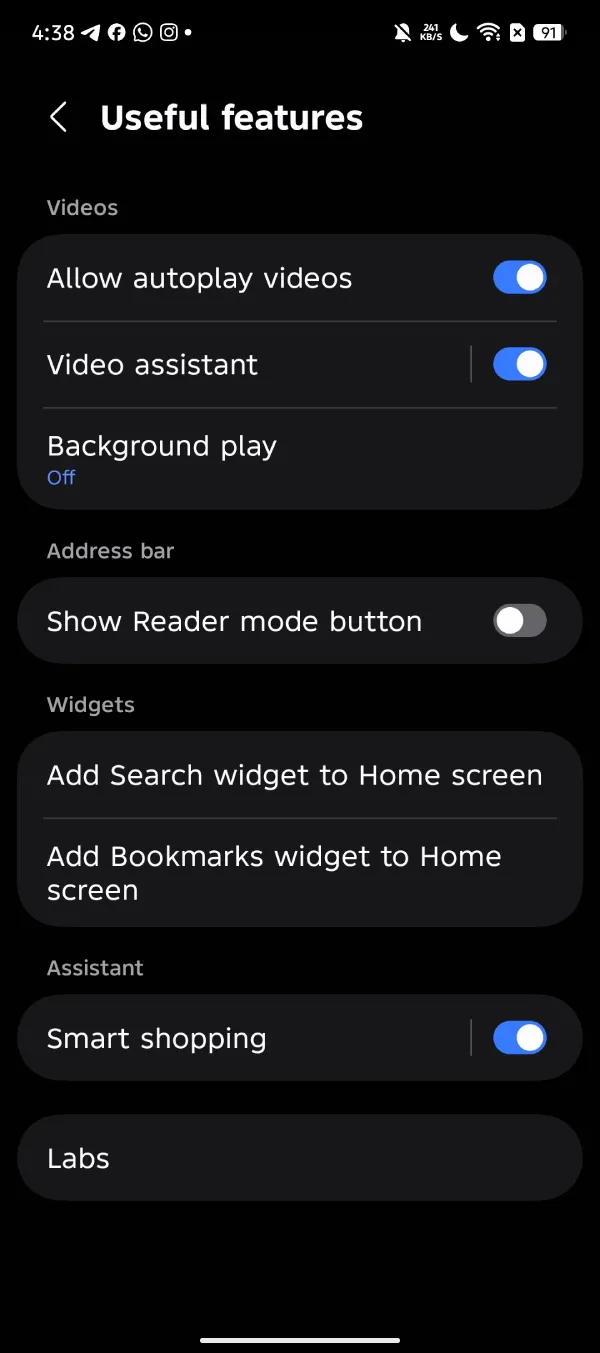
Tapping on it brings up another screen with an Auto apply coupons switch. Samsung says this lets the browser automatically test discounts at checkout on supported shopping sites, so you don’t have to copy and paste codes yourself.
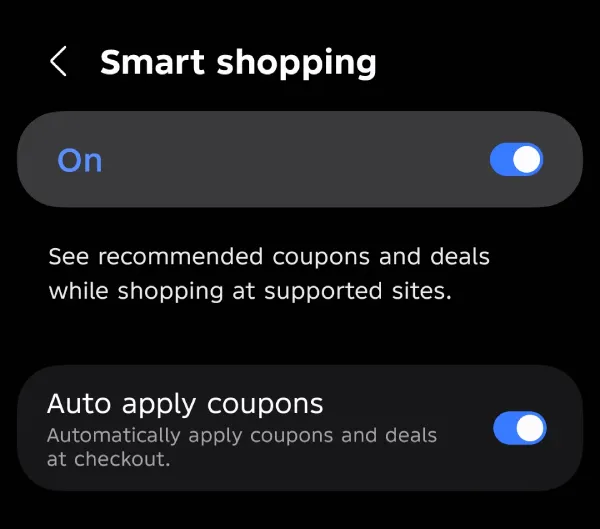
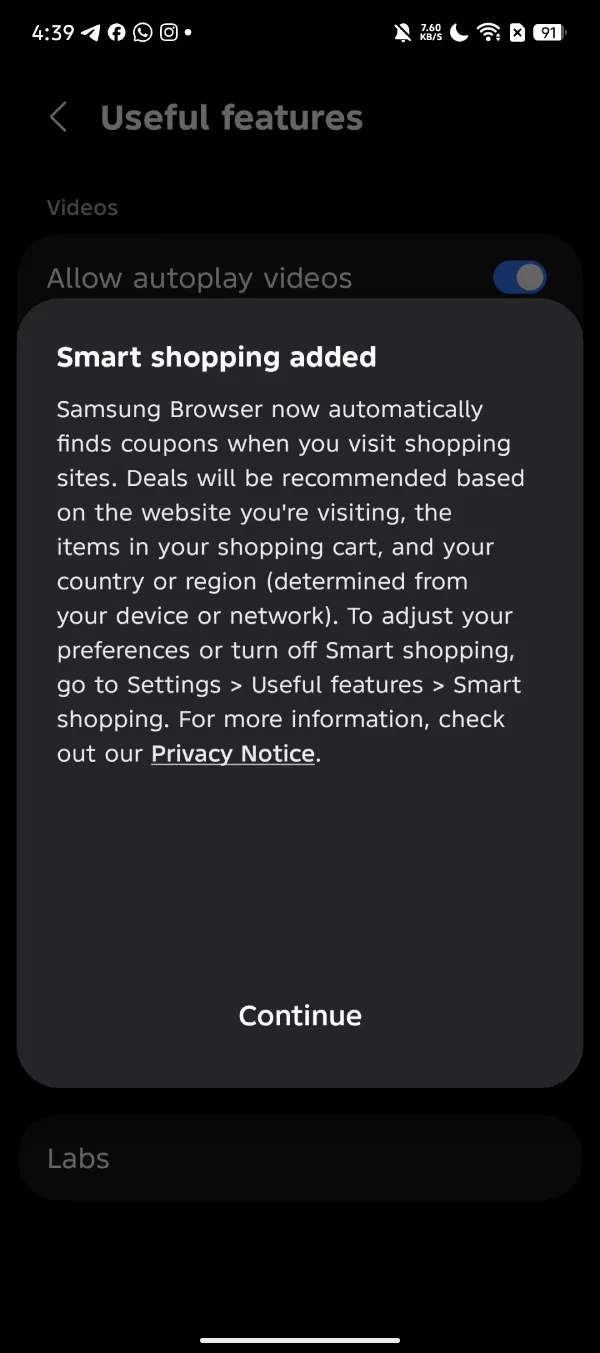
I noticed the feature was turned on by default after a fresh install. When I turned it off and then back on, I got a more detailed description on the screen.
The description says the browser looks for ways to save you money while you shop. The coupons it suggests are personalized based on “the website you’re visiting, the items in your shopping cart, and your country or region” as detected by your device or connection.
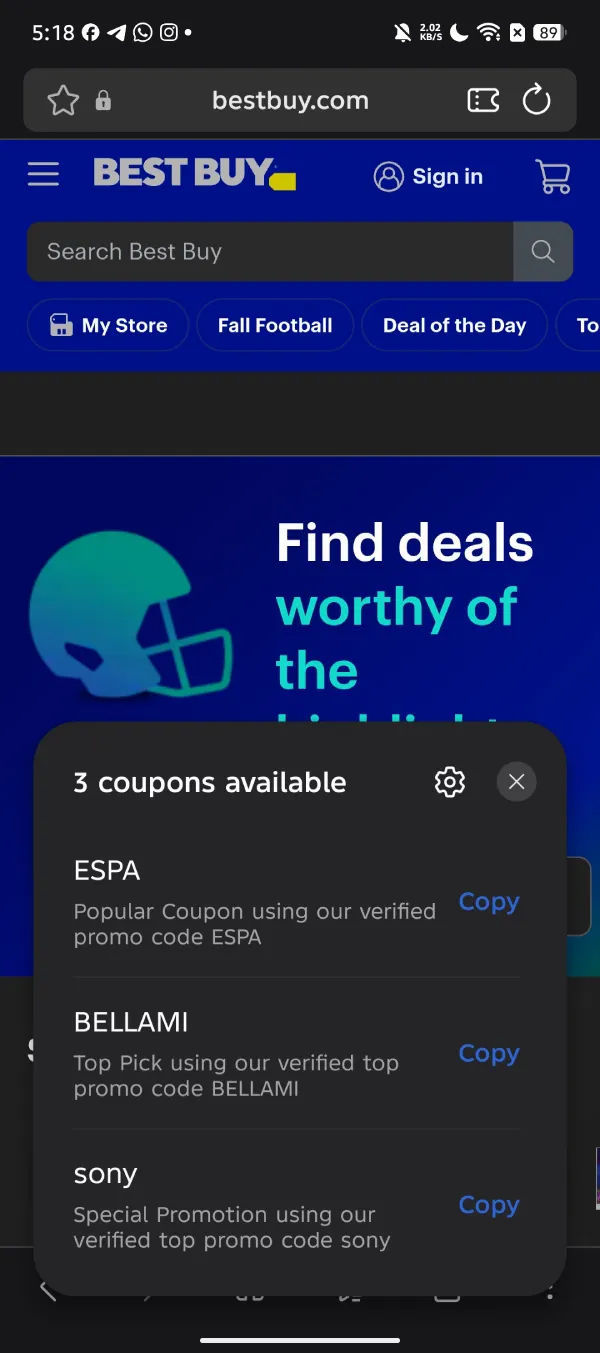
If the browser finds coupons for the website you’re visiting, you’ll see an icon show up in the address bar. Tapping on it will reveal a list of the coupons it found.
Some users might worry about privacy since the browser can scan your cart. Still, this step is usually necessary for any tool that needs to figure out which promo codes will work for your purchase.
If you don’t see the update yet, you can sideload the APK file to try it out. Just keep in mind that we can’t confirm if the file is legitimate, so be careful.
How often people use this feature will depend on how many local stores Samsung partners with. Still, having your mobile browser automatically try coupons in the background is a welcome change that the platform has needed for a long time.


Dwayne Cubbins
3060 Posts
I cover fast-moving stories across apps, online platforms, and everyday tech — phones, wearables, consoles, and whatever else people are fighting with this week. Bugs, rollouts, scams, policy enforcement, and the occasional internet-culture rabbit hole are all fair game. My goal is simple — make confusing tech news readable. When I'm not working, I'm working out or chilling with my dog. Got a tip? You can find me on X @dcubbins.