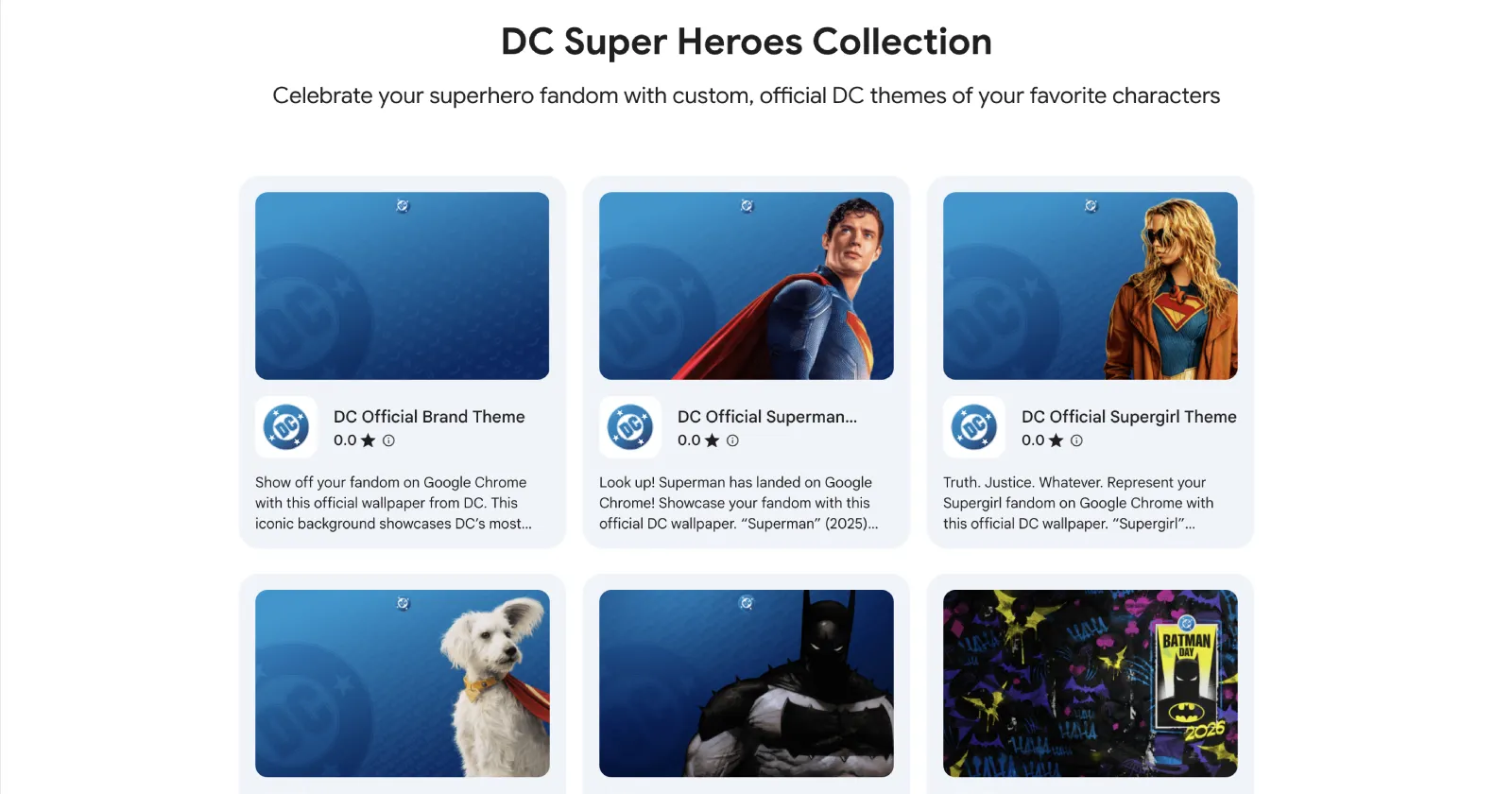
If you’re a DC Comics fan and use Google’s Chrome browser, then you’re in for a treat. DC Official just released its DC Super Heroes Collection in the Chrome Web Store.
Of course, themes have been around for a long time, but for the most part, they come from third parties and may not have the polish you were looking for. This time around, Google teamed up directly with DC to deliver clean, official looks for your new tab page.
It looks like the partnership might be centered around Batman Day celebrations. We spotted the release through an official YouTube Shorts video from the Google Chrome account. You can check it out below:
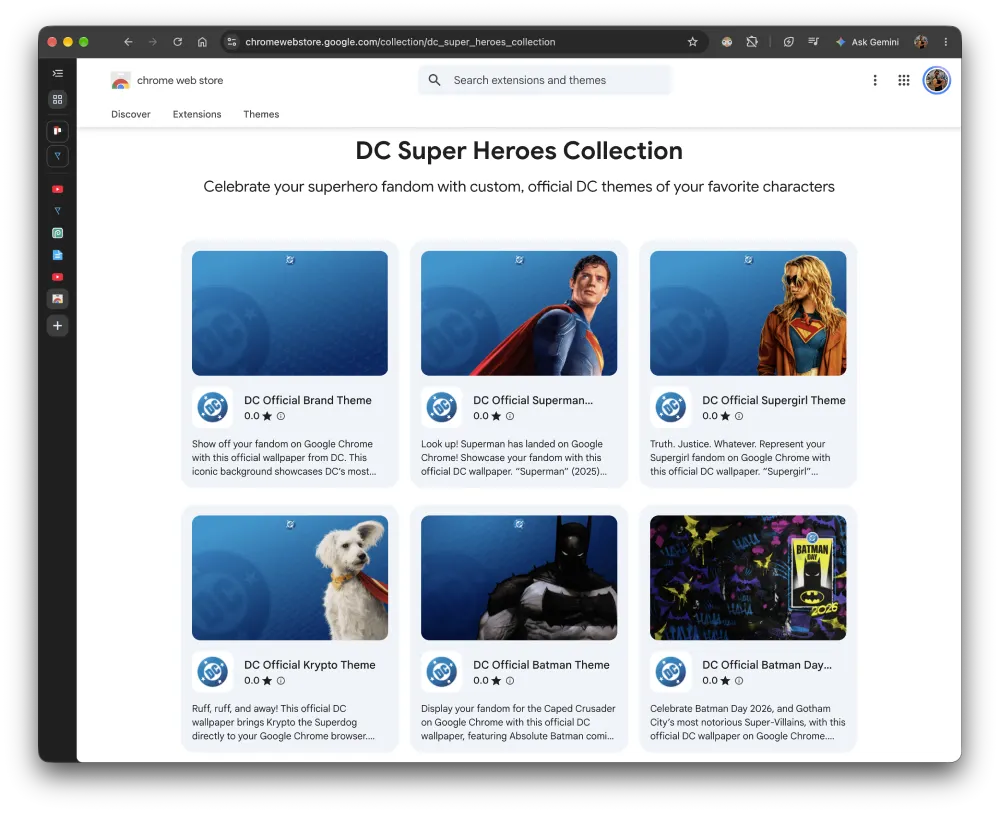
There are six themes in the collection: DC brand, Superman, Supergirl, Krypto, Batman, and Batman Day 2026. All themes have almost the same background, with only a change in the characters. The Batman Day 2026 theme is the only one that stands out.
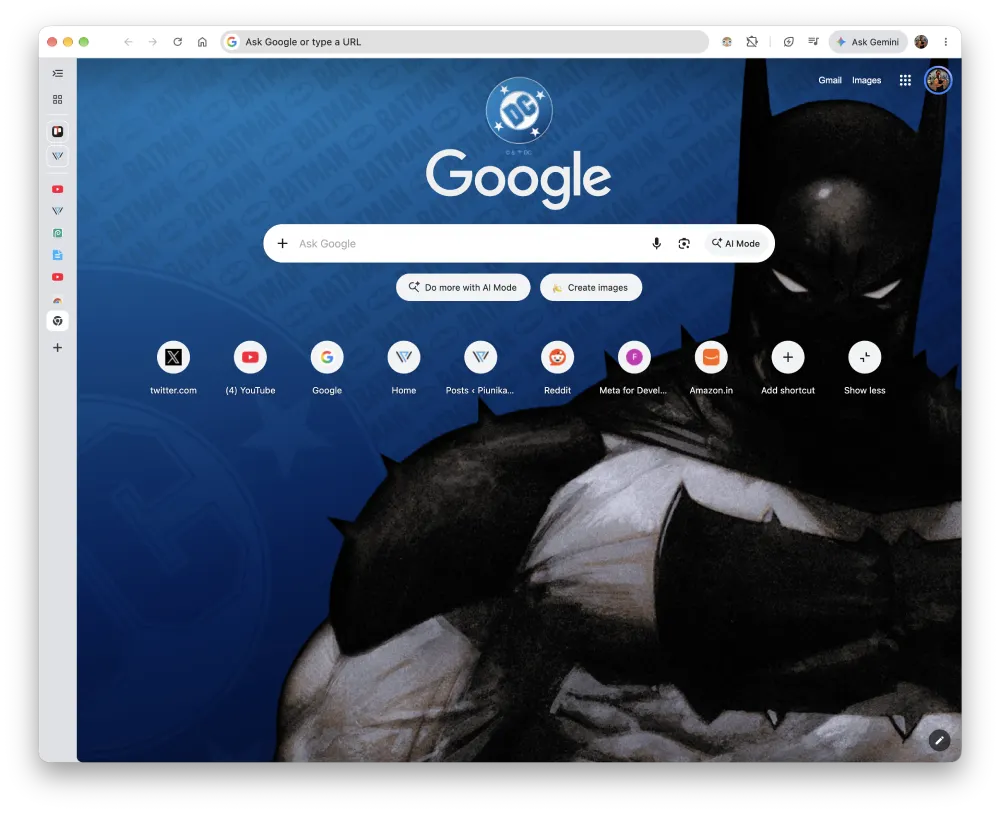
I picked the standard Batman theme as my New Tab Page background. Here’s how it looks:
Each listing has its own fun personality in the store descriptions. The Supergirl theme opens with a blunt “Truth. Justice. Whatever,” while Krypto’s page greets visitors with “Ruff, ruff, and away!” Superman keeps things classic, telling users, “Look up! Superman has landed on Google Chrome!”
Just a couple of days ago, Google pushed out a fresh build to squash dozens of flaws, which we broke down in our look at the latest Chrome security update. Getting something purely cosmetic is a pleasant change from the usual urgent updates you have to install before shutting your laptop.
That said, adding a theme to Chrome is pretty straightforward. You can head to the DC Super Heroes Collection page in the Chrome Web Store and pick the theme you want. Then just click the ‘Add to Chrome’ button, and the theme will be applied automatically. To see it in action, open a new tab.
If you ever get tired of the superhero look, you can always revert to your standard theme from the new tab customization menu.


Dwayne Cubbins
3084 Posts
I cover fast-moving stories across apps, online platforms, and everyday tech — phones, wearables, consoles, and whatever else people are fighting with this week. Bugs, rollouts, scams, policy enforcement, and the occasional internet-culture rabbit hole are all fair game. My goal is simple — make confusing tech news readable. When I'm not working, I'm working out or chilling with my dog. Got a tip? You can find me on X @dcubbins.
Next article View Article