





The new update for the Orion browser on iPhone/iPad is quiet, but useful. While it’s not a flashy feature drop, various crashing issues were resolved, and Orion+ is now available inside the app itself.
As I’ve mentioned before, the changelog is quite extensive. The update brings several quality-of-life improvements to make your browsing experience smoother. A screenshot of some of the changes has been attached below for your reference.
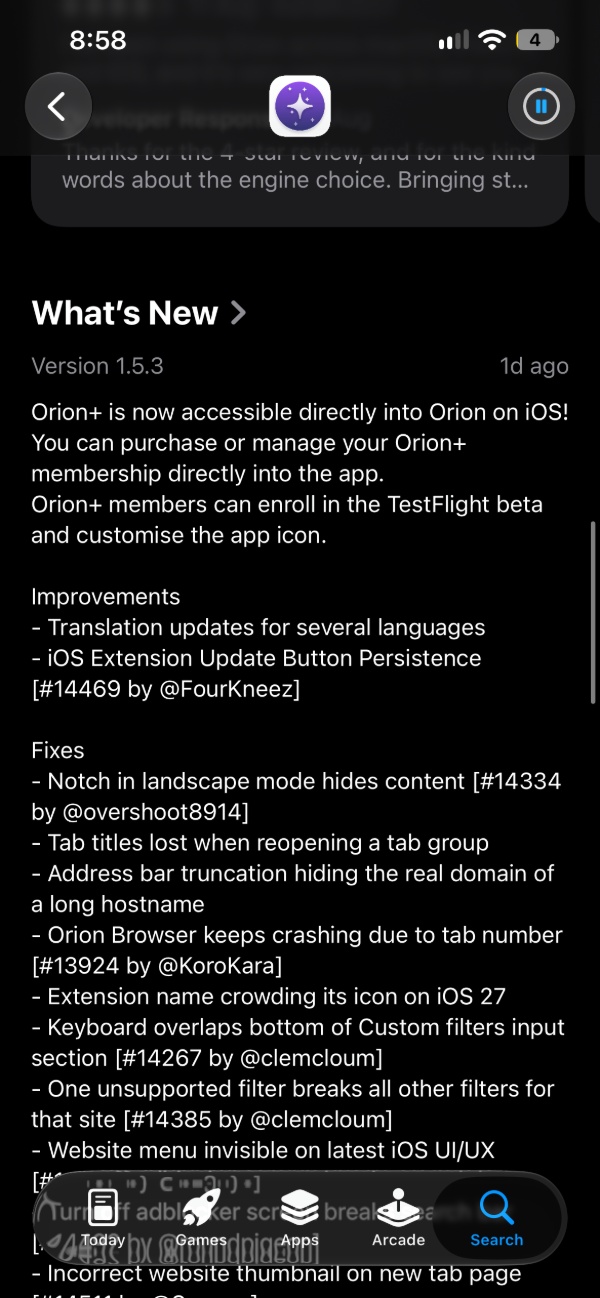
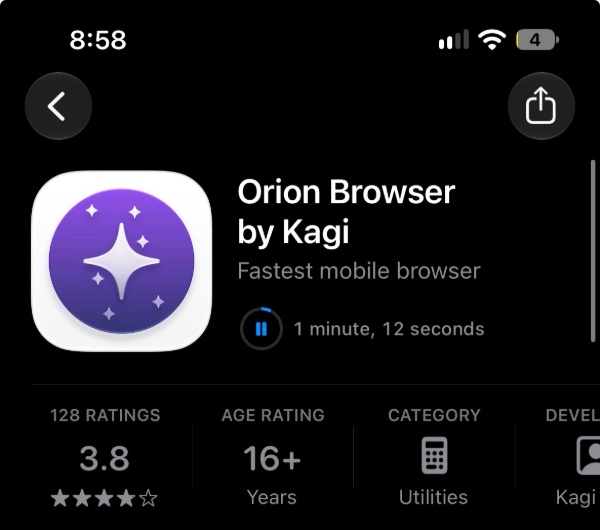
The latest version that brings these improvements is v1.5.3, and the update was available on the App Store as soon as I opened the page for the Orion browser.
Below is a concise summary of the changes I found important in this update:
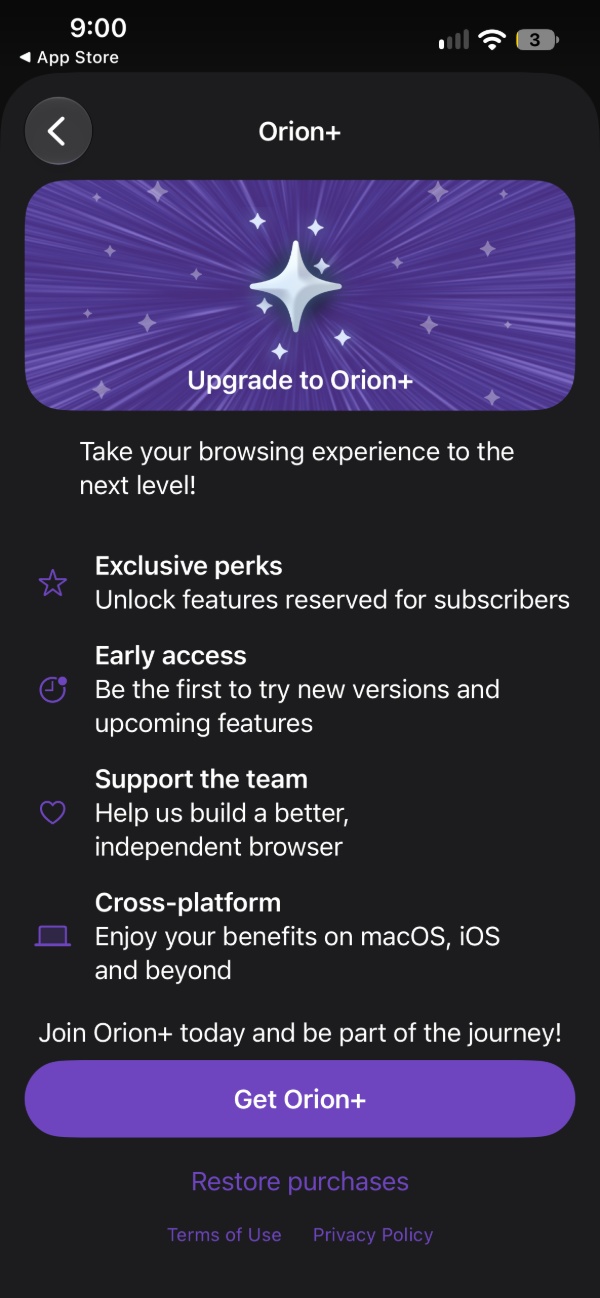
- Orion+ now lives inside the app: You no longer have to leave the Orion app to subscribe, cancel, or manage your membership. The options are now baked into the browser. If you’re already paying for Orion+, you can also join the TestFlight beta and change the app’s icon. To access Orion+, just hit the three-dot menu at the bottom-right, open Settings, and you’ll find it there.
- A crash involving multiple open tabs has now been fixed.
- A bug involving the address bar, which used to vanish, and the app freezing up when you came back — these have been addressed now.
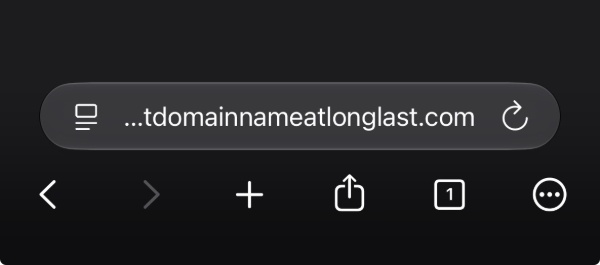
- Long website names no longer hide the real domain: Long names of websites used to get cut off earlier; this no longer occurs. It shows you the final extension, like “.com,” for example.
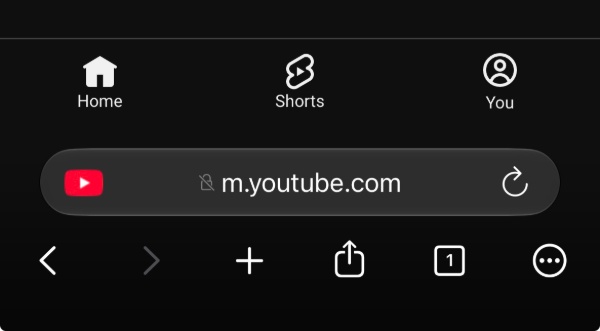
- Autocomplete for URLs of mobile versions of websites now works properly. If you go to YouTube.com, it adds the “m” prefix for the mobile version automatically now.
- Using the landscape orientation no longer eats into the page if you have an iPhone with a notch.
- The Tab groups remember their titles properly now.
- Turning off the ad blocker for some websites used to break the search bar. This won’t happen now.
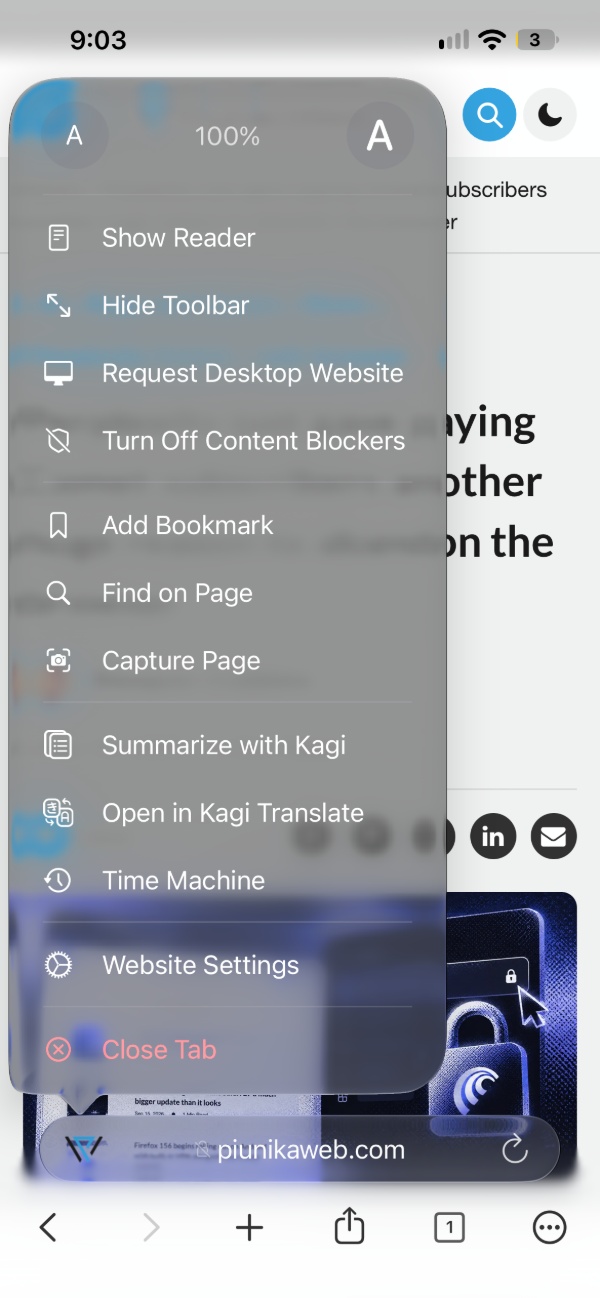
- The per-site menu, which showed the zoom % and the other options, is now back.
- Other minor changes: The update button no longer sticks around if there’s nothing to update; there are custom filters now; and some UI polish. Various languages were updated as well for Translations.
- Wrong website thumbnails and an empty autocomplete box: These issues on iPadOS were also addressed.
You can find the App Store link for the Orion browser to install the update here. The full changelog is available in the Release Notes section.
While iOS users can reap the benefits of the Orion browser, Android users are unfortunately left out, since Kagi has no plans to develop a version for Android. More on that here.


Sudhanshu K
273 Posts
I have been a consumer technology enthusiast for over 5 years. Thanks to my experience in software beta testing and product reviews, I've understood and learnt a lot about what bugs and issues bother people, and I spend time trying to simplify their solutions. I cover smartphones, software, social media, apps, AI, and most consumer tech gadgets. Actively pursuing a Computer Science bachelor’s degree. I'm mostly active on Twitter/X (@TechWhirlUlt), drop a DM or tag me if you want to share info or connect!