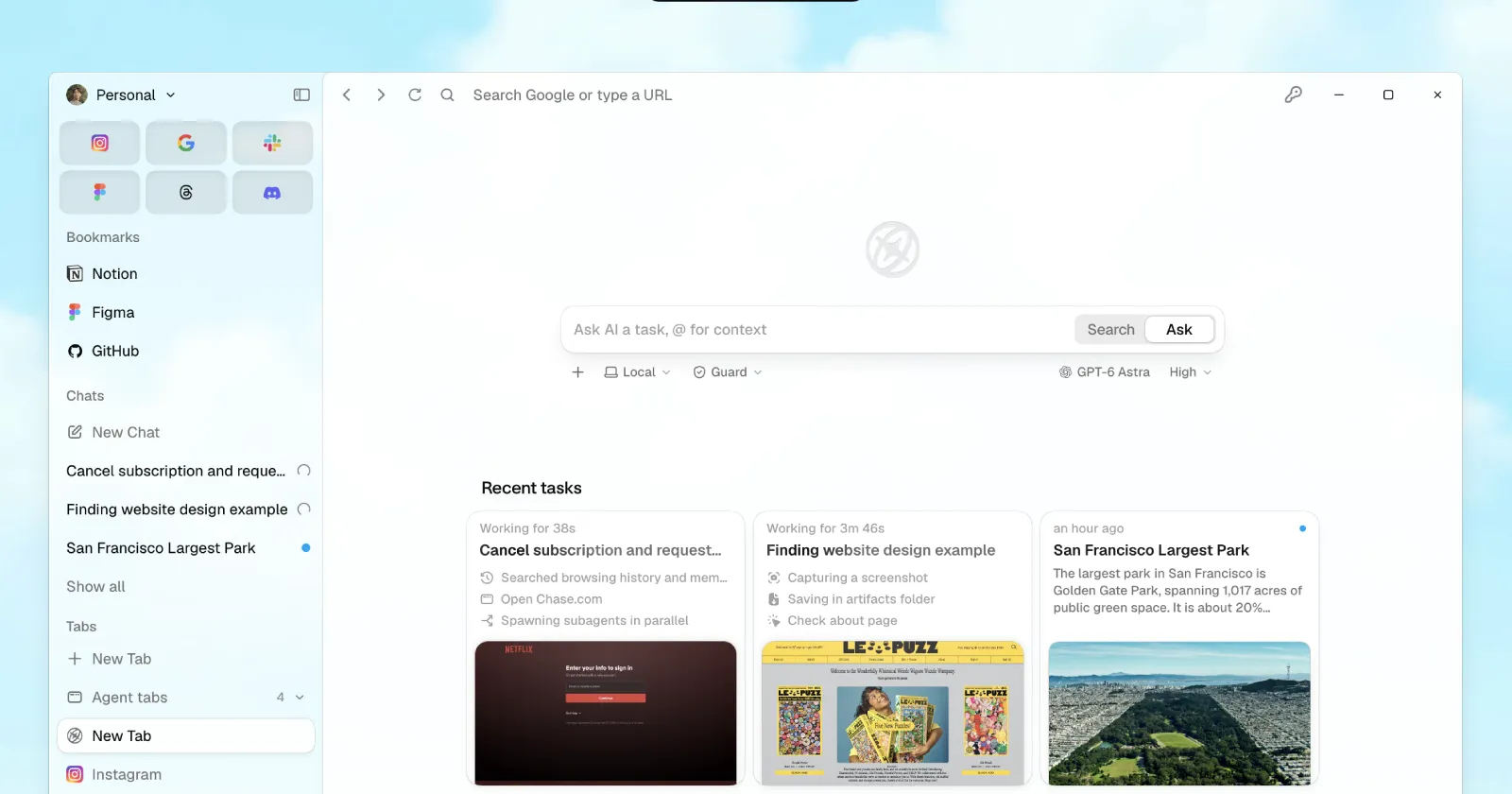
A couple of months ago, the folks at Aside claimed that they’d be getting their AI browser onto Windows before Dia. And it looks like they actually managed to do it.
They did slip past that initial August window by a couple of weeks, but that delay didn’t get extended. Just a week ago, the startup kicked off an invite-only private beta for Windows to iron out any major bugs or issues that might have slipped through the cracks. Now, it looks like the wait is officially over for everyone else.
Aside for Windows is out today.https://t.co/ahvGGG3l61 pic.twitter.com/8iKrnYEvh3
— Aside (@AsideAI) September 14, 2026
The stable version of the browser is currently available to everyone on Windows to download and install. Meanwhile, Dia is still running invite-only beta tests.
With such a rapid release window, one would have expected Aside to have left out useful features from the Mac version of the browser. But that’s not the case here.
Dora Lee, co-founder and CTO of Aside, announced on X that the Windows release is live with “99% of the Mac version’s features.” And upon testing the new release myself, I can confirm that it is indeed on par with the Mac version. In fact, I’d go so far as to say that I really couldn’t find any major missing features on Aside for Windows.
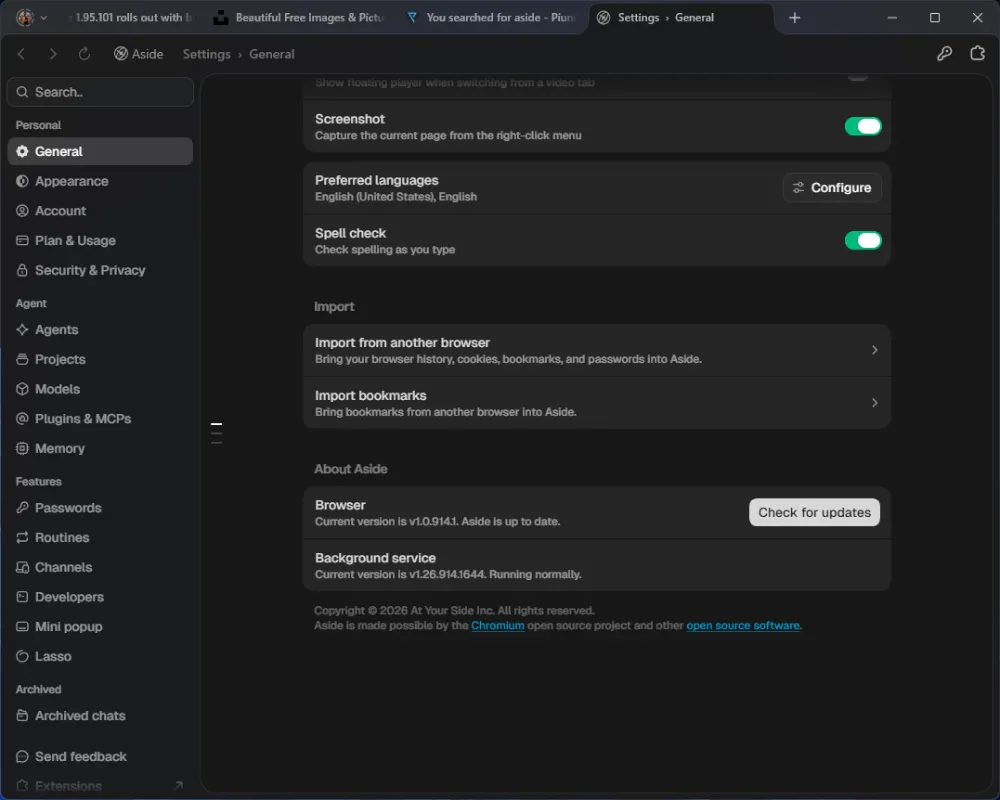
One surprise here was that the browser didn’t even feel sluggish as it did when it first launched on Mac. I’d argue my Windows machine is relatively underpowered compared to my M2 MacBook Air, yet the browser ran just fine. Of course, it’s not as refined or polished as something like Chrome and Edge just yet, but it’s a welcome sight nonetheless.
The setup process is pretty straightforward. You’ll just need to create an account or link your existing account (if you have the browser on a Mac). Then, you can start using the browser right away.
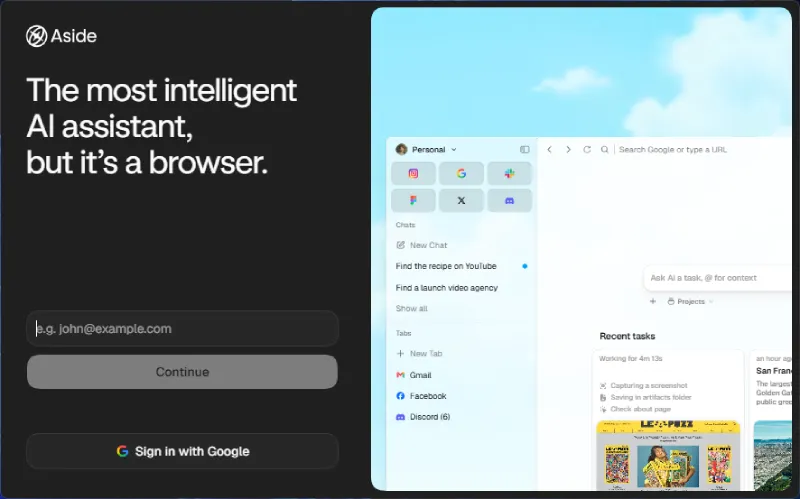
For anyone seeing Aside pop up for the first time, it is essentially a Chromium-based browser built around automated agents. Instead of giving you a sidebar chat window like Edge or Chrome, it uses the sites and web accounts you already stay logged into so the AI can handle tasks on your behalf.
Whenever it touches sensitive stuff or deals with passwords, it still pauses to ask for manual permission so you do not have to worry about an AI running wild with your personal data.
In case you want to try out the new browser, you can download it from the official Aside website. Depending on your network speed, the installation could take anywhere from a minute to five minutes or more to complete.


Dwayne Cubbins
3111 Posts
I cover fast-moving stories across apps, online platforms, and everyday tech — phones, wearables, consoles, and whatever else people are fighting with this week. Bugs, rollouts, scams, policy enforcement, and the occasional internet-culture rabbit hole are all fair game. My goal is simple — make confusing tech news readable. When I'm not working, I'm working out or chilling with my dog. Got a tip? You can find me on X @dcubbins.
Next article View Article