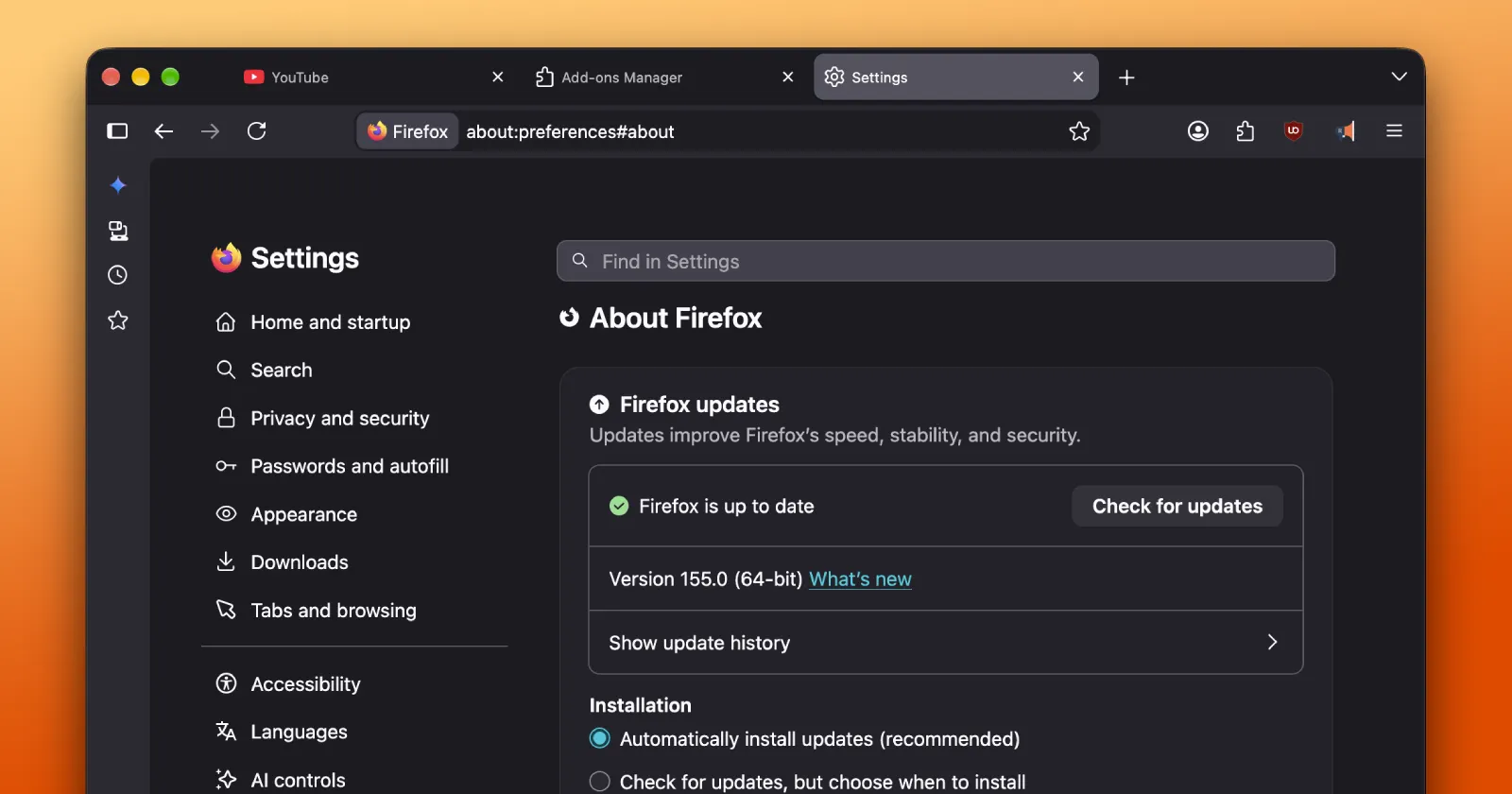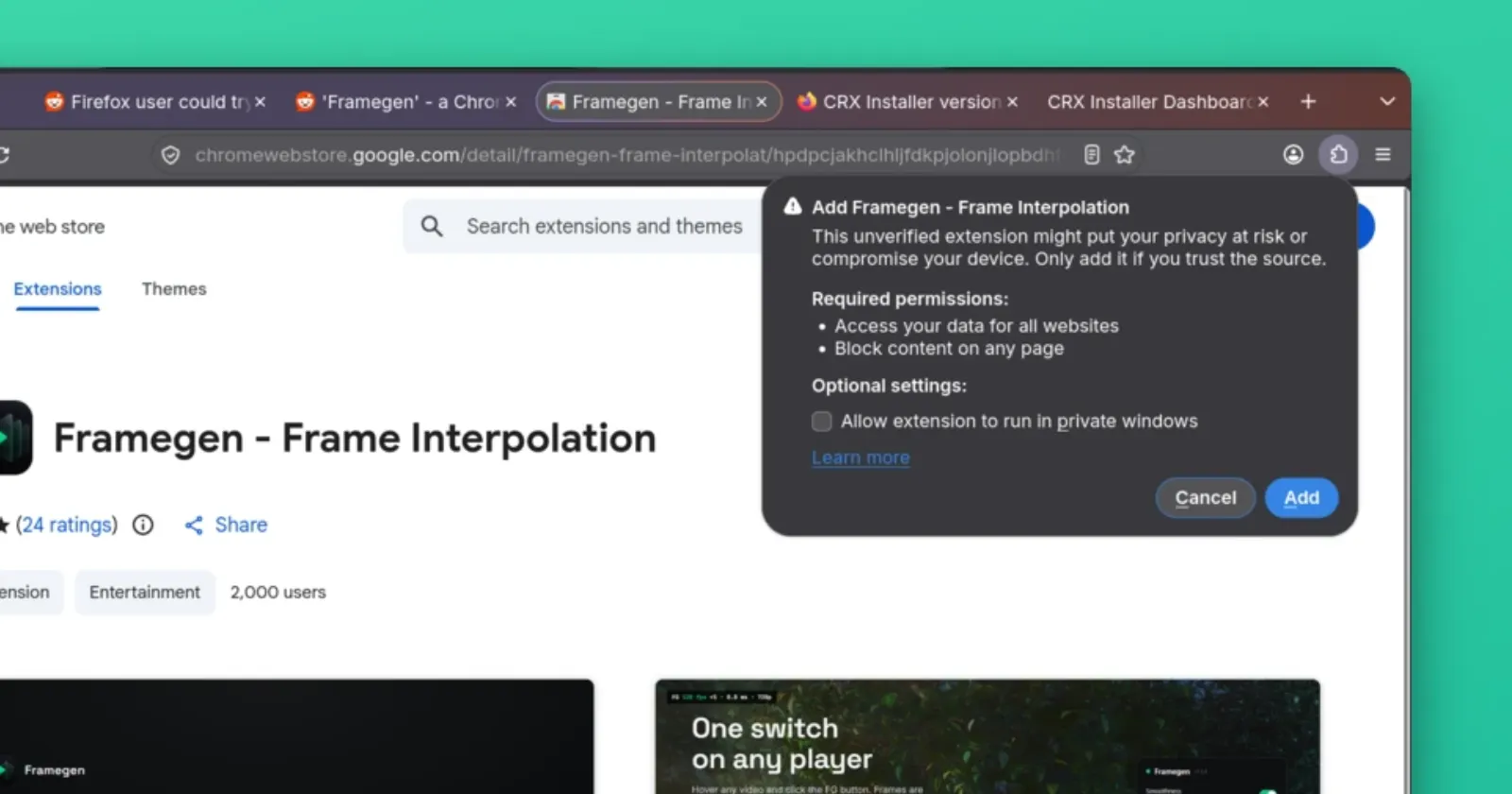
Framegen has garnered significant attention for its ability to leverage the power of local GPU to double the frame rate of web video in real-time. However, the tool is only supported on Chrome, leaving Firefox users searching for an alternative way to use the program without switching to an alternate browser.
A thread on r/losslessscaling proposed utilizing the CRX Installer add-on to force-framegen onto Firefox, and has gotten quite the amount of attention on the topic.
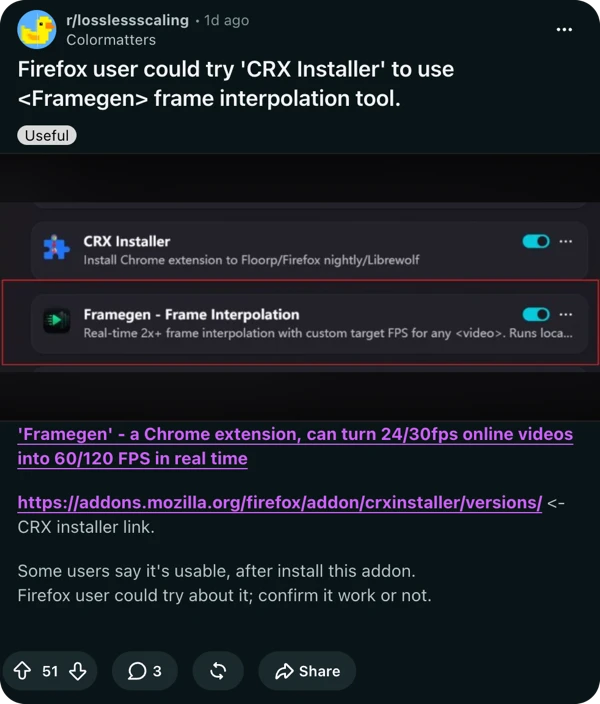
Despite being a popularly voted thread, none of the commenters had actually tested the proposed method, and it was simply taken as fact that this would work.
So I decided to test things myself. Just note that CRX Installer works on Firefox Nightly without performing cumbersome workarounds, so that’s what I used. The following steps were performed on a Linux PC with CachyOS and an RTX 3060:
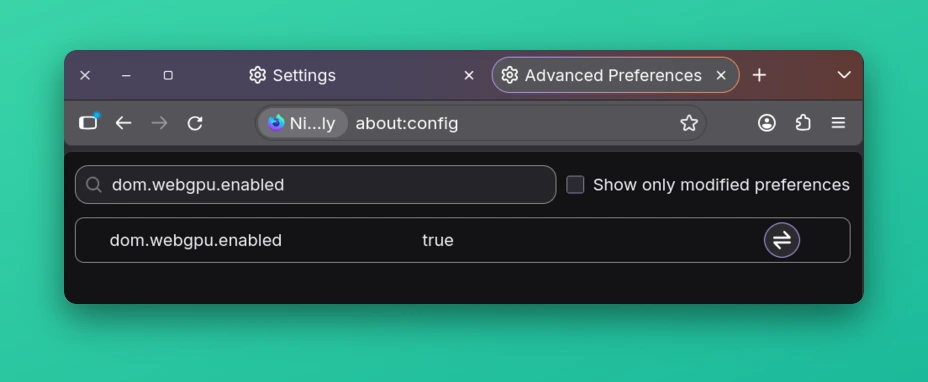
- The dom.webgpu.enabled flag was changed to true in the about:config flag manager to allow experimental WebGPU support in Firefox.
- I then installed the CRX Installer add-on.
- Next, I headed to the Framegen Chrome Web Store page and added the extension to Firefox (with the CRX Installer enabled).
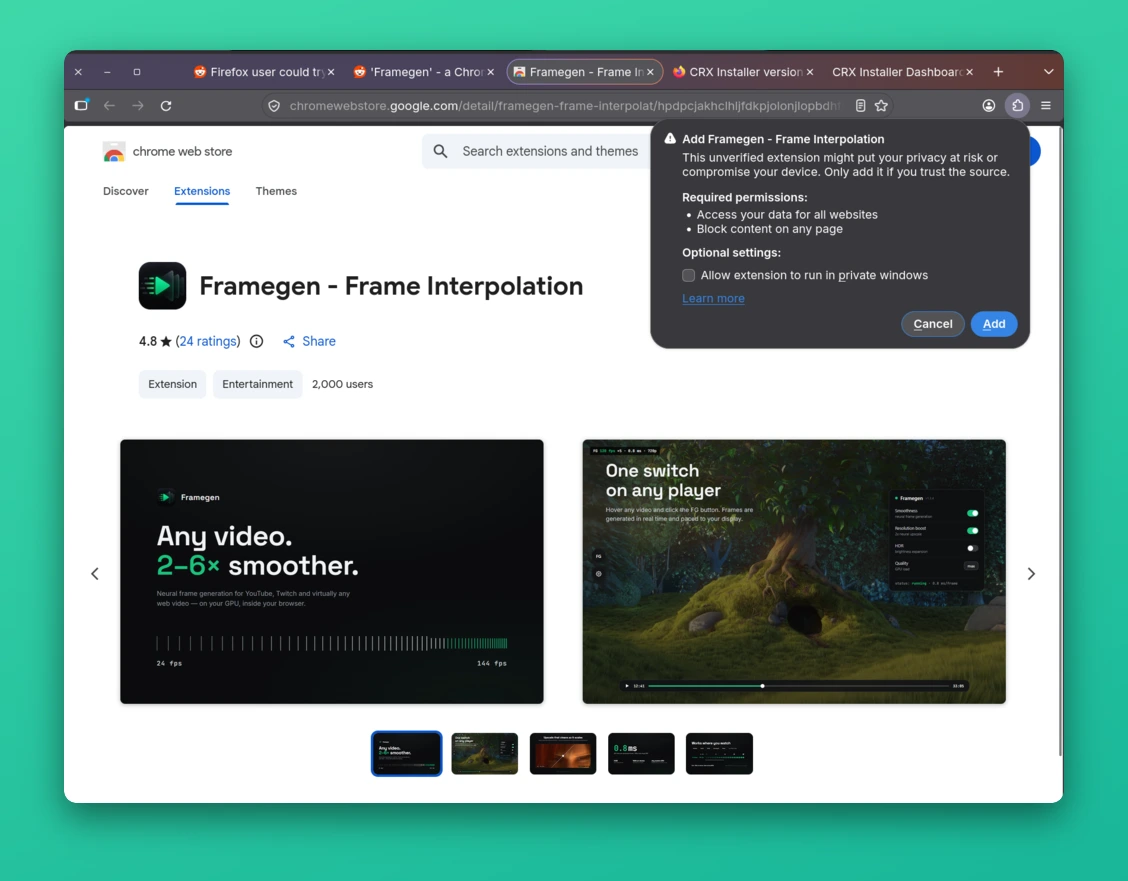
The installation proceeded smoothly with no errors, and the add-on appeared in the Firefox extensions manager.
Now to test this, I launched a YouTube video with Framegen enabled. However, instead of launching an improved frame rate, I was greeted with an error message saying the following:
“FG error GPUQueue.copyExternalImageToTexture source member of GPUCopyExternalImageSourceInfo could not be converted to any of ImageBitmap, HTMLImageElement, HTMLCanvasElement, OffscreenCanvas”

Essentially, this means that Framegen requires direct access to raw video elements to feed to the GPU for processing that is only available in Chromium browsers. While Firefox has implemented WebGPU recently, Mozilla’s implementation of the spec does not yet support texture copy from video sources, and is not expected to be available until the browser’s media pipeline is updated to support it.
This is the main hurdle that the CRX Installer fails to overcome. While the add-on is excellent at its job of tricking Firefox into accepting Chrome extensions by sideloading them as normal CRX files, it cannot alter or modify browser behaviors and built-in features. Framegen will appear and operate normally until the point where it attempts to use any video-related functions, at which point it will fail as described above.
For now, if one wishes to utilize real-time frame-interpolating software, Chrome or any other Chromium-based browser remains the only viable option. While Firefox may receive the necessary features in the future, this will not be before the relevant tools are built directly into the browser by Mozilla.
Still, there’s a chance my test may have been a fluke or flawed. If you’ve managed to get things up and running, feel free to share your process by reaching out to me on X (Twitter) @DCubbins or tag the @PiunikaWeb handle showing your results.


Dwayne Cubbins
3055 Posts
I cover fast-moving stories across apps, online platforms, and everyday tech — phones, wearables, consoles, and whatever else people are fighting with this week. Bugs, rollouts, scams, policy enforcement, and the occasional internet-culture rabbit hole are all fair game. My goal is simple — make confusing tech news readable. When I'm not working, I'm working out or chilling with my dog. Got a tip? You can find me on X @dcubbins.
Next article View Article