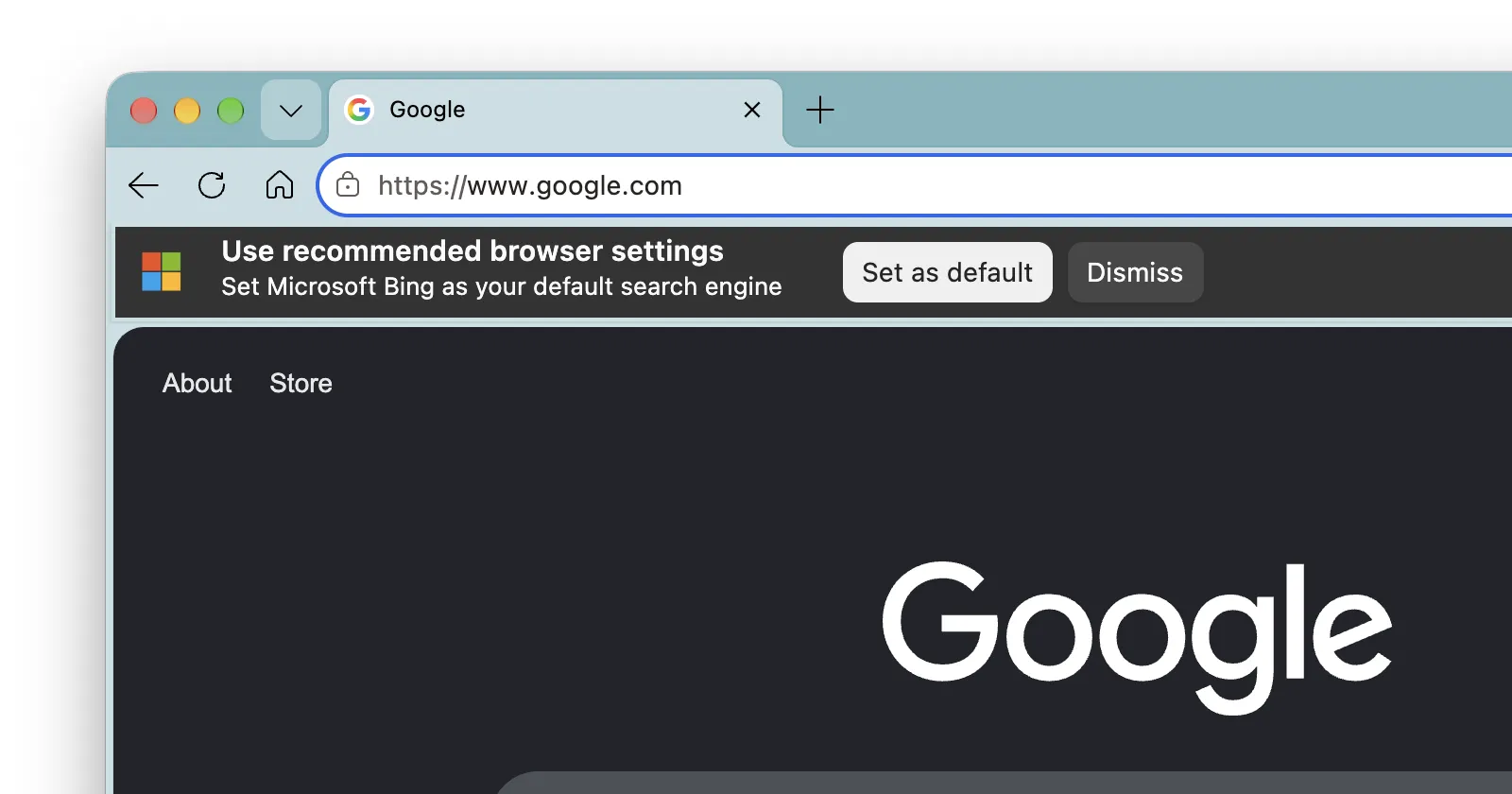
Earlier today, I ran into something that made me double-check my screen when using Edge Canary. A banner popped up out of nowhere when I opened a Google Search window that said “Use recommended browser settings” alongside a prompt urging me to “Set Microsoft Bing as your default search engine,” with buttons to set it or dismiss it.
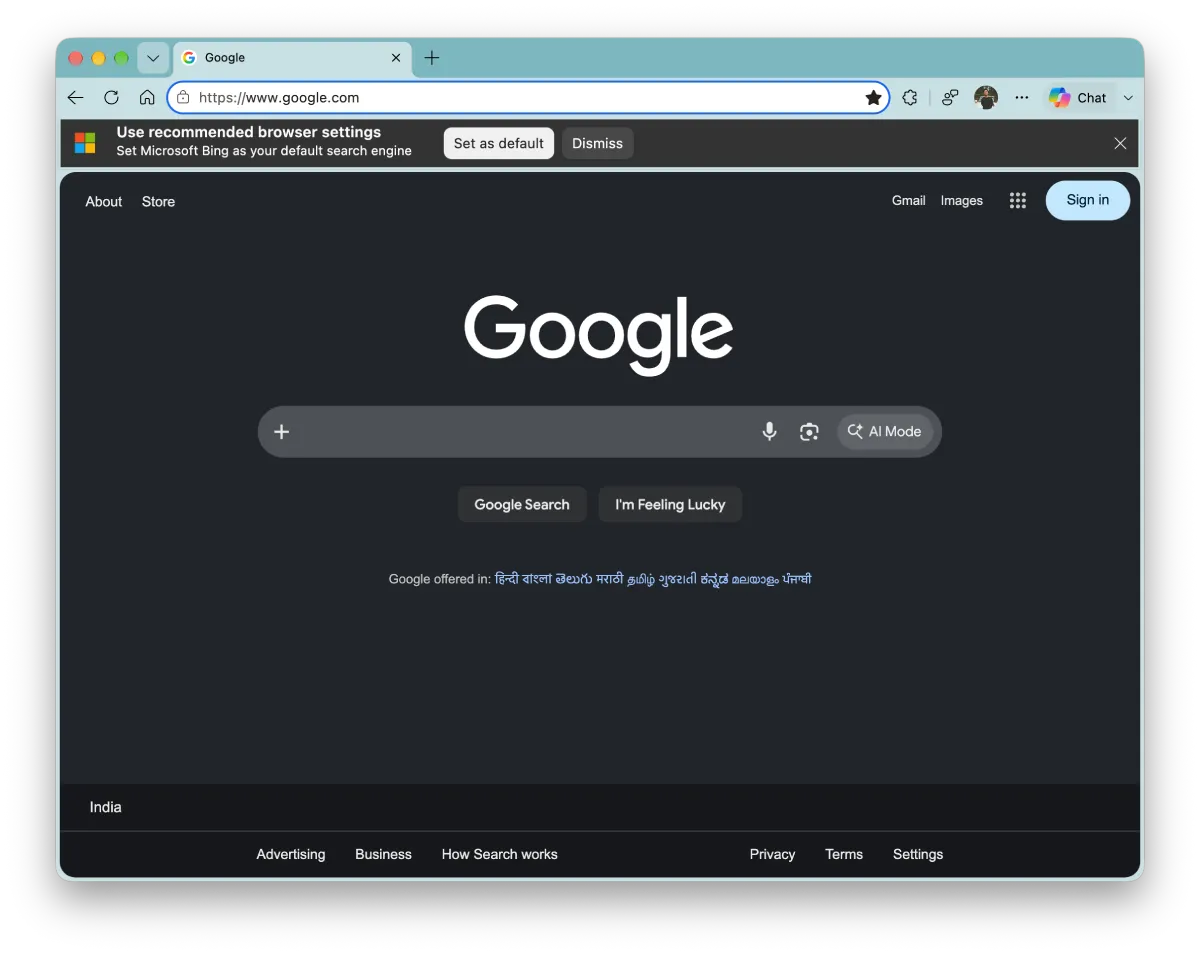
Since it was the first time I had seen this pop-up, I wondered if it was brand new or just something I had somehow missed until now.
A quick check confirmed that the team over at Windows Report also spotted the same banner in their testing, which gave me my answer. It is definitely a new experiment.
I’m not even surprised. We’ve come to expect these things from Microsoft over the years. It’s something we had talked about a couple of months ago when we called out Microsoft’s aggressive browser tactics.
The browser alone is a great product, but the company’s forceful attempts to get people to switch to Edge or other Microsoft services are just plain annoying. And it looks like Microsoft still isn’t learning from its mistakes.
Instead of letting people just use their preferred search engine, Edge Canary now injects the banner in hopes that users will reconsider. Adding to that, the banner doesn’t just pop up and remain on one tab. It follows the user around even if they open a new tab or switch tabs.
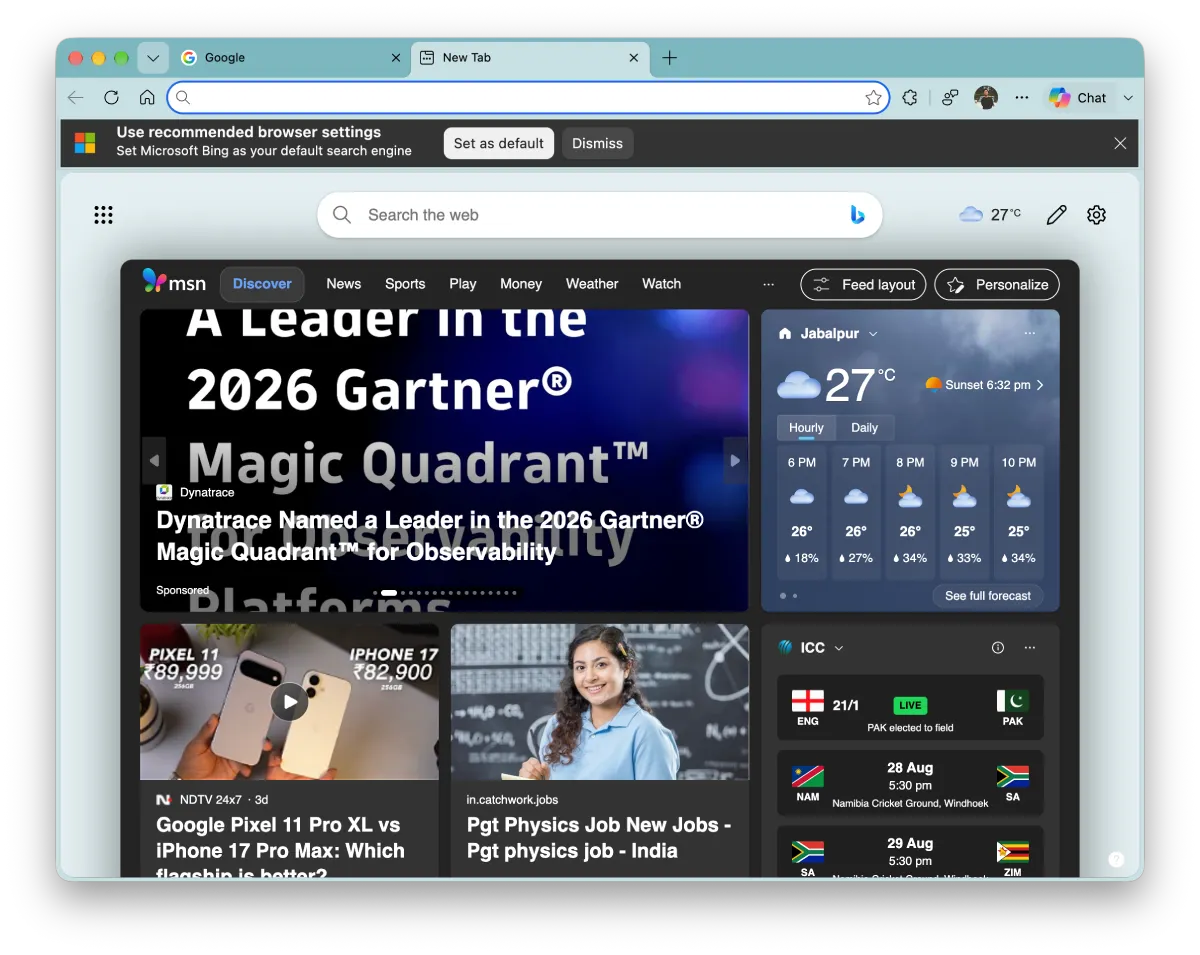
For what it’s worth, I could not get the banner to show up automatically again after I dismissed it the first time. But that doesn’t guarantee that it won’t show up again in the future.
Whether this banner makes it into the standard version of Edge remains to be seen. But for now, Canary testers are getting a front-row view of Microsoft’s endless quest to make Bing happen.


Dwayne Cubbins
3151 Posts
I cover fast-moving stories across apps, online platforms, and everyday tech — phones, wearables, consoles, and whatever else people are fighting with this week. Bugs, rollouts, scams, policy enforcement, and the occasional internet-culture rabbit hole are all fair game. My goal is simple — make confusing tech news readable. When I'm not working, I'm working out or chilling with my dog. Got a tip? You can find me on X @dcubbins.
Next article View Article