






Edge might get the same "Automated password change" feature that Google has been working on for Chrome for quite some time. A new flag in Canary lets the browser "change a saved password on the site on the user's behalf instead of requiring the user to update it manually": https://t.co/zHk4ZDs0PI pic.twitter.com/LBSn6dYxiO
— Leopeva64 (@Leopeva64) August 26, 2026
Microsoft Edge features a built-in password manager: the Microsoft Password Manager. It can save, generate, and autofill your login details. Now, the company is testing a feature that can automatically detect and change weak passwords.
There’s a new flag in Edge Canary titled “Automated password change.” The description suggests that it can change a saved password automatically; it doesn’t require the user to update it manually. I’ve checked for this flag on the latest version of Edge Canary, and you can view the screenshot below.
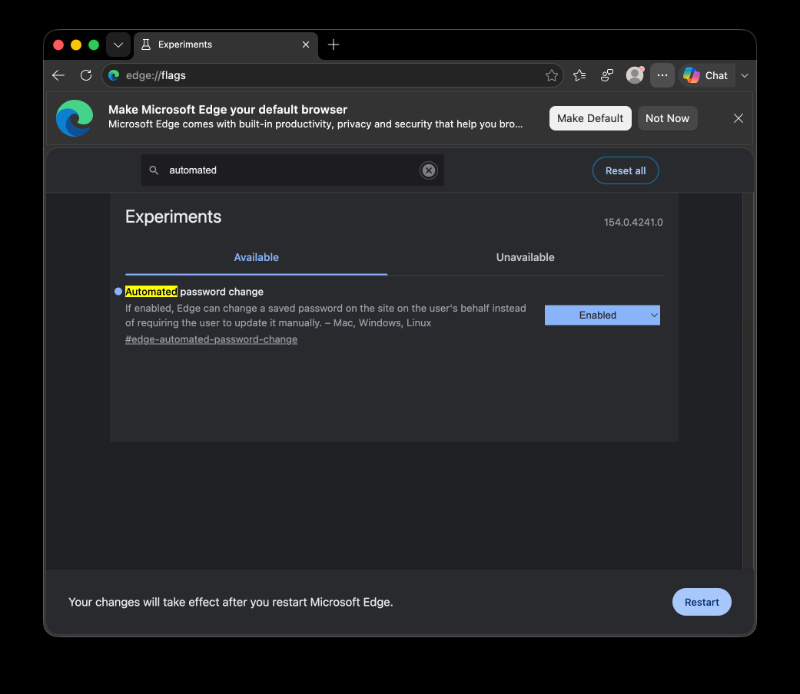
This flag is available in version 154.0.4241.0 of Edge Canary.
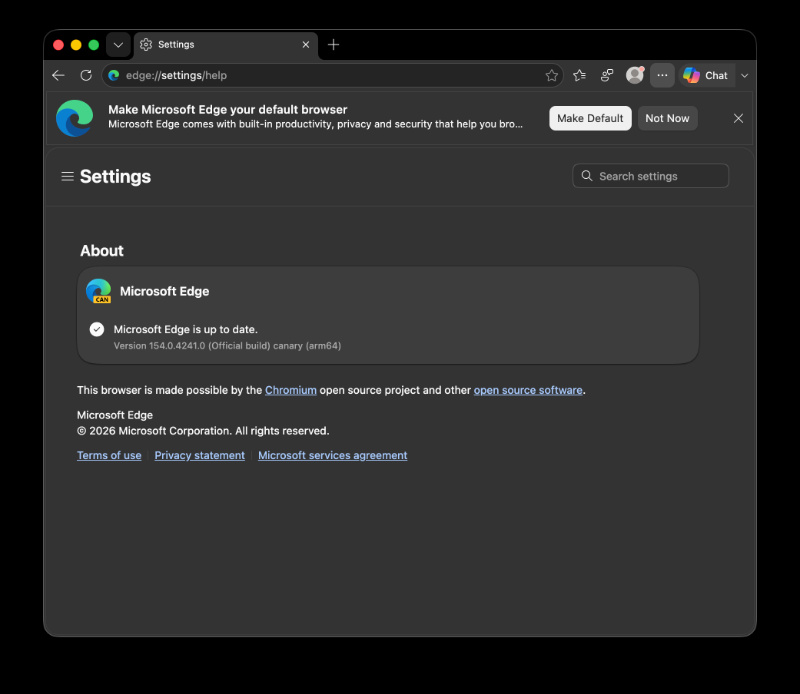
At the time of writing, this flag doesn’t do anything, implying that the feature is still in early testing. Considering it’s just a testing flag in Canary for now, it could take months before the public actually starts seeing it, unless Microsoft decides to push it on the server-side without tying it to a specific version.
After opening the Microsoft Password Manager, I deliberately created a weak password entry. Sure enough, the password was detected as “Weak,” and there was the expected “Change” button. However, no option to automatically change to a suggested stronger password appeared.
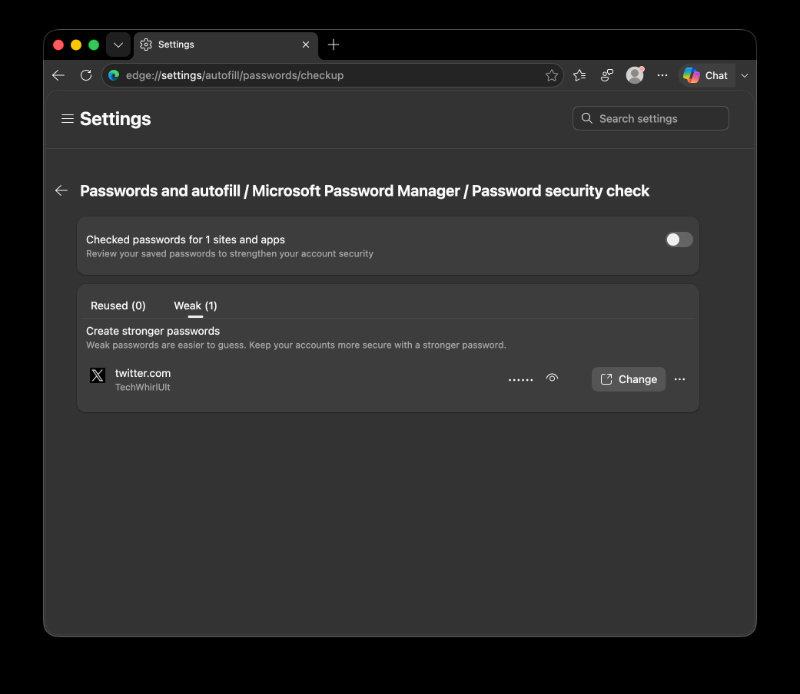
As to how it’d work — Google’s implementation of the same feature uses Gemini. I assume Edge would use Copilot, but that’s not confirmed. Microsoft hasn’t officially announced this feature publicly yet, and there’s no ETA for release either.
Information about this upcoming addition to Edge was initially shared by @Leopeva64 on X.
And if Edge getting automatic detection of weak passwords sounds familiar, that’s because Google is working on the exact same feature for Chrome. In previous coverage, we’ve detailed how Chrome now has a “Change for me” button in case weak passwords are detected during a password checkup.

We stand out from the tech-media crowd because we break news stories; we mainly bring you stuff that you won’t find anywhere in the mainstream tech media. Our stories have been picked up by some of the world’s most popular websites and media outlets—more info is available here.

Sudhanshu K
351 Posts
I have been a consumer technology enthusiast for over 5 years. Thanks to my experience in software beta testing and product reviews, I've understood and learnt a lot about what bugs and issues bother people, and I spend time trying to simplify their solutions. I cover smartphones, software, social media, apps, AI, and most consumer tech gadgets. Actively pursuing a Computer Science bachelor’s degree. I'm mostly active on Twitter/X (@TechWhirlUlt), drop a DM or tag me if you want to share info or connect!
Next article View Article
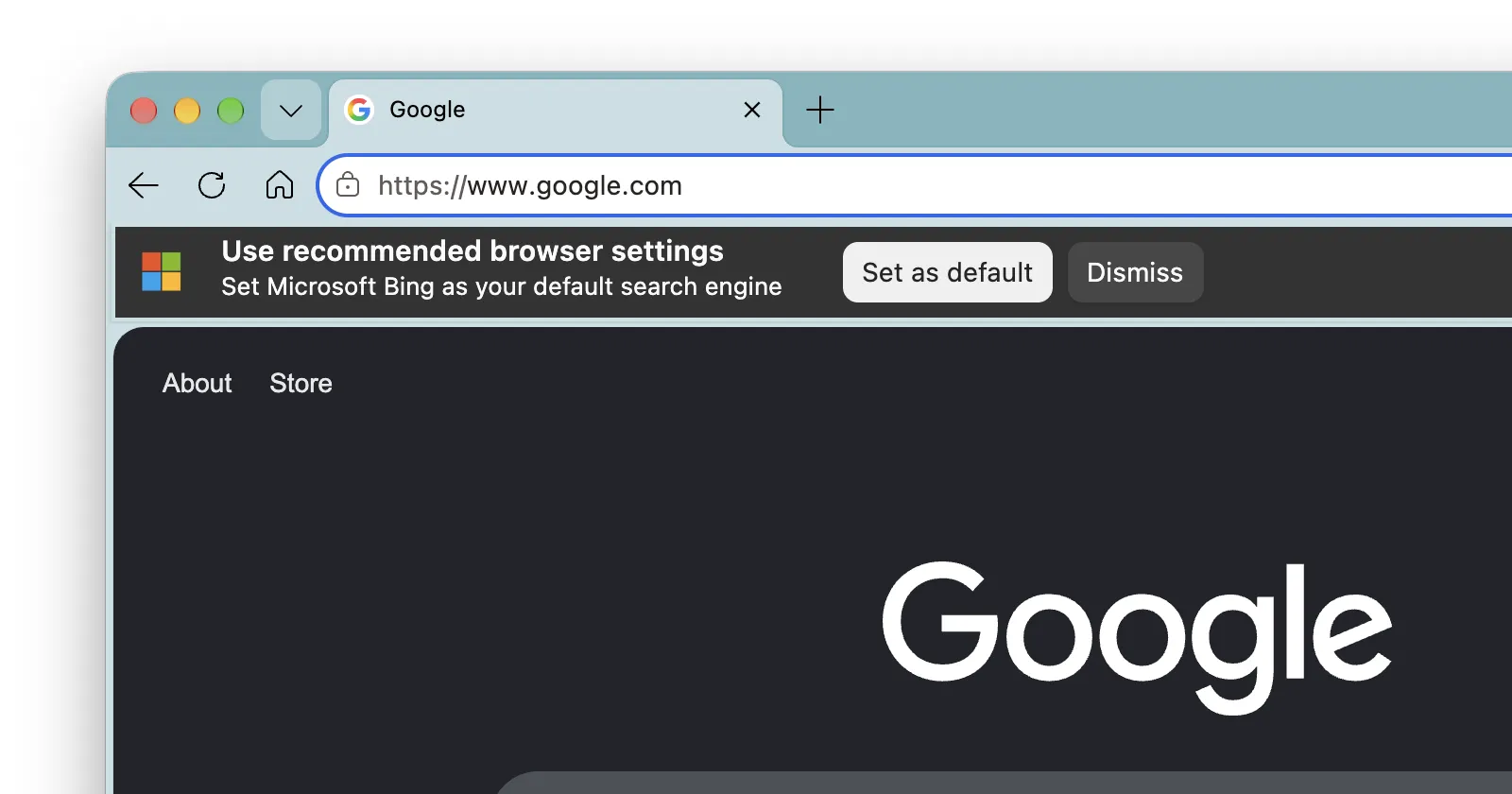
Microsoft found another unapologetic way to nag Edge users about Bing
Earlier today, I ran into something that made me double-check my screen when using Edge Canary. A banner popped up out of nowhere when I opened a Google Search...
Aug 27, 2026 1 Min Read