DuckDuckGo follows a weekly update cycle for its iOS app, and the latest one is all about its built-in AI chatbot, Duck.ai. There is an improvement to the functionality this time around.
You can view a screenshot of the new feature below, and these Release Notes were taken from the Version History section on the App Store.
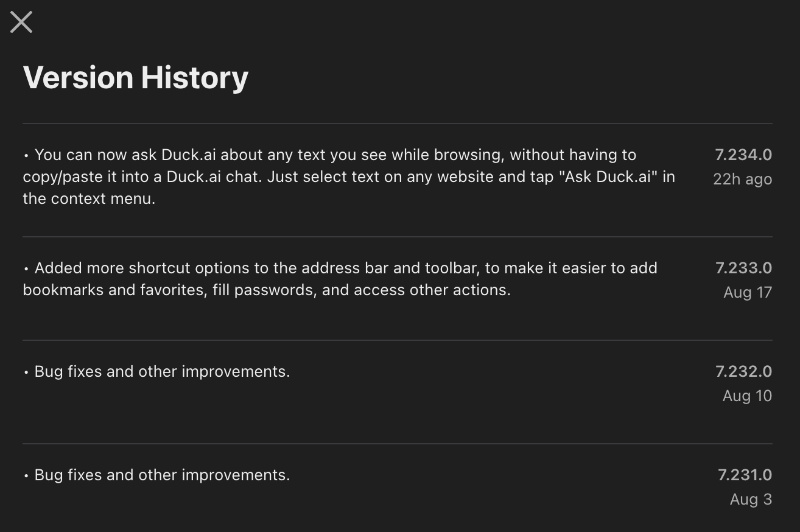
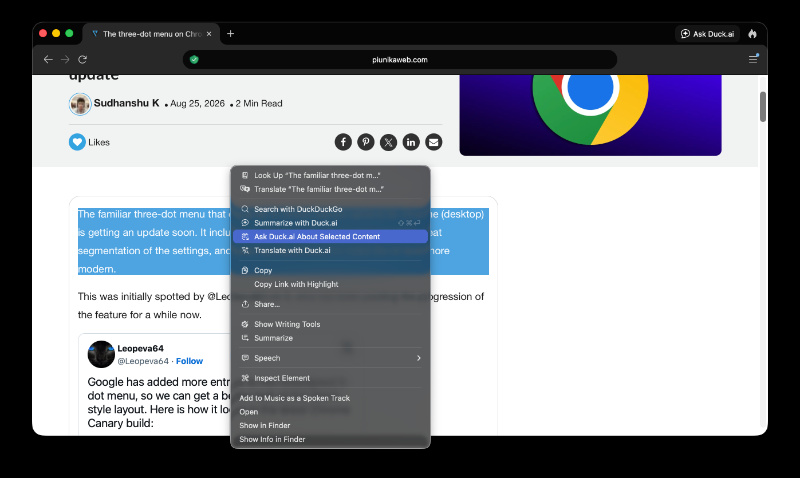
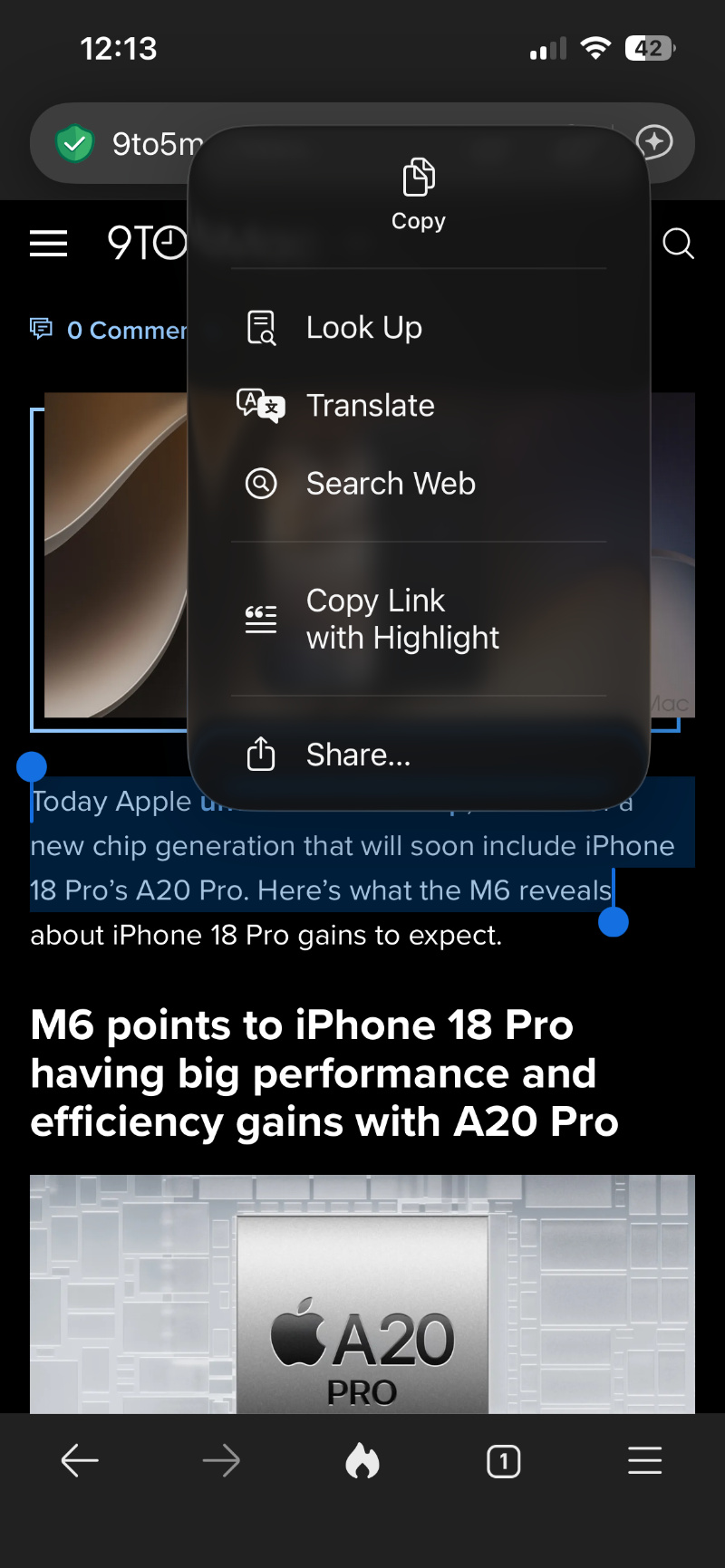
The major change is that you can ask Duck.ai about any text that you see while browsing. This is a feature that already exists on the desktop version of DuckDuckGo, where you can select a specific block of text and ask Duck.ai about it.
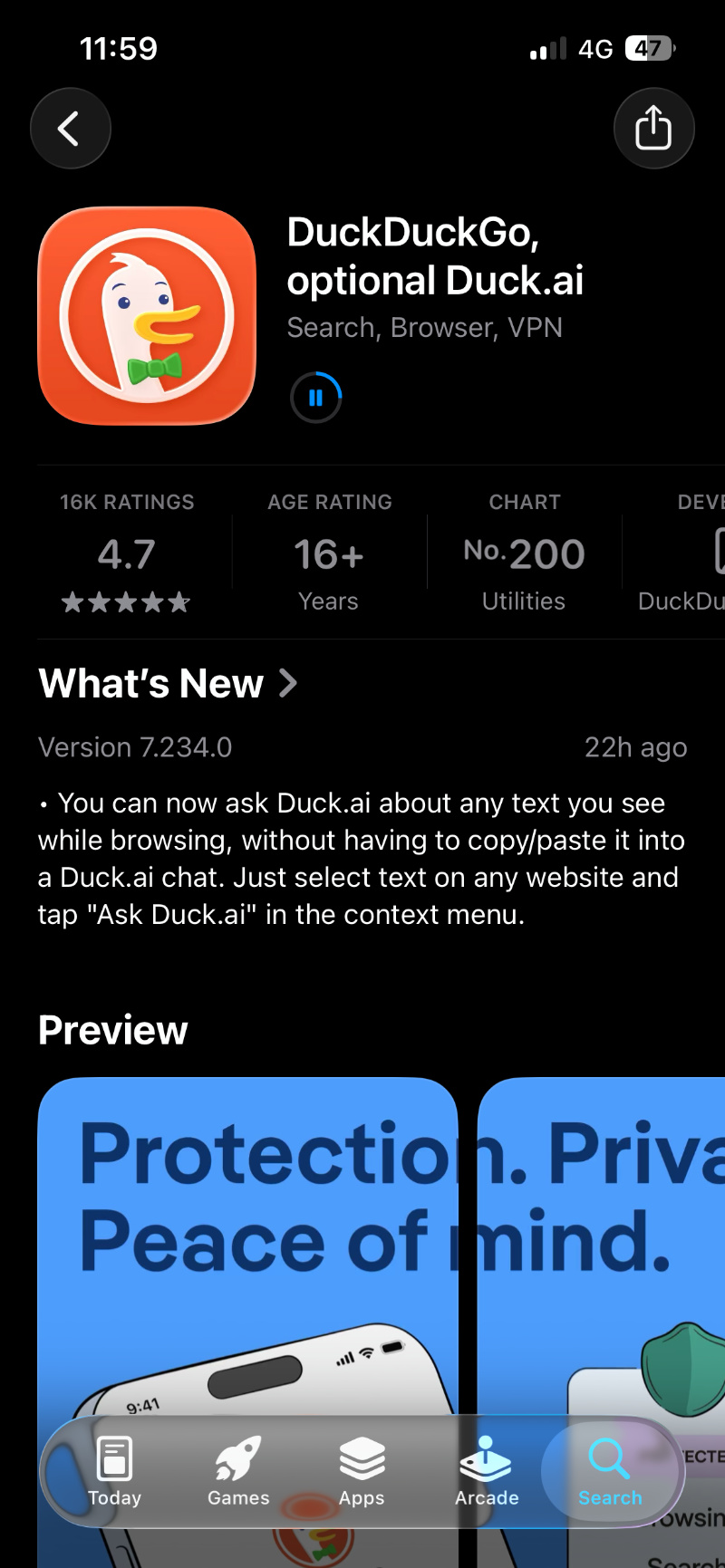
To check for this feature, I manually updated it through the App Store. As expected, it began installing the update. The latest version is v7.234.0.
Interestingly, the feature simply refused to work even after the update. After selecting the text, the context menu showed me the usual “Copy,” “Translate,” “Look up,” and other options. Nothing related to Duck.ai appeared in the context menu even after enabling every AI toggle from Settings, including “Automatically Send Content.”
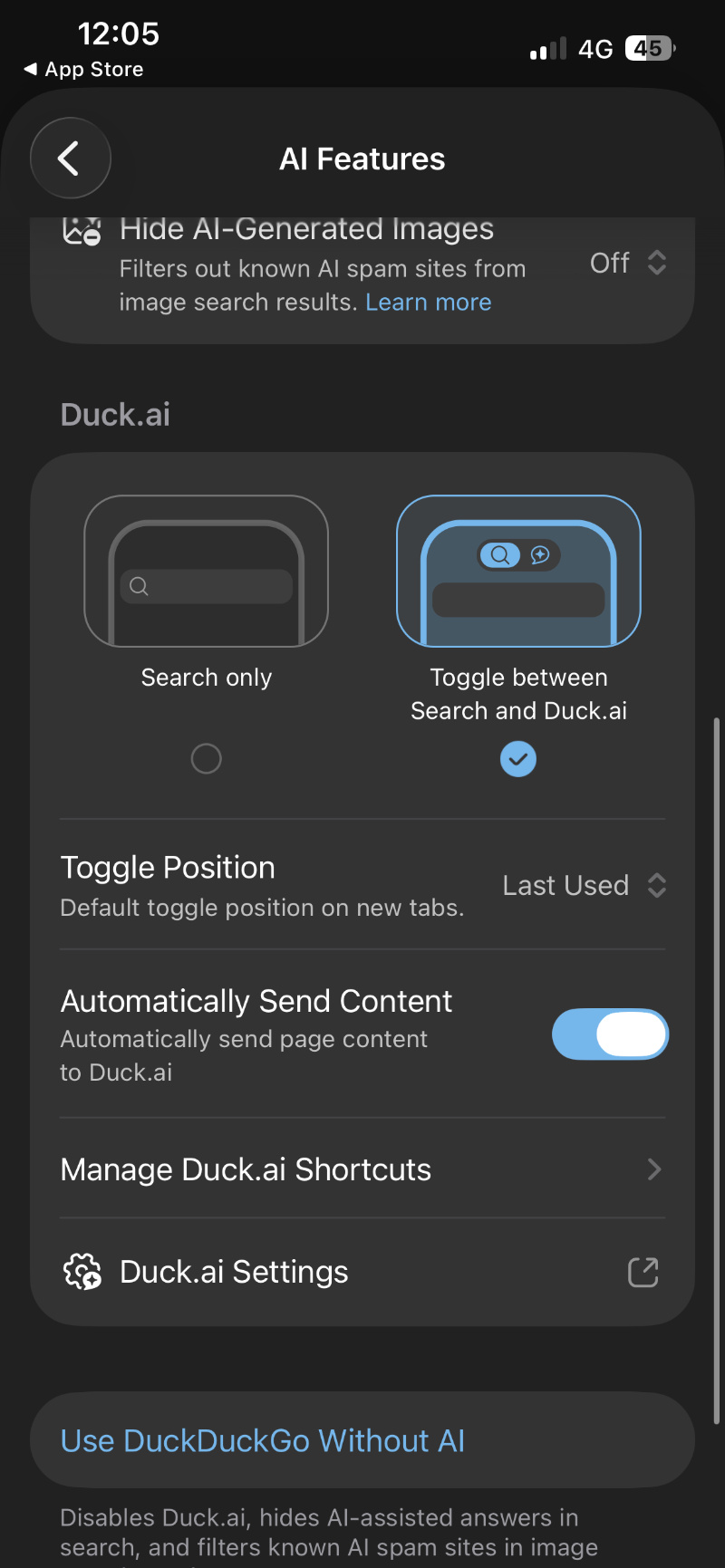 So, I uninstalled the app and checked for this feature again. It still doesn’t work, making me wonder whether they haven’t enabled it for everyone, or if it’s just a bug from my end. All common troubleshooting methods such as restarting the phone and reopening the app, reinstallation, etc have failed.
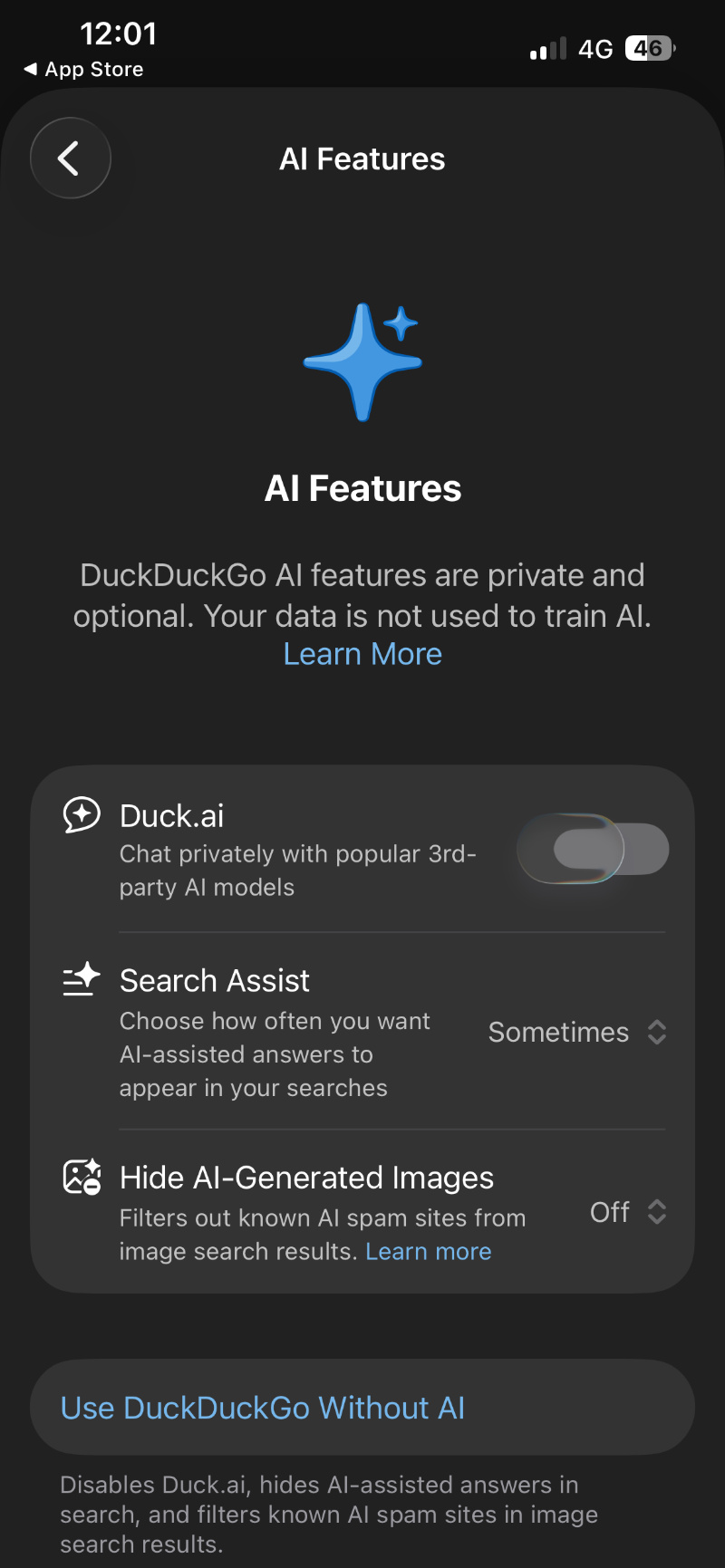
For those who completely dislike the implementation of AI features and chatbots within browsers, there’s a simple switch — one toggle that disables everything. It’s never forced on the user.
If your app still hasn’t auto-updated, you can manually hit the Update button from the App Store, linked here.
While these are the changes for the iOS app, the default AI model for Duck.ai itself has recently changed. The company has quietly set it to GPT-5.6 Luna. This is now the default option even for the iOS app. More on that here.
This article will be updated in case the feature starts showing up on my end. If you are unable to get it working as well, I’d highly recommend submitting a direct bug report/feedback to DuckDuckGo.


Sudhanshu K
321 Posts
I have been a consumer technology enthusiast for over 5 years. Thanks to my experience in software beta testing and product reviews, I've understood and learnt a lot about what bugs and issues bother people, and I spend time trying to simplify their solutions. I cover smartphones, software, social media, apps, AI, and most consumer tech gadgets. Actively pursuing a Computer Science bachelor’s degree. I'm mostly active on Twitter/X (@TechWhirlUlt), drop a DM or tag me if you want to share info or connect!
Next article View Article