






The latest version of the Zen browser brings some features while also improving the performance of the browser, fixing bugs, and reducing battery consumption.
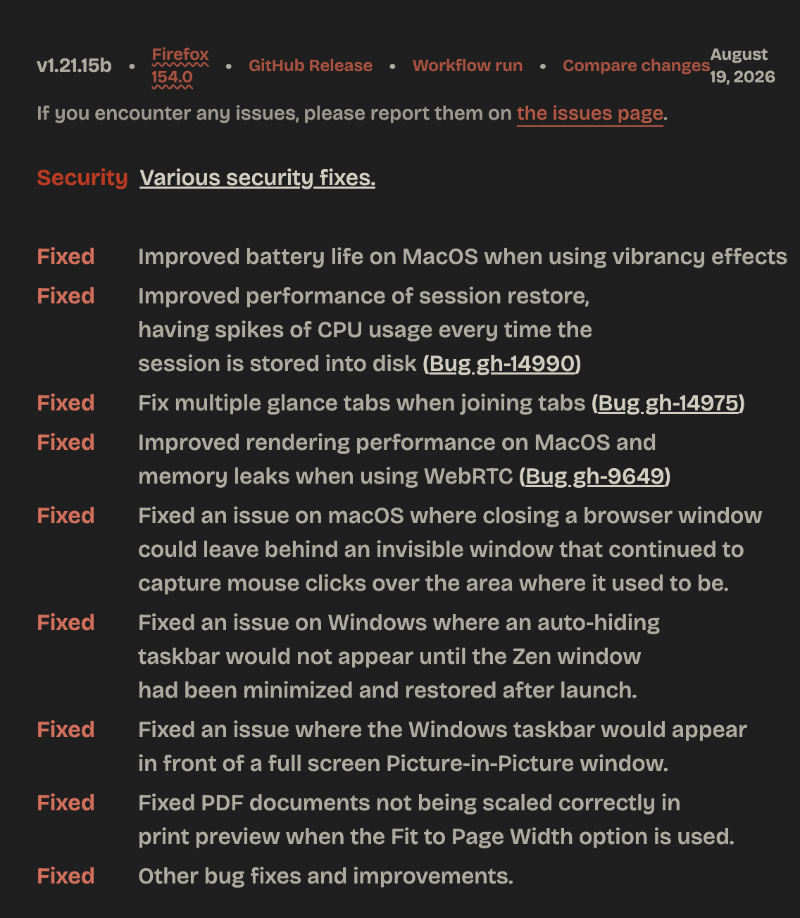
Various things in the browser were fixed, added, and changed. The entire list is available in the official Release Notes; you can view a snippet in the image below. It’s a fairly big update with a vast changelog.
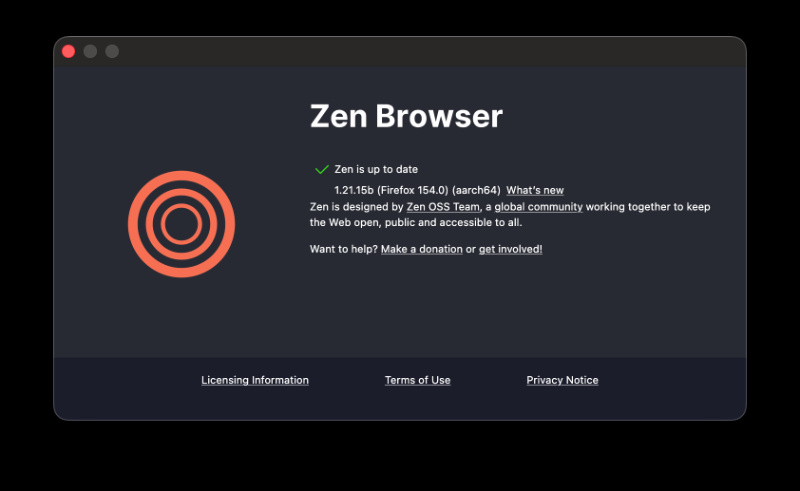
The moment I opened the browser, I could already see that the latest version was available for installation. It’s v1.21.15b; do note that it’s different from the Twilight release. This is the public, stable version of Zen.
Here’s a list of the most important changes in this update:
- Various security patches. Zen is now based on Firefox 154 as well.
- You can now create local backups of your Zen profile on macOS. (Earlier, this was limited to Windows and Linux).
- You can choose specific websites that keep their cookies and data even when you close the browser. This doesn’t turn off tracking protection.
- The full-page translation feature can now translate inside “iframes.”
- The browser checks the language of each page more carefully to offer more accurate and speedy translations.
- Zen now has better memory management, so it runs faster overall and does better in performance tests.
- Jumping to different parts of a video (seeking) is now much faster.
- On Linux, a better graphics system is being used.
- Selecting text inside a PDF now accurately highlights the text, the same way a normal webpage would. It’s the same change we highlighted earlier for Firefox v154 as well.
On top of these changes, there are various bug fixes as well:
- Better battery life on macOS, better memory management, and overall performance.
- Smoother session restoration.
- Closing a window used to leave invisible windows… that bug is fixed.
- Several taskbar and PiP-related issues were fixed on Zen for Windows.
They’ve also disclosed one known issue. Due to recent changes to password storage, some people may notice slower loading of saved passwords. Unexpected password prompts might appear on certain pages as well.
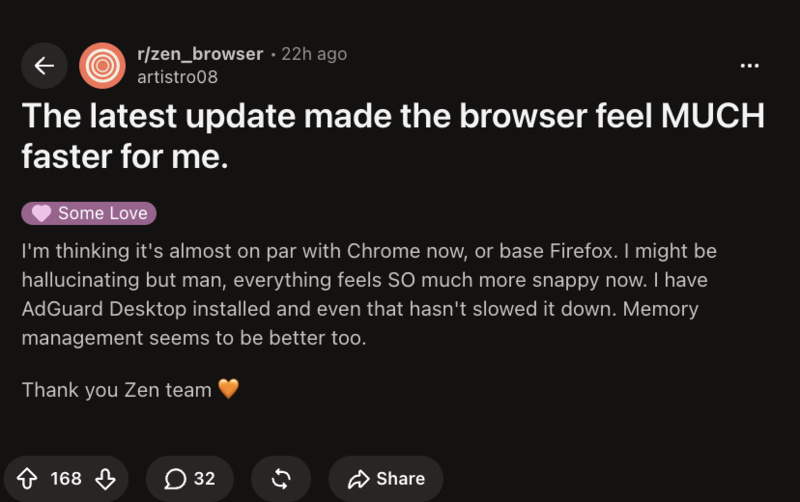
Furthermore, it’s not just empty claims from Zen about performance and optimization. I’ve noticed a substantial improvement in daily browsing activity in my short test. A post on Reddit with significant interactions also backs this claim up, so they weren’t messing around.
It’s good to see Zen taking the browser seriously. Considering Arc is at a standstill, and all of Dia’s AI features will soon be locked behind a paywall, people who want a great UI/UX will have Zen as a viable alternative.


Sudhanshu K
227 Posts
I have been a consumer technology enthusiast for over 5 years. Thanks to my experience in software beta testing and product reviews, I've understood and learnt a lot about what bugs and issues bother people, and I spend time trying to simplify their solutions. I cover smartphones, software, social media, apps, AI, and most consumer tech gadgets. Actively pursuing a Computer Science bachelor’s degree. I'm mostly active on Twitter/X (@TechWhirlUlt), drop a DM or tag me if you want to share info or connect!